Kling AI
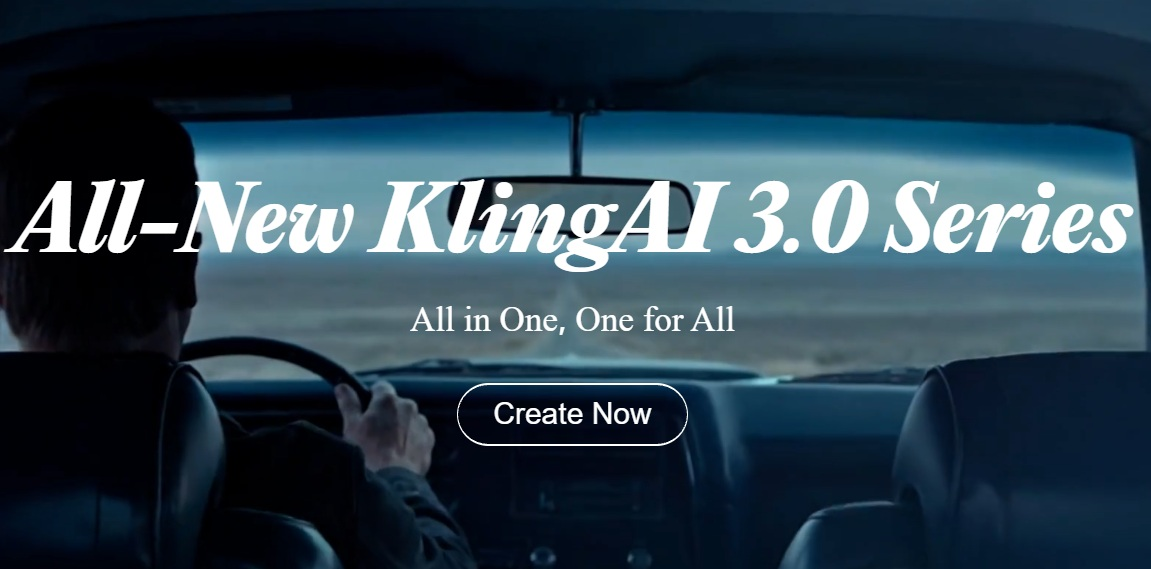
Kling AI generates realistic videos from text and images
What is Kling AI?
Kling AI is an AI-powered creative platform for generating videos and images from text or images. It can create realistic video clips, animate images, and help users produce visual content without advanced editing skills.
Features Of Kling AI
Text-to-Video
Create videos from written prompts.
Image-to-Video
Turn still images into short videos.
AI Image Generation
Generate visuals from text prompts.
Video Editing
Modify and enhance AI-generated videos.
Character Consistency
Keep characters more consistent across scenes.
Use Cases Of Kling AI
Social Media Videos
Create engaging short videos for social platforms.
Marketing Content
Make promotional videos for campaigns and brands.
Product Videos
Showcase products with AI-generated visuals.
Short Films and Storytelling
Turn ideas and stories into short video scenes.
Animations and Concept Visuals
Create animated scenes and visual concepts.
Creative Experiments
Explore new ideas and unique video styles.
How To Use Kling AI
Sign Up
Create a Kling AI account and log in.
Choose a Tool
Select text-to-video, image-to-video, or another available option.
Enter a Prompt
Describe the video or scene you want to create.
Adjust Settings
Choose options such as video length, aspect ratio, and style.
Generate
Start the generation process and wait for your video.
Download
Review the result and download it if you're happy with it.
What We Like About Kling AI
Kling AI produces realistic-looking videos with good motion and visual detail. We like that it supports both text-to-video and image-to-video generation, making it useful for different types of creative projects. The platform is also easy to explore, even if you have little experience with video editing.
What We Don't Like About Kling AI
Kling AI can use up free credits quickly, especially when you need several generations to get the desired result. Video generation can also take some time, and results may not always be consistent, particularly with characters, faces, and complex movements. Some scenes may require multiple prompt adjustments before they look right.
Kling AI Pricing Plans

Standard – $6.99/month
- 660 credits
- 100 credits = $1.00
- VEO 2.0 Video Control
- Element AI Multi-Shot
- Daily free credits for subscribers
- Queue unlimited tasks
- Fast-track generation
- 1080p video generation
- Brand watermark removal
- Commercial-use content
Pro – $25.99/month
- 3,000 credits
- 100 credits = $0.87
- VEO 2.0 Video Control
- Element AI Multi-Shot
- Daily free credits for subscribers
- Queue unlimited tasks
- Fast-track generation
- 1080p video generation
- Brand watermark removal
- Commercial-use content
- Priority access to new features
Premier – $64.99/month
- 8,000 credits
- 100 credits = $0.81
- Includes all Pro features
- Priority access to new features
Ultra – $127.99/month
- 26,000 credits
- 100 credits = $0.49
- Includes all Premier features
- Beta test invites, if applicable
FAQs About Kling AI
Is Kling AI free?
Kling AI offers free credits, with paid plans for additional usage.
Can Kling AI generate videos from images?
Yes, it can animate images into videos.
Is Kling AI good for beginners?
Yes. Its prompt-based tools are relatively easy to use.
Can Kling AI create realistic videos?
Yes, especially for short scenes with clear prompts.
Conclusion
Kling AI is a useful option for creating AI-generated images and videos. Its text-to-video and image-to-video tools make it suitable for creators, marketers, and social media content.
Kling AI Alternatives
Vidu AI
Vidu AI generates cinematic videos from prompts
Higgsfield AI
Higgsfield AI creates cinematic videos and visual effects
LTX Studio
LTX Studio is for complete AI video production workflows
Genmo AI
Genmo AI is best for AI video and image generation
OpenArt AI
OpenArt AI is for Broader image and video creation