Vidu AI
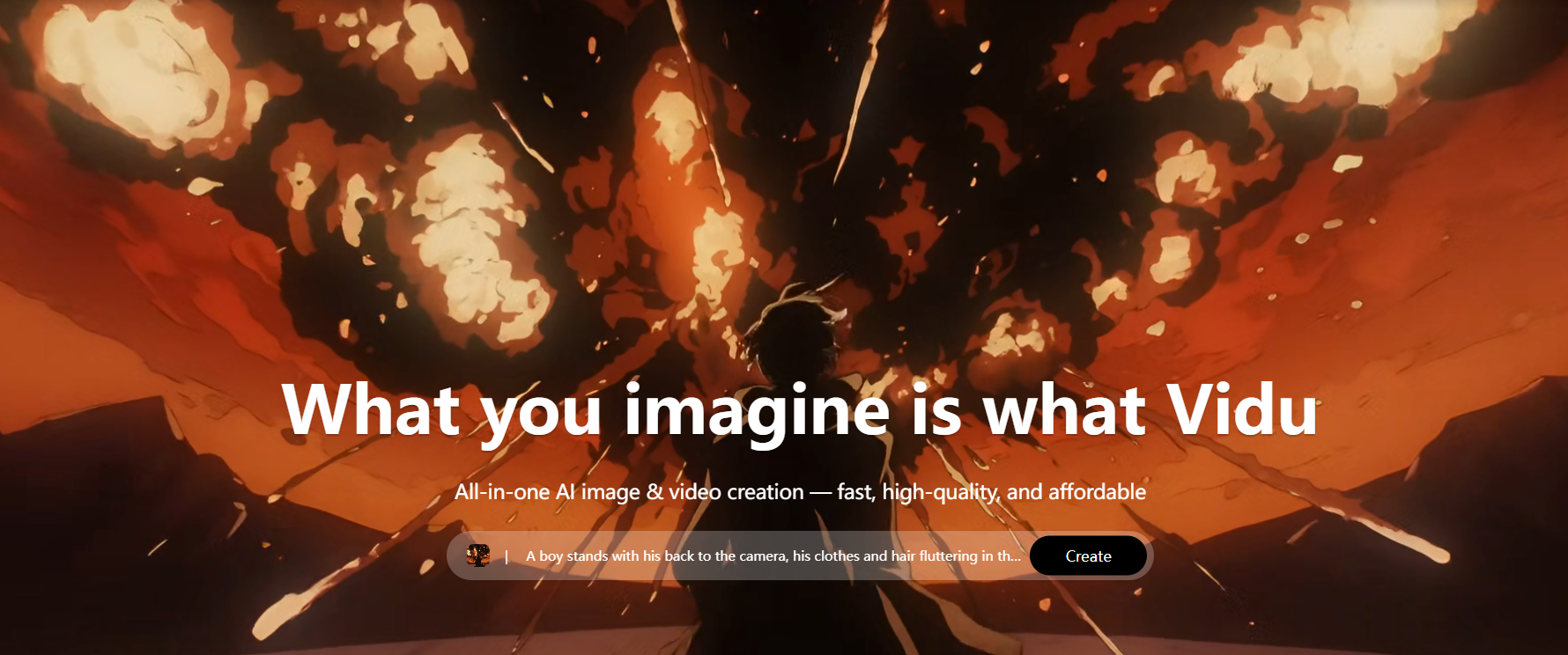
Generate cinematic videos instantly from simple text prompts
Vidu AI is an AI video generation platform. It lets users create short videos from text prompts, images, or reference materials. It offers different creation modes such as text-to-video, image-to-video, and reference-based video generation. This makes it useful for creators, marketers, teachers, and businesses.
Vidu AI also creates videos quickly and supports different video formats. It helps make video production simple while still giving good-quality results.
Features Of Vidu AI
Text-to-Video Generation
Create videos simply by describing the scene with a text prompt.
Image-to-Video Conversion
Upload an image and turn it into an animated video clip.
Reference-Based Video Creation
Use reference images to keep characters, objects, or styles consistent.
Fast Video Generation
Videos are generated quickly, allowing creators to produce content faster.
Multiple Aspect Ratios
Supports formats like 16:9, 9:16, and 1:1 for different platforms.
High-Quality Output
Generates clear HD videos suitable for professional content.
Templates and Presets
Built-in templates help users create videos more efficiently.
Browser-Based Platform
Works directly in a browser without installing additional software.
Use Cases Of Vidu AI
Social Media Content Creation
Produce brief videos for social media apps.
Marketing and Advertising
Businesses can make promotional videos and product advertisements.
Creative Storytelling
Authors and creators can utilize story ideas to generate short animated sequences.
Educational Content
Create content for explanation and learning purposes.
Concept and Idea Testing
Video creators can easily test video concepts before proceeding with a full-scale production.
How To Use Vidu AI
Create an Account
Sign up on the Vidu AI website using your email.
Choose a Creation Mode
Select text-to-video, image-to-video, or reference video.
Enter Your Prompt
Describe the scene or idea you want the AI to generate.
Upload Reference Images
Add images if you want consistent characters or objects.
Select Video Settings
Choose aspect ratio, quality, and duration.
Generate the Video
Click generate and wait for the AI to create the video.
Preview and Download
Review the result and download the video if satisfied.
What We Like About Vidu AI
- Easy video creation from text prompts.
- Multiple video generation modes.
- Fast rendering speed.
- High-quality HD output.
- Beginner-friendly interface.
- Suitable for social media content.
What We Don't Like About Vidu AI
- The free plan has limited credits.
- Video length options are limited.
- AI results may vary depending on the prompt.
Vidu AI Pricing Plans

Free – $0/month
- 10 references per month
Standard – $8/month
- 800 credits monthly
- Generate up to 200 videos
- High-resolution video generation
- 6–8s video generation
- 50 references per month
- Fast channel generation
- Buy credits up to 44% off
- Commercial use allowed
- Download without watermark
- Generate 4 videos at once
- Prompt Editing Pro Mode access
- Higher-quality encoding formats
Premium – $28/month
- 4000 credits monthly
- Generate up to 1000 videos
- High-resolution video generation
- 6–8s video generation
- 100 references per month
- High-speed channel generation
- Buy credits up to 44% off
- Unlock essential Agent features
- Commercial use allowed
- Download without watermark
- Generate 4 videos at once
- Prompt Editing Pro Mode access
- Early feature access
- Higher-quality encoding formats
Ultimate – $79/month
- 8000 credits monthly
- Free off-peak mode (up to 200 videos daily)
- High-resolution video generation
- 6–8s video generation
- 300 references per month
- Ultra-fast channel generation
- Buy credits up to 55% off
- Full Agent access
- Commercial use allowed
- Download without watermark
- Generate 4 videos at once
- Prompt Editing Pro Mode access
- Early feature access
- Unlimited Q2 1080p image generation
- Higher-quality encoding formats
Enterprise – Starting $1399
- 80–8000 credits monthly
- Generate 200–2000 videos
- Includes all Ultimate plan benefits
- Volume discount up to 20%
- Enterprise accounts
- Bank transfer and invoicing support
- Enterprise promotions
- 1-on-1 technical support
- Employee training services
- Dedicated customer service manager
- Additional enterprise solutions
FAQs About Vidu AI
Is Vidu AI free to use?
Yes, it offers a free plan with limited credits.
What type of videos can it create?
It can generate marketing videos, animated scenes, and social media content.
Does it support commercial use?
Yes, commercial use is available with paid plans.
Do I need editing skills?
No, the platform is designed to be beginner-friendly.
Conclusion
Vidu AI helps people create videos quickly using artificial intelligence. It has features like text-to-video and image-to-video, so users can turn ideas into videos in minutes. The platform is simple to use and does not require advanced editing skills. It is helpful for creators, marketers, teachers, and businesses that need fast and attractive video content.
Alternatives To Vidu AI
HeyGen
This tool helps users turn text scripts into realistic AI avatar videos.
Hedra
Create AI videos by simply entering text prompts.
Decohere AI
It allows users to generate creative videos and visuals from short prompts.