If you are tired of having the same old wallpaper on your computer or phone and keep searching all over the internet and Pinterest for that one image that looks and fits your mood and is basically what you actually want, then I understand your pain. Actually, if you search Beautiful wallpapers on Google, it shows you the same generic images that may not match your tastes.
AI Wallpaper generators may come to a use for you. They can create a wallpaper with just a prompt. I have compiled a list of 7 of the best AI wallpaper generators to help you generate these beautiful wallpapers. Not only have I compiled this list, but I have personally tried and tested each one of them.
By the end of this article, I will give a final verdict based on the strengths and weaknesses of each tool. Also, all the AI tools mentioned below may have paid plans, but their AI wallpaper generator feature is absolutely free, so I will not mention the prices for any of these tools.
What is an AI Wallpaper Generator?
Honestly, most AI Wallpaper Generators are not something special but just Image generation tools; the separate tool is for image generation that is more specific for wallpaper. AI Wallpaper generators tend to have an option to choose the size of the image, which depends on whether you want a wallpaper for your phone or a desktop.
AI Wallpaper generators also focus on creating images with low noise, better contrast, and a higher resolution so that zooming the image doesn’t make the image blurry.
Canva
Canva is one of the most popular design tools and is used extensively for image generation. It is also an AI Wallpaper generator and can generate very visually appealing wallpapers. It is a very versatile platform that can create many types of design images. Different types of wallpapers with a variety of backgrounds can be generated with Canva. These range from abstract illustrations and digital paintings to aesthetic and minimalist designs.
Results
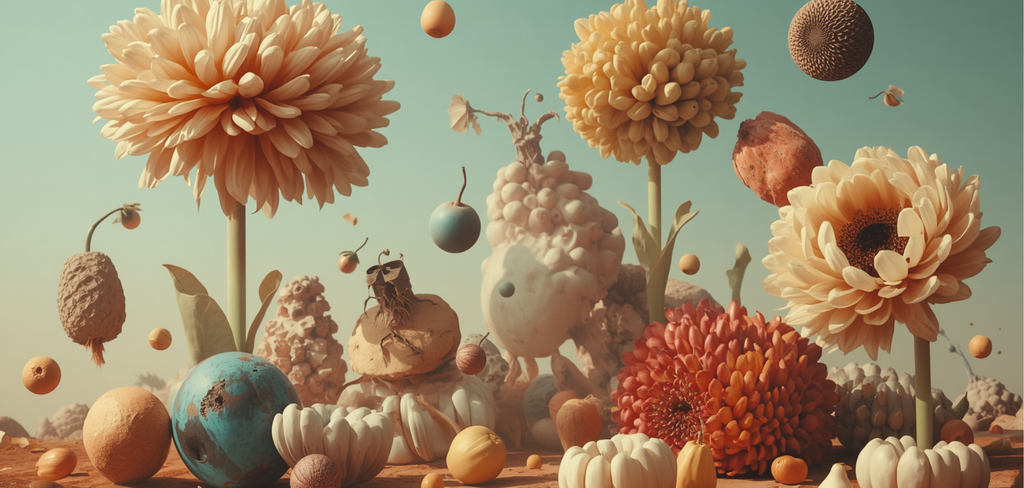
Honestly, when I tried out the AI wallpaper generator feature of Canva, I was not expecting such good results. First of all, the entire process took less than 30 seconds. I simply entered the prompt and clicked on generate, and that’s it. I didn’t have to edit anything.
I have shared the final result below, and it looks so cute and is so high-resolution.
Adobe
Adobe is a design tool with an AI wallpaper generator. There is a structure reference feature in Adobe that lets users guide the placement and exact outlines of the objects inside the image using a reference image. So, if you have found an image that looks very similar to what you want, then you can add it as a reference image. Another feature called generative expand lets you adapt artwork into screen proportions.
Results
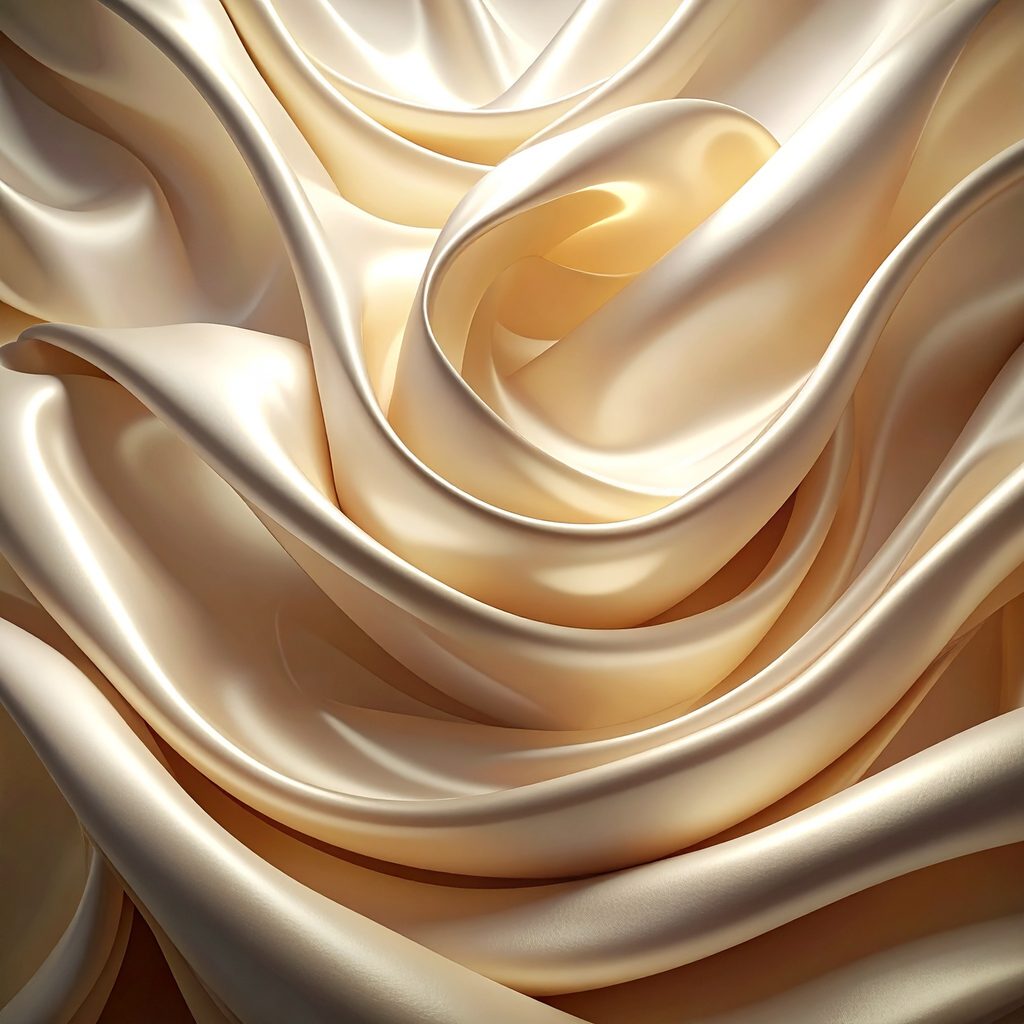
Adobe is, of course, the classic image generation tool and photo editor that we all can trust. And this time, it has proved itself too. The final image may look a bit simple, but I think that’s the point. I intentionally gave this prompt so that the image quality and resolution become the main focus. And when you look at it, the details look so good. It almost looks like a real silk fabric.
OpenArt AI
OpenArt AI is a popular image generation tool that helps create AI wallpapers from scratch. Multiple AI models are used to create images, and you can actually choose which model you would like to use for creating AI wallpapers. The character consistency is great, which each generation the main character in the images remain same and only minor issues are fixed.
Results
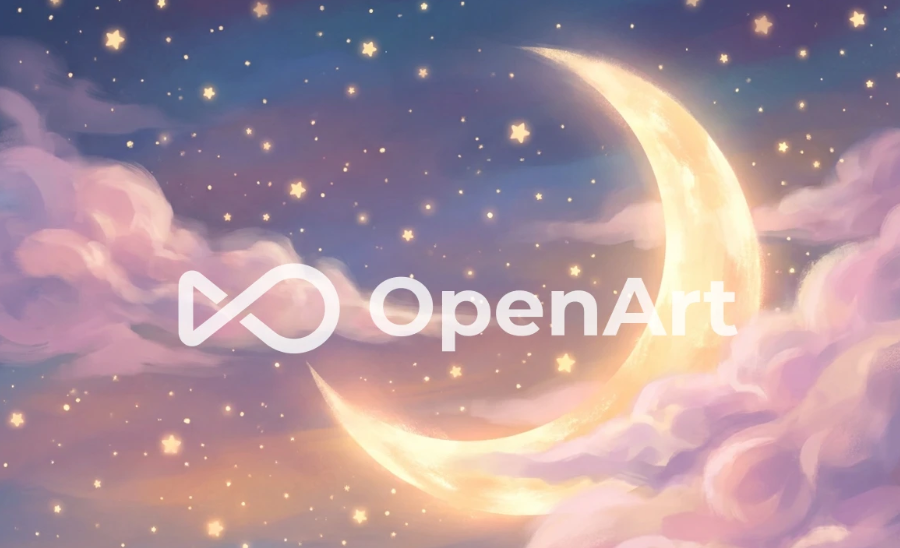
Now, coming to the results, I liked it, but there is one problem: in the free version, unless you upgrade, there is a huge watermark in the middle of the image. While the image itself looks very pretty, this watermark prevents you from using the image properly as a wallpaper. Also, it does not let you export the image for free. So only the AI wallpaper generation is free.
However, I don’t think it is a big issue if you can buy a plan.
Recraft AI
Recraft AI is an AI wallpaper generator that is specifically for those who prefer graphic art more. Things like geometric illustrations. Editable SVG artwork makes creating artwork easier with more smooth paths and organized layers. With just one prompt, it creates different variations. For phone wallpapers, Recraft is a good option for creating minimalist illustrations, abstract patterns, colorful geometric artwork, and clean vector-style backgrounds.
Results
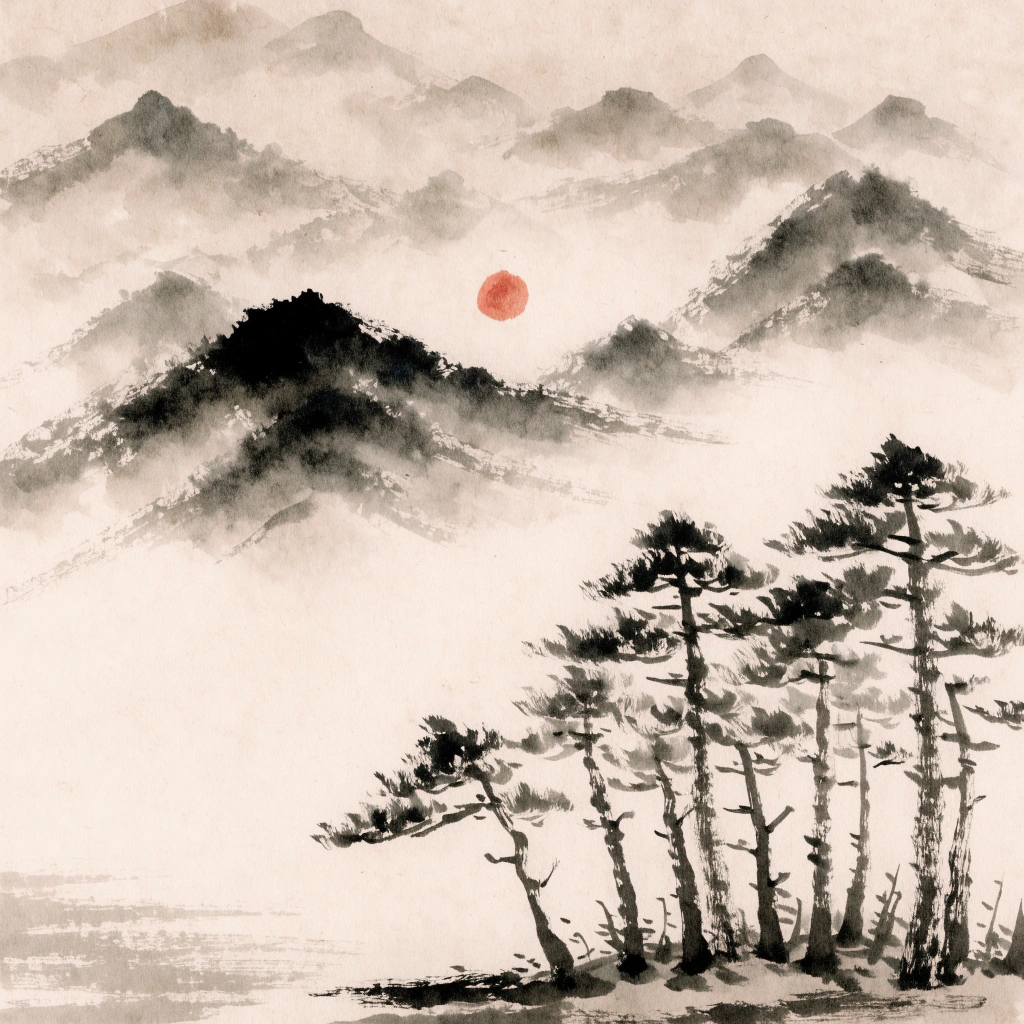
Recraft AI has outperformed other AI wallpaper generators with amazing results. The result looks subtle and minimal, but is so aesthetically pleasing. The prompt I used is related to a Japanese ink wash landscape, and it captures the whole essence very well. It looks like a real artwork drawn with watercolour brushes, especially the trees part.
Art Guru AI
Artguru AI is an interesting tool that allows you to generate images from text and convert your photos into art. Convert your images into oil paintings, watercolour art, sketch art, cartoon art, and cyberpunk art. You can also add your own prompts and specify what you do not want to be included. The image enhancement and upscale feature makes this a useful tool if you have a current wallpaper and want to add more detail and resolution.
Results
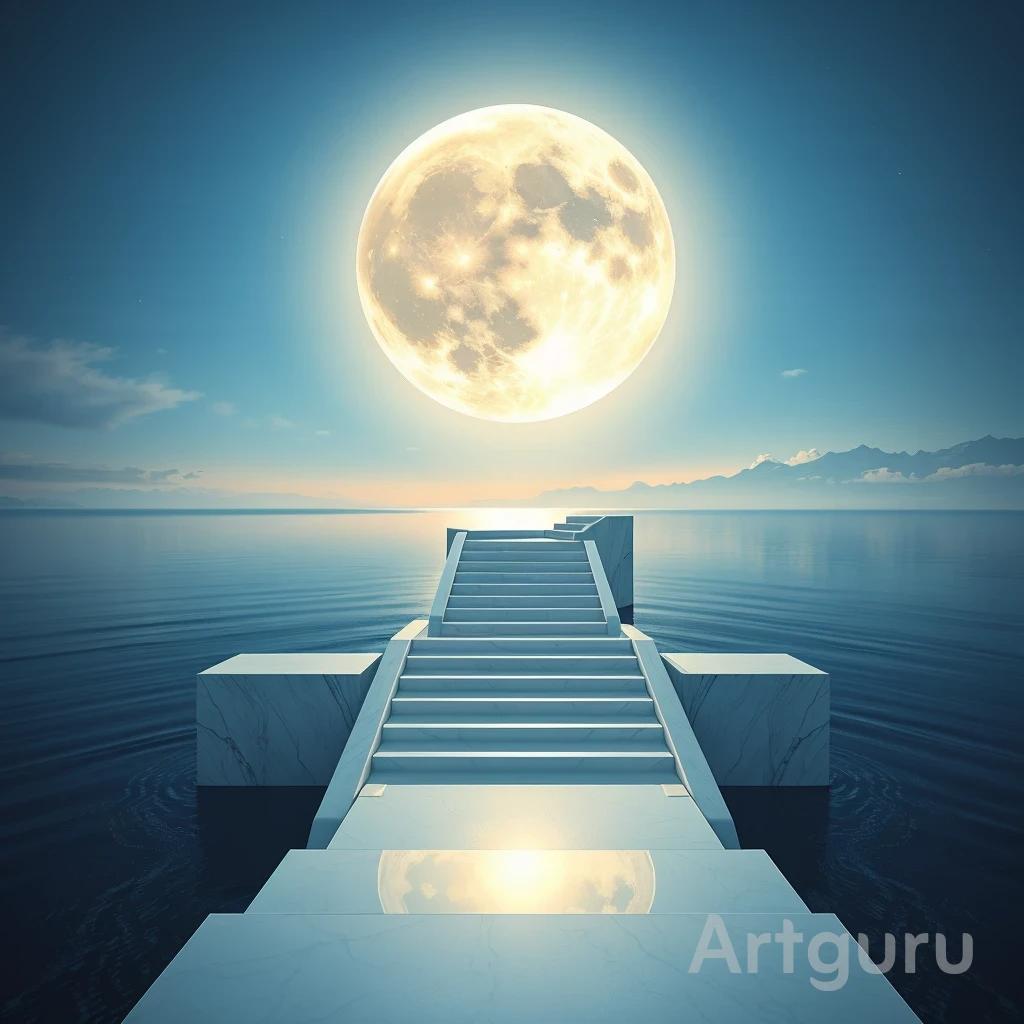
Before exploring AI wallpaper generators, I hadn’t really heard about Artguru AI before. But I have to admit, I am really impressed. The image looks like it’s not just 4 K but 8 K. The quality is so good. Yes, it does have a watermark in the free version, but unlike OpenArt AI, it is at least not in between. So you can easily crop it out too, but yes, for keeping the good quality, you can try the image enhancer in Artguru AI. The image enhancer works in a credit based system.
Picsart
Picsart has established itself as a photo and design editor, and now as an image generation tool too. It has a photo to wallpaper option, where you can add an image that converts into a wallpaper with the perfect size. There is an option for choosing the Image generation model. Many Flow templates are available for those who are not sure about what kind of wallpaper they want to create.
Results
While trying out the AI wallpaper generator feature (which is called Wallpaper Maker in Picsart), I had a realisation that Picsart has almost all types of design and editing tools. Just search any type of image generation keyword on Google; Picsart will always come up.
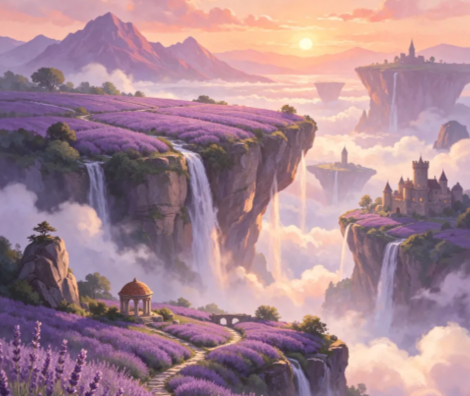
So, Picsart is really a all in one platform. Anyway, coming to its image generation tool, I added a fantasy related prompt because in the past I have seen that is where Picsart performs well. And the result did not disappoint at all. The image is not extremely crisp and has low visible noise. It cracks slightly when you zoom in, but there are always AI upscaling tools available to fix it.
Craiyon
Craiyon, was formally known as DALL·E mini, is an Image generation tool. It creates 9 variations with one prompt so that users can choose the one they like best. Craiyon allows its features to do light editing to be able to fix minor issues. It gives free access in the browser, even without signing up. It has a playful output style.
Results
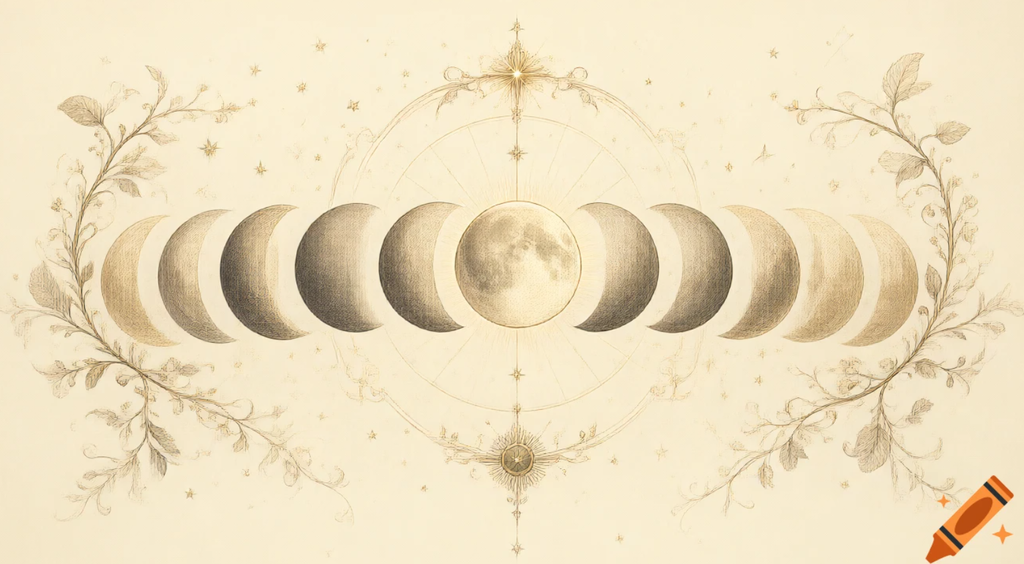
On clicking the URL, it clicking takes you to the AI wallpaper generator, which is a good thing as it does not waste time. It generates 9 different results, and I did not add all the pictures, just one. It also has a small watermark but since it’s in the corner, it can easily be cropped out. The image looks good, and it definitely works out as a nice wallpaper. It produced exactly what the prompt said it too. It gave such a mystical vibe.
Flux AI
FluxAI.art works more like a studio. The site is a free image platform with several AI models, led by Nano Banana for precision editing. You can switch between Nano Banana, Flux Kontext, and ChatGPT-4o image, each of which has its own strengths, so one prompt can look quite different depending on the engine behind it.
Style is another strength. The site highlights Ghibli, Chibi, and Pixar looks with ChatGPT-4o image, and polished, realistic results with Nano Banana, so a dreamy anime-style lock screen and a photorealistic desktop backdrop can come from the same place. There is also a page aimed at dark fantasy art and wallpapers, which will appeal to anyone whose taste runs to moody, atmospheric scenes.
Results
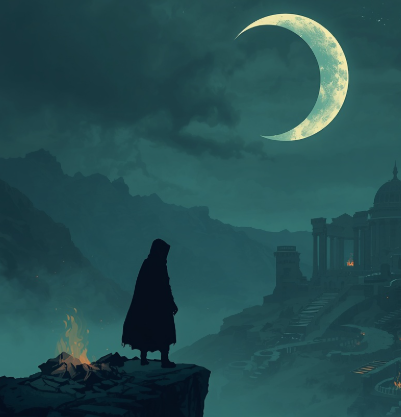
I read in the reviews that Flux AI art is good at images with moody scenes, so I gave it a dark themed prompt for a wallpaper. And it delivered very good results. The image looks straight out of a movie scene. It does not require any editing. But it took forever to generate the image. I waited almost 7-8 minutes for the image to be generated. I have no idea why is Flux AI art so slow with its image generation by its definitely worth the wait.
Final Verdict: Which AI Wallpaper Generator will you choose?
Finally. Choosing one tool out of all 8 tools is really tough. Because every tool may have at least some sort of downside, but that does not mean we cannot use it. No AI tool is completely perfect. So rather than picking one single tool, I can give you a general idea about which tool may work best for you.
Picsart is best for screen fit wallpapers. Canva is best for overall any type of wallpapers. Adobe gives more editing control and well defined images. Recraft AI produces wallpapers that can fit any device. Artguru AI is for exploring casual image generation. Craiyon gives various options. Flux AI gives realistic images. Choose one tool among these based on your priorities, or try them all out (they are free).
FAQs about AI Wallpaper Generators
Can I make AI wallpapers with AI Wallpaper Generators for free?
Yes, in most cases. Picsart says its Wallpaper Maker costs nothing to use. Craiyon is also a free tool. Artguru gives each user a few free credits every day, and Canva lets you generate a limited number of images for free. Free plans often have limits, such as fewer credits or lower quality, so read each tool’s current rules before you start.
How can I get a wallpaper that fits my screen?
Pick the screen shape before you create the image. Picsart explains that choosing the ratio first helps the picture suit your screen, so nothing important gets cut off. Use a tall shape for phones and a wide shape for computer screens. If your image is already made but the size is wrong, Adobe Firefly has tools that can enlarge or extend it for a phone or a desktop. For big monitors, check that the tool can export a high-quality, sharp image.
Sapna Ghodasara is the founder of Guide of AI Tool, where she writes in depth reviews of AI tools for marketers, creators and businesses. Her reviews focus on what matters before you pay for a tool: real use cases, honest pros and cons, pricing, and how well it fits into an everyday workflow.
Sapna is the cofounder of SEOMagicLab. That mix of technical training and daily marketing work lets her judge AI tools from two angles: how well the technology actually performs and whether it delivers real value for the people using it.