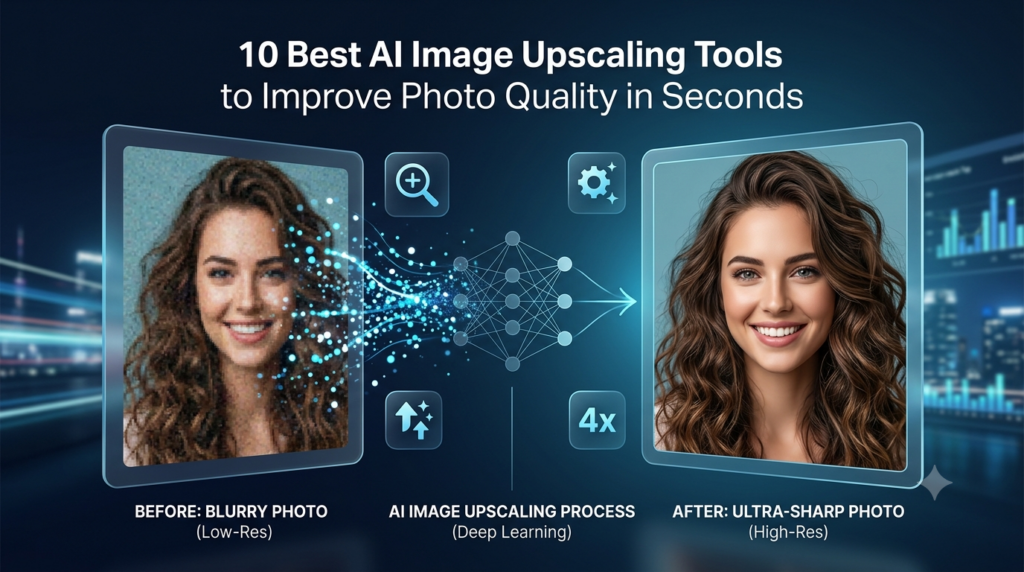
We’ve all done it. Zoomed into a photo expecting it to hold up, only to watch it fall apart into soft edges and visible pixels. Then, once you start googling for AI image upscaling tools to improve photo quality in seconds, you’ll realize there are many options to choose from. Determining which of these is truly able to produce crisp yet natural results is not easy.
Articles with relevant images receive 94% more views than those without visuals. That’s why ensuring images look sharp and professional is just as important as the content itself.
With the quality of images to your text also so critical, you won’t be going anywhere without sharper, well-formatted graphics.
As the technology of AI photo upscaling has quickly matured, it has long transcended to a point where no complicated software is required anymore to increase image resolution; many services only use the technique to sharpen them, whereas others offer a mix of features like:
What are AI Image Upscaling Tools?
AI image upscaling helps improve image quality when you’re working with low-resolution pictures. It will enlarge the photos, but it won’t make them look hazy and pixellated. Unlike simple enlargement (which is similar to stretching a photo), AI images add detailed information to make pictures clearer and more real.
AI Image Upscaling Tools You Should Try Now
Here is a curated list of the best AI Image Upscaling tools. You can check out the features, pros, cons, and pricing and decide for yourself.
Nano Banana Pro
Powered by Google’s Nano Banana AI, Nano Banana Pro generates complex images from text prompts. The advanced AI upscaler enhances image resolution and clarity. Ideal for illustrations, concept art, and any creative work requiring sharp, detailed visuals.
Features:
- Converts text prompts into detailed AI-generated images.
- Enhances image quality using AI upscaling.
- Supports creative image editing and style transformations.
- Generates high-resolution artwork suitable for multiple use cases.
- Powered by Google’s Nano Banana image generation technology.
Pros:
- Produces sharp, high-quality images.
- Fast image generation.
- Suitable for concept art, illustrations, and creative projects.
- Includes image enhancement alongside generation.
Cons:
- Advanced capabilities may require paid access.
- Results can vary depending on prompt quality.
- Fewer editing features than dedicated graphic editors.
Pricing Plan
- Free
- Google AI Pro: $19.99/month
- Google AI Ultra: $249.99/month
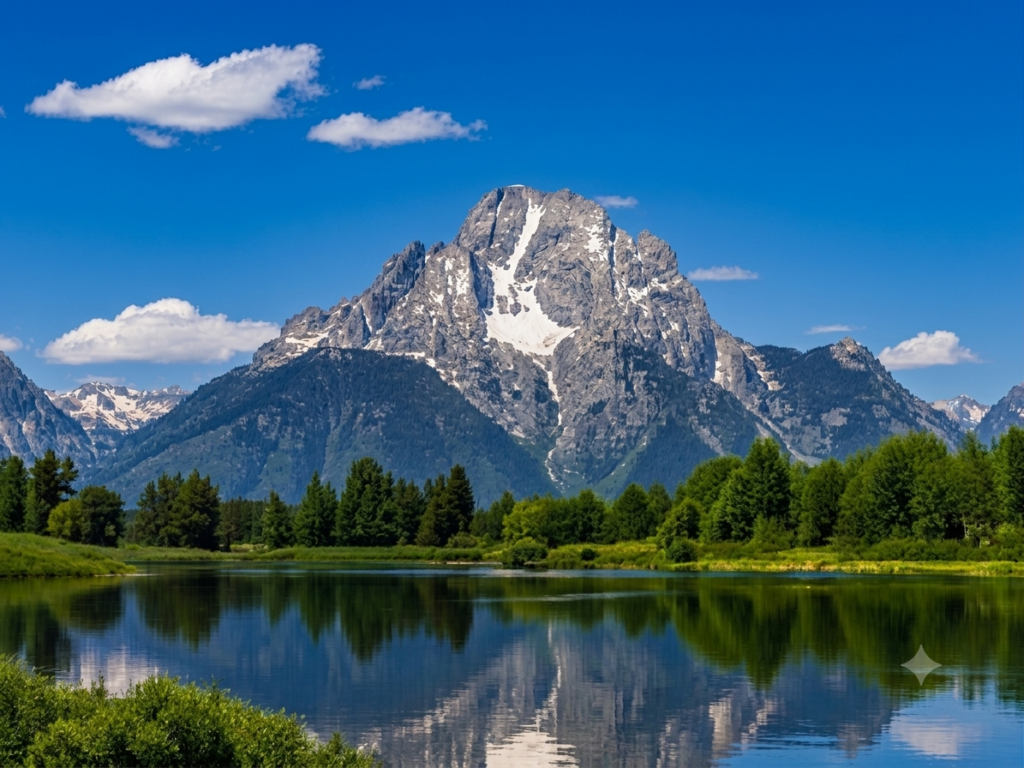
Results
This is the before picture
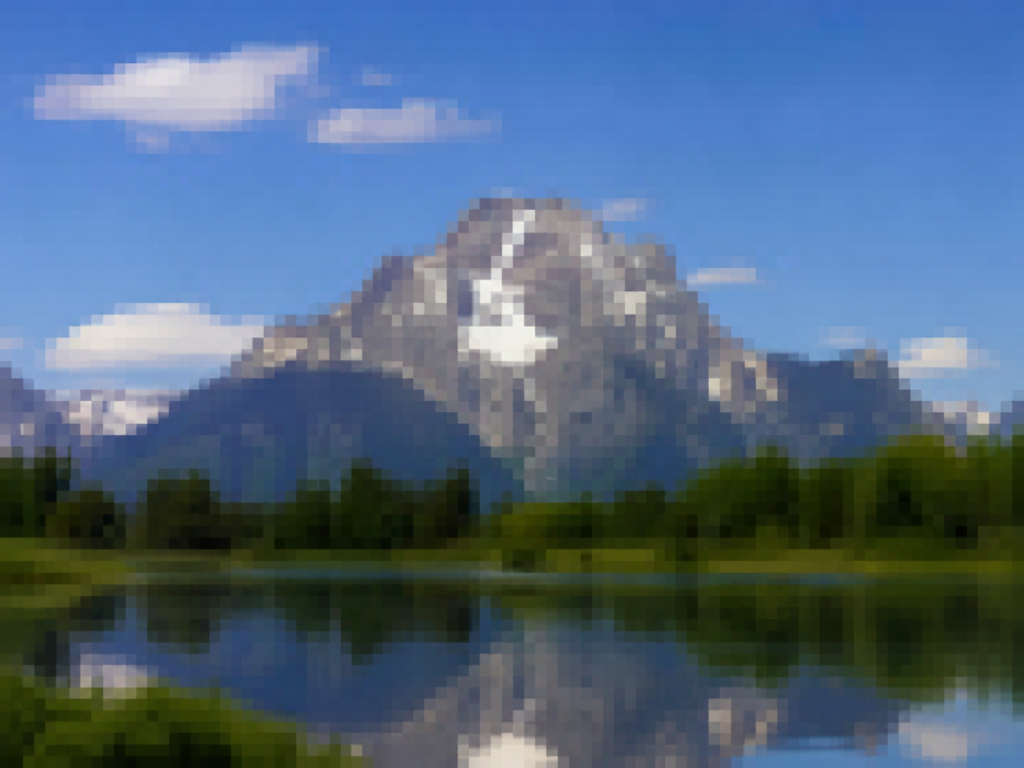
This is the after result
Picsart AI
Powered by the latest AI image generation tools and coupled with its creative photo editing and design capabilities, Picsart AI offers powerful features that cover a vast array of creative works and projects. You’ll find everything you need to generate imagery from text, enhance your photos, and explore a world of design options.
Features:
- Generates artwork from text prompts.
- AI-powered background removal and object replacement.
- Smart image enhancement and retouching.
- Automatic design creation for social media and marketing.
- Includes templates, stickers, fonts, and creative effects.
Pros:
- Wide range of creative editing options.
- Suitable for beginners and experienced creators alike.
- Regularly updated with new AI features.
- Supports both image creation and graphic design.
Cons:
- Free version includes limitations and watermarks on certain content.
- Some AI generations consume credits.
- Advanced features require a paid subscription.
Pricing Plans:
- Free
- Plus: From $5/month
- Pro: From $7/month
Results
This is before image upscaling.

This is after.
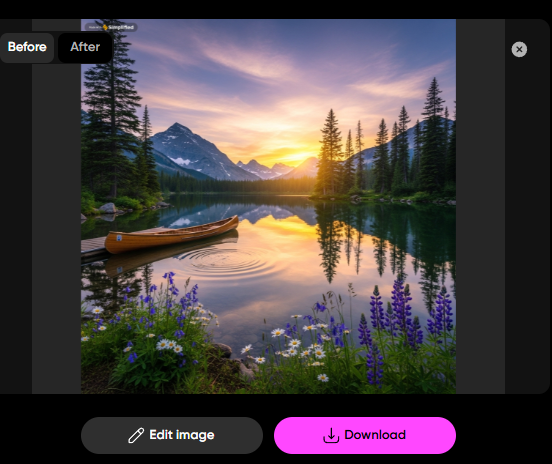
This is after zooming.

Reve AI
Reve AI emphasizes creating original pieces of art and, at the same time offers creative editing options that help users experiment visually simply. Besides image generation, it also offers artistic effects, style transformations, and video creation with the help of AI.
Features:
- Generates AI artwork from text descriptions.
- Supports image editing and creative transformations.
- Applies artistic effects and visual styles.
- Offers image-to-image generation for creative variations.
- Includes AI-assisted video creation features.
Pros:
- Easy to generate unique visual concepts.
- Multiple creative styles available.
- Combines image generation with editing features.
- Suitable for personal and creative projects.
Cons:
- Premium features require a subscription.
- Generated images occasionally require manual refinement.
- Processing times may increase during peak demand.
Pricing Plans:
- Free
- Basic: From $9.99/month
- Pro: From $29.99/month
Results
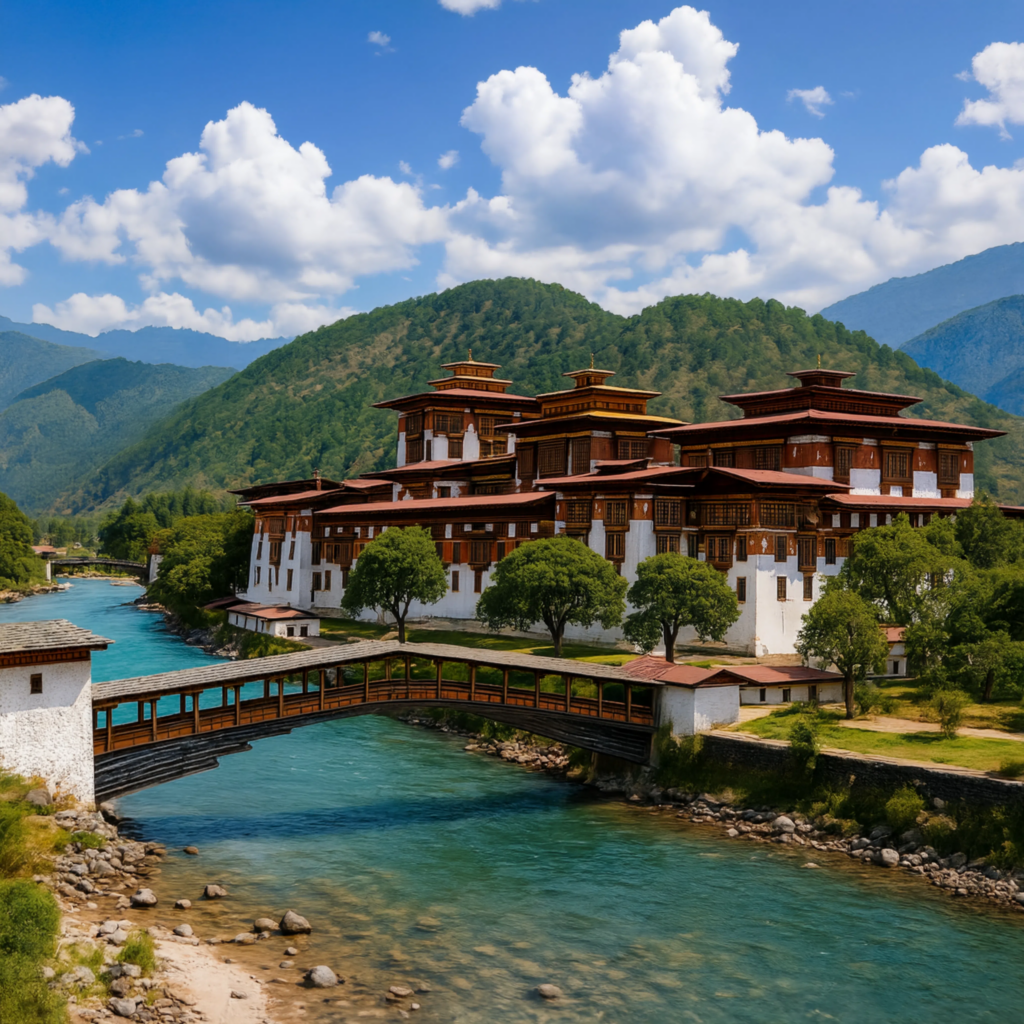
Original Image
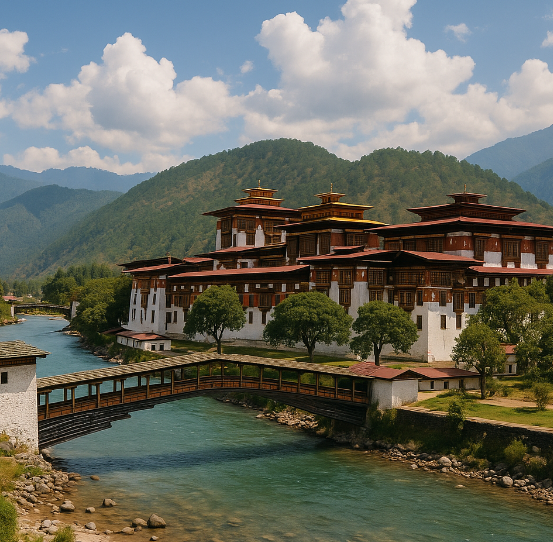
This is the result. Without even zooming, it looks so clear and refined.
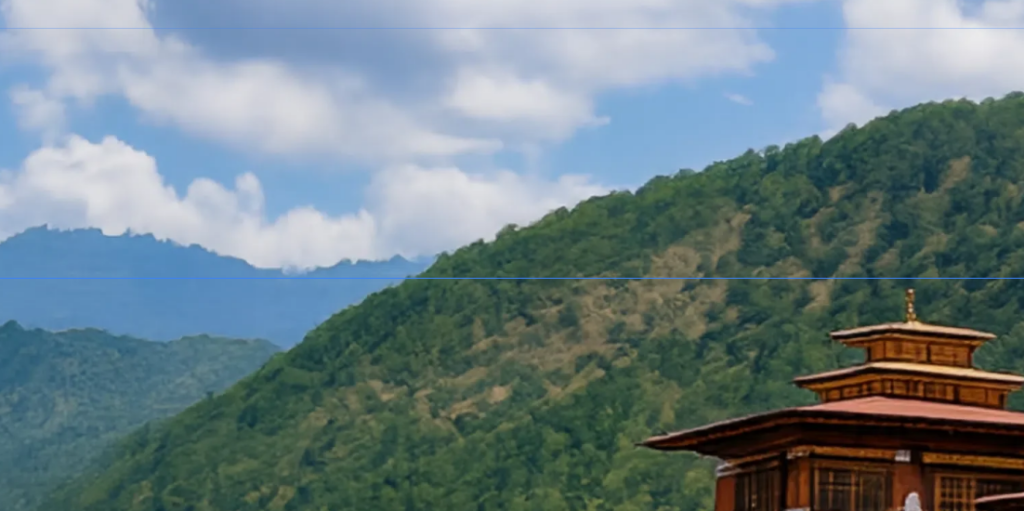
This is after zooming and you can see that are image is not breaking into pixels at all.
Recraft AI
Recraft AI is good at creating professionally looking drawings, vector images, logos, and brand-related items. The use of its AI-based design features renders it a sensible option for generating polished visuals that can be used for both digital and print media.
Features:
- Creates AI-generated illustrations and artwork.
- Generates scalable vector graphics.
- Designs logos, icons, and branding assets.
- Produces marketing visuals with editable elements.
- Supports high-resolution exports for professional use.
Pros:
- Excellent vector image generation.
- Strong branding and logo creation capabilities.
- High-quality exports suitable for commercial projects.
- Easy customization after generation.
Cons:
- Advanced export options require a paid subscription.
- Learning advanced design features may take time.
- Some AI-generated assets may need manual adjustments.
Pricing Plans:
- Free
- Basic: $10/month
- Advanced: $27/month
- Enterprise: Custom pricing
Results
Here is the before image:

This the result. The After image is crisp and clear.

Cloudinary
Cloudinary is a tool that supports the management, optimization, editing, and delivery of images and videos through intelligent automation with AI. It also gains popularity due to its features of efficiently arranging digital media while saving bandwidth and preserving high visual quality of web pages and apps.
Features:
- AI-powered image editing and optimization.
- Automatic background removal and object detection.
- Smart image resizing and cropping.
- Video optimization and AI analytics.
- Cloud-based media storage and delivery.
Pros:
- Excellent media optimization capabilities.
- Reduces image and video loading times.
- Powerful automation for large media libraries.
- Extensive developer integrations.
Cons:
- Advanced features can be complex for beginners.
- Usage costs increase with higher media volumes.
- Some AI capabilities are reserved for paid plans.
Pricing Plans:
- Free
- Plus: From $99/month
- Advanced: From $249/month
- Enterprise: Custom pricing
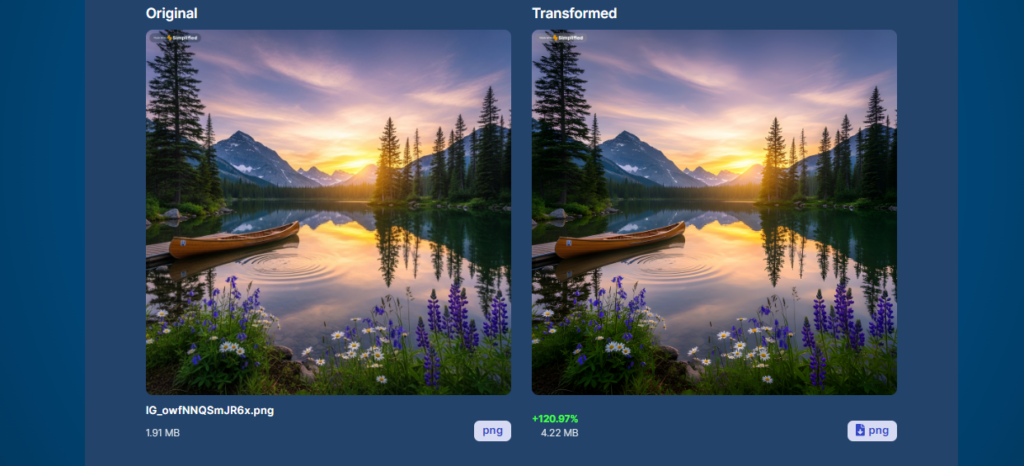
Results
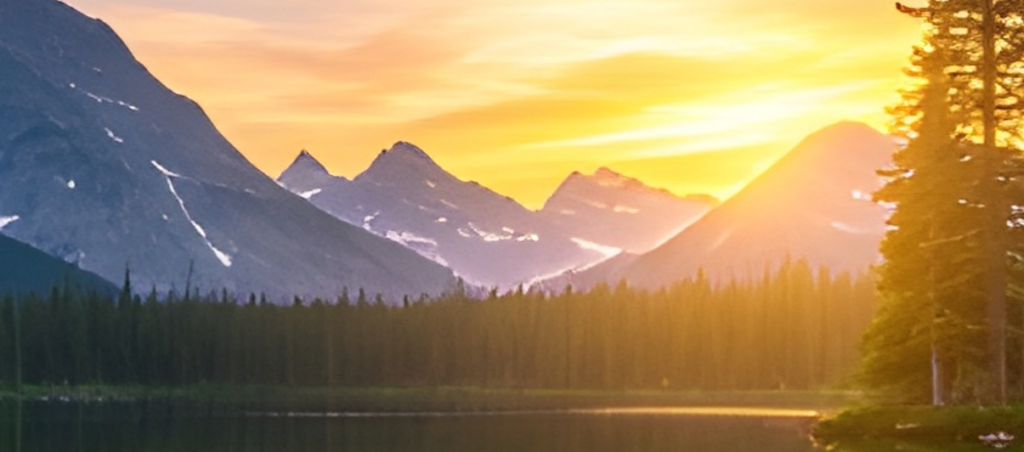
Both images look similar but the zoom quality has increased a lot.
You can see even after zooming so much, the image is does not have visible pixels.
Pixelcut
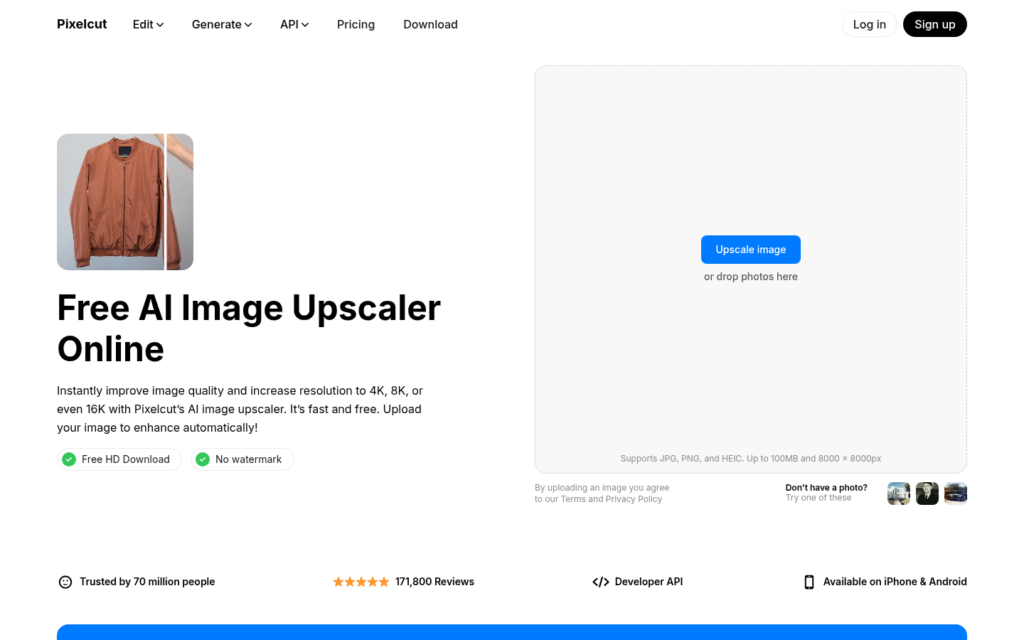
Pixelcut is an AI-powered photo editing tool that offers image upscaling, background removal, retouching, and image generation. Its upscaler enlarges low-resolution images while keeping them sharp and free of noise, across portraits, product photos, and everyday images.
Features:
- Image upscaling up to 4K, 8K, and 16K resolution.
- Proprietary Fast Upscale model for automatic enhancement in seconds.
- Creative Upscale with adjustable Creativity and Resemblance settings.
- Sharpening with noise, blur, and compression artifact removal.
- Bulk upscaling of up to 10,000 images at once.
Pros:
- Free to use with no login or watermark on downloads.
- Uploaded images are deleted after processing.
- Works in any browser on phone, desktop, or tablet.
- Handles portraits, product photos, logos, AI art, and old photos.
Cons:
- Highest resolutions and bulk or video upscaling require a paid plan.
- Creative Upscale results can vary depending on the settings.
- Some advanced AI models are limited to paid plans.
Pricing Plans:
- Free
- Pro: From $10/month
- Business: $30/month
Results
This is the before image.
This is after upscaling with Pixelcut. Even after zooming, the image is not breaking into pixels.
Photor
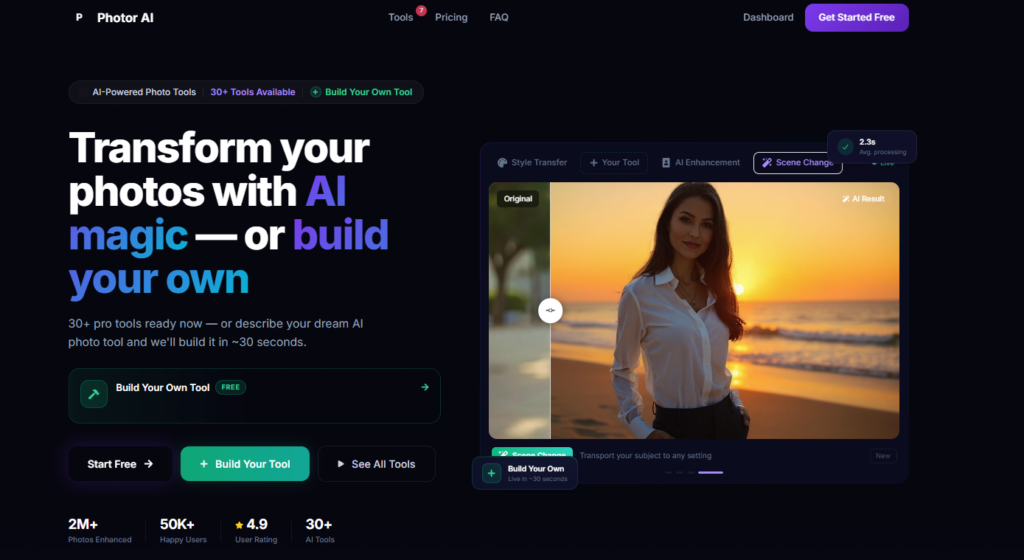
Photor is a smart collaboration between AI-based image creation and editing that enables a user-friendly design workflow and photo retouching. It creates new images, enhances the quality of pictures, and decorates the photos with art styles without the need for professional editing skills.
Features:
- Creates AI-generated images based on your textual descriptions.
- Automatically upgrades the overall quality of a photo.
- Erases photo backgrounds and other unwanted objects.
- Gives access to different artistic filters and visual effects.
- Offers features related to portrait retouching.
Pros:
- Simple for daily editing activities.
- Quick AI driven improvements.
- Various innovative editing opportunities.
- Great fit for those just starting out.
Cons:
- Premium subscription required for advanced features.
- Free version includes feature limitations.
- Some edits may require manual refinement.
Pricing Plans:
- Pro: From $9.99/month or $39.99/year
Pokecut
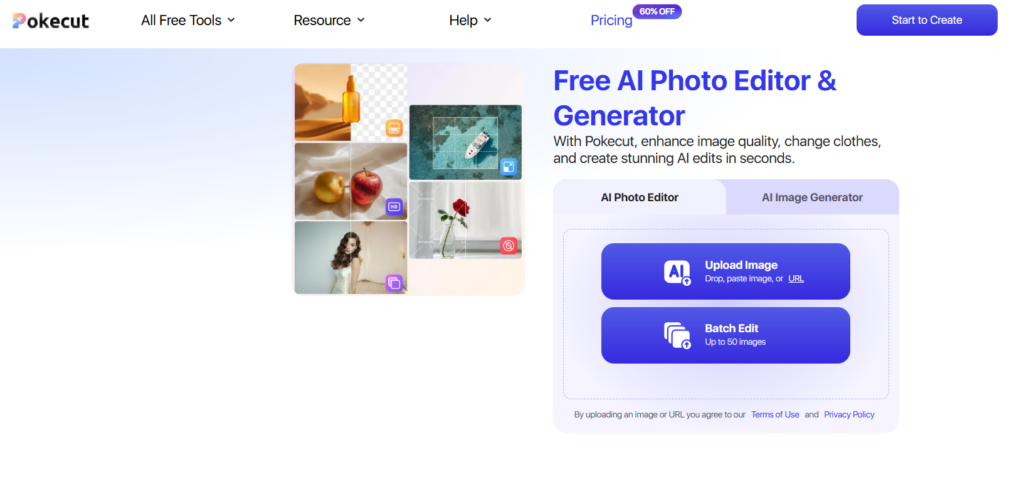
Pokecut provides a collection of AI-powered editing features for improving portraits, product photos, and everyday images. Background removal, image enhancement, and automatic retouching allow high-quality visuals to be created in just a few steps.
Features:
- AI background removal.
- Image upscaling and enhancement.
- Portrait retouching.
- Object removal.
- Automatic photo optimization.
Pros:
- Fast editing process.
- Beginner-friendly interface.
- Produces clean background cutouts.
- Suitable for product and portrait photography.
Cons:
- Free version includes usage limitations.
- Some premium features require a subscription.
- Complex edits may need additional manual adjustments.
Pricing Plans:
- Free
- Pro: From $4.99/month or $39.99/year
Results
Before:

After:

AI Image Upscaling Tools Comparison Table
| Tool | Best For | Key Features | Free Plan | Starting Price |
| Nano Banana Pro | AI image generation & upscaling | Text-to-image, AI upscaling, style transfer | ✅ | $19.99/month |
| Lensa AI | Portraits & AI headshots | AI avatars, photo enhancement, object removal | ✅ | $4.99/week |
| Picsart AI | Creative editing | AI art, background removal, design templates | ✅ | $5/month |
| Reve AI | AI artwork | Text-to-image, style effects, image editing | ✅ | $9.99/month |
| Recraft AI | Logos & vector graphics | AI illustrations, vectors, branding assets | ✅ | $10/month |
| Cloudinary | Media management | AI optimization, resizing, cloud delivery | ✅ | $99/month |
| Pixelcut | Product images | AI image generation, enhancement, background removal | ✅ | $8/month |
| Photor | Everyday photo editing | AI enhancement, background removal, retouching | ✅ | $9.99/month |
| Topaz Labs | Professional photo enhancement | AI upscaling, sharpening, noise reduction | Free Trial | $199 (one-time) |
| Pokecut | Portrait & product photos | AI upscaling, background removal, retouching | ✅ | $4.99/month |
Conclusion
With AI upscaling software, boosting the quality of low resolution photos is easier than ever and doesn’t have to involve lengthy and tedious manual retouching. Whether you’re looking to restore antique family albums, add the polish you need to sell online with improved product shots, get the quality you need for impactful advertising campaigns, or set up images perfectly for print, there is software available that can bring remarkable levels of crispness and detail into your pictures in just a couple of clicks.
What is most suitable for you depends on whether you prioritize top-of-the-range photo upscaling and enhancement, whether you want something more versatile that brings in additional image editing tools, or you’d prefer an AI upscaling solution that can generate entirely new imagery. Check out this roundup and compare options that meet your price point, time limits and aesthetic vision. Among all the tools I have listed above, I found Nano Banana Pro and Reve AI the stronger options for Image Upscaling.
FAQs
What is AI image upscaling?
AI image upscaling increases an image’s resolution while preserving or enhancing details.
Is AI upscaling better than normal resizing?
Yes. AI adds realistic details, while traditional resizing simply stretches pixels.
Who uses AI image upscaling?
Photographers, designers, marketers, eCommerce sellers, and content creators commonly use it.
Can AI upscale digital art?
Yes. It works well with illustrations, anime, graphics, and other digital artwork.
Is AI image upscaling suitable for printing?
Yes. Higher-resolution images are generally better suited for large-format printing.
Do I need editing skills to use AI upscaling?
No. Most AI upscalers are easy to use and require only a few clicks.