Picsart AI
Smart AI tools for every creative project.
Picsart AI is an AI-powered creation platform that generates content, like images, videos, and designs, utilizing both a robust tool suite and AI capabilities that enable anyone to produce top-tier content.
Picsart was originally a photo editing app, launched in 2011. That is decades before it expanded into the AI platform it’s currently identified with. Initially characterized by its effects, sticker and effects technology, the photo app quickly rose to become the #1 photo editor on a worldwide scale, with photo artists all across the planet uploading stickers, collages, filters, text, and effects onto user content.
With the rise of generative AI, Picsart introduced AI-powered tools that could generate images from text, remove backgrounds, improve image quality, replace objects, and speed up everyday editing tasks.
Features Of Picsart AI
AI Image Generator
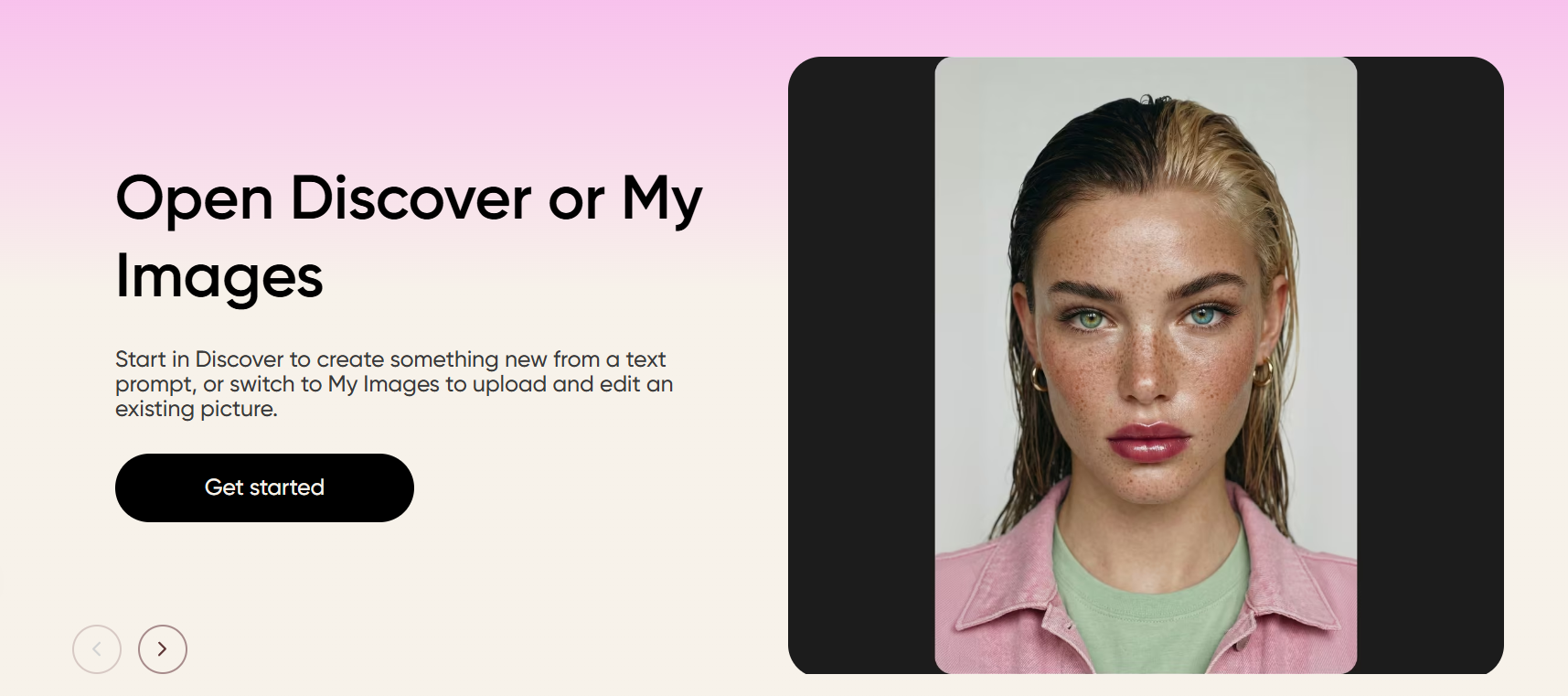
Just write a short description, and Picsart will create unique images in various styles for you. It is really simple to make art, promotional images, concept designs, or social media content.
AI Image Enhancer
You can give your photos a cleaner and more detailed look without doing manual editing. It sharpens images, enhances image quality, and also helps in restoring the photos that look blurred or have low resolution.
AI Design Generator
Instead of getting confused with a blank white page, make ready-to-use designs within minutes. Simply describe your idea, and Picsart will automatically generate a draft design that you can further modify for your social media posts, flyers, presentations, banners, and so on.
AI Background
If you want, a photo's background can be removed to reveal the subject or replaced with a new one that better fits the style of your work. Clean product photos, pro portraits, and striking marketing visuals require only a couple of clicks.
AI Logo Generator
If you have a brand idea but do not want to hire a designer to turn it into a logo, then Picsart is your solution. Just type in your company name and some additional information, and it will automatically come up with logo ideas which you can then customize by changing the fonts, colors, and layouts.
AI Replace
Change the objects, people, colors, or any other features and the rest of the image will still look natural and harmonious.
Use Cases Of Picsart AI
Developers
Add Picsart AI to your app to let people edit photos, remove backgrounds, and create images with AI. You can also save time by using its APIs and automation tools.
Fashion
Show off your clothes with clean product photos, stylish ads, and social media posts. You can also change backgrounds and make new campaign images in just a few clicks.
Beauty
Create bright and colorful images for makeup, skincare, and beauty products. It's easy to make ads, tutorials, and social posts that catch people's attention.
Food and Drink
Turn food photos into eye-catching menus, posters, and social media posts. You can quickly make new designs for special deals, new dishes, and promotions.
Health and Fitness
Share workout tips, fitness challenges, and wellness posts with simple designs. Keep all your graphics looking neat and on-brand.
E-commerce
Sell products with clear product photos, custom backgrounds, and promotional banners. Create product listings and marketing images faster with AI.
What We Like About Picsart AI
You can create a picture, retouch it, eliminate the background, insert text, and do final retouches all in one editor. All the different AI tools work fast, with minimal instruction, resulting in an overall user-friendly and manageable workflow.
What We Don't Like About Picsart AI
The free credits run out quickly, especially if you use them a lot. A couple of image creations may take a second or third try to get them how you want them to be.
Picsart AI Pricing Plans
Pro — $3.11/month
- 500 credits/month
- 125 Nano Banana Pro generations
- 35 Kling 3.0 videos
- Access to all photo & video editing tools
- AI background & object removal
- Unlimited Flux2 Klein image generations
- 1-tap image enhancer
- Premium templates, fonts & stock assets
- Supports up to 3 brand kits
- Bulk edit up to 50 images
- 100 GB cloud storage
- AI agents, CLI & MCP integration
Ultra — $57.94/month per seat
- 2,500 credits/month
- 625 Nano Banana Pro generations
- 277 Kling XL videos
- Everything in Pro
- 5× higher usage limits
- Early access to new AI features
- Advanced AI models & workflow automation
- Unlimited Flux2 Klein image generations
- Up to 10 brand kits + team collaboration
- 2,000 API credits
- Bulk edit up to 100 images
- 300 GB cloud storage per seat
- AI agents, CLI & MCP integration
Enterprise — Custom Pricing
- Custom credits & flexible billing
- Volume discounts & on-demand top-ups
- Photo/video editor SDKs
- Pay-as-you-go creative APIs
- White-label customization
- Marketing, e-commerce & printing support
- Bring your own assets, templates & fonts
- Enterprise security, SLAs & dedicated account manager
FAQs About Picsart AI
Is Picsart AI free?
Yes, but some AI tools require a paid plan.
Can beginners use Picsart AI?
Yes. It's designed to be simple and easy to learn.
What can I create with Picsart AI?
Images, logos, social media posts, ads, and more.
Can I use Picsart AI for business?
Yes. Many businesses use it for marketing, product photos, and branding.
Do I need to install Picsart AI?
No. You can use it in your web browser or download the mobile app.
Conclusion
Picsart AI is an easy-to-use yet flexible creative software with photo editing. AI art generator, design tools and content creator all within one interface. It features a simple UI, an arsenal of templates and its collection of creative AI features to serve creators, advertisers, small businesses and the everyday social media user to achieve a pro result without any designing expertise needed.