Photor
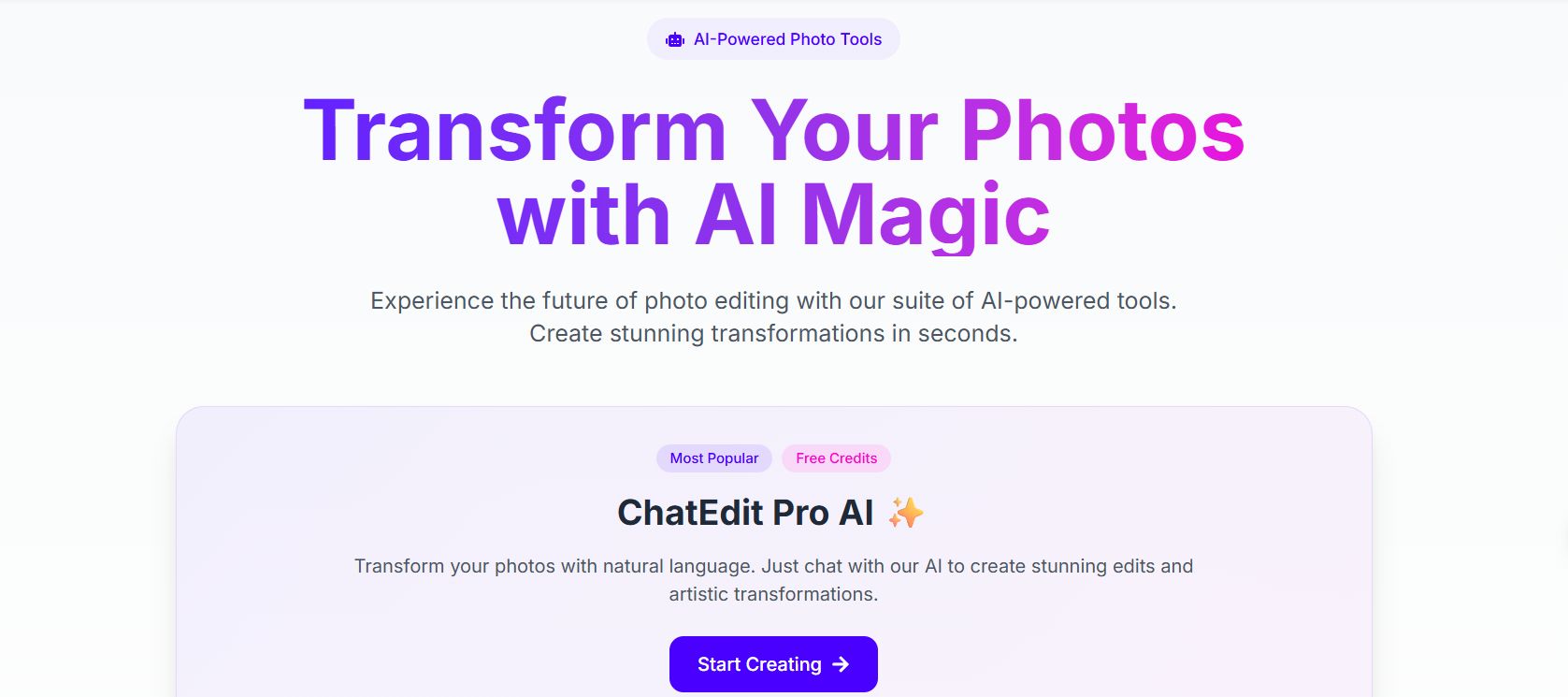
Edit, enhance, and create stunning images with AI.
Photor is an AI photo editing tool. It helps you edit, improve, and create images in minutes. You do not need design skills to use it. The tool is made for hobbyists, creators, and professionals.
Enhance photos, use AI tools, and create better visuals fast. It saves time and makes editing easy.
Features Of Photor
AI Photo Enhancement
Photor improves image quality with one click. It sharpens details and fixes lighting automatically.
AI Chat Assistant
It includes an AI assistant that helps you create or edit content quickly.
Batch Processing
You can edit many photos at the same time. This saves a lot of time.
Advanced AI Tools
Professional and Premium users get access to advanced AI features. These tools give better control and higher-quality results.
Daily Credits System
Photor works on a credit system. You get a set number of credits each day and month based on your plan.
Priority Support
Higher plans include faster customer support when you need help.
Use Cases Of Photor
Social Media Content
You can create and edit images for Instagram, Facebook, or other platforms.
Product Photography
Online sellers can improve product images to look clean and professional.
Blog and Website Images
Bloggers can enhance images for articles and websites.
Creative Projects
Designers and creators can use AI tools to experiment with new ideas.
Bulk Image Editing
Businesses can edit many images at once using batch processing.
How To Use Photor
- Go to the Photor website and create an account.
- Choose a pricing plan.
- Upload your image.
- Select the AI tool you want to use.
- Apply changes and download your edited image.
What We Like About Photor
Easy To Use
The dashboard is simple and clean. You can understand it quickly.
Fast Results
AI tools work in seconds. You do not wait long.
Multiple Plans
There are plans for beginners and professionals.
Batch Editing
You can edit many photos at once, which saves time.
What We Don't Like About Photor
Credit Limits
Each plan has daily credit limits. Heavy users may run out of credits fast.
Advanced Features Cost More
The best features are only available in higher plans.
Internet Required
You must be online to use the tool.
Photor Pricing Plans

Personal Plan
- $9.99 per month
- 1,500 credits per month
- 50 credits per day
- AI Chat Assistant
- Cancel anytime
Professional Plan
- $18 per month
- 3,000 credits per month
- 100 credits per day
- Advanced AI features
- Batch processing
- Priority support
Premium Plan
- $89 per year ($7.42 per month)
- Save 61%
- 100 daily credits
- Everything in Professional
- Premium AI features
- Early access to updates
FAQs About Photor
Is Photor free?
Photor mainly offers paid plans. You need a subscription to get full access.
Is Photor good for beginners?
Yes. It is simple and easy to use.
Does Photor support batch editing?
Yes. Professional and higher plans include batch processing.
Can I cancel my plan?
Yes. The Personal plan clearly says you can cancel anytime.
Who should use Photor?
Hobbyists, content creators, online sellers, and small businesses can use it.
Conclusion
Photor is a simple and practical AI photo editing tool. It helps you improve images fast without learning complex software. And the clean design makes it easy for beginners to start right away.
It works well for social media creators, online sellers, and small businesses. The batch editing and advanced AI tools are useful for professionals who handle many images.