Are you new to Discord, or perhaps going to join a Discord server, or want to rebrand your Discord server? Then, changing or creating or creating a new Discord banner maker might be a good idea. It will give a fresh start to your Discord profile.
While many banner makers are available all over the internet, most of them are generic design platforms that are not specialized for Discord banner making.
Discord Banner maker specifically creates banner based on Discord’s requirements and hence, are better. Here, I have compiled 6 Discord banner makers that can create custom banners.
What is a Discord Banner Maker?
Discord banner maker is basically an online tool that creates and edits a banner. It is made for Discord servers and profiles only. Discord is very precise about the size requirements, and these tools create banners with the right dimensions.
Now, what is a Discord banner, you ask? It’s basically a cover photo that can show a user’s interests and personality. That is why Discord users put so much emphasis on the banner of their profile. They want it to look good.
Types of Discord Banners
Even though the main Discord banner is the one behind the profile picture, in the same position as a cover photo, there are two other types of banners in Discord.
Profile banners
A profile banner is the main type of banner in a user’s Discord profile. The main reason for having this banner is to personalize a profile, meaning making it look different than the other profiles. Each profile should have its own unique identity.
Server banners
Server banners are for Discord servers. They are large images that show the important things like the time, theme, and branding. A server banner that looks good may attract more people.
Invite splash banners
An invite splash banner is displayed when someone invites another user to a specific server.
Background images displayed on certain Discord server invite screens.
Discord Banner Requirements
- Profile banner: Minimum 680 × 240 px.
- Server banner: Recommended 960 × 540 px.
- Invite splash: 1920 × 1080 px.
- Formats: PNG, JPG, and GIF (where supported).
- Quality: High resolution, clear visuals, and correct cropping.
- Design: Readable text, good contrast, and important elements away from edges.
- Animation: GIF support for animated banners.
Discord Banner Makers at a Glance
| Tool | Best For |
| BotGhost | Custom Discord banners |
| Creavite | Animated profile banners |
| Siutil | Simple banner editing |
| Asterion Studios | Banner cropping and resizing |
| Zealy | Quick server banners |
| TOEA | Custom banner creation |
BotGhost
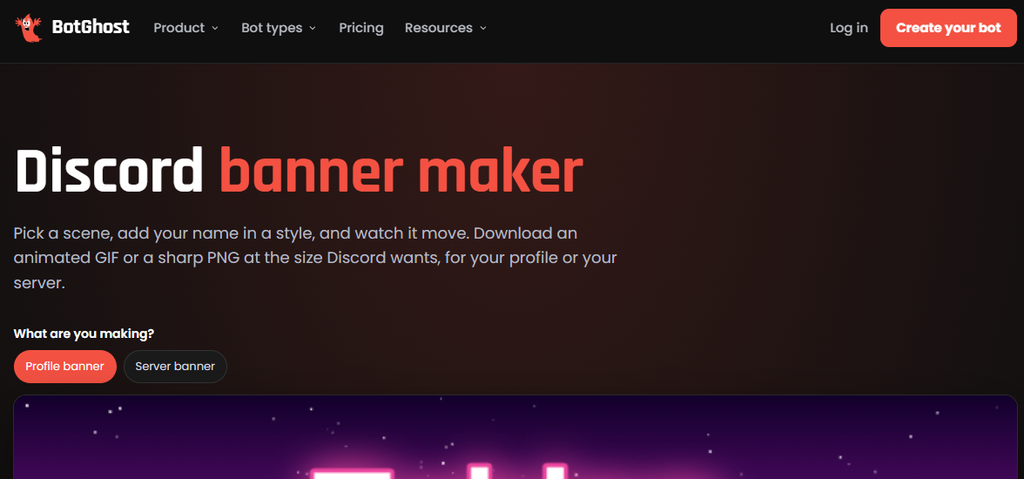
Bot Ghost is a tool for designing and editing graphics relating to Discord, such as profile or server banners. It allows users to make their communities on Discord seem more professional and tailored to their own tastes by designing custom banners, using different background images, text, colours, and other visual elements in order to make a banner that best represents their community. This is helpful for server owners looking to give their Discord a more professional appearance without the need for extensive graphic design skills.
Features
- Custom banner designs
- Background and text customization
- Options for personalizing server visuals
Strengths
- Supports custom images and animated scenes.
- Offers Discord-specific banner layouts.
Weaknesses
- Limited animation customization.
- Some Discord banner features require Nitro or server boosts.
Creavite
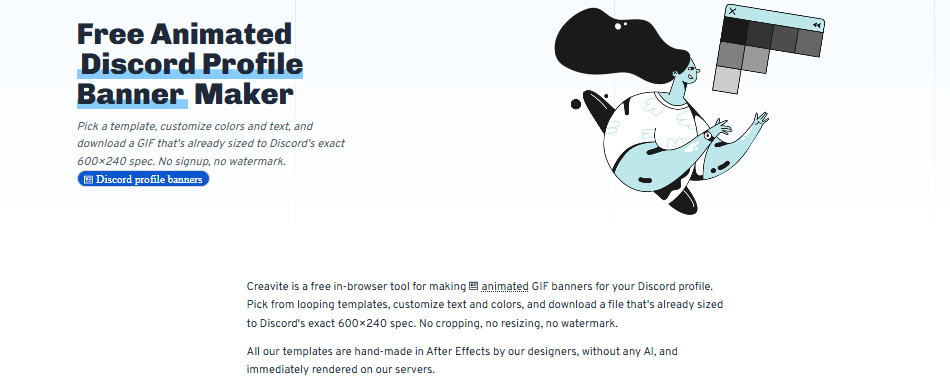
Creavite is basically a tool for people who wish to give their Discord profile an attractive look with banners. All you do is choose the options and create animated banners from already designed templates instead of designing one from scratch. It gives you the options to choose a banner of your desire then customize the text and colours and finally, give it a hit to give you your animated banner GIF.
Features
- Ready-made animated templates
- Custom text and colour options
- GIF downloads
Strengths
- 36 ready-made animated templates.
- Customizable colours and GIF downloads.
Weaknesses
- Limited animation editing.
- Some templates have restricted colour options.
Siutil
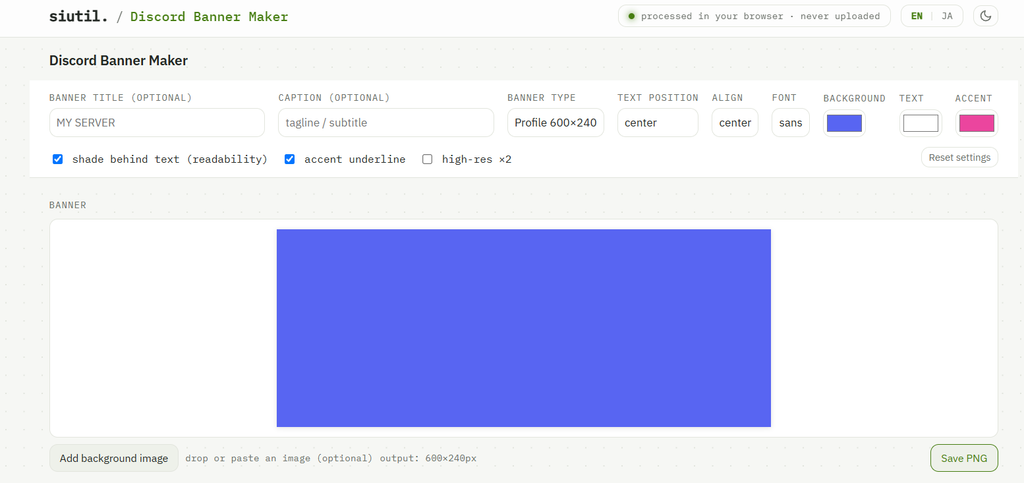
Siutil is a browser-based Discord banner maker to make your profile and server banners. With the app, you don’t need complex image editing software to make a banner. You get a user-friendly editor to add a heading, caption, background image, and accent colours. You can modify the layout by changing text alignments and font types/widths/positions. The app also provides two size options for profile banners and server banners. When you’re satisfied with your design, download it as a PNG file. The app also enables you to upload images directly to your browser using HTML5 without the upload requirement.
Features
- Custom text and background images
- Font, colour, and alignment controls
- High-resolution PNG export
Strengths
- Supports precise text positioning.
- Offers high-resolution PNG exports.
Weaknesses
- No animated GIF support.
- Limited font and template choices.
Asterion Studios
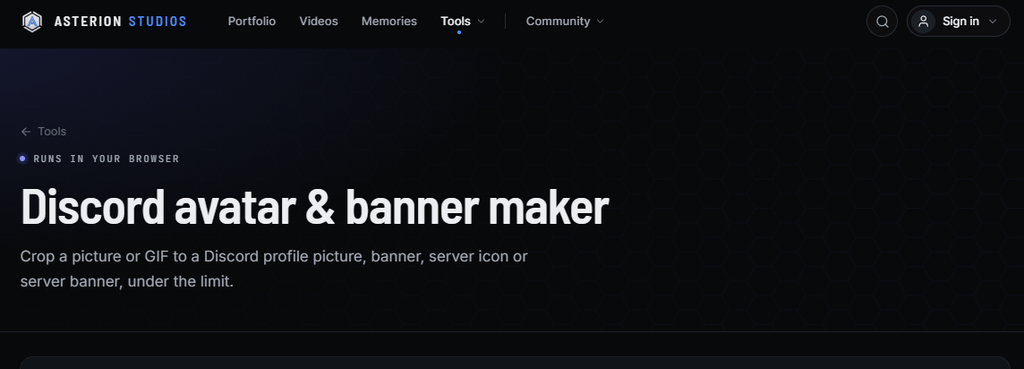
Asterion Studios provides a good editor for those who already have an image or GIF and just want to resize or edit it to be uploaded to Discord. The Discord banner maker can take your existing GIF image and crop it in ways that allow you to use it as a profile banner, server banner, or profile picture/server icon. You can zoom, drag, and position your image until you get the portion of the image exactly how you want it to show through the cropping box.
Animated GIFs are supported and will automatically have their size reduced if they don’t meet the file size requirements. As it is all done in-browser, your original image and GIF are stored locally on your device.
Features
- Image and GIF cropping
- Multiple Discord image formats
- Automatic GIF compression
Strengths
- Supports multiple image and GIF formats.
- Includes automatic GIF compression.
Weaknesses
- Cannot create banners from scratch.
- GIF compression may reduce image quality.
Zealy
Zealy offers a free Discord banner maker to generate a simple banner for your server without the need for professional graphic design software. This Discord banner maker allows you to pick a banner background, add a title and subtitle, and choose a text colour and position. You can select a solid colour, gradient, or upload your own image background.
There’s also a safe-area guide to tell you where your banner text is likely to get cut off when Discord generates banners at different screen widths. When your banner is finished, you can use the tool to download it as a PNG image – without needing to create an account.
Features
- Solid colour and gradient backgrounds
- Custom titles and subtitles
- Safe-area preview
- PNG downloads
Strengths
- Offers custom backgrounds and gradients.
- Includes a safe-area preview.
Weaknesses
- No animated banner support.
- Limited text customization.
TOEA
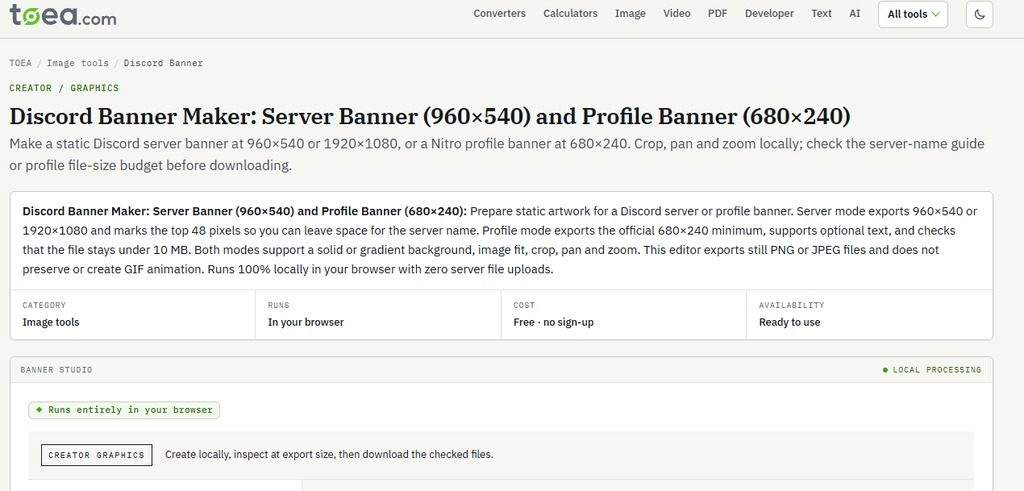
TOEA is the best free online Discord banner maker to make static banners for your profile and server. The editing canvas is pretty straightforward, and you can select background colours, add gradients, upload images, and position your artwork in the banner. You can also add text to your profile banner, while moving and scaling images in the banner to get the composition just right.
The template sizes are separate for server and profile banners, with you being able to select the exact dimensions to prepare your banner. You also get a file-size check before download, which helps prevent upload issues. TOEA works in-browser, and you don’t need to create an account to use the editor.
Features
- Custom backgrounds and gradients
- Image cropping, zooming, and positioning
- Text customization for profile banners
- PNG and JPEG downloads
Strengths
- Supports profile and server banners.
- Includes cropping, zooming, and file-size checks.
Weaknesses
- No animated GIF creation.
- Limited advanced design options.
FAQs
What is a Discord banner maker?
A Discord banner maker is an online tool that helps users create custom profile and server banners using images, text, colours, templates, and animations.
Which is the best free Discord banner maker?
Tools like Siutil, Zealy, and TOEA are useful for creating free static Discord banners. Creavite is worth considering for animated designs.
Can I create animated Discord banners?
Yes. Tools like Creavite and BotGhost offer options for animated banners. You can also use Asterion Studios to resize existing GIFs.
What is the recommended Discord banner size?
The recommended profile banner size is 600 × 240 pixels. Server banners generally use a 960 × 540 pixel canvas.
Do I need Discord Nitro to upload a custom banner?
Yes. Discord Nitro is required for a personal profile banner. Server banners have separate server boost requirements.
Conclusion
No professional assistance with design is needed in the creation of a Discord banner. If your banner is static, it is not difficult to design it with programs like Siutil, Zealy, or TOEA. For animated images, Creavite is the best choice. Asterion Studios is effective if you already have an image and just want to make it a smaller size. First, decide what type of banner you want (static or animated, or the intricacy of the design, etc.). Next, decide on the tool you want to use (customizability, features, etc.).
Sapna Ghodasara is the founder of Guide of AI Tool, where she writes in depth reviews of AI tools for marketers, creators and businesses. Her reviews focus on what matters before you pay for a tool: real use cases, honest pros and cons, pricing, and how well it fits into an everyday workflow.
Sapna is the cofounder of SEOMagicLab. That mix of technical training and daily marketing work lets her judge AI tools from two angles: how well the technology actually performs and whether it delivers real value for the people using it.