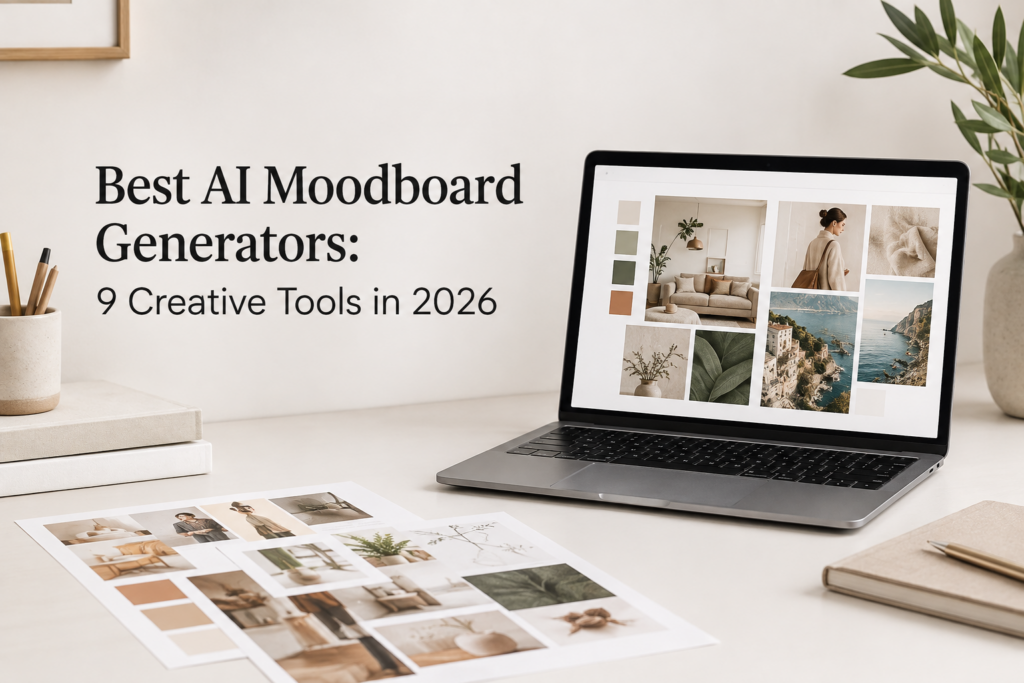
Moodboards are not just collections of pretty pictures. They are often the first place where a design starts to look real. 47% of creative professionals said they spend 11–30 minutes gathering inspiration before creating content, while 22% spend more than an hour.
A fashion concept, room makeover, brand identity, website, or marketing campaign can all begin with a handful of images and a color palette. The interesting part is that there is no single right way to build one. Some people prefer a carefully arranged digital board, while others want to throw ideas together and see what sticks.
Below, we compare the best AI Moodboard Generators, their key features, pricing, and what makes each tool different.
What is a Moodboard?
A moodboard is a collection of things that show what you want your design to look and feel like. You can add photos, colors, fonts, textures, patterns, and short pieces of text. Together, these elements help you turn an idea in your head into something you can see.
You do not need to follow any strict rules when making one. You can use a paper board, a digital canvas, or even a simple collection of images. The main goal is to bring your ideas together and make the style of your project clear.
The Evolution of Moodboards and how how AI has changed it
Moodboards have changed a lot over the years. In the past, people often printed pictures and stuck them on boards. Today, there are many easier ways to create them. These are types of moodboards:
Physical Moodboards
Designers can still use paper, fabric, paint samples, photos, and other real items. This method is helpful when the look or feel of a material is important.
Digital Moodboards
Online tools make it easy to collect images and arrange them on one screen. You can also edit your board, share it with your team, and get feedback without making a new board.
AI Moodboards
AI has made moodboard creation even faster. Just describe the look you want, and an AI tool can create ideas based on your description. Some tools can also help with colors, images, layouts, and overall style.
What to Look for in an AI Moodboard Generator
Choosing the right AI Moodboard Generator can make it much easier to turn your ideas into a clear visual concept. However, not every tool offers the same features. Before choosing one, check the following:
Easy to Use
A good AI Moodboard Generator should have a simple interface. You should be able to enter your idea, create a moodboard, and make changes without spending hours learning the tool.
AI Image Generation
Look for an AI Moodboard Generator that can generate images from text prompts. For example, you could input, “a modern living room in warm tones, wooden furniture, and ambient lighting.” The tool should convert this information into practical visual assets.
Style and theme options
Every project has its unique look and feel. A competent AI Moodboard Generator offers a variety of design aesthetics, so exploration of modes like modern, vintage, minimalist, luxury, fun, or natural is valuable for project matching.
Color management
Colors have a major role to play in any moodboard, and some of these tools offer either color palette suggestions or enable consistency throughout; very useful for a clean, definitive design aesthetic.
Templates to begin with
To eliminate the blank-page challenge, templates are helpful, and a well-designed tool should offer some layouts that you can then adapt to suit your project needs.
Ease of editing
AI generates results that can sometimes fail to match desired designs completely; however, a good generator will also allow for image replacement, item placement, color changes, adding text, and design arrangement customization without regenerating the whole moodboard, to save you some time.
Image search and inspiration
Various moodboard generators will find and provide fitting images based on your choice of style/theme. This tool will considerably shorten the time you invest in creating each image yourself.
Visual consistency
A well-made moodboard comprises pieces that all feel cohesive, and AI tools will do best in ensuring that you can consistently have similar colors, styles, mood, as well as a sense throughout multiple pictures.
Collaborative elements
If you share a client account with other teams or individuals, file sharing features will undoubtedly prove very helpful. Tools with viewing, commenting, and editing options make team-wide interactions seamless.
Export settings
Final moodboards can and should be saved, as well as used appropriately. Commonly needed export types can be standard document types, and picture formats too, facilitating easier client uploads and presentation integration/another design tool upload.
High-quality pictures
Ensure that the photos delivered have adequate quality. If you envision using your moodboard within a business proposal or with a client, images can bring the whole moodboard together with little professional investment.
Speed
This is undeniably one of the most critical and rewarding features of any AI tool. Quick design suggestions generate alternatives more rapidly than any individual will.
Price and no-charge alternatives
Each tool comes at a cost, and one would do well to take note of whether its plan is suitable for those starting out or for an expanded operation. Some AI tools have both free and paid options, although free trials are available in either case if the user preferring trial then purchase.
Privacy concerns and rights usage
For projects with proprietary data or any commercial designs, ensure that the upload feature has the right settings for client uploads, and critically analyze the images to make sure they don’t contain unwanted material before using; it is wise to analyze usage rights for the images as well, especially if they were meant for commercialization.
AI Moodboard Generators At A Glance
| Tool | Best For | Free Plan | Starting Price |
| MoodyBoards | AI moodboards | Yes | $9.99/mo |
| Moodboard AI | Interior design | Yes | $79/mo |
| Kive AI | Creative teams | Yes | $15/mo |
| Miro | Collaboration | Yes | $8/member/mo |
| Canva | Easy design | Yes | Paid plan |
| InVideo AI | Video concepts | Yes | $17/mo |
| Venngage | Visual designs | Yes | $10/mo |
| Adobe Firefly Boards | Creative projects | Limited | ₹797.68/mo |
| Media.io | AI visuals | Yes | $6.99/mo |
Best AI Moodboard Generators: 9 Creative Tools in 2026
MoodyBoards
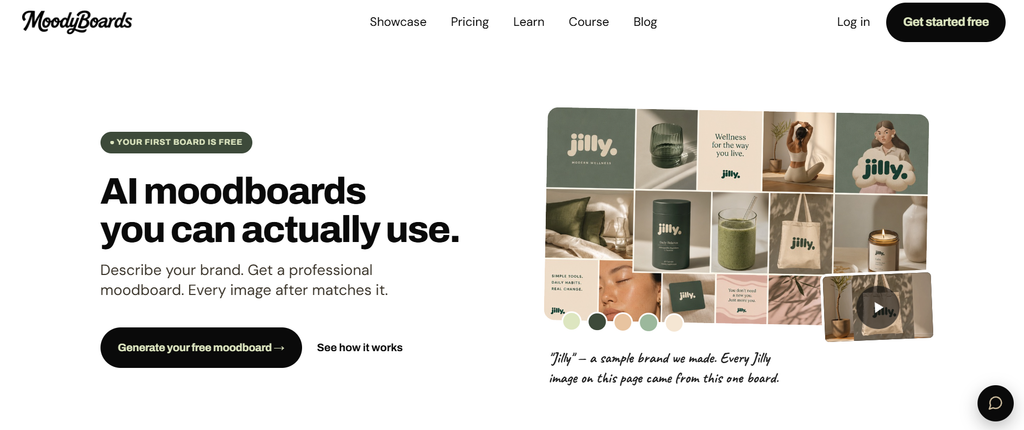
MoodyBoards is an AI tool made specifically for creating moodboards. It helps turn a design idea into a visual collection of images, colors, and styles. It can be useful for designers, marketers, and anyone who wants to explore a creative direction quickly.
Features
- Create moodboards from text descriptions
- Generate images based on your moodboard
- Upload logos and reference images
- Add your own brand colors
- Choose from different visual styles
- Keep generated images visually consistent
- Download images in full resolution
- Commercial use is included
Pricing
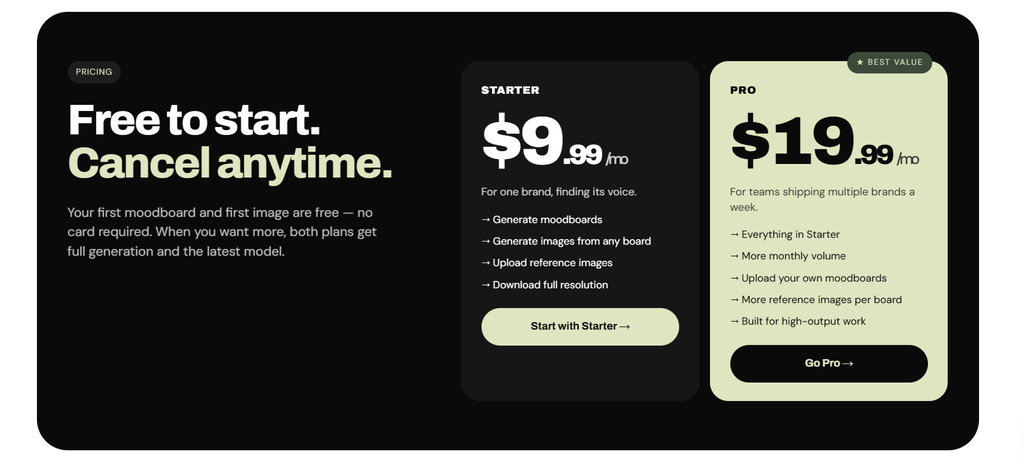
- Free: First moodboard and first image are free
- Starter: $9.99/month
- Pro: $19.99/month
Moodboard AI
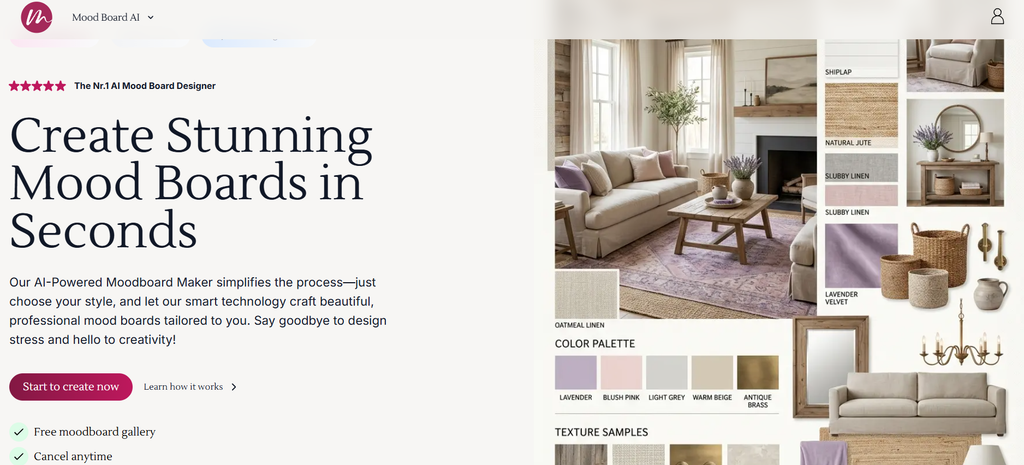
Moodboard AI helps users create visual boards from their ideas without having to collect every image manually. You can use it to explore different styles, themes, and visual directions for a project. It is a simple option for creating moodboards with the help of AI.
Features
- AI-generated moodboards
- AI image generation
- Moodboard editor
- AI background removal
- Custom product imports
- Furniture product library
- Color palette generator
- AI image cleanup and upscaling
- Similar product search
- Automated shopping lists
- AI design suggestions
Pricing
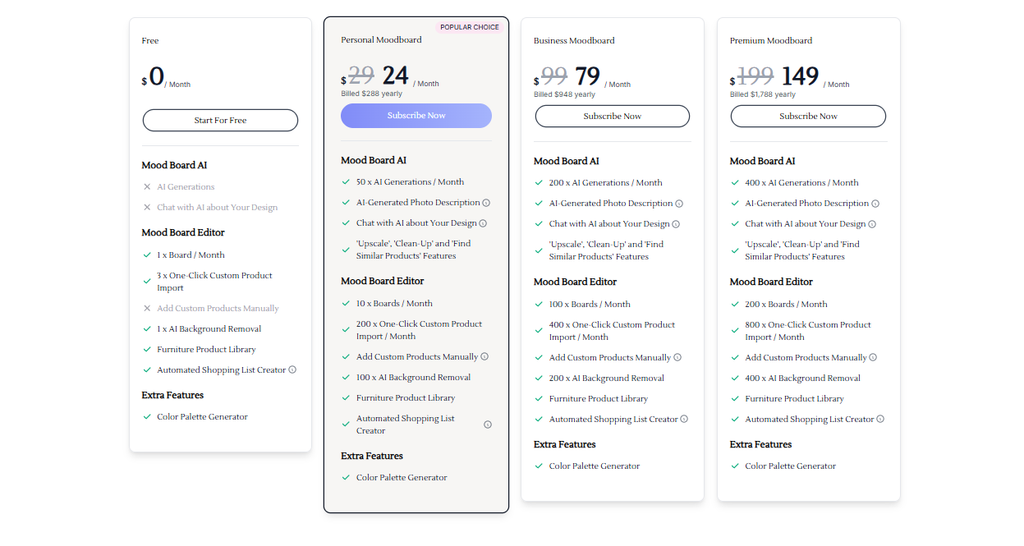
- Free: Limited access is available
- Business: From $79/month when billed yearly
- Premium: From $149/month when billed yearly
Kive AI
Kive AI is a visual workspace for creative teams. Instead of simply generating a moodboard, it helps you collect, organize, search, edit, and generate visual content in one place. It can be useful for teams that manage a large collection of creative references.
Features
- Create and organize visual boards
- AI image and video generation
- AI editing tools
- Visual inspiration library
- Brand style training
- Search and organize creative assets
- Shared workspace for teams
- AI products and creative tools
- Large asset library
Pricing
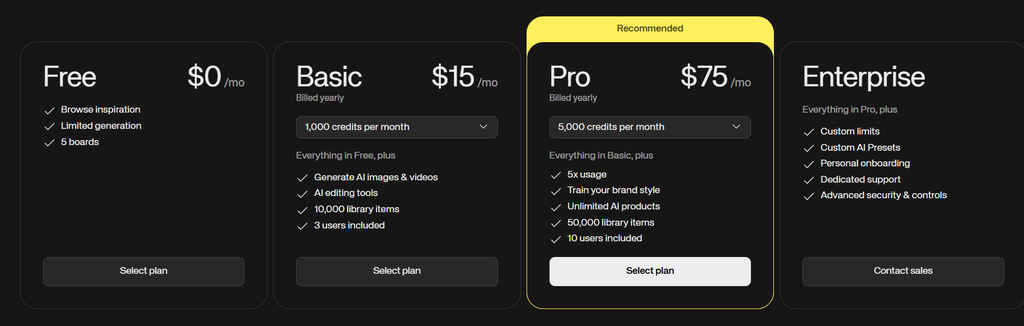
- Free: $0/month with limited generation and up to 5 boards
- Basic: $15/month, billed yearly
- Pro: $75/month, billed yearly
- Enterprise: Custom pricing
Miro
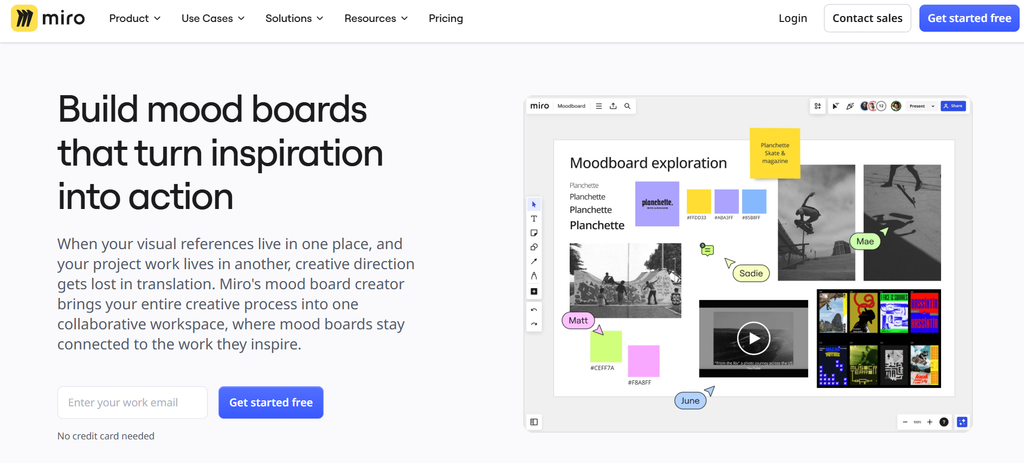
Miro is a collaborative online whiteboard rather than a dedicated AI moodboard generator. However, its large canvas, templates, image support, and AI tools make it useful for creating moodboards with a team. You can collect images, notes, colors, and other references on one board and work on them together.
Features
- Large visual canvas
- Moodboard and design templates
- Image and file uploads
- Sticky notes and text
- AI-generated diagrams and summaries
- Real-time collaboration
- Comments and voting
- Integrations with other apps
- High-resolution exports on paid plans
Pricing
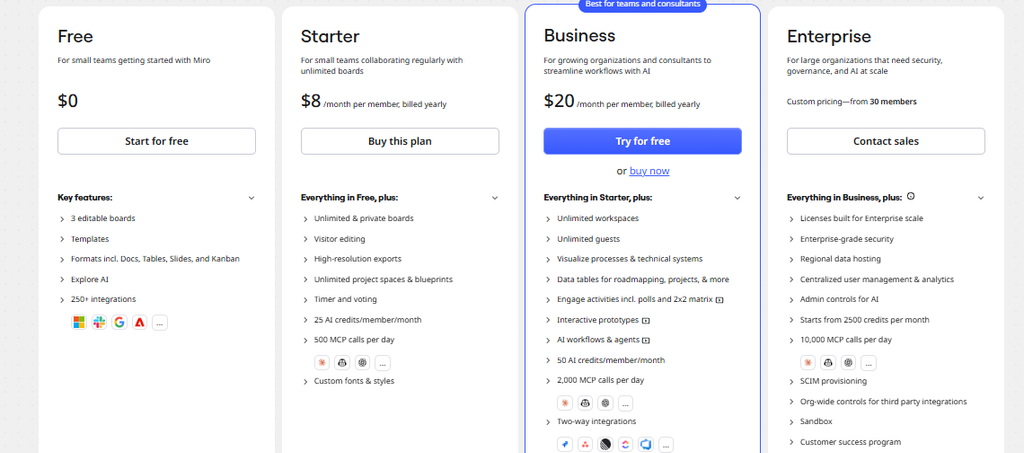
- Free: $0/month
- Starter: $8/member/month when billed yearly
- Business: $20/member/month when billed yearly
- Enterprise: Custom pricing
Canva Magic Studio
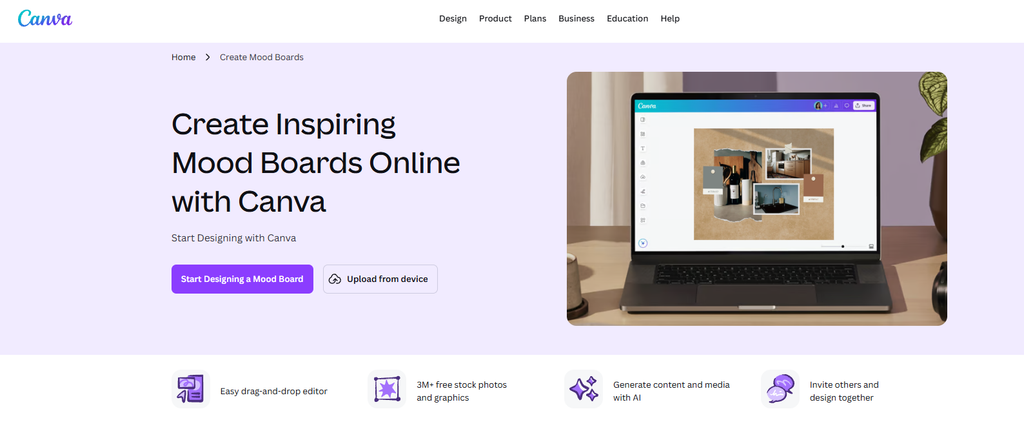
Canva Magic Studio brings AI tools into Canva’s design platform. It is not made only for moodboards, but its templates, image library, AI generation tools, and editing features make it easy to create one. It is a good choice for beginners who want to create and edit their moodboards in the same place.
Features
- AI image generation
- AI-powered design tools
- Large template library
- Drag-and-drop editor
- Image and video library
- Background removal
- Magic Design
- Text generation and editing
- Brand tools
- Easy sharing and collaboration
Pricing
- Free: Available with limited AI usage
- Pro: Paid subscription with higher AI limits and more design features
- Business/Enterprise: Plans are available for teams and organizations
Invideo AI
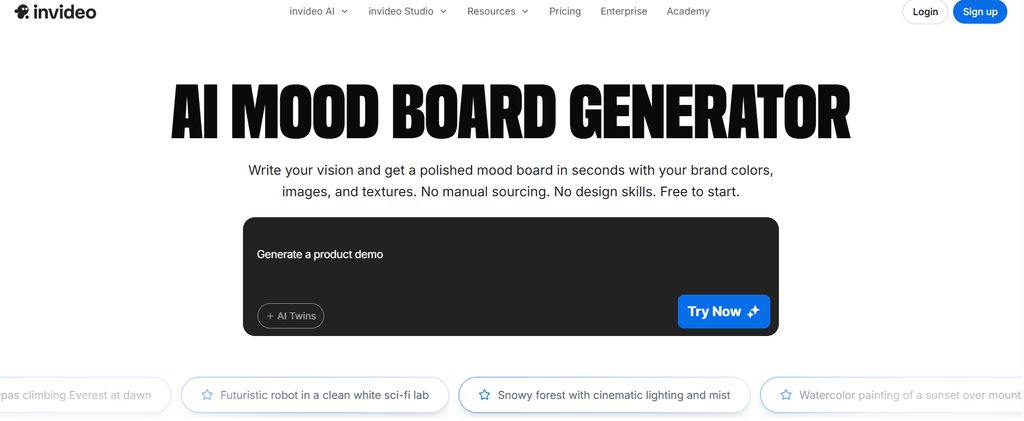
InVideo AI is mainly an AI video creation platform, but its image-generation features can also be useful when building visual concepts. You can generate images from prompts and use them as references for a moodboard, especially for video, advertising, or social media projects.
Features
- AI image generation
- Text-to-video generation
- AI video editing
- Stock media library
- AI avatars
- AI voiceovers
- Multiple AI models
- Prompt-based content creation
- Image-to-video generation
- AI agents for creative workflows
Pricing

- Free: Limited credits with no card required
- Plus: From $17/month when billed yearly
- Max: Higher monthly credit allowance
- Generative/Elite: Higher usage plans are also available
Venngage
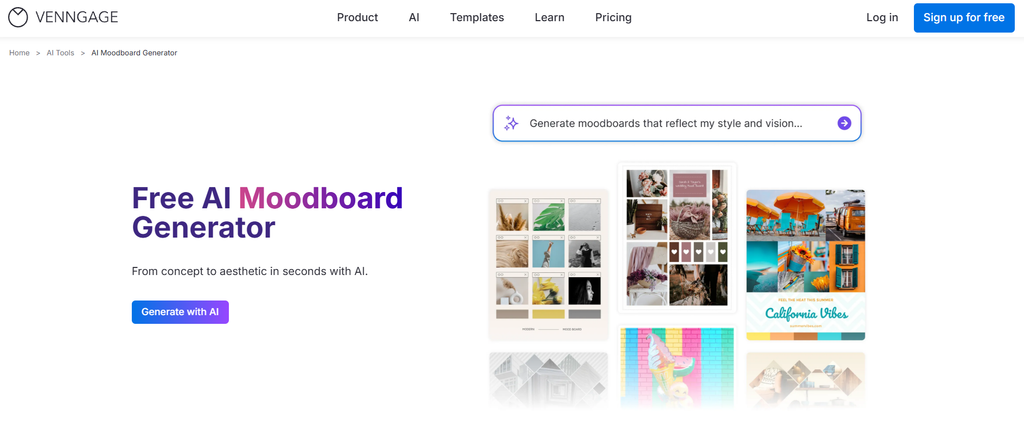
Venngage is best known for creating infographics, presentations, reports, and other visual designs. Its templates and AI features can also be used to create a moodboard. It is especially useful if you want your moodboard to look more like a polished presentation.
Features
- AI-powered design tools
- Ready-made templates
- Drag-and-drop editor
- Image uploads
- Icons and graphics
- Brand kits
- Team collaboration
- Private sharing
- PDF and PowerPoint exports
- High-resolution PNG exports
Pricing
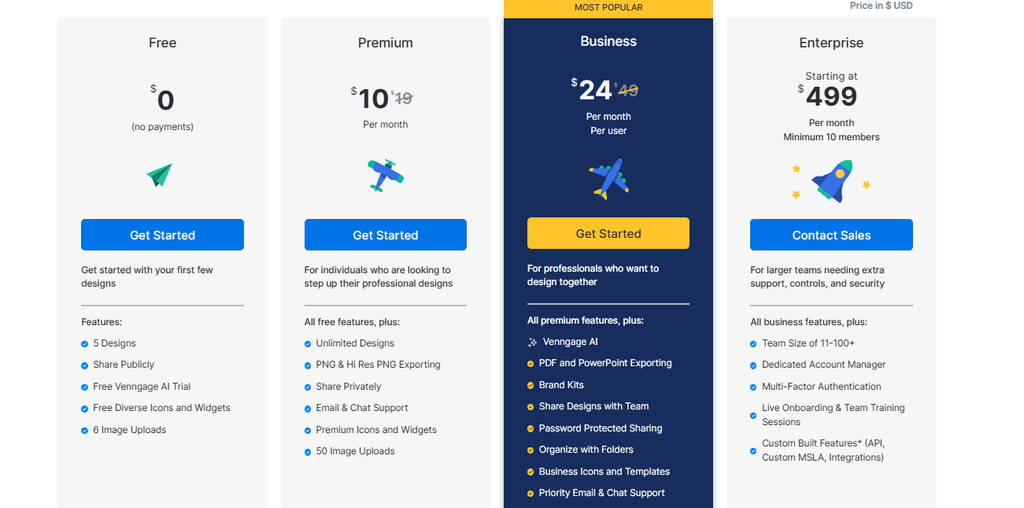
- Free: $0/month
- Premium: $10/month
- Business: $24/month per user
- Enterprise: $499/month
Adobe Firefly Boards
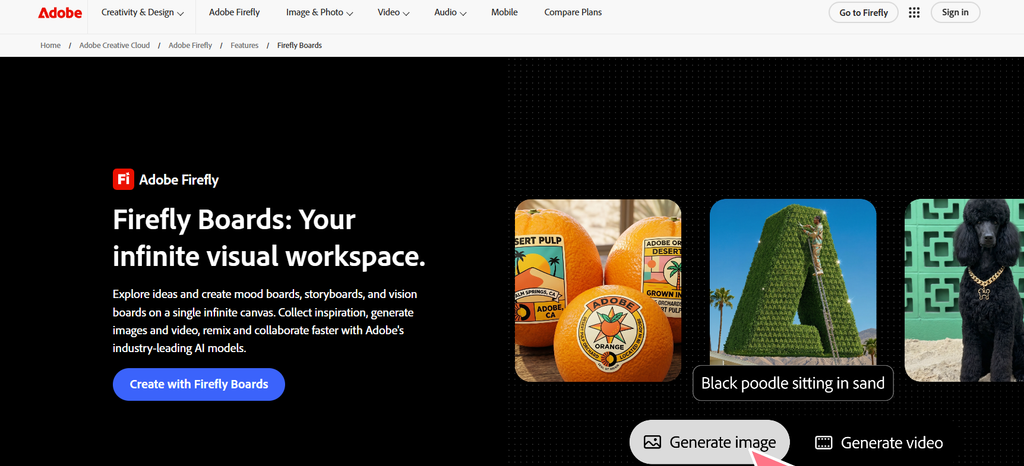
Adobe Firefly Boards is designed for exploring visual ideas, creating mood boards, developing storyboards, and preparing pitch materials. It uses generative AI to help users quickly test different creative directions and combine generated and existing images.
Features
- AI-powered moodboard creation
- Generate images from prompts
- Explore multiple visual ideas
- Upload and arrange reference images
- Background removal
- Generative Fill and Expand
- Create storyboards
- Create pitch concepts
- Access to multiple AI models on eligible plans
- Adobe Creative Cloud integration
Pricing
- Free: Limited daily generations
- Firefly Standard: ₹797.68/month
- Firefly Pro: ₹1,596.54/month
- Firefly Pro Plus: ₹3,990.76/month regular price
- Firefly Premium: ₹15,965.40/month regular price
Media.io
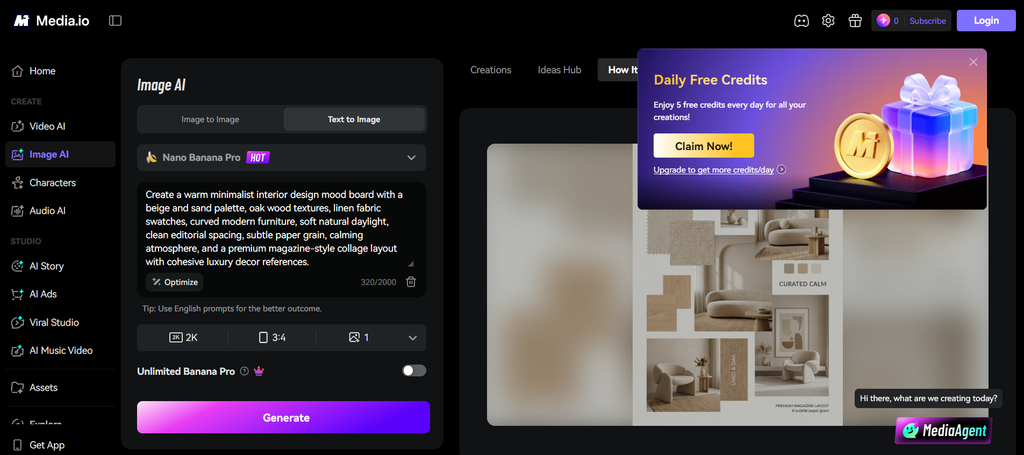
Media.io is an online AI media platform with tools for generating and editing images, videos, and audio. It is not a dedicated moodboard platform, but its AI image tools can help you create the individual visuals needed for a moodboard.
Features
- AI image generation
- AI image editing
- Image enhancement
- Background removal
- Object removal
- AI video generation
- AI video editing
- Image-to-video tools
- Large template and effects library
- Multiple AI models
- Cloud storage
Pricing
- Free: Limited daily credits and 720p exports with watermark
- Standard: From $6.99/month when billed yearly
- Premium: From $12.99/month when billed yearly
FAQs
How to create a mood board with AI?
First, mention the style, colors, theme, and what kind of project you are talking about. Using your suggestions, the AI will design a moodboard. You just have to play around with images, colors, and the layout till you are totally satisfied with the output.
What is the purpose of a moodboard?
The purpose of the moodboard is to showcase a given client’s style preferences and the project’s general mood. By presenting colors, photos, fonts, and textures together in one board, it effectively and swiftly communicates these elements as part of your design intention with your client, team members, or stakeholders.
What is a suitable AI tool for creating moodboards?
Some tools excel at producing images rapidly; other tools come with templates, editing capabilities, and multiple user functionalities that allow for team collaboration within the space. Often, the tool selected should be suited to the type of project being conducted and provide optimal functionality as far as customization ability for your board is concerned.
Can ChatGPT create moodboards?
No, though ChatGPT can inspire moodboards. Through conversation about what you want regarding a color theme, type, and design styles in relation to a specific project, ChatGPT will provide recommendations of images, colors, fonts, and layout that can be found for use.

Sapna Ghodasara is the founder of Guide of AI Tool, where she writes in depth reviews of AI tools for marketers, creators and businesses. Her reviews focus on what matters before you pay for a tool: real use cases, honest pros and cons, pricing, and how well it fits into an everyday workflow.
Sapna is the cofounder of SEOMagicLab. That mix of technical training and daily marketing work lets her judge AI tools from two angles: how well the technology actually performs and whether it delivers real value for the people using it.