
Datature
Build vision AI from data to deployment.
Datature is a new generation AI vision workspace that helps people and organizations create computer vision systems without writing complex code. It brings together data annotation, model training, performance evaluation, and deployment all in one environment. Therefore, it is an excellent tool for businesses that require visual AI solutions but want to keep their technical overhead at a minimum.
Features Of Datature
Datature provides a wide range of tools that cover the entire lifecycle of computer vision projects:
IntelliBrush Annotation Tool
Uses AI assistance to speed up labeling with high accuracy.
High-Precision Labeling
Supports detailed pixel-level segmentation with minimal clicks.
Visual Performance Insights
Offers charts and dashboards to analyze how models behave.
No-Code AI Operations
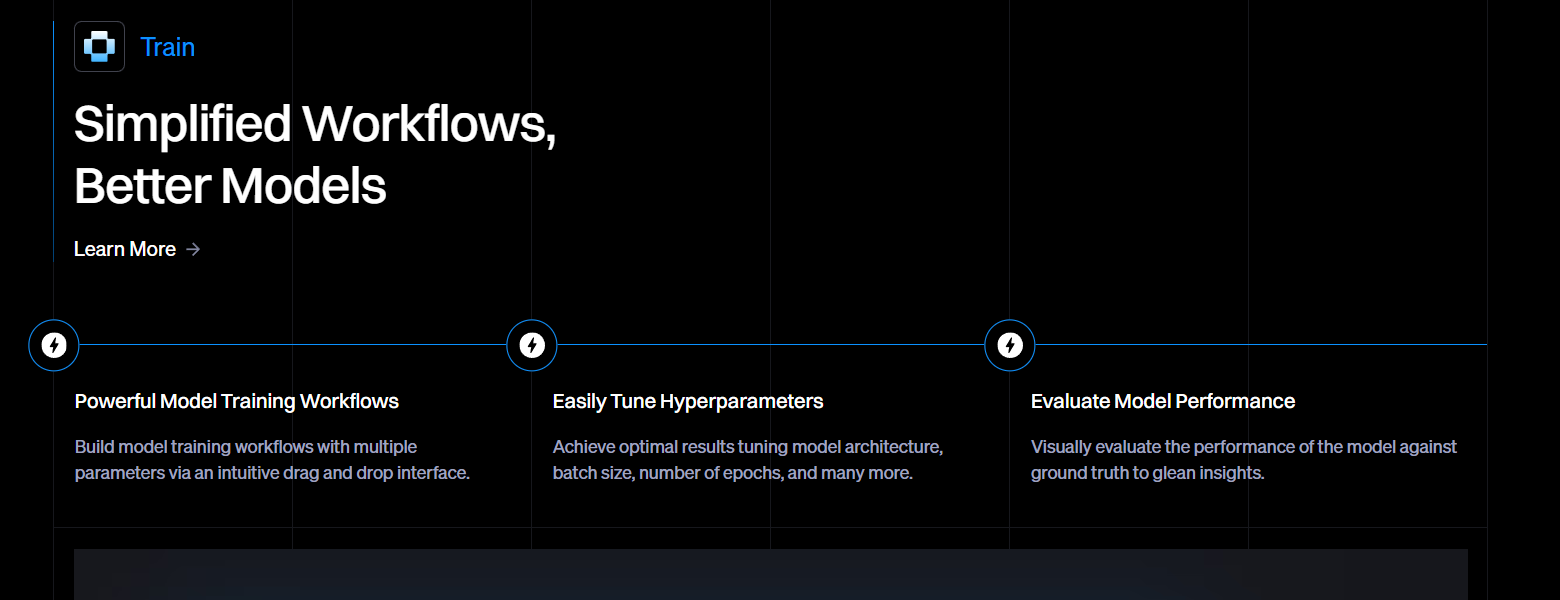
Enables users to manage training and deployment without programming.
Centralized Data Control
Organizes datasets, versions, and team roles in one place.
Custom Training Settings
Allows flexible configurations for datasets, augmentations, and models.
Use Cases Of Datature
Datature can be used in many real-world scenarios:
Smart Traffic Systems
Recognizes vehicles and pedestrians to help lower the number of accidents on the road.
Urban Monitoring
Increases safety in public places by identifying suspicious behavior.
Retail Intelligence
Observes client actions, handles inventory, and stops theft.
Medical Imaging
Assists medical staff in the interpretation of medical visuals.
Agricultural Automation
Detects crop issues and keeps an eye on the environment of the farm.
How To Use Datature
Using Datature typically involves these steps:
Upload Your Dataset
Import images or videos into the platform.
Annotate Data
Use IntelliBrush or manual tools to label objects.
Configure Models
Choose model types and apply augmentations.
Train the Model
Run training directly on the platform.
Evaluate Performance
Analyze metrics and visual insights.
Deploy
Export or integrate the trained model into your application.
What We Like About Datature
- Easy to use, even for non-developers.
- Strong focus on collaboration and teamwork.
- High-quality annotation features.
- Reduces the time required to build vision models.
- Scales well for enterprise use.
What We Don't Like About Datature
- Labeling large datasets still requires significant manual effort.
- Human input may introduce bias.
- Less suitable for non-visual AI tasks.
- Pricing may be high for small businesses.
- Model performance depends heavily on data quality.
Datature Pricing Plans
Free Plan
- Designed for hobbyists and individuals exploring computer vision
- Process up to 300 images
- 300 MB storage
- Create up to 5 exportable models
- 300 minutes of training compute time per month
- Slack channel support
- Free to start
Developer Plan
- For developers and researchers building advanced models
- Process up to 50,000 images
- 5 TB storage
- Create up to 50 exportable models
- 3,000 minutes of training compute time per month
- Slack channel support
- Requires contacting sales
Professional Plan
- Built for companies scaling AI operations
- Process up to 350,000 images
- 35 TB advanced storage
- Team collaboration tools
- Automates repetitive tasks
- Continuous model improvement
- Direct deployment to production environments
- Dedicated expert support
- Requires contacting sales
Enterprise Plan
- For private and government organizations
- Custom-built infrastructure
- Process millions of images
- Unlimited custom storage
- Deploy on private cloud or on-premise servers
- Separate workspaces with access controls
- Compliance with HIPAA & SOC II
- Requires contacting sales
FAQs About Datature
What is Datature mainly used for?
It is used to create and manage computer vision applications.
Is coding required to use Datature?
No, the platform is designed to work without programming skills.
Which industries benefit the most?
Retail, healthcare, agriculture, smart cities, and manufacturing.
Does Datature support teamwork?
Yes, it includes collaboration and role management features.
Is Datature suitable for beginners?
Yes, its no-code design makes it beginner-friendly.
Conclusion
Datature is, without a doubt, an all-in-one platform for creating visual AI systems without the need for technical expertise. It helps teams concentrate more on solving problems rather than worrying about the infrastructure.
It does have certain cost and scalability issues, but overall, it is a very viable option for those companies that want an easy and efficient computer vision platform.


