There are many things that can attract viewers to watch a video. But among them, a thumbnail always stands out. We can say that it is almost like the face of the video.
If a thumbnail is not interesting enough, viewers might skip it and become more interested in the others.
Believe it or not, 90% of the best-performing videos have custom thumbnails.
For creating a video that performs well and boosts CTR, it is mandatory to make a eye catchy thumbnail. In this guide, we have listed the best AI thumbnail generators that you absolutely need to try.
What is an AI Thumbnail Generator?
AI thumbnail generator uses AI to generate thumbnails for platforms like YouTube. You would usually need to write a prompt based on what you need in the thumbnail, then the tool will create a thumbnail based on that description.
For a better thumbnail, you need to create a better prompt so that the tool can easily grasp the vision and idea of the image it has to generate.
AI Thumbnail Generators At a Glance
| Tool | Best For | Key Features |
| Opus Clip | Video creators | AI thumbnails, video repurposing |
| Canva | Beginners | Templates, AI design, editing |
| InVideo AI | YouTubers | AI thumbnails, video creation |
| OpenArt AI | Creative thumbnails | AI images, styles, editing |
| Picsart AI | Social creators | AI images, templates, editing |
| Black Forest Labs | AI visuals | FLUX image generation |
| Fliki AI | Video creators | AI video, images, thumbnails |
| Recraft AI | Designers | AI images, vectors, branding |
| Submagic | Short-form creators | Thumbnails, captions, editing |
Opus Clip
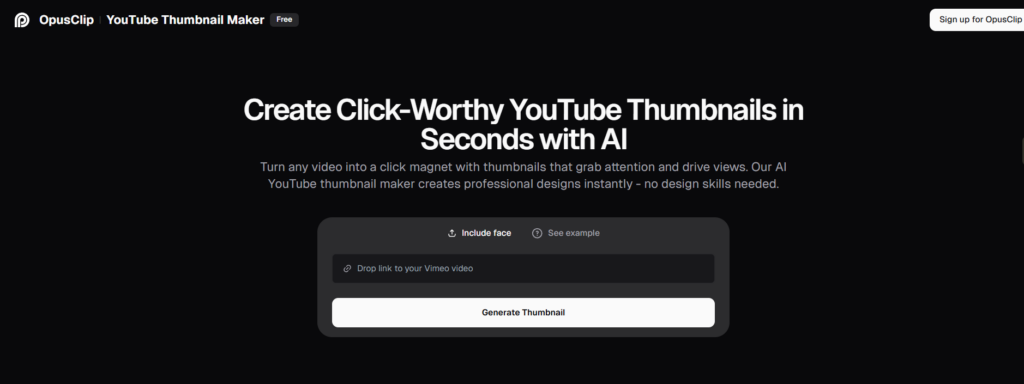
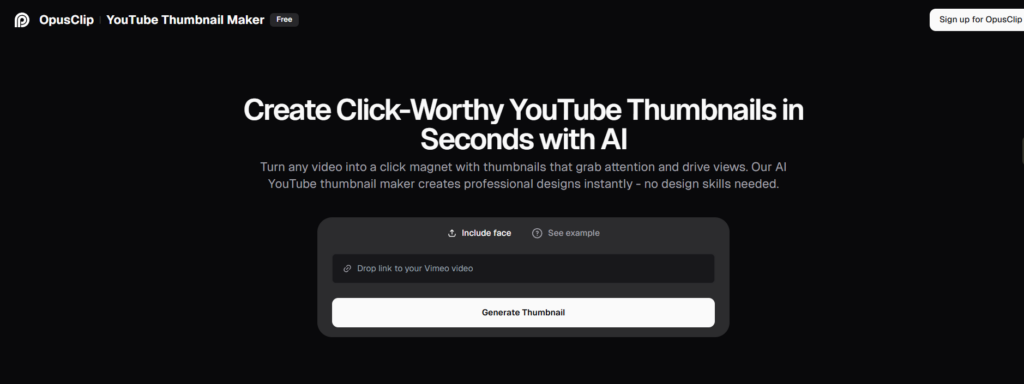
Opus Clip is mainly an AI video generator that creates short clips and high converting thumbnails as well. Simply drop the link to your YouTube, Vimeo, or LinkedIn video, and based on the video, it will create a thumbnail that is most relevant and expressive.
Features
- AI Thumbnail generator
- AI video generator
- AI Detection
- AI Captions Like Framedrop
- AI Dynamic Layout
Strengths
- Quick Registration
- Clean Upload Interface
- Easy Content Creation
- Viral Potential Rating
- Social Media Sharing
Weaknesses
- Double Captions Issue
- Slow Processing
- Social Media Upload Issues
- App Navigation Problems
Pricing
Starts at $15 Monthly.
How it Works
Opus Clip takes a video-first approach. I would upload the video, let the platform analyze the content, then select or generate thumbnail visuals around the video. It suits creators who already have video content and want to reduce the work involved in preparing supporting assets.
Canva
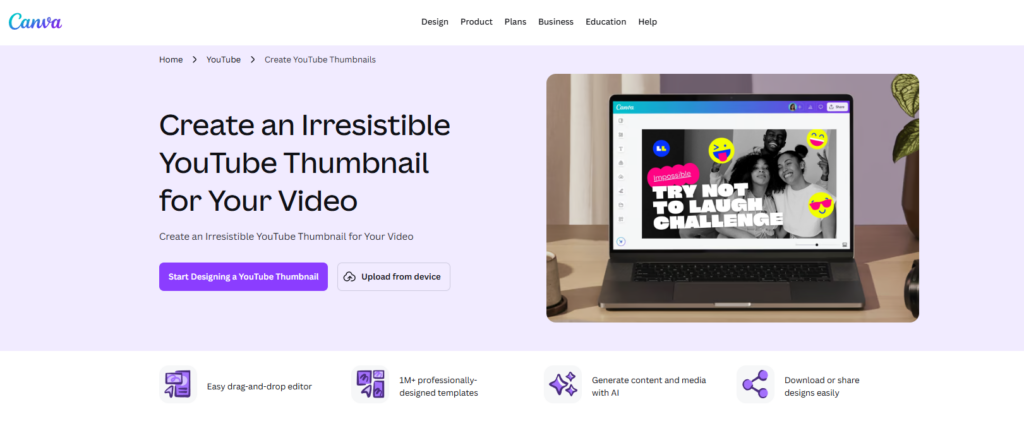
Canva creates thumbnails without compromising on quality and with the right aspect ratio and text rendering. It understands the YouTube algorithm, what works and what does not. You can upload from your device or copy and paste a link.
Features
- AI Image Generation
- AI Video Creation
- Multiple Art Styles
- Fast Content Creation
- Creative Exploration
Strengths
- Easy for beginners
- Wide variety of creative styles
- Saves time
- No advanced design skills required
Weaknesses
Needs good quality prompts
Pricing
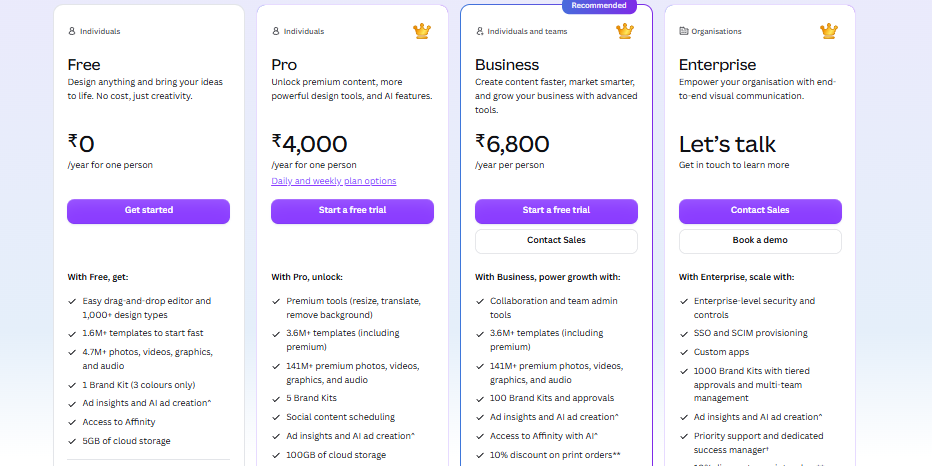
Free plan is available. Paid plans start at around $40.
How it Works
Start with a blank YouTube thumbnail template or an AI-generated image. From there, I could add text, photos, shapes, effects, and branding elements manually. Canva gives more control over the final layout rather than relying entirely on AI generation.
InVideo AI
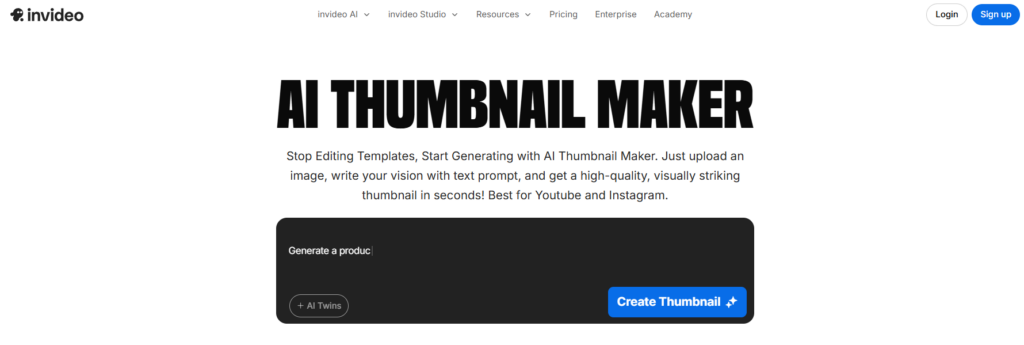
InVideo AI is a convenient option for creators who want to create a thumbnail alongside their video without needing other tools. You start with an idea or prompt, generate the visual, and adjust it for your video. It is more useful for quick thumbnail concepts than detailed, hands-on thumbnail design.
Features
- AI thumbnail creation
- AI video generation
- Templates
- Image generation
- text-to-video
Strengths
- Easy to use
- Fast content creation
- Useful for YouTubers
Weaknesses
Thumbnail customization is more limited than dedicated tools.
Pricing
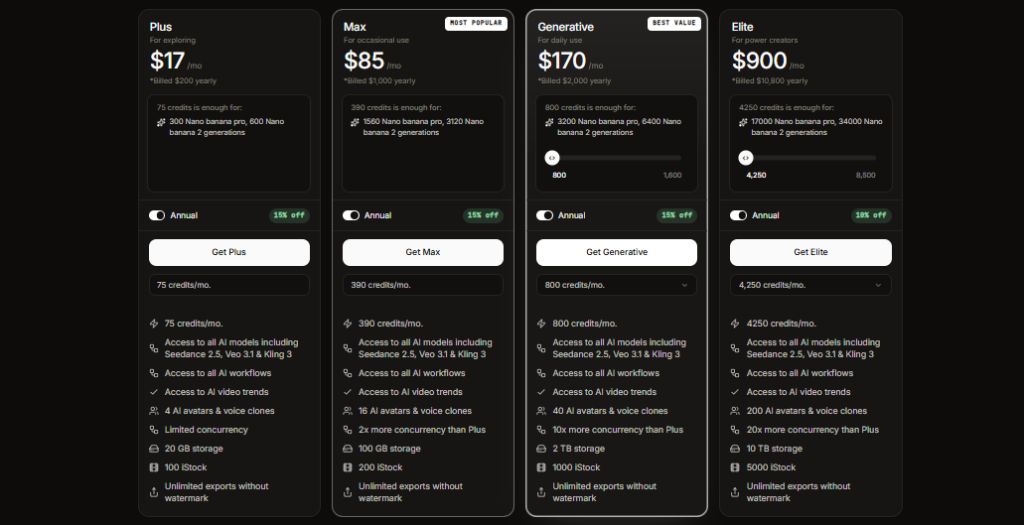
Paid plans start at around $28/month
How it Works
I described the video or thumbnail concept in a prompt and generated the visual through its AI workflow. Afterward, I would review the image and adjust the design where needed. It fits creators who want video production and thumbnail work within the same platform.
OpenArt AI
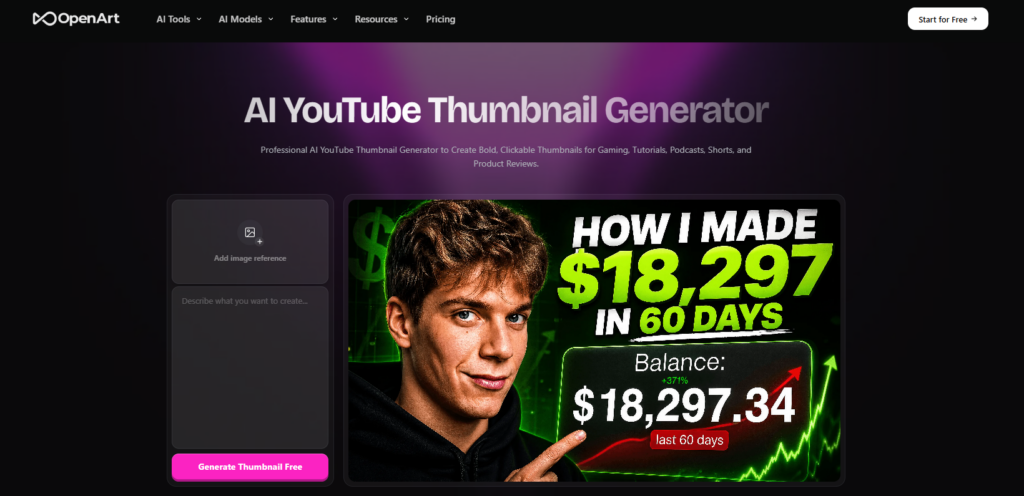
OpenArt AI is an image generation tool for artists who are up for some experimentation. OpenArt can achieve unusual stylistic and narrative elements in a way that makes it more apt for thumbnails that aim to be distinctive and not in the template format.
Features
- AI image generation
- Image editing
- Multiple AI models
- Image-to-image generation
Strengths
- Highly creative results
- Strong customization
- Many visual styles
Weaknesses
- Results may need several prompts
- It is not the best option for beginners
Pricing
Paid plans from around $13/month
How it Works
By entering a detailed prompt, I choose an image style or model, and generate several versions. OpenArt gives you room to experiment with different visual directions, so I would compare the outputs before choosing one for the final thumbnail.
Picsart AI
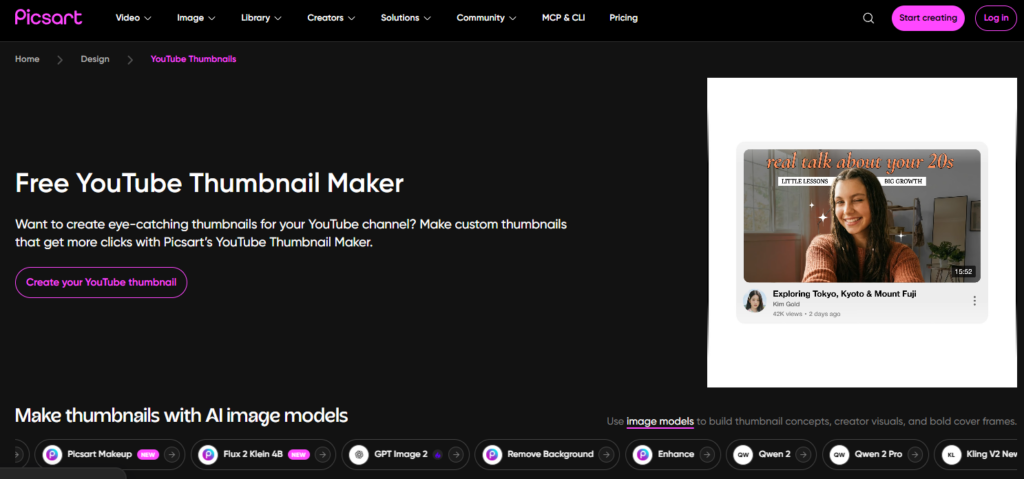
Picsart AI combines AI generation with a full set of creative editing tools. You can generate a visual, remove backgrounds, add effects, and fine-tune the final design in the same editor. It works especially well for creators who like to make quick changes after generating an image.
Features
- AI image generation
- Background removal
- AI editing
- Templates and effects
Strengths
- Beginner-friendly
- Easy editing
- Large creative library
Weaknesses
- Some features require payment
- Less specialized for YouTube thumbnails
Pricing
Paid plans available
How it Works
A thumbnail can be generated with an image or start with an existing photo, then move into the editing tools. Background removal, effects, text, and other adjustments help turn the initial AI image into a finished thumbnail.
Black Forest Labs
Black Forest Labs is popular for its FLUX image-generation models, which can create and output beautiful, complex images from text commands. It’s not really a thumbnail-maker in the standard sense, but it can be used for creating really powerful backgrounds, characters, or concepts for thumbnails.
Features
- FLUX image generation
- Text-to-image
- Image editing
- Image customization
Strengths
- High-quality images
- Detailed results
- Strong creative control
Weaknesses
Less beginner friendly
Pricing
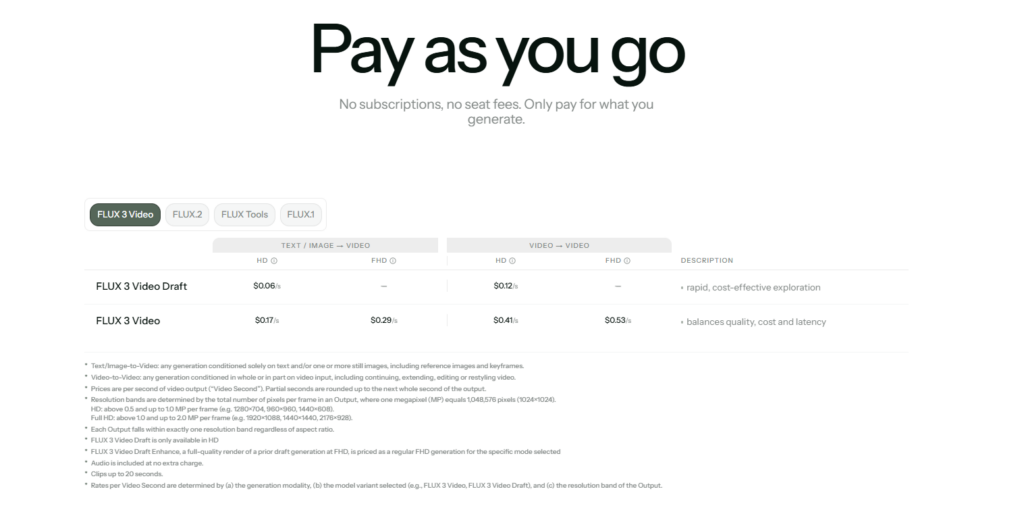
Pricing varies by FLUX model.
How it Works
Firstly, I used the FLUX model to generate the main visual from a detailed prompt. Since it is primarily an image-generation platform rather than a dedicated thumbnail editor, I would handle the final text and layout in another design tool if needed.
Fliki AI
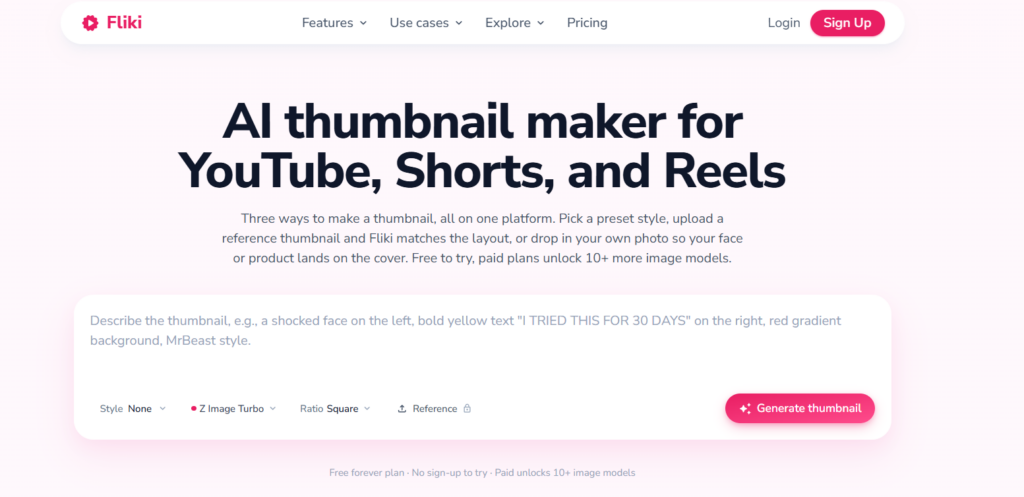
Fliki AI is built for are the video creators. However, it has visual features that can also help in designing thumbnails. It is best for users who look for generating videos, images, scripts, etc. Without changing many resources from many sources.
Features
- AI thumbnail generation
- AI video creation
- AI voices
- Script generation
Strengths
- Simple workflow
- Good for video creators
- Combines video and thumbnail tools
Weaknesses
- Limited thumbnail controls
- Better suited to video creation
Pricing
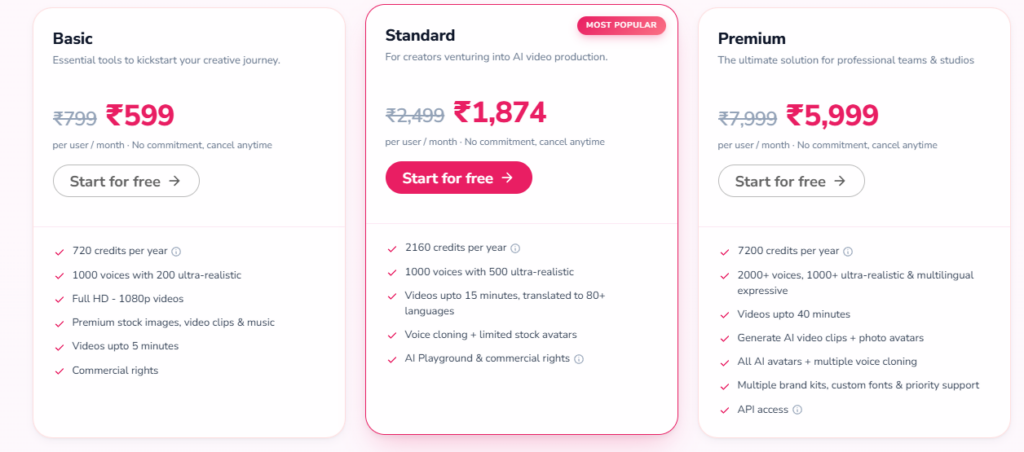
Paid plans available
How it Works
I would start with the video or content idea and use Fliki’s AI tools to create the supporting visual content. Its workflow suits creators who want to produce videos and related assets together.
Recraft AI
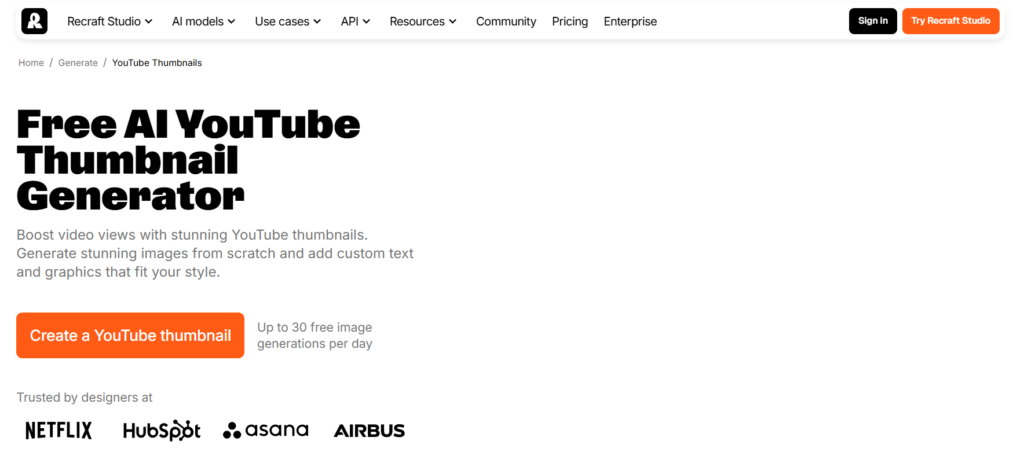
Recraft is a much more design-led AI platform for image generation. The tool gives you control over graphics, text/typography, vector graphics, and visual aesthetic. It is considered a good option for creating thumbnails with a more polished or branded/professional finish.
Features
- AI image generation
- Image editing
- Vector generation
- Typography tools
Strengths
- Strong design control
- Good for branded thumbnails
- High-quality visuals
Weaknesses
- Learning curve
- Advanced features can be complex
Pricing
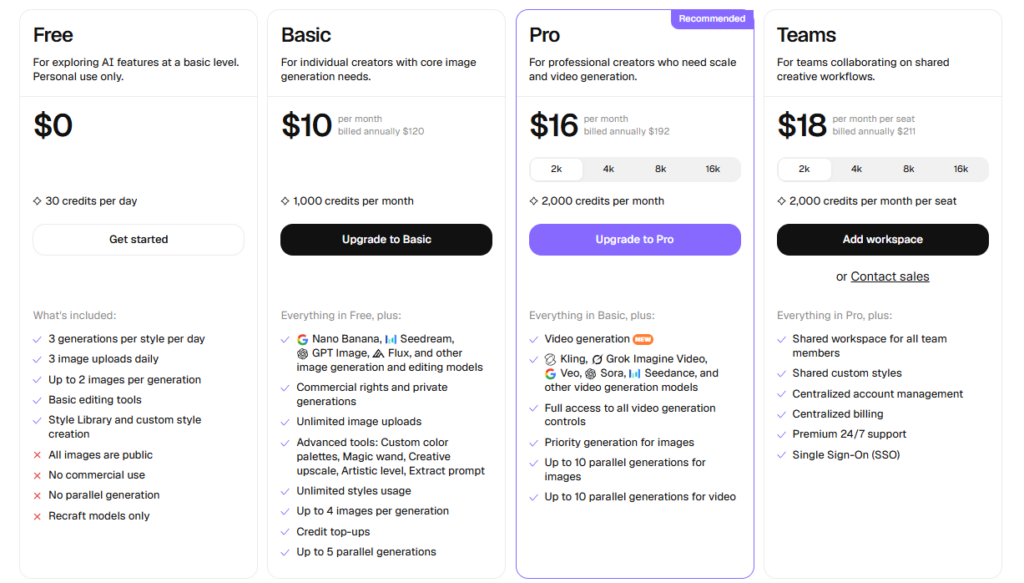
Paid plans available
How it Works
After describing the visual I wanted to see, it generated several options. Its design controls are useful when your thumbnail needs specific graphics, typography, or a consistent visual style.
Submagic
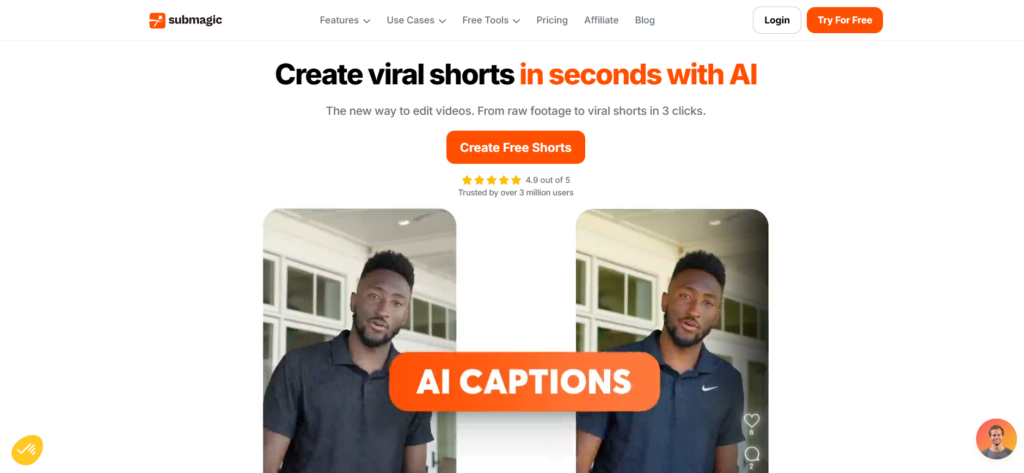
Submagic was designed with speed in mind for social media content creators. In addition to editing your video and adding in your captions, they allow for easy thumbnail creation, which is helpful for people creating Shorts, Reels, and other short-form content pieces.
Features
- AI thumbnail creation
- AI captions
- Video editing
- Visual effects
Strengths
- Fast workflow
- Creator-focused
- Good for short-form videos
Weaknesses
- More focused on short-form content
- Fewer dedicated thumbnail features
Pricing
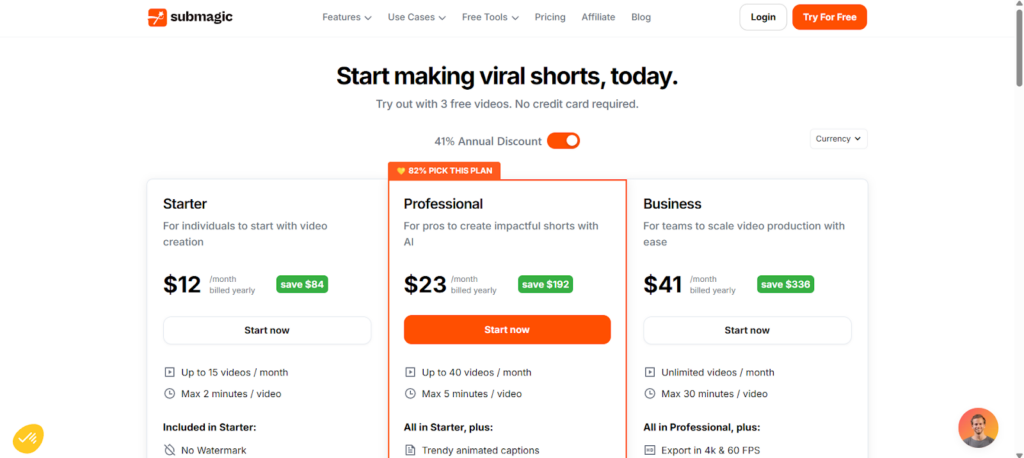
Paid plans available
How it Works
I started with the short-form video and worked through the creator tools. After preparing the video, I could create supporting thumbnail content within the same workflow. It is more suited to creators producing Shorts and other short videos regularly.
Tips for Better AI Thumbnail Results
Lastly, I have listed some tips and tricks for better thumbnail creation.
Keep the main subject obvious
Give your thumbnail one clear focal point. Put the person, product, or main object in the foreground and remove anything that competes with it.
Write shorter prompts
Describe the subject, setting, camera angle, lighting, and mood without adding unnecessary details. A focused prompt often gives me more predictable results.
Leave space for text
Tell the AI where you want empty space. For example, ask for the subject on the right side with a clean background on the left for the title.
Use strong visual contrast
Dark backgrounds with lighter subjects, or bright subjects against darker backgrounds, tend to remain easier to read at smaller sizes. Check the thumbnail after shrinking it.
Keep text short
Use a few words instead of copying the entire video title. Phrases such as “5 AI TOOLS” or “EDIT VIDEOS FASTER” are easier to scan.
Generate several versions
Do not settle for the first result. Generate three or four variations and compare the subject placement, facial expressions, background, and overall readability.
Check AI-generated details
Look closely at hands, faces, objects, logos, and text. Many times, small errors are easy to miss when viewing the image at full size.
Match the thumbnail to the video.
Your thumbnail should represent what viewers will find in the video. If the image promises something unrelated, clicks might increase temporarily while viewer satisfaction suffers.
Use consistent branding
If you publish regularly, keep a similar font, logo placement, or visual structure. Your audience should be able to recognize your videos quickly.
Test before publishing
View the thumbnail at the size where people are likely to see it. If the face, main object, or text becomes unclear, simplify the design before uploading.
FAQs
What is the top-ranked AI thumbnail generator?
The best AI thumbnail generator will depend on what you specifically need, but some are popular, such as Fliki, Canva, OpenArt, and Picsart.
What’s the top-ranked free AI thumbnail generator?
There are tools such as Canva and OpenArt can create Free AI thumbnails.
Can an AI create a YouTube thumbnail?
Yes, AI thumbnail makers can produce YouTube thumbnails from any prompt.
Can I use AI to make an AI thumbnail without an account?
Some AI thumbnail makers offer some features with no sign-up. However, their limitation and features vary.
How to create the AI thumbnail prompt?
It must include a description of the topic you want, the background color, the colors, the placement of text and any content, and what kind of mood it should portray.