
The main production problem of an agency isn’t making one good video, but making dozens of on-brand videos for a dozen different clients simultaneously, without brand standards drifting between accounts or an account manager spending their week chasing approvals instead of doing creative work.
Most single-purpose AI filmmaking tools break down at exactly this scale. They work fine for one brand’s content. Still, multi-client operation demands things a single-brand tool was never built for: per-client brand separation, white-label output with no vendor watermarks, predictable pricing that doesn’t explode as client count grows, and a review workflow that keeps feedback tied to the right project.
This list covers tools genuinely suited to that specific operating model, rather than tools that happen to work if an agency forces them into it.
How We Evaluated These Tools
Four things mattered most when evaluating AI filmmaking tools for agencies: whether a tool actually separates client brands, references, and projects rather than mixing them in one workspace, references, and projects rather than mixing them in one workspace; whether pricing stays predictable as client count grows rather than penalizing volume; how well a tool fits into pitching, reviewing, and delivering client work specifically; and whether white-label output is genuinely available for agencies reselling under their own brand.
The Tools at a Glance
| Tool | Best for | Multi-client fit | Starting price |
|---|---|---|---|
| invideo Agent | Full production with separate, brand-locked client projects | Per-project context, Folders & Connect | $17/mo |
| Storyflow | Client-facing pitch and concept boards | Reusable structure per client pitch | Verify current pricing |
| Frame.io | Client review and approval | Feedback tied to specific frames per project | Verify current pricing |
| Wireflow | Chaining models into one repeatable, resellable pipeline | White-label and API access | Verify current pricing |
| VEED | Browser-based editing with branded templates | Per-client branded template sets | Verify current pricing |
| Canva Teams | Low-cost design-adjacent video for smaller client work | Per-seat, brand kits per client | ~$10/seat |
Pricing and feature specs shift quickly in this category. Please confirm current details on each provider’s site before publishing.
Invideo Agent: Best for Full Production With Separate, Brand-Locked Client Projects
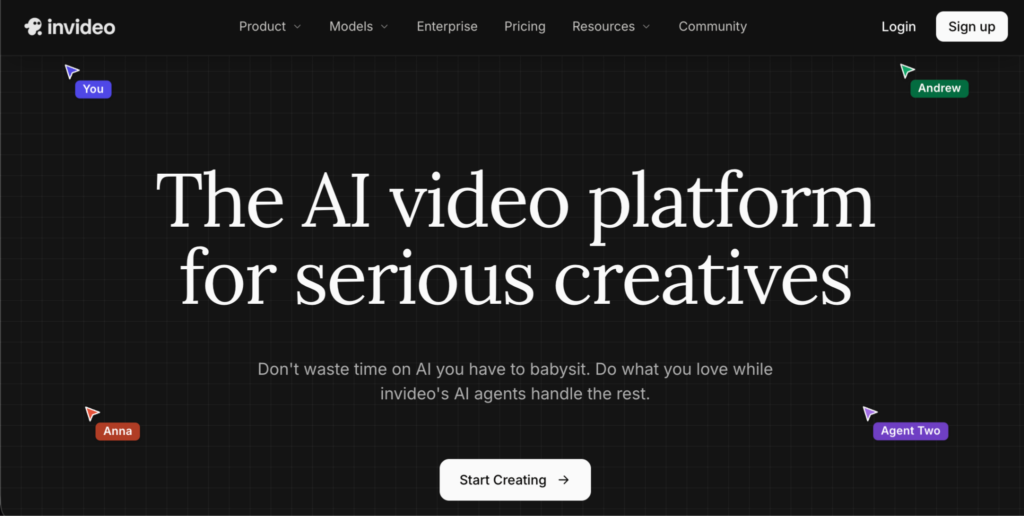
Invideo Agent holds each client’s brand guidelines, product references, and visual style as its own separate context, so work for one account never bleeds into another, and a locked brand reference gets checked automatically rather than relying on manual review to catch drift.
Its AI filmmaking approach treats every client’s script, treatment, or brief as its own separate production bible, with locked characters, locations, and rules that every generated shot gets checked against before it reaches the agency, rather than relying on manual review to catch brand drift between accounts.
For confidential multi-team operation specifically, the newer InVideo Agent Two model’s Folders and Connect feature lets an agency invite internal team members or external client stakeholders into a specific project folder without giving them access to every other client’s work, full data separation between accounts working in the same workspace.
Best for: Agencies managing multiple client brands that need genuine separation between accounts, not just multiple projects inside one shared workspace.
Where it falls short: The persistent-context, full-pipeline approach introduces more setup than an agency wants for a single, simple one-off client request.
Pricing: Plans start at $17/month, scaling to $900/month for the highest tier.
Storyflow: Best for Client-Facing Pitch and Concept Boards
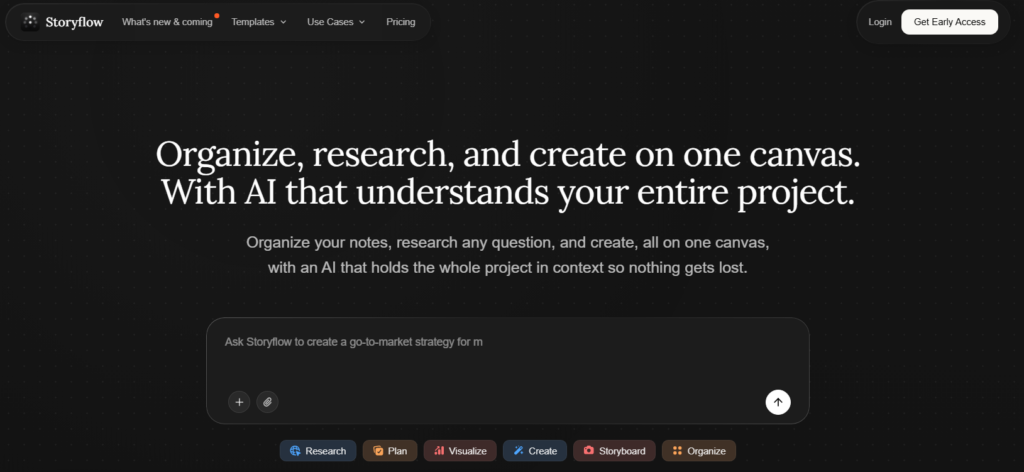
Storyflow keeps a client pitch, brief, concept directions, and rough storyboard on one shareable, client-facing canvas, then lets the agency reuse that same structure for the next client’s pitch rather than rebuilding a deck from scratch each time.
Best for: The pitch and concept stage specifically, where a client needs to see and react to an idea before production begins.
Where it falls short: A planning and concept tool, it doesn’t handle production, review, or project management on its own.
Frame.io: Best for Client Review and Approval
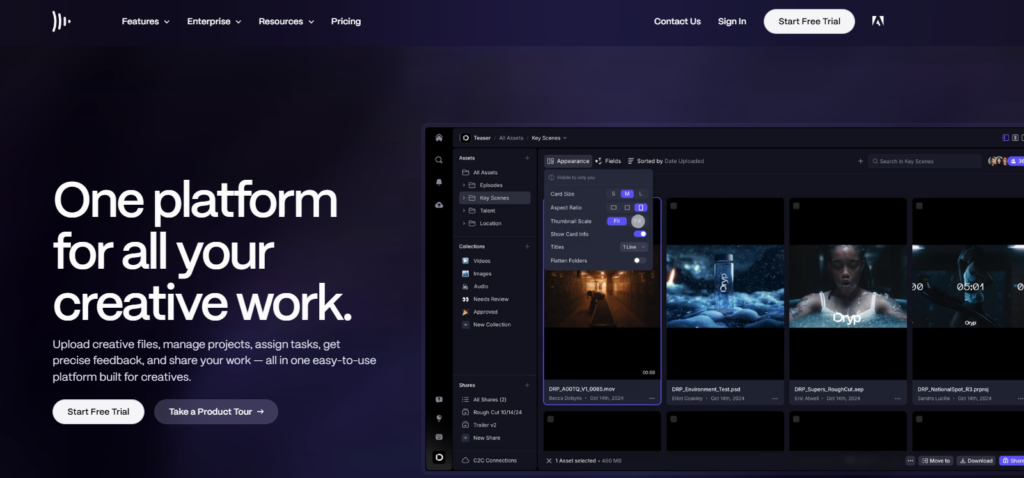
Frame.io remains the standard for tying client feedback to specific frames or timecodes rather than scattered email threads, which matters directly for an agency managing review cycles across many simultaneous client projects.
Best for: The review stage specifically, keeping feedback organized and tied to the exact project and moment it applies to.
Where it falls short: A review tool, not a production or planning tool; it doesn’t generate or plan creative content itself.
Wireflow: Best for a Repeatable, White-Label Production Pipeline
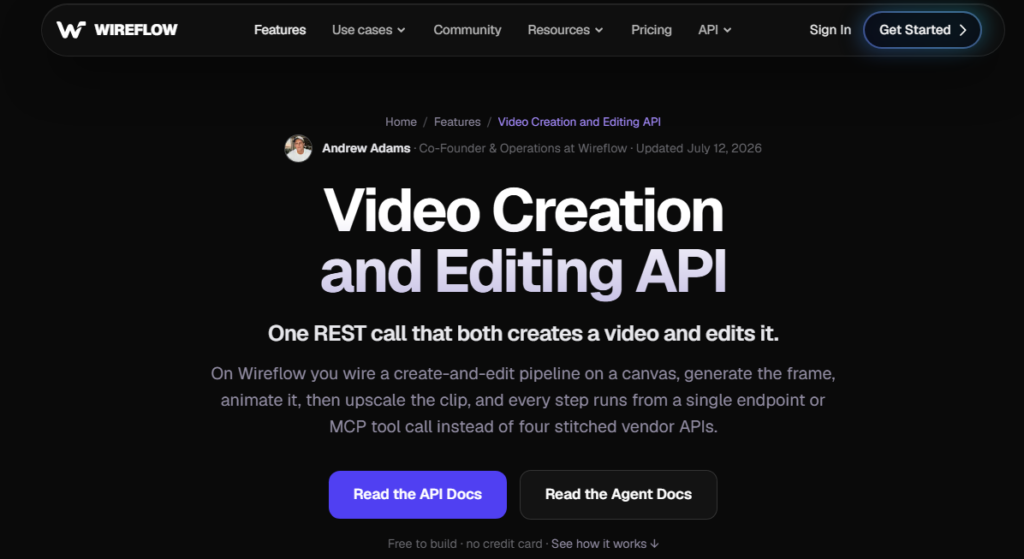
Wireflow chains multiple AI video models into one repeatable AI filmmaking workflow, which is closest to how agencies actually produce client work in practice, and its API access and white-label options let agencies reselling video production keep client-facing output under their own brand rather than a vendor’s.
Best for: Agencies reselling video production under their own brand who need API access and white-label delivery specifically.
Where it falls short: Built around chaining and orchestrating models into a pipeline, less suited to an agency that wants a single, self-contained creative tool rather than an orchestration layer.
VEED.io: Best for Browser-Based Editing With Branded Templates
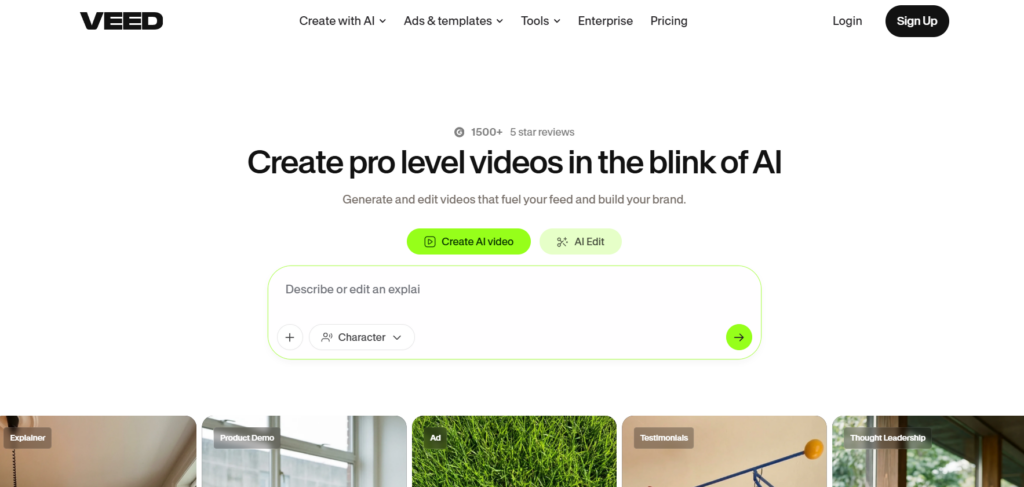
VEED.io offers practical browser-based editing with branded templates and distributed team access, a fit for agencies whose team works across different locations or devices without needing a heavier desktop production pipeline.
Best for: Distributed agency teams that want branded, reusable templates per client accessible from any browser.
Where it falls short: Positioned toward accessible browser-based editing rather than deep, complex production work.
Canva Teams: Best for Low-Cost Design-Adjacent Video Work
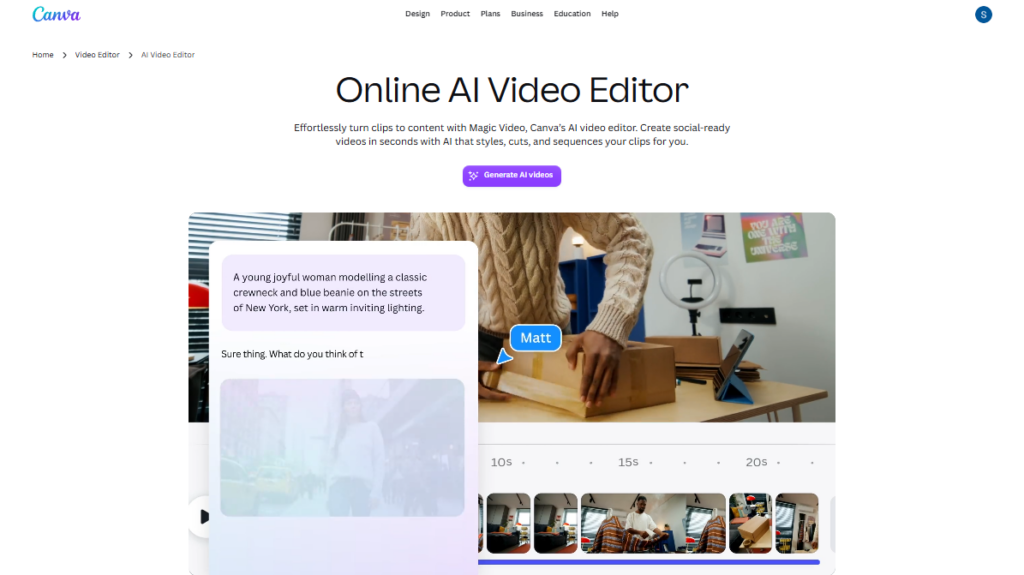
For agencies whose primary business is design rather than video, Canva Teams integrates video production into the same workflow at the lowest per-seat cost on this list, with brand kits keeping different client identities separate.
Best for: Design-first agencies that occasionally need simple client video without a dedicated video production stack.
Where it falls short: Not built for complex or highly customized video production, better suited to simpler, template-driven client deliverables.
Which One Should You Use?
Full production with genuine brand separation across client accounts: InVideo Agent.
Client-facing pitch and concept presentation: Storyflow.
Organizing client review and approval cycles: Frame.io.
A repeatable, white-label production pipeline for reselling: Wireflow.
Browser-based editing with branded templates for a distributed team: VEED.io.
Low-cost video alongside existing design work: Canva Teams.
Common Mistakes When Choosing AI Tools for Multi-Client Agency Work
- Using one shared workspace for every client without real separation. Brand guidelines, references, and assets tend to drift or cross-contaminate between accounts without genuine per-client separation.
- Choosing credit-based pricing that penalizes growing client volume. Unpredictable, volume-punishing costs make fixed-price client retainers difficult to manage profitably.
- Skipping white-label output when reselling production services. Client-facing deliverables carrying a vendor’s branding instead of the agency’s own undermines the agency’s positioning.
- Using one tool for both production and client review. These solve different problems, and most real agency workflows benefit from a dedicated tool for each layer rather than stretching one tool across both.
- Rebuilding a pitch deck or concept structure from scratch for every new client. A reusable structure, adapted per client, saves meaningful time compared to starting over every pitch.
FAQ
What’s the biggest risk of using AI filmmaking tools across many different client accounts?
Brand drift between accounts: without genuine per-client separation, one client’s references, style, or assets can bleed into another’s work, which undermines the specific brand consistency clients are paying an agency to maintain.
Should an agency use one tool for the entire video production pipeline?
Not necessarily. Agencies typically benefit from a small stack. One tool for planning and pitching, one for review and approval, one for production, rather than stretching a single tool across jobs it wasn’t built for.
Why does white-label output matter for an agency specifically?
Agencies reselling video production under their own brand need client-facing deliverables to carry their own branding rather than a vendor’s, which requires specifically checking for API access and white-label options before choosing a tool.
How does Invideo Agent keep different clients’ work separate within the same account?
Invideo Agent Two’s Folders and Connect feature lets an agency create separate project folders per client, inviting only the relevant internal team members or client stakeholders into each one, with full data confidentiality between different clients’ work happening in the same overall workspace.