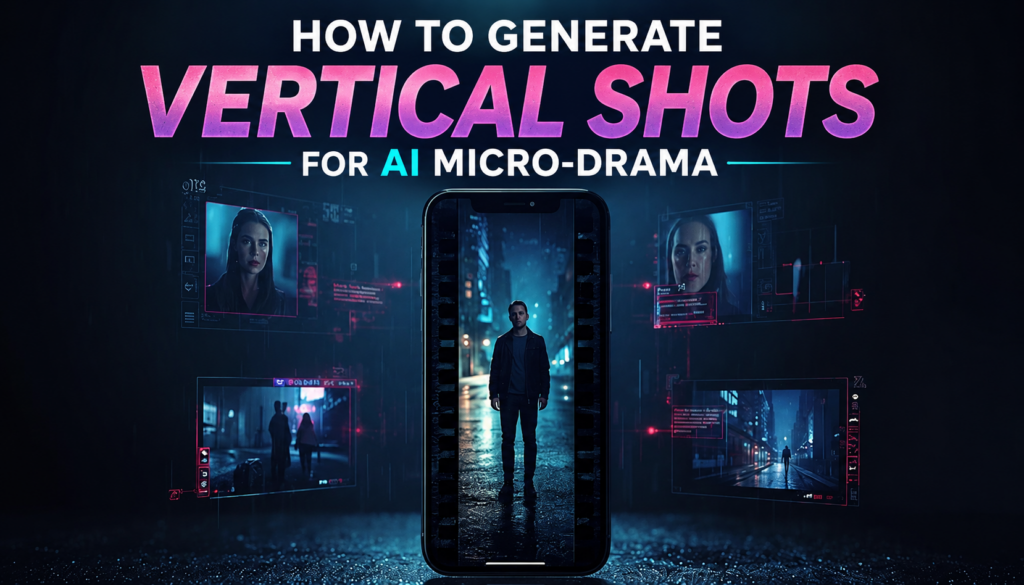
Vertical video is the default format for AI micro-drama on TikTok, YouTube Shorts, and Instagram Reels, not a secondary export, but the frame every shot is built for from the start.
Framing, pacing, and composition all behave differently in 9:16 than they do in a widescreen frame, and a micro-drama’s short runtime leaves no room to recover from getting that wrong mid-scene.
This guide covers what vertical shots actually are, how to plan and prompt for them in AI filmmaking, and the mistakes that most commonly break an otherwise solid episode.
What Are Vertical Shots in AI Micro-Drama?
A vertical shot is a frame composed in 9:16, tall rather than wide, built specifically for mobile-first viewing rather than a widescreen audience.
AI micro-drama is designed around this format because its viewers are watching on a phone, usually vertically, without ever rotating the screen. The entire visual grammar of the format, close framing, centered action, minimal reliance on horizontal width, follows from that single fact.
Invideo Agent approaches this by generating storyboard frames as a vertical composite before any video is created, so the 9:16 composition is locked at the planning stage rather than decided after footage already exists. This kind of planning-first approach is one of the more distinctive parts of AI filmmaking workflows built for short-form, high-volume formats like micro-drama.
This matters because vertical shots aren’t simply landscape footage turned on its side. A composition built for width doesn’t translate cleanly into height; vertical shots need to be composed vertically from the very first frame.
Why Vertical Framing Matters
Mobile viewing habits are the starting point: a phone is almost always held upright, and a video that assumes a horizontal frame fights against how the viewer is actually holding their device.
Vertical framing also puts more focus on characters. A tall frame has less room for wide environmental detail, which naturally centers attention on faces and performance rather than scenery.
That same tightness supports emotional close-ups. A character’s expression reads more clearly in a frame built around their face than in a wide shot where the face is one small part of a larger composition.
Screen space is also more constrained in 9:16, which means every element in frame has to earn its place; there’s less room for visual clutter to hide in.
Plan Your Story Before Generating Shots
A clear story structure produces stronger generated scenes, because a well-planned script gives every shot a specific job to do.
Start by defining the hook, the moment in the first few seconds that gives a viewer a reason to keep watching rather than scrolling past.
Keep individual scenes short, generally under 30–60 seconds. Micro-drama’s whole format depends on tight pacing, and a scene that runs long tends to lose the momentum the format is built around.
Break the script into individual shots before generating anything. Deciding shot order and coverage at the planning stage is far cheaper than discovering a sequencing problem after footage already exists.
Decide the emotional arc of the scene as part of this planning pass too, where the tension builds, where it breaks, and which shot carries each beat.
Choose the Right Shot Types
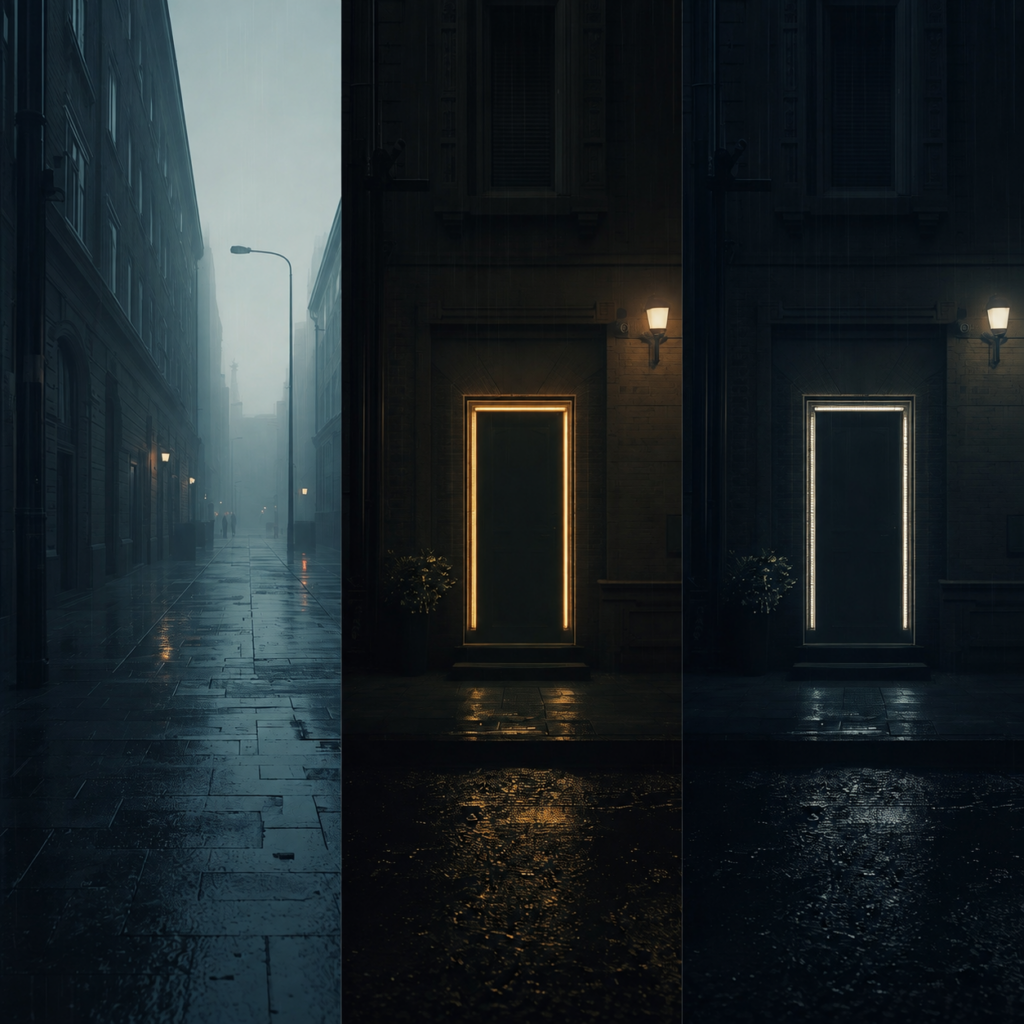
Different vertical shots create different emotional effects, and micro-drama’s short runtime means each one has to be chosen deliberately rather than defaulted to.
Establishing shots set the location and spatial context for a scene, typically composed as a tall vertical frame rather than a wide panorama.
Close-ups and medium close-ups carry most of a micro-drama’s emotional weight, since vertical framing naturally favors tight shots of a character’s face and upper body.
Over-the-shoulder shots work well for dialogue exchanges, giving a sense of two characters’ spatial relationship without needing a wide two-shot.
POV shots put the viewer directly into a character’s perspective, which tends to land with particular intensity in a tight vertical frame.
Tracking shots and follow shots add movement without needing to widen the frame. The camera moves with the subject rather than pulling back to show more of the environment.
Write Better AI Prompts for Vertical Videos
The quality of a prompt directly shapes the final output, since a model can only generate what it’s actually told to build.
A strong prompt for vertical AI video generally includes: character description, camera angle, camera movement, lighting, environment, mood, lens style, and the aspect ratio itself, stated explicitly as 9:16.
Leaving any of these unspecified means the model decides instead of the director, a detail worth remembering any time a shot doesn’t come out as expected.
Example prompt: “Vertical 9:16 shot, medium close-up of a woman in a rain-soaked trench coat, static camera, warm streetlight from the left, tense and anxious mood, shallow depth of field, cinematic lens style, urban alley background at night.”
Maintain Character and Scene Consistency
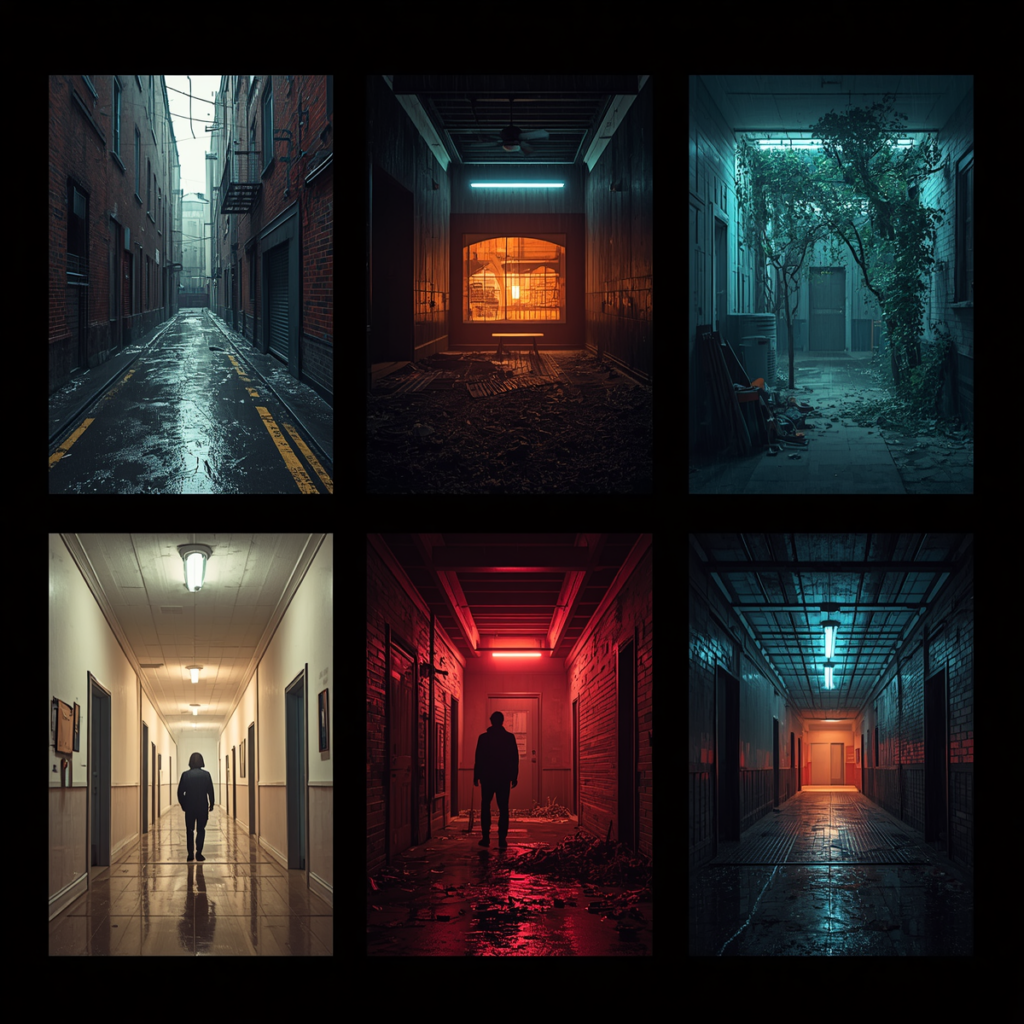
Consistency keeps viewers immersed, since a character or setting that shifts unexpectedly between shots breaks the illusion the format depends on.
The elements that need to stay consistent across vertical shots are the same character’s appearance, their clothing, the lighting setup, the background, any recurring props, and the camera language used to shoot the scene.
invideo Agent handles this by locking character and location references before generation begins, so every later shot in a scene draws from the same locked assets rather than being reinterpreted from scratch each time.
The newer invideo Agent Two model extends this across an entire series rather than one scene: it remembers a locked character, a lighting rule, or a look from weeks earlier without anything being re-uploaded, which matters more in AI filmmaking formats like micro-drama that publish many short episodes on a fast schedule. Without that kind of locked reference, small inconsistencies, a shifted costume detail, a slightly different lighting angle, tend to accumulate across a sequence and become noticeable by the third or fourth shot.
Generate Cinematic Vertical Shots with AI
Once a scene is planned, shot-typed, and prompted, generation itself becomes a matter of routing each shot to the model that suits it.
Some models hold context well across a continuous take, some are better suited to generating multiple cuts from a single reference frame, and others handle isolated single shots cleanly. Invideo Agent routes each shot to whichever model fits, rather than requiring a director to choose manually before every generation.
For a scene that needs to hold a character, an outfit, and a location steady across an extended continuous take without stitching multiple clips together, Seedance 2.5 generates up to 30 seconds in a single pass from as many as 50 combined reference inputs, useful for a longer micro-drama beat that would otherwise need several separate generations cut together.
This routing decision happens at the planning stage, alongside shot type and prompt, not as an afterthought once a shot has already come out wrong.
Common Mistakes to Avoid in Vertical AI Micro-Drama Shots
- Too much camera movement. Constant motion in a tight vertical frame reads as chaotic rather than dynamic; movement should be deliberate, not constant.
- Poor framing. A shot composed for width and squeezed into 9:16 rarely holds up; vertical shots need to be composed vertically from the start.
- Cluttered backgrounds. A busy background competes with the character for attention in a frame that has limited room to spare.
- Long scenes. Scenes that run past the format’s natural pacing lose the momentum micro-drama depends on.
- A weak opening hook. The first few seconds determine whether a viewer keeps watching; a slow build doesn’t work in this format.
- Ignoring safe zones for captions. Platform UI elements sit near the frame’s edges, so key action or text placed there risks being covered.
Best Practices for Viral AI Micro-Dramas
Small creative choices in vertical shots significantly affect watch time, and a few practices show up consistently in micro-dramas that perform well.
A strong first three seconds is non-negotiable. This is the single biggest factor in whether a viewer keeps watching past the opening frame.
Emotional storytelling outperforms plot complexity in this format. A single clear feeling, delivered well, tends to land harder than an intricate story compressed into 60–120 seconds.
Fast pacing keeps momentum through the episode’s short runtime, and subtitle-friendly framing, keeping key action out of the areas captions typically cover, protects legibility on platforms where most viewers watch with sound off.
A consistent visual style across episodes helps a series read as one coherent show rather than a collection of unrelated clips.
Ending on a cliffhanger or a payoff gives every episode a reason for the viewer to continue to the next one, which is the mechanism the entire format’s retention depends on.
Conclusion
Vertical storytelling isn’t a formatting afterthought in AI micro-drama; it shapes how a story gets planned, shot, and paced from the very first decision.
Effective planning, deliberate prompting, and consistent references across a scene are what separate a professional-looking micro-drama from one that falls apart after a few shots.
The format rewards experimentation, and this is where AI filmmaking tools built around persistent memory earn their place: testing different shot types, prompt structures, and pacing choices against real viewer retention data is how a rough first attempt becomes a series worth continuing.
FAQ
What is a vertical shot in AI micro-drama?
A vertical shot is a frame composed in 9:16, built for mobile-first viewing from the very first frame rather than cropped down from a wider composition. AI micro-drama uses this format because its audience watches on phones held upright.
Why does vertical framing affect storytelling, not just aspect ratio?
Vertical framing naturally centers attention on characters and close emotional detail, since there’s less horizontal space for wide environmental shots. This shifts how scenes are blocked, how dialogue is shot, and which shot types carry the most weight.
What should a good AI prompt for vertical video include?
Character description, camera angle, camera movement, lighting, environment, mood, lens style, and an explicit 9:16 aspect ratio. Leaving any of these unspecified means the model fills the gap on its own, often unpredictably.
How do you keep a character consistent across an entire micro-drama scene?
By locking a character’s appearance, clothing, and the scene’s lighting and background as reference assets before generating any shots, so every later shot in the sequence draws from the same locked references instead of being reinterpreted independently.