ytZolo
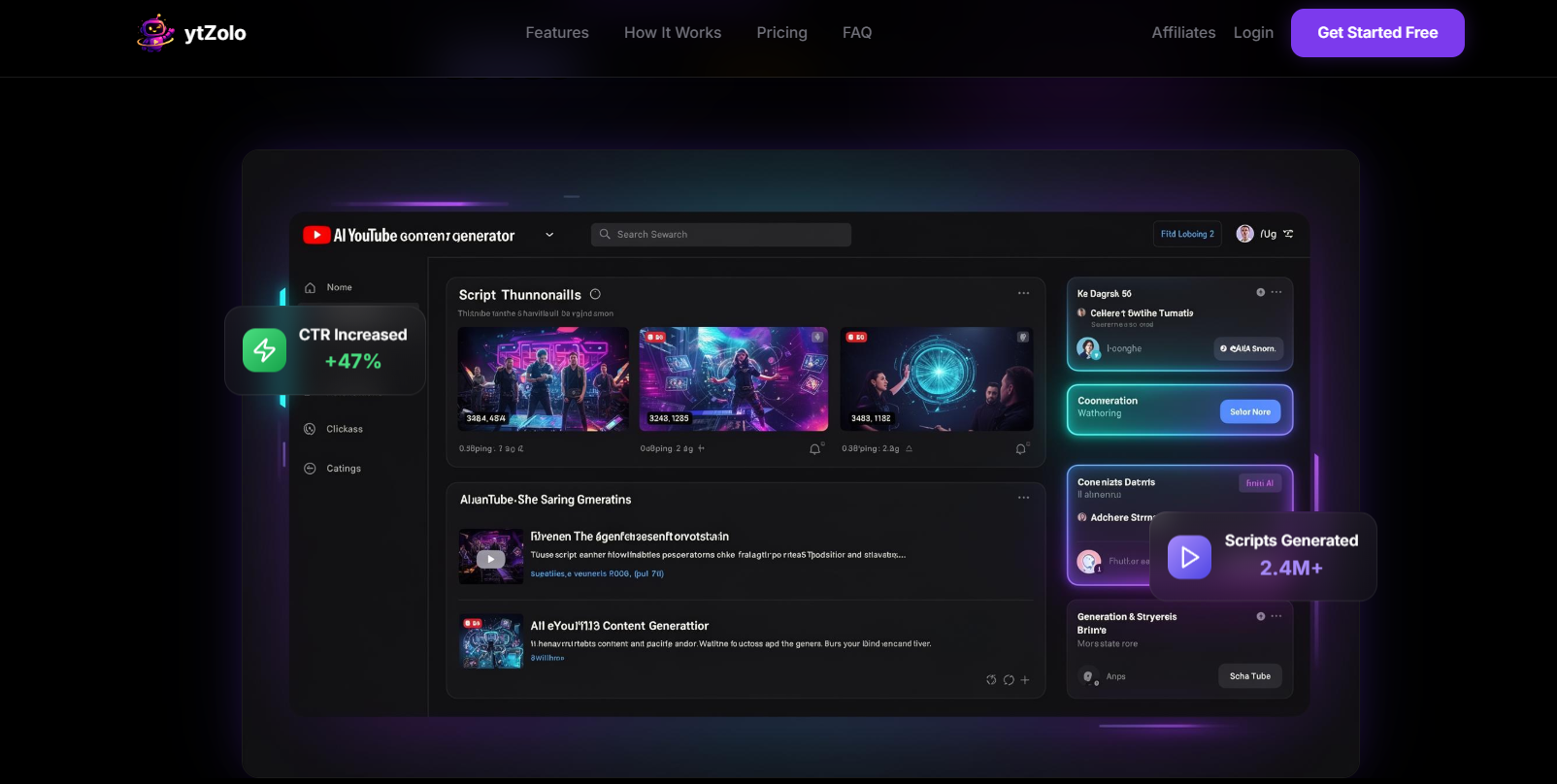
Simplify planning, creation, and channel growth with AI.
There was a time when creating YouTube content just required filming and posting videos. Now, in addition to filming, creators need to know how to write interesting scripts, optimize titles, create engaging descriptions, and maintain a consistent publishing schedule.
With the growing number of YouTube creators, this platform has become quite competitive in recent years. The workload behind the scenes has also increased. At this point, AI-based tools have become essential for creators.
Today, we focus our review on ytZolo and figure out how it contributes to the toolkit of the present-day YouTube creators.
What is ytZolo?
ytZolo is an AI-powered platform designed specifically for YouTube creators. It helps generate video scripts, titles, descriptions, thumbnail ideas, and content strategies to streamline the content creation process and improve channel growth. The platform enables creators, marketers, and businesses to produce engaging YouTube content faster while saving time on research, planning, and writing.
Features of ytZolo
AI YouTube Script Generator
From a simple idea to a video script in minutes. No more manual writing from scratch.
AI Video Title Generator
Generator Title ideas to get more views & engagement. Make your titles more clickable.
SEO-Friendly Description Generator
Optimized YouTube descriptions for maximum discovery.
Thumbnail Idea Generator
Generator Thumbnail ideas that boost clicks & match your videos.
Content Idea Discovery
Get top YouTube content and trending video topic ideas.
YouTube Content Planning
Plan everything related to your YouTube channel, including its content strategy, with these useful tools
AI-Powered Workflow Automation
Streamline and automate your content creation and publishing workflow.
Use Cases of ytZolo
YouTube Creators
Use AI-generated content, scripts, titles, and descriptions to make higher-performing videos.
Content Marketers
Plan and optimize video content that attracts more viewers and supports marketing goals.
Influencers
Keep your audience engaged with fresh content ideas and attention-grabbing video assets.
Agencies
Manage multiple channels efficiently by streamlining content planning and optimization.
Educators
Create educational videos that include scripts and well-planned content for every video.
Businesses
Build brand awareness and connect with customers through consistent, high-quality YouTube content.
How To Use ytZolo?
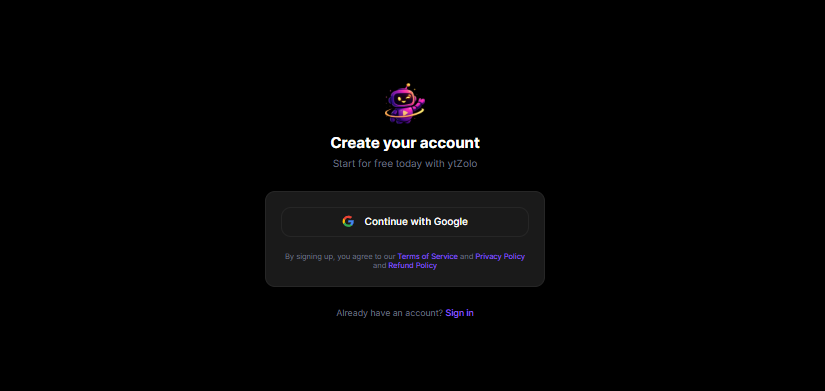
Getting started with ytZolo is quite a simple process.
Step 1: Create an Account
Visit the ytZolo website and sign up using your email address. New users can begin with the free plan to explore the platform before committing to a paid subscription.
Step 2: Choose the Tool You Need
After logging in, you'll find a dashboard with various creator tools. Depending on your goal, you can select options such as:
Script Generator
- Title Generator
- Description Generator
- Tag Generator
- Thumbnail Generator
- Content Idea Generator
Choose the feature that matches the stage of content creation you're working on.
Step 3: Enter Your Video Topic
Provide information about your video, such as:
- Main topic
- Target audience
- Keywords
- Content style
- Desired video length
The more specific your input, the more relevant the AI-generated results will be.
Step 4: Generate Content
Click the generate button and allow ytZolo to create content based on your instructions. Depending on the selected tool, the platform may produce:
- Video titles
- Descriptions
- SEO tags
- Complete scripts
- Thumbnail concepts
- Content ideas
Step 5: Review and Refine
AI-generated content works best as a starting point. Review the output carefully and make adjustments to ensure it matches your voice, audience, and brand style.
Step 6: Create Additional Assets
Once your script or content plan is ready, you can use other ytZolo tools to generate supporting assets such as optimized titles, descriptions, tags, and thumbnails. This helps maintain consistency across your entire video package.
Step 7: Save Your Work
ytZolo stores your generation history, making it easy to revisit previous projects, compare ideas, and reuse content when needed.
Step 8: Publish and Optimize
After finalizing your content, upload your video to YouTube and apply the titles, descriptions, tags, and thumbnails created with ytZolo. Continue monitoring performance and use the insights gained to improve future content.
What We Like About ytZolo
- Provides a focused experience, avoiding the overload of irrelevant features.
- Content management becomes a more intuitive, neat process.
- Equips creators with handy tools to boost their productivity and maintain their flow.
- Avoids interrupting the work process and saves time spent on repetitive tasks.
- It strikes a perfect harmony between versatility and ease of use.
What We Don't Like About ytZolo
- Creative suggestions can occasionally feel repetitive across multiple projects.
- Not every generated suggestion feels unique enough to stand out in competitive niches.
ytZolo Pricing Plans
Free Plan
- Limited credits
- Title, description & tags generator
- Generation history
- Basic AI models
Standard Plan — $6.7/month (Billed $79.9/year)
- 2,000 credits per month
- Access to all AI models (ChatGPT, Claude, Gemini)
- Thumbnail generator (1 variant)
- Title, description & tags generator
- Script generator (all lengths)
- Generation history
- Priority support
Pro Plan — $12/month (Billed $143.9/year)
- 5,000 credits per month
- Everything is included in the Standard
- Access to all AI models (ChatGPT, Claude, Gemini)
- Thumbnail generator (3 variants)
- Title, description & tags generator
- Script generator (all lengths)
- Generation history
- Dedicated support
FAQs About ytZolo
What is ytZolo?
ytZolo is an AI-powered tool designed to support YouTube content creators.
Can ytZolo generate YouTube scripts?
Yes, it can create scripts for videos of different lengths.
Does ytZolo help with YouTube SEO?
Yes, it can generate titles, descriptions, and tags for videos.
Is there a free version of ytZolo?
Yes, ytZolo offers a free plan with limited credits.
Does ytZolo create YouTube thumbnails?
Yes, thumbnail generation is available on paid plans.
Can beginners use ytZolo?
Yes, it is suitable for creators of all experience levels.
Does ytZolo save previous history?
Yes, generation history is included in all plans.
Is ytZolo useful for growing a YouTube channel?
It can help streamline content creation and publishing workflows.
Conclusion
Growing a YouTube channel in most cases is a balancing act where creativity and consistency play off each other. Creators usually receive many more ideas than the time they have which makes the work-reducing tools an important part of the process.
ytZolo won't be the one to create a successful channel for you but it can facilitate some of the difficulties that come with managing a channel. Whether you're coming up with your next title, trying to stick to a publishing schedule, or just looking for ways to be more efficient, the platform provides help where many creators need it most.
If you want a tool that integrates into your workflow and allows free rein to your creativity, ytZolo is something worth checking out.