Your AI model is ready, but is the infrastructure behind it ready too?
Any AI chatbot, AI coding tool, AI image creator, or AI recommendations platform needs a robust AI infrastructure platform underneath to run the algorithms, consume data, and provide you with answers and solutions quickly. Since AI plays a bigger role in everyday businesses, more reliable AI infrastructure becomes ever more necessary.
Research shows that the global AI infrastructure market had reached USD 35 billion or more in 2024, and it’s set for a respectable compound annual growth rate through the rest of this decade.
In this article, we’ve compiled a list of the best AI infrastructure platforms out there that can be used for building AI applications.
What Is AI Infrastructure?
AI infrastructure includes the hardware and software, cloud systems, and development tools that an organization requires in order to construct, perform, oversee, and publish AI-powered products.
AI infrastructure provides a complete pipeline for AI, starting from developing deep learning models to storing data, making models available, managing models, monitoring them, and also scaling up applications.
Core Components of AI Infrastructure Tools
AI infrastructure tools help at every step of the AI process, from building to using and checking AI systems. Different platforms have different focuses, but most include these main parts.
Compute Resources
AI models need a lot of computing power to train and work well. AI infrastructure usually uses GPUs, TPUs, or strong CPUs to handle large data and complex tasks. Cloud computing lets teams increase resources as needed.
Data Storage and Management
AI systems need good data. Infrastructure tools help store, organize, and manage data so it’s easy to use during training and testing. Many platforms also allow for data versioning and secure storage for better teamwork.
Model Development
Developers should have suitable tools to construct, evaluate, and optimize AI models. Some platforms have a built-in development environment, while the platforms that are left give support to popular machine learning tools.
Model Deployment
If a model is trained and validated, it has to be deployed where it can perform predictions in the real world. Through the provision of APIs, cloud services, edge deployment options, and automatic scaling, AI infrastructure tools make deployment simpler.
Monitoring and Observability
AI models can become less accurate over time as data changes. Monitoring tools check performance, spot data changes, measure response quality, and alert teams when problems occur, helping keep AI systems reliable.
Vector Databases
Many new AI applications, particularly ones that rely on large language models, are using vector databases for their data management purposes. The main reason for this is that it enables them to make quick searches based on meaning, create recommendation systems, and also develop retrieval-augmented generation (RAG) applications.
Security and Access Control
Guarding AI models and confidential data from unauthorized access is vital. Besides other ways, one of the common ways is by having a combination of features such as AI infrastructure platforms that have user authentication, role-based access, encryption, and compliance with security policies to protect AI systems.
Integration and Automation
Most commonly, AI infrastructure tools have the ability to integrate with cloud providers, development platforms, APIs, and machine learning tools. This integration is used to automate and therefore eliminate the manual workload to some extent and, in this way, support team members in more efficient development and deployment of AI products.
Best AI Infrastructure Platforms
Arize AI
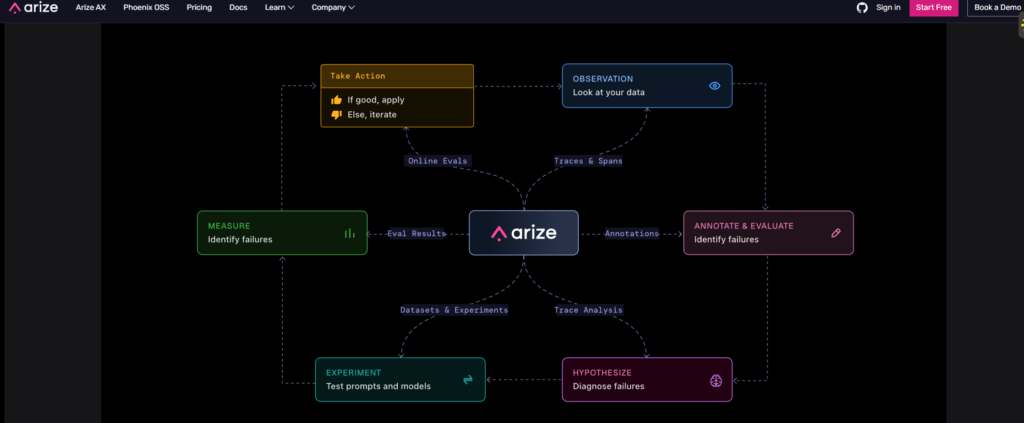
Arize AI assists teams in observing, assessing, and enhancing machine learning and generative artificial intelligence systems. It offers you with tools that greatly simplify the process of recognizing where the system underperforms, noticing when your dataset drifts, and tracking how good the AI model still is in the real world.
Features
- AI Model Monitoring: Tracks model accuracy, latency, and production performance.
- LLM Evaluation: Evaluates large language model outputs with built-in metrics.
- Data Drift Detection: Identifies changes in incoming data that may affect model quality.
- Root Cause Analysis: Helps diagnose prediction errors and performance issues.
- Prompt & Response Tracing: Monitors prompts, responses, and AI workflows.
- Experiment Tracking: Compares different model versions before deployment.
Strengths
- Comprehensive AI observability platform.
- Excellent support for LLM monitoring.
- Useful visualization and debugging tools.
- Works with popular ML frameworks.
- Scales well for enterprise workloads.
Weaknesses
- Can be overwhelming for beginners.
- Advanced features require technical knowledge.
- Enterprise pricing is not publicly available.
Pricing
- Free – Limited features for evaluation and learning.
- Enterprise – Custom pricing based on organization needs.
Cursor
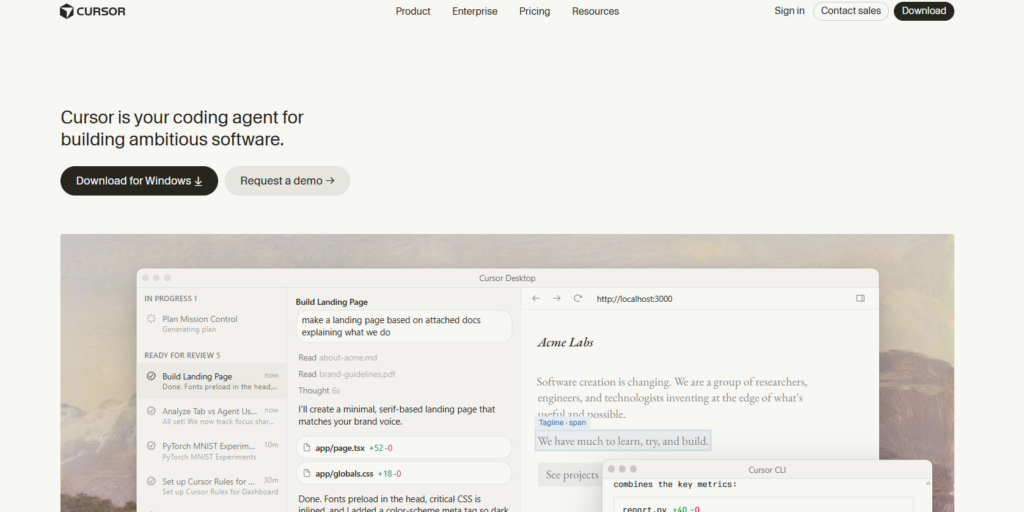
Cursor AI is an AI-powered code editor that helps developers write, edit, and understand code more efficiently. Built on Visual Studio Code, it combines AI assistance with a familiar development environment.
Features
- AI Code Generation: Generate functions and code from natural language.
- Code Completion: Predicts and completes code in real time.
- Smart Refactoring: Rewrite and improve existing code.
- Codebase Chat: Ask questions about your entire project.
- Bug Detection: Identify and fix coding errors faster.
- Multi-Language Support: Works with many popular programming languages.
Strengths
- Easy transition from VS Code.
- Fast AI-assisted coding experience.
- Excellent project-wide code understanding.
- Regular feature updates.
- Supports multiple AI models.
Weaknesses
- Some advanced features require a paid plan.
- AI suggestions may need manual review.
- Requires internet access for cloud AI features.
Pricing
- Free – Basic AI coding features.
- Pro – Around $20/month.
- Business – Around $40/user/month.
LM Studio
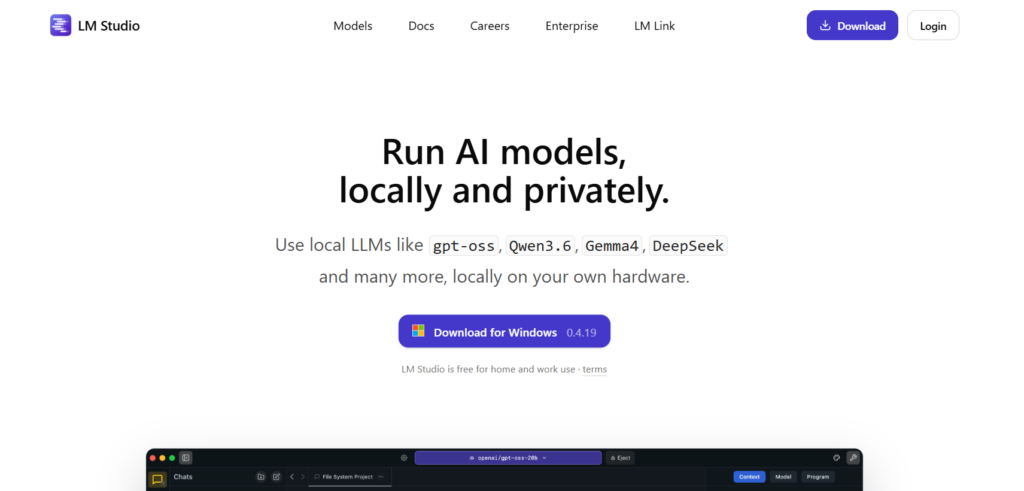
LM Studio allows users to run open-source large language models directly on their computer. It is designed for developers and AI enthusiasts who want local AI without relying on cloud services.
Features
- Run AI Models Locally: Execute LLMs on your own device.
- Model Library: Download popular open-source models.
- Offline AI: Use models without an internet connection.
- OpenAI-Compatible API: Serve local models through an API.
- GPU Acceleration: Supports compatible hardware for faster performance.
- Model Management: Easily organize and switch between models.
Strengths
- Strong privacy since data stays local.
- No cloud dependency.
- Easy-to-use desktop interface.
- Supports many open-source models.
- Great for AI experimentation.
Weaknesses
- Performance depends on local hardware.
- Large models require significant RAM and GPU memory.
- Limited enterprise collaboration features.
Pricing
Free
Datature
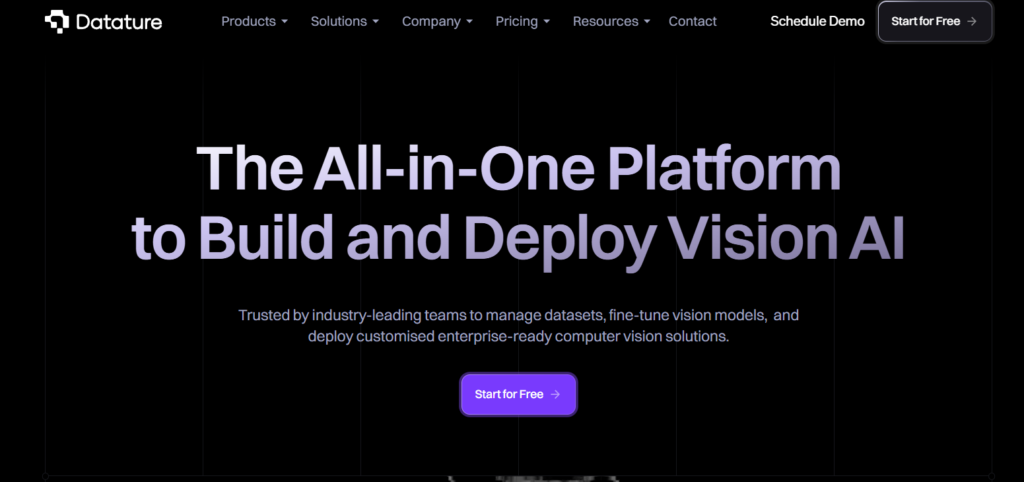
Datature is an AI development platform built for computer vision projects. It combines data annotation, model training, deployment, and monitoring into a single workflow.
Features
- Image Annotation Tools: Label images and videos efficiently.
- Dataset Management: Organize and version training datasets.
- Model Training: Train computer vision models with minimal setup.
- Model Deployment: Deploy models through cloud or edge environments.
- Performance Monitoring: Track model accuracy after deployment.
- Team Collaboration: Work together on AI development projects.
Strengths
- End-to-end computer vision workflow.
- User-friendly interface.
- Good collaboration features.
- Supports multiple deployment options.
- Reduces manual ML infrastructure work.
Weaknesses
- Primarily focused on computer vision.
- Advanced capabilities have a learning curve.
- Pricing may be expensive for small teams.
Pricing
- Free Trial Available.
- Professional & Enterprise: Custom pricing.
Pinecone
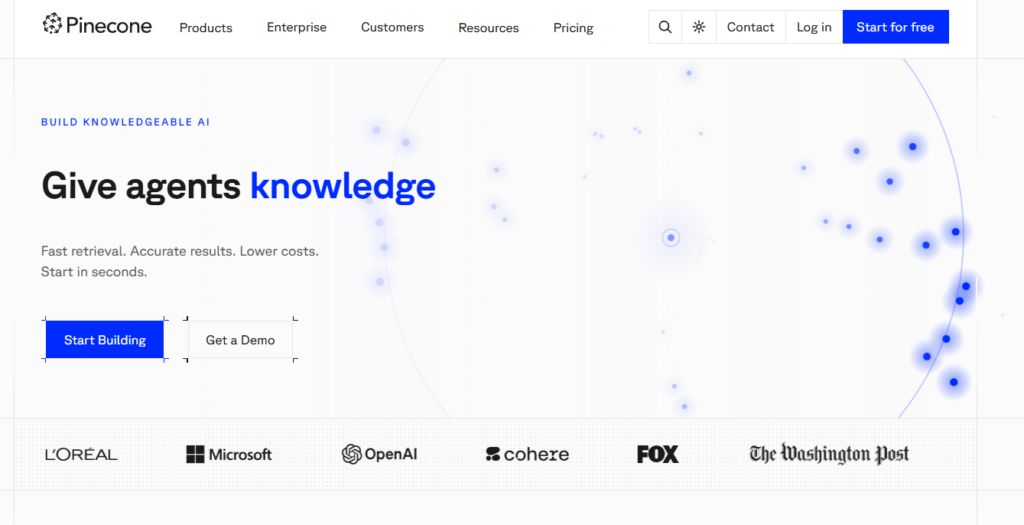
Pinecone is a fully managed vector database built for AI applications. It enables fast semantic search and retrieval, making it ideal for retrieval-augmented generation (RAG), recommendation systems, and AI assistants.
Features
- Vector Database: Store and search high-dimensional embeddings.
- Semantic Search: Find similar content using vector similarity.
- Hybrid Search: Combines keyword and vector search.
- Automatic Scaling: Handles growing workloads automatically.
- High Availability: Reliable infrastructure with managed operations.
- API Integration: Connect with popular AI frameworks and LLMs.
Strengths
- Fast and scalable vector search.
- Fully managed infrastructure.
- Easy API integration.
- Excellent for RAG applications.
- Enterprise-grade reliability.
Weaknesses
- Can become expensive at large scale.
- Requires understanding of vector databases.
- Less suitable for traditional relational data.
Pricing
- Starter – Free with limited usage.
- Standard – Pay-as-you-go based on usage.
- Enterprise – Custom pricing for large organizations.
Which AI Infrastructure Platform Should You Choose?
| If You Need… | Recommended Platform |
| Monitor AI and LLM performance | Arize AI |
| AI-powered coding assistant | Cursor |
| Run open-source AI models offline | LM Studio |
| Build computer vision applications | Datature |
| Build RAG applications and semantic search | Pinecone |
Conclusion
AI infrastructure tools help enable and operate today’s applications built on the AI stack. They offer a number of computing, data management, deployment, and observability resources for building a robust AI solution. From an AI observability platform (Arize AI) to an AI IDE (Cursor), a desktop local model deployment tool (LM Studio), computer vision workflow tooling (Datature), or a vector database (Pinecone), there is a tooling option that fits your needs.
As more businesses turn to AI adoption for their needs, it can provide an organization with improved efficiency, rapid deployment, and ongoing AI solution success.
The correct tools can help you build the infrastructure you’ll want for decades of AI success.
FAQs
What are AI infrastructure tools?
AI infrastructure tools are systems that help developers create, train, launch, watch, and manage AI applications. They provide the basic support needed for machine learning and AI systems.
Why are AI infrastructure tools important?
AI infrastructure tools make AI development easy. It offers computing power, ways to launch applications, monitoring tools, and data management.
What types of AI infrastructure tools are available?
AI infrastructure tools can include AI development platforms, vector databases, model monitoring solutions, local AI deployment software, data management platforms, and computer vision development tools.
Are AI infrastructure tools only for large companies?
Many have a free tier, an open-source choice, or pay-as-you-go. Start-ups, researchers, builders, and even small businesses may leverage them.
How do I choose the right AI infrastructure platform?
First, research and think about deployment options, how well it can grow, integrations, how easy it is to use, monitoring features, and pricing before deciding.