Do you often finish your meeting only to realize that you forgot to write down any notes? This is very common, and that’s exactly why using AI speech to text tools in 2026 has become essential for students, professionals, creators, and businesses.
People use AI speech-to-text tools for taking notes, transcribing audio, and generating articles. The speech and voice recognition global market will rise beyond $80 billion in 2032. This indicates the increasing demand for AI in people’s day-to-day work.
It has even been expected that the growth of the speech and voice recognition industry by then can accelerate.
Let us have a look at some of the top AI speech-to-text tools listed in this article that offer reliable transcription quality, usability, functionality, and great prices.
Why Should You Use Speech-to-Text Tools?
Speech-to-text tools are a great way to turn speech into text. If you had to do it manually, it could easily be a full day’s work.
There are many reasons why one might use AI to do the speech-to-text conversion. For example, you could record a meeting, and AI can come up with the script so that you can just go through it for review, edit, or share. This process saves you precious time and also helps you keep your attention on the conversation rather than taking notes.
Some of the biggest benefits include:
Save time
Just a few minutes of recordings can be transcribed and saved in one click.
More productive
Get your thoughts down in your own voice without having to type everything out.
High accuracy
Nowadays, AI can be surprisingly accurate based on your audio inputs, provided they are clean and clear.
Make more content
Recordings such as podcasts, meetings, or interviews, and even video, can be a good source of blogs, emails, social media posts, or newsletters.
Find anything in your transcript
Easily search transcripts for keywords and avoid having to listen back to a full recording.
Multiple languages
Several transcription and translation services work in dozens of languages.
Increase accessibility
Creating transcripts and captions makes your audio and video more accessible to a wider audience.
The Best AI Speech to Text Tools You Can Try Today
Below, I have listed speech-to-text tools that are good for both big companies and personal use. I have also tried and tested each one of these. Keep reading till the end to find out which one is the best for you.
TalkNotes
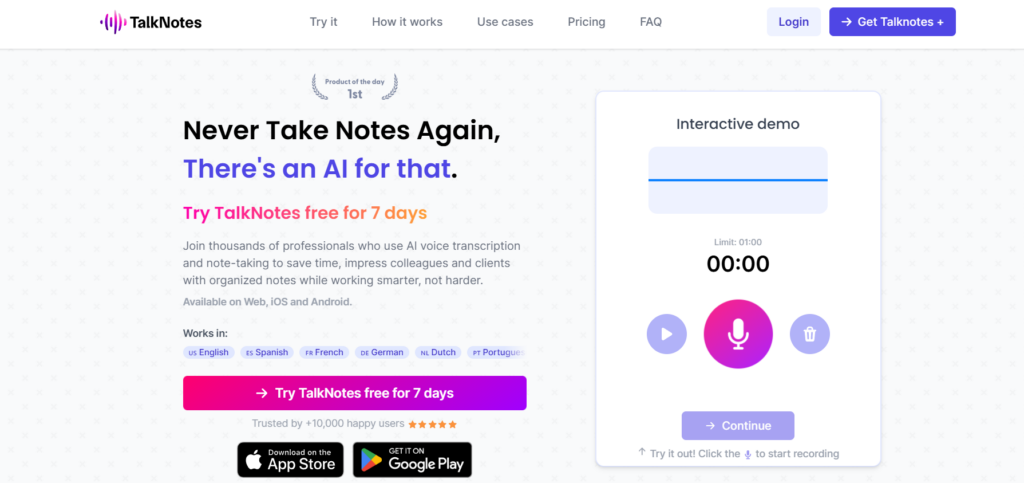
TalkNotes lets you quickly and easily transform your voice into clean, neat text and helps you get organised in less time. It is a great choice for students, professionals, and anyone who prefers speaking instead of writing.
Key Features
- Converts voice recordings into text in seconds.
- AI organizes notes into clear paragraphs.
- Creates summaries and action items automatically.
- Supports multiple languages.
- Exports notes in different formats.
- Works on both desktop and mobile devices.
Strengths
- Very easy for beginners to use.
- Saves time by formatting messy voice notes.
- Great for meetings, brainstorming, and personal notes.
- Fast transcription with minimal editing required.
Weaknesses
- Free plan has limited transcription time.
- Not designed for advanced audio editing.
- Accuracy may drop with strong background noise or heavy accents.
Pricing
- Free plan: Available with usage limits.
- Paid plans: Start at approximately $9.99/month (pricing may vary).
RambleFix
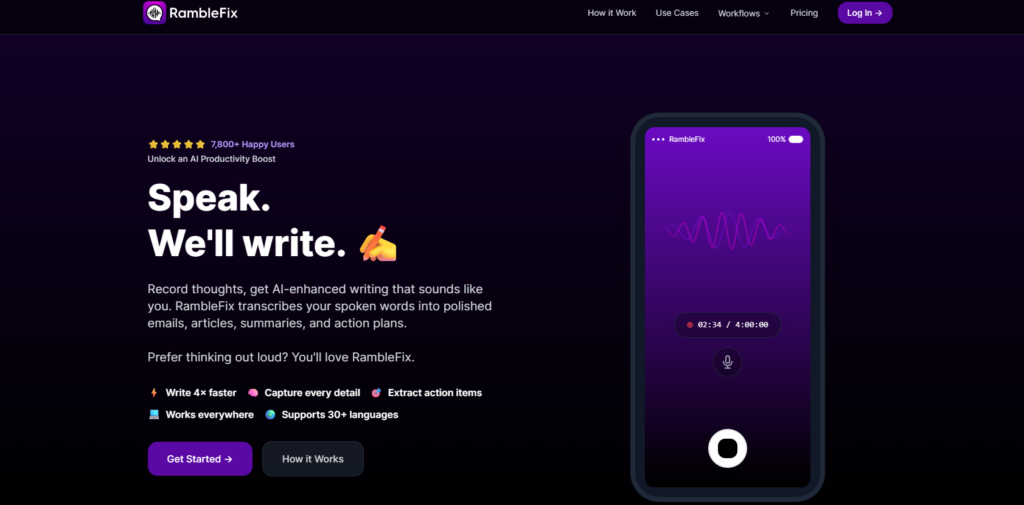
RambleFix is designed for people who like to think out loud. It takes unstructured voice recordings and transforms them into polished, easy-to-read text that is ready to share or edit.
Key Features
- Converts speech into readable text.
- Rewrites rough recordings into well-structured content.
- Supports emails, blog drafts, messages, and notes.
- Fixes grammar and improves sentence flow.
- Offers multiple writing styles.
Strengths
- Excellent for people who think out loud.
- Produces clean, natural-sounding writing.
- Saves editing time after transcription.
- Simple and beginner-friendly interface.
Weaknesses
- Limited customization for advanced users.
- Focuses more on rewriting than detailed transcription controls.
- Requires a stable internet connection.
Pricing
- Paid plans: Premium subscription available (pricing varies).
Knowbase AI
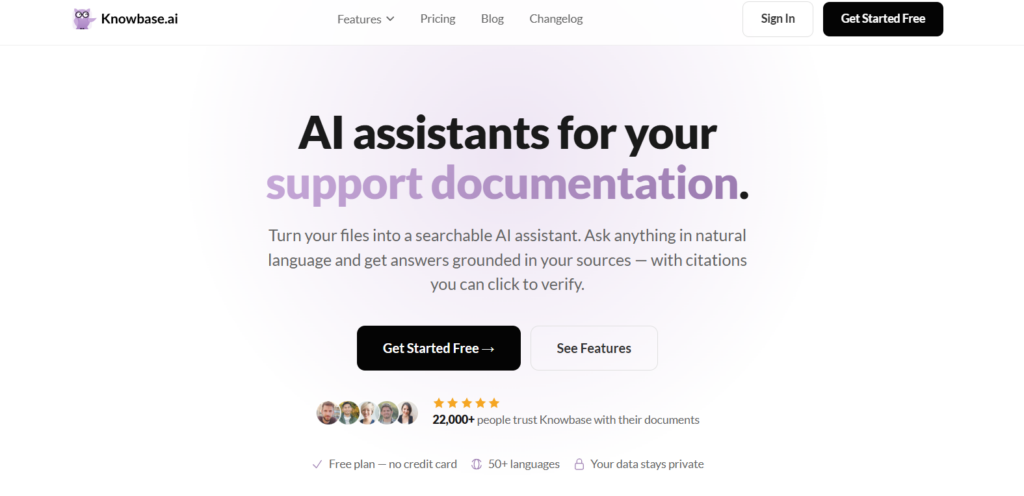
Knowbase AI does more than convert speech into text. It stores transcripts, documents, and media in one searchable library, making it easy to find important information whenever you need it.
Key Features
- Transcribes audio and video files.
- Creates a searchable knowledge library.
- Lets you ask AI questions about uploaded content.
- Summarizes long documents and recordings.
- Supports multiple file formats.
Strengths
- Makes finding information much faster.
- Ideal for researchers, students, and businesses.
- Handles large collections of documents efficiently.
- AI search provides quick answers from uploaded files.
Weaknesses
- Learning the workspace takes some time.
- Some advanced features require a paid subscription.
- More focused on knowledge management than simple transcription.
Pricing
- Paid plans: Premium plans available (pricing depends on usage).
Castmagic
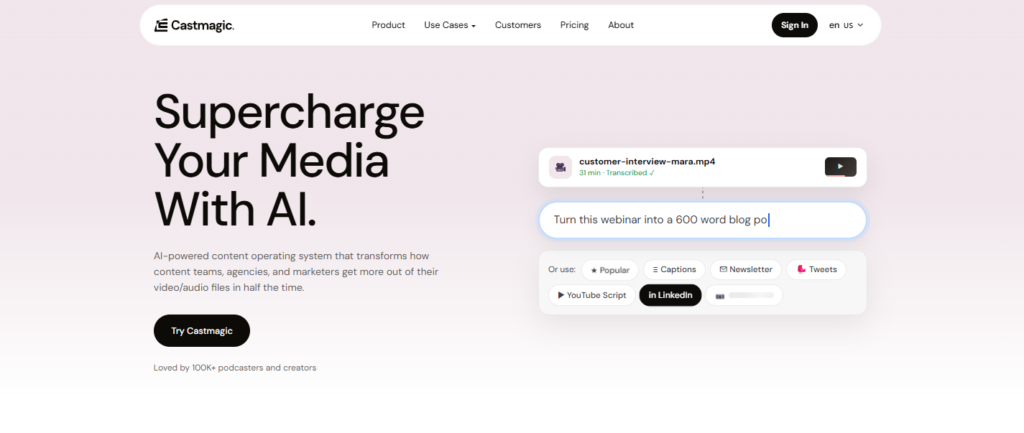
Castmagic helps content creators get more value from every recording. It can transcribe podcasts, interviews, webinars, and videos, then turn them into blogs, social posts, newsletters, and other written content.
Key Features
- Transcribes audio and video automatically.
- Generates summaries, blog posts, newsletters, and social media content.
- Creates timestamps and key highlights.
- Produces quotes and promotional snippets.
- Supports collaboration for teams.
Strengths
- Saves hours when creating marketing content.
- Works well for long-form media.
- Generates multiple content formats from one recording.
- Helpful for creators and marketing teams.
Weaknesses
- Higher pricing than many basic transcription services.
- Some generated content may need manual editing.
- Free usage is limited.
Pricing
- Free trial: Available.
- Paid plans: Start at approximately $39/month.
Sarvam AI
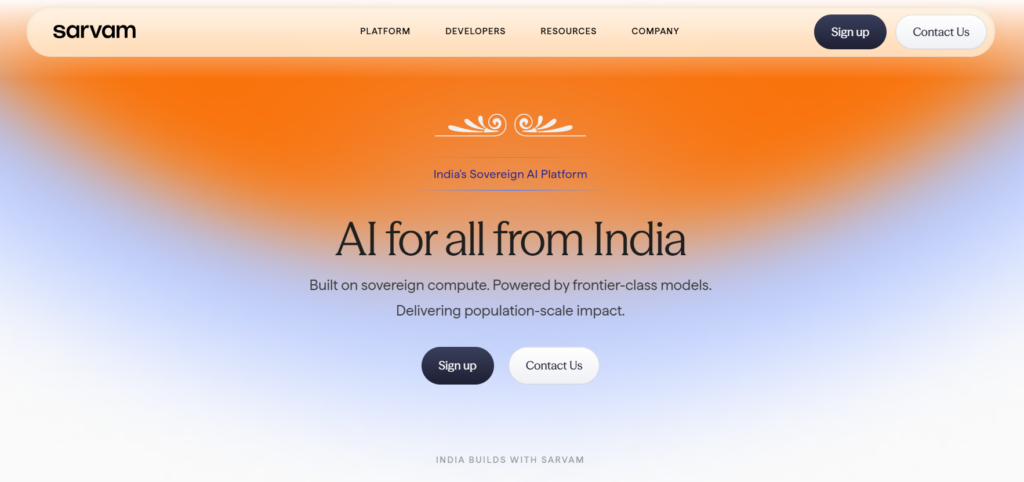
Sarvam AI focuses on speech and language technologies built for India. With support for multiple Indian languages, it is well suited for businesses and developers creating multilingual voice experiences.
Key Features
- Supports speech-to-text in several Indian languages.
- Provides text-to-speech capabilities.
- Includes translation between Indian languages.
- Offers AI models designed for local language understanding.
- API access for developers.
Strengths
- Strong support for regional Indian languages.
- Good choice for businesses serving multilingual audiences.
- Built specifically for Indian language use cases.
- Suitable for voice-based applications.
Weaknesses
- Most advanced features target developers.
- Consumer-facing options are limited compared to some competitors.
- API integration may require technical knowledge.
Pricing
- Free access: Available for selected services.
- Paid plans: Usage-based pricing for APIs.
WhisperTranscribe
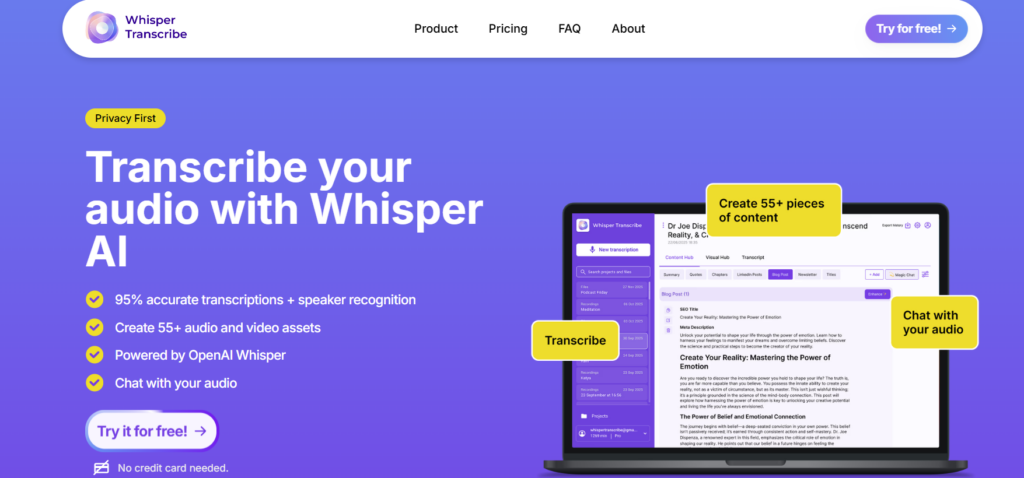
WhisperTranscribe makes it easy to convert audio and video into accurate text. It is especially useful for podcasts, interviews, meetings, and other recordings that need quick, reliable transcripts along with captions or summaries.
Key Features
- Converts audio and video into text with high accuracy.
- Supports speaker identification.
- Generates summaries automatically.
- Creates subtitles and captions.
- Exports transcripts in multiple formats.
Strengths
- High transcription accuracy for clear recordings.
- Quick processing speeds.
- Multiple export options make sharing easy.
- Good for content creators, journalists, and businesses.
Weaknesses
- Performance can decrease with poor-quality recordings.
- Some premium features require a subscription.
- Editing transcripts inside the app is fairly basic.
Pricing
- Free trial: Available.
- Paid plans: Start at approximately $19/month.
| Name | Best For | Free Plan | Starting Price |
| TalkNotes | Voice notes and AI summaries | ✅ | From ~$9.99/month |
| RambleFix | Turning spoken ideas into polished writing | ✅ | Premium pricing available |
| Knowbase AI | Searchable knowledge base from transcripts | ✅ | Usage-based premium plans |
| Castmagic | Repurposing podcasts and videos | Free trial | From ~$39/month |
| Sarvam AI | Indian language speech AI | Limited free access | Usage-based API pricing |
| WhisperTranscribe | Fast transcription and subtitles | Free trial | From ~$19/month |
Conclusion
Thanks to developments in AI speech-to-text tools, the output of the transcription has become not only faster but also more accurate and requires less effort on the part of users.
It can transcribe lectures, record meetings and transcribe them, caption blog articles or transcripts, summarize content, and perform other daily routine activities. Each of the tools discussed here has its unique feature, so your choice may slightly vary depending on your workflow, budget, and liking.
Explore and try a range of the top transcription software options and get transcription made quick and easy with one of the options listed below.
Frequently Asked Questions
Which AI speech-to-text application was the most accurate in 2026?
This really depends on how you’re going to use it. As the name suggests, TalkNotes may be your best choice if you want something that can take notes during talks/meetings/interviews. Meanwhile, Castmagic is a good option for converting podcasting content into text documents and blog posts.
WhisperTranscribe is probably worth considering when you require quick, precise transcription of recordings; it is a good app for that. Lastly, there’s Sarvam AI, which can work wonders for people who speak more than two languages, especially among the Indian dialects.
Does AI speech-to-text technology perform reliably?
With the help of modern AI, transcription is most accurate when the recording is done in a peaceful and clearly spoken environment.
How can I use AI speech-to-text tools in meetings?
Yes. Many of these apps can convert a meeting or any conversation into written content. It can give you a summary, point you to actions, and organize your notes.
Are there AI free speech-to-text tools?
Free versions are often limited to just a few audio transcription minutes. Big companies also provide some types of free plans or trial versions.