TalkNotes
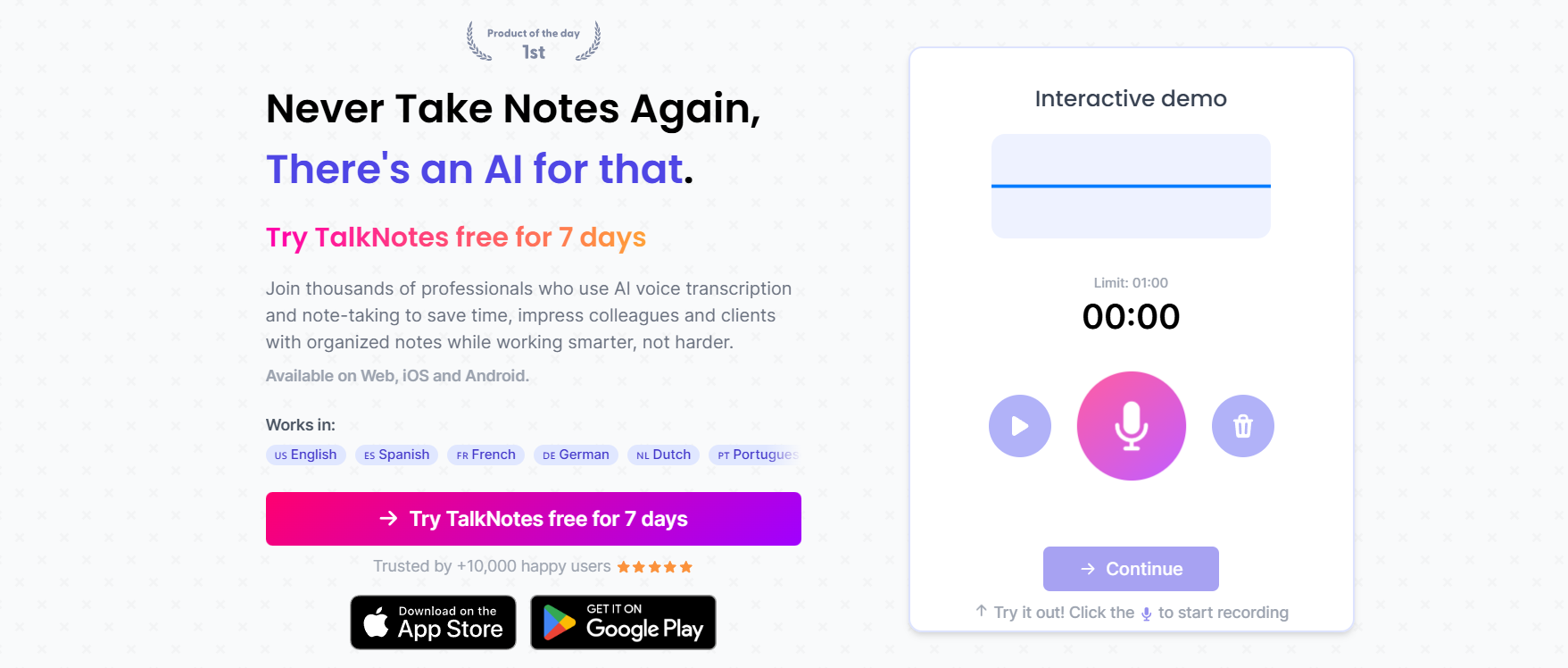
Record and convert notes instantly.
TalkNotes is an AI-powered voice-to-text note-taking application that converts your talk into neat notes. In contrast to typing, it allows you to jot down your thoughts verbally. Using this software, you can efficiently record, upload, and arrange your material. This is an ideal solution for people with a tight schedule who would like to make their note-taking more time-efficient and easy.
Features Of TalkNotes
Voice to Notes
Turn spoken words into clear text notes instantly without typing.
Unlimited Notes
Create and store as many notes as you need without limits.
2-Hour Recording
Record long sessions up to 2 hours in a single go.
File Upload
Upload audio or files and convert them into structured notes.
Custom Styles
Format and style your notes in different ways based on your needs.
Export Options
Export notes to text, email, or shareable links.
Note Organization
Organize and manage all your notes in one clean place.
Mobile Access
Use the app on both iOS and Android devices anytime.
Use Cases Of TalkNotes
Students
Record lectures and convert them into clean notes for study.
Content Creators
Turn ideas into written content for blogs and social media.
Professionals
Capture meetings and convert them into summaries.
Writers
Save thoughts quickly without stopping to type.
Business Owners
Record ideas and organize them later for planning.
Researchers
Store voice insights and turn them into structured notes.
How To Use TalkNotes
Sign Up
Create an account and log in to get started.
Start Recording
Record your voice or upload an audio file.
Convert to Text
Let the AI turn your voice into written notes.
Edit Notes
Make changes and format the text as needed.
Export or Save
Download, share, or store your notes
What We Like About TalkNotes
Easy to Use
A simple interface makes it easy for anyone to start.
Fast Processing
Quickly converts voice into accurate text.
Cross-Platform Access
Works smoothly on both mobile and desktop.
Flexible Sharing
Multiple export options make sharing easy.
Long Recording Support
Supports up to 2-hour recordings without issues.
What We Don't Like About TalkNotes
Limited Free Trial
Only 7 days of free access are available.
Paid Subscription
Requires payment after the trial ends.
Basic Editing Features
Lacks advanced editing tools compared to some competitors.
Pricing Plans of TalkNotes
Monthly Plan - Costs $19.97 per month after a 7-day free trial.
- Monthly Features
- iOS and Android app access.
- Unlimited notes.
- 2-hour recording.
- File uploads.
- Custom styles.
- Export options.
- Note organization.
Yearly Plan - Costs $197 per year after a 7-day free trial.
- Yearly Value
- Comes to about $16 per month when billed yearly.
- Includes all features available in the monthly plan.
FAQs About TalkNotes
Is there a free version?
Currently, only a 7-day free trial is available.
Can I use it on mobile?
Yes, it works on both iOS and Android devices.
Does it support long recordings?
Yes, it allows recordings up to 2 hours.
Can I export notes?
Yes, you can export notes in multiple formats.
Is it good for meetings?
Yes, it is useful for recording and summarizing meetings.
Conclusion
TalkNotes is an efficient note-taking program that can transcribe your voice into neat and intelligible notes. It abolishes typing and enables you to jot down your thoughts at a much faster pace. The user interface is very straightforward, and one can easily operate the application without any difficulty.
Alternatives To TalkNotes
CastMagic
Converts audio into written content and summaries.
Fireflies AI
Records meetings and turns conversations into notes.
Botnation AI
Includes transcription features along with chatbot tools.