
LM Studio
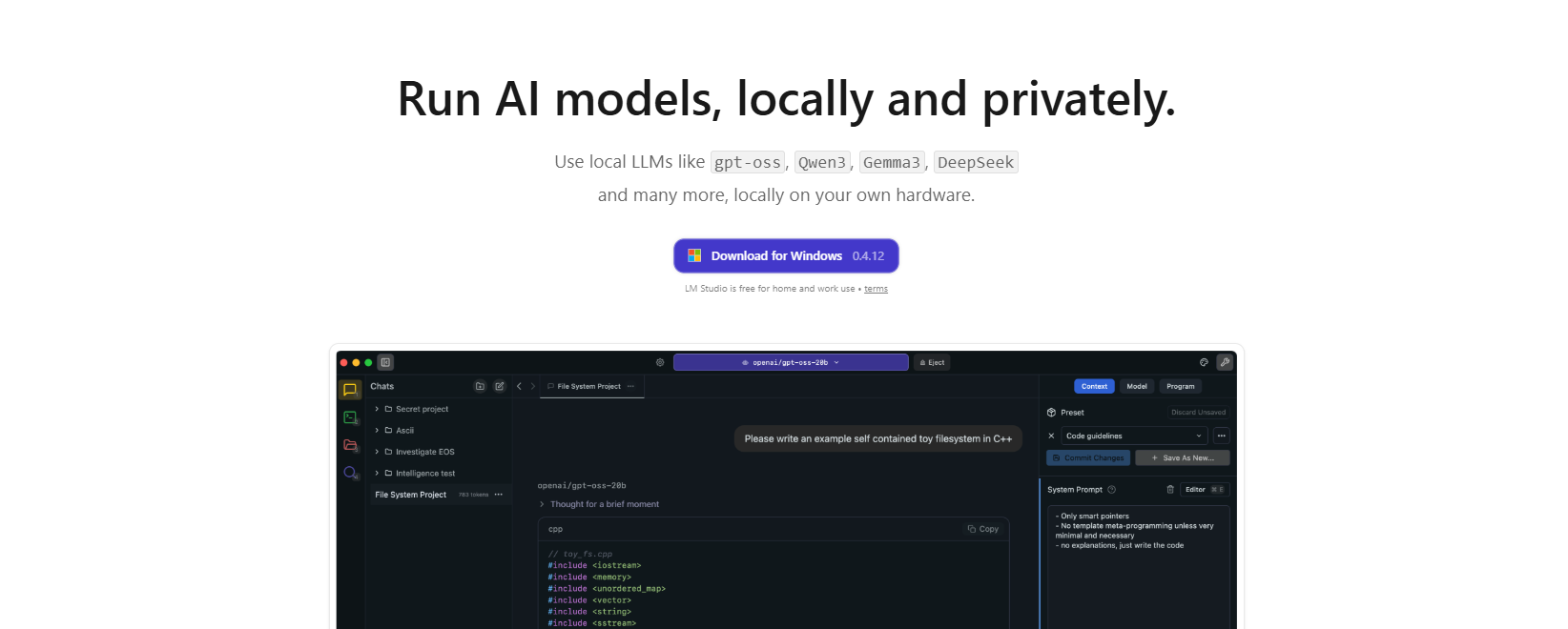
Run AI models locally with LM Studio. Fast, private, and free to use.
Most AI tools today expect you to stay connected and send your data to external servers. This often pays for usage along the way. LM Studio brings AI directly onto your own computer. You can download and run models locally, giving you a more hands-on and controlled experience.
Features Of LM Studio
Local AI Model Execution
Runs AI language models directly on your computer without needing cloud services.
Built-in Chat Interface
Provides an easy-to-use chat system to interact with AI models in real time.
Model Download & Management
Let users browse, download, and organize multiple AI models within one platform.
API Integration for Developers
Offers API access to connect local AI models with apps and workflows.
Support for Open-Source Models
Compatible with various open-source LLMs, giving flexibility and choice.
Use Cases Of LM Studio
Offline AI Chatbots
Generate chatbot dialogues offline for writing, ideation, and Q&A purposes.
Developing & QA
Assist programmers in prompt testing and AI app integration.
Privacy-Preserving Operations
Retains private information locally, without exposure to the outside servers.
Research & Development
Great for evaluating multiple AI models and prompt techniques.
How To Use LM Studio
Step 1: Install the Software
Get LM Studio installed on your computer.
Step 2: Download an AI Model
Download a model that fits your requirements right through the software.
Step 3: Load the Model
Models should be accessible for running when opened with LM Studio.
Step 4: Start Interacting
To talk to the model, interact with the chat interface, or use the API.
Step 5: Optimize Performance
It is advisable to have sufficient RAM and CPU resources for seamless operation.
What We Like About LM Studio
Offline Functionality
Works without internet after initial setup.
Strong Data Privacy
Keeps all interactions and data on your local machine.
No API Costs
Eliminates recurring subscription or usage fees.
Beginner-Friendly Interface
Simple UI makes it easy for new users to get started.
Flexible Model Options
Allows switching between different AI models easily.
What We Don't Like About LM Studio
High Hardware Requirements
Larger models need powerful systems with more RAM and GPU support.
Performance Limitations
Speed and output quality depend on your device capabilities.
Limited Compared to Cloud AI
Some models may not match the performance of advanced cloud-based tools.
LM Studio Pricing Plans
As of now, LM Studio is available at no cost.
FAQs About LM Studio
What is LM Studio used for?
It is used to run AI language models locally on a computer.
Can it work offline?
Yes, once models are downloaded, no internet is required.
Is LM Studio free?
Yes, the software is free, though some models may have restrictions.
Do I need a powerful PC?
Larger models require more RAM and better hardware.
Conclusion
LM Studio combines simplicity, flexibility, and cost efficiency, and hence is a strong choice for anyone interested in running AI locally. It is free to use. It makes local AI more approachable by allowing users to run models directly on their own devices. Overall, it is a practical and reliable option for anyone looking to explore or build with AI without depending on cloud-based services.
Alternatives
FreedomGPT
FreedomGPT is an alternative to LM Studio, offering flexible AI access with both local and cloud options and fewer content restrictions.


