Vozo AI
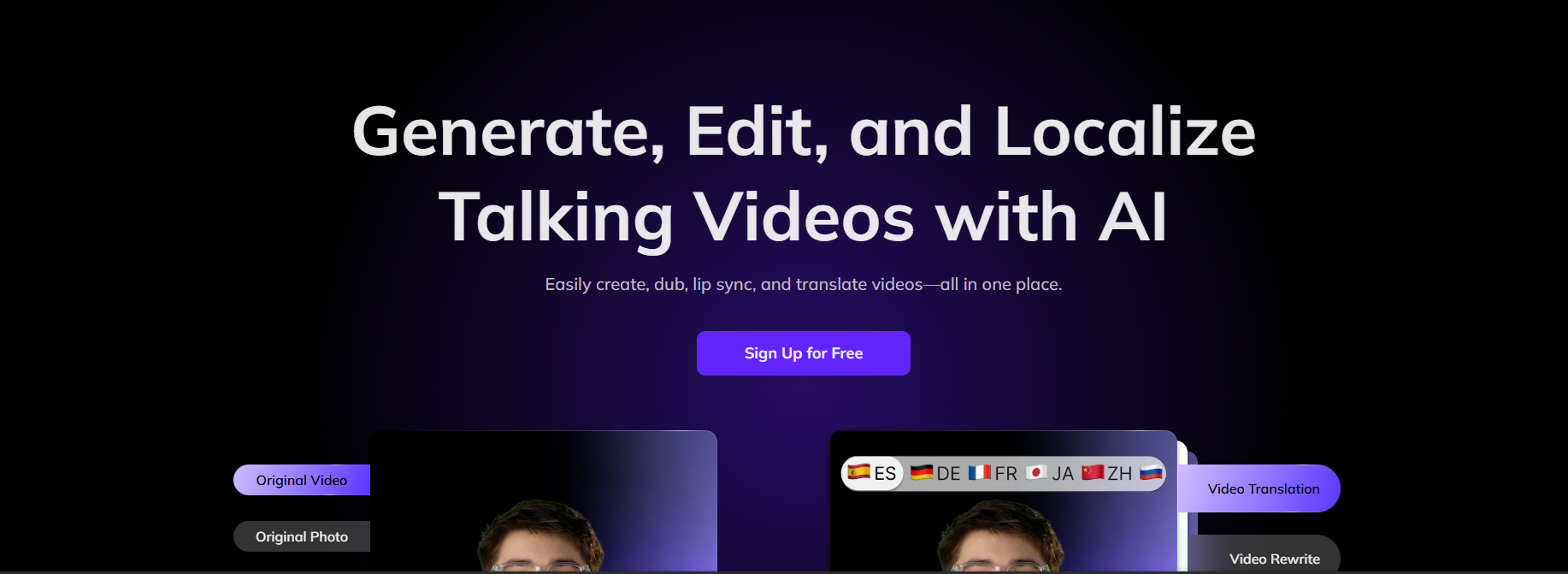
Create content, build chatbots, and turn data into insights with Vozo AI. Save time and streamline your workflow effortlessly.
Have you seen how many AI tools are appearing lately? They’re everywhere, from writing helpers to chatbots. It can be a bit confusing to know which ones are truly helpful.
Vozo AI is one of those tools that brings everything together in one place. It’s not just for writing or just for chat. You can use it to write content, create bots, analyze data, or convert speech to text. This way, you don’t need to switch between multiple apps to finish your work.
If you’re someone who writes, manages a business, or just wants a bit of extra help with everyday tasks, Vozo AI might be worth a look. In this guide, we’ll walk through what it can do, a few things it doesn’t get right, and of course, the pricing.
Features Of Vozo AI
Vozo AI comes packed with a variety of tools designed to make tasks faster, smarter, and more efficient:
AI Writing Assistant
Easily produce the content you need. Ranging from blogs, product descriptions, emails, social media captions, and ad copy, making use of your chosen style and tone.
Smart Chatbots
Create AI-based interactive bots to answer customer questions quickly, cutting wait times and boosting satisfaction.
Data-Driven Insights
Applying AI to digest raw data, creating visual reports, and finding the trends that can help make the right business decisions.
Seamless Integrations
One can also easily integrate Vozo AI with various platforms, including Slack, Google Workspace, CRM systems, and Project management tools.
Voice & Speech AI
Making a voice recording into text or creating a human-like voice for training, accessibility, and content creation purposes.
Personalization Options
Customize workflows, output tone, and AI behavior to align with your brand’s identity and communication style.
Use Cases Of Vozo AI
Vozo AI can be applied across multiple industries and personal scenarios:
Content Creation
Marketers, bloggers, or anyone who needs to regularly publish posts can utilize the tool to come up with new ideas, create drafts, or write captions.
Customer Service
Allow simple questions to be handled automatically while your support staff takes care of the complex issues.
Analytics
Use it to quickly digest data instead of losing a weekend to Excel.
Education
Teachers and students can use it to create notes, lesson plans, or summaries.
Personal Productivity
Even for small stuff like planning a trip, brainstorming project ideas, or rewriting a message before sending it.
How To Use Vozo AI
- Go to vozo.ai. Sign up and get started for free.

- Choose which industry you work for.

- Let Vozo AI know how many people work in your organisation.

- Now, you can select any AI tool you want to use.

- Drop your video.

- Take the help of an AI pilot for making changes to the script.

- Apply the results in the video.


What We Like About Vozo AI
Easy-to-Use Interface
Even users with no prior AI experience can quickly adapt.
Comprehensive Feature Set
From writing to analytics, it combines multiple tools under one platform.
High-Quality Output
The generated text and insights are accurate, relevant, and human-like.
Customization Flexibility
You can fine-tune the AI to fit your brand’s tone and workflow.
Integrations That Save Time
Directly connect with CRMs, communication apps, and collaboration platforms.
Improved Productivity
Helps both individuals and teams save hours of manual effort.
What We Don't Like About Vozo AI
Limited Offline Access
Most features depend on an internet connection.
Higher Costs for Advanced Plans
Full access to premium features and integrations requires upgrading to higher-tier plans.
Vozo AI Pricing Plans

Pro – $8/month
- For creators who only need simple video translation.
- Unlimited AI Translation
- Up to 20 min per video/audio
- Process up to 1 task at once
- Watermark removed
Premium – $29/month
- For creators who need professional results and advanced AI tools.
- 150 points/month
- Unlimited AI Translation
- 50 min of High-Quality AI Dubbing with VoiceREAL
- 15 min of AI Lip Sync/Talking Photo
- Up to 60 min per video/audio
- Process up to 2 tasks at once
- Translation proofreading editor
- Locale control for translation
Business – $99/month
- For teams and studios with regular production needs.
- 600 points/month
- Unlimited AI Translation
- 200 min of High-Quality AI Dubbing with VoiceREAL
- 60 min of AI Lip Sync/Talking Photo
- Up to 60 min per video/audio
- Process up to 10 tasks at once
- File upload & dubbing
- Faster video processing
- Glossaries for translation
- Team workspace with 2 seats
Enterprise – Custom Pricing
- For enterprises with large-scale projects and collaboration needs.
- Everything in the business Plan
- Higher or unlimited points plan
- Team workspace with more seats
- API access
- Security, compliance & privacy features
- Dedicated account manager
- Priority customer support
- Business invoice
FAQs About Vozo AI
Is Vozo AI suitable for beginners?
Yes, it has a user-friendly interface, although advanced features may take some time to explore.
Can Vozo AI integrate with business tools?
Absolutely. It supports integrations with CRMs, project management apps, and communication platforms.
Does Vozo AI provide a free trial?
Yes, users can get started with the free plan before upgrading to paid plans.
Is my data secure with Vozo AI?
Yes, encryption and security protocols are used to protect user data.
Can Vozo AI handle multilingual content?
Yes, it supports multiple languages, making it ideal for global businesses.
Conclusion
The demand for AI-powered productivity tools like Vozo AI is growing. More people and businesses are looking for ways to work faster, get smarter support, and automate everyday tasks. There are still some challenges. Pricing is considered high for advanced plans, and new users might face a few challenges getting used to its features.
The chances for progress are quite obvious. Vozo is capable of transforming the entire content creation, customer service, and data analytics fields. It doesn’t matter if your industry is very competitive. Using Vozo AI’s advanced features and easy integrations can boost your productivity and give you a strong edge over competitors.