
Tray AI
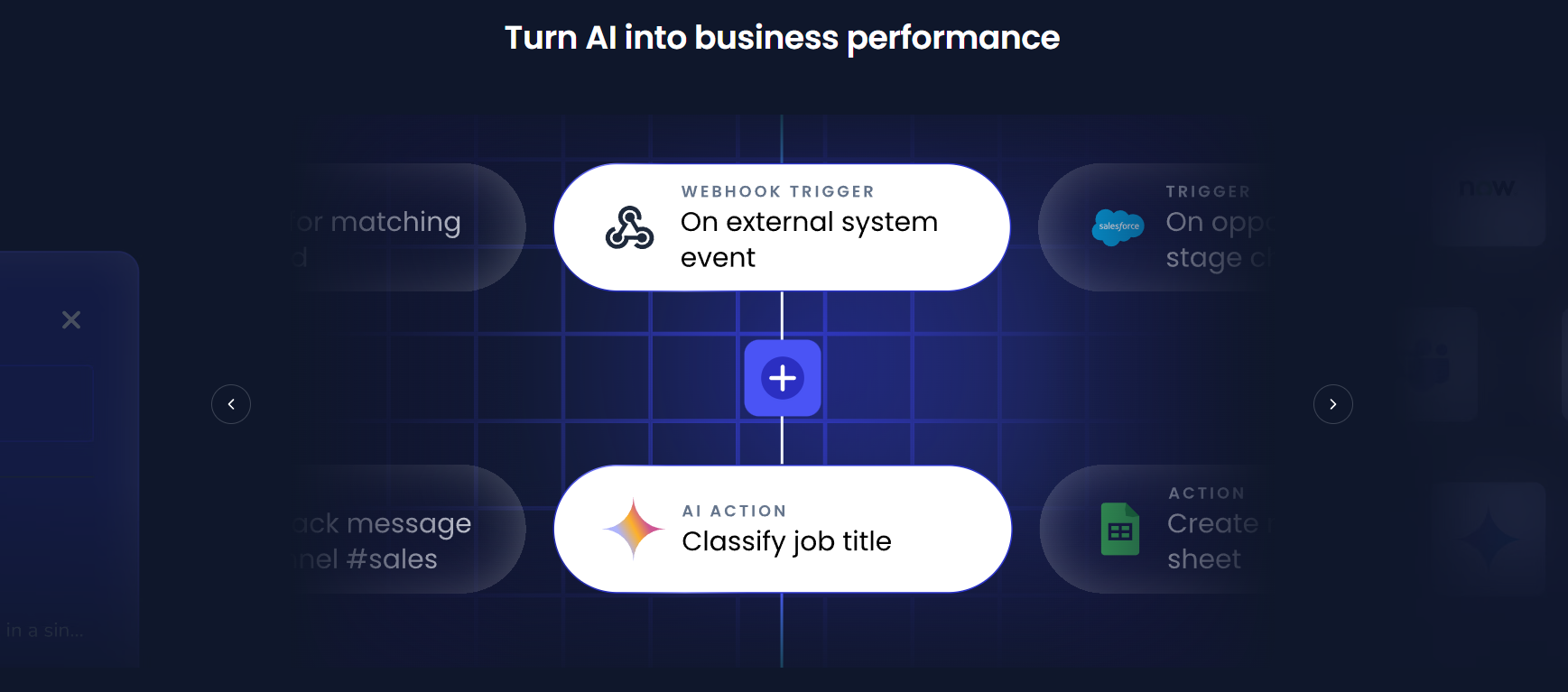
Build automated workflows with powerful AI integrations.
Tray AI is a powerful AI-driven integration that enables companies to link their applications, data, and process flows together. Automate complicated workflows even if you do not have the skills for intensive coding. Tray AI essentially replaces manual handling of separate tasks on various platforms with a single, integrated workflow.
In this article, we will guide you through the features of Tray AI, along with its use cases, how to use it, what we like and don’t like, pricing plans, FAQs, and alternatives.
Features Of Tray AI
Tray AI offers a wide range of features:
Low-Code Workflow Builder
Tray AI comes with a visual drag-and-drop builder that empowers you to develop workflows
without having to master technical skills. Simply link different steps and create your automation logic by dragging and dropping.
AI Orchestration
Integrate several AI models, APIs, and data sources to make a single workflow.
Extensive Integrations
Tray AI has a vast library of integrations supporting hundreds of apps, including CRM, marketing automation tools, and databases. Ultimately, you will be able to connect with almost any app that you frequently use.
Real-Time Automation
Workflows may be executed instantly once events take place, such as user letting, data entry, or system updates.
Custom API Integration
Besides the built-in integrations, you may also use an API to communicate externally. Services give you more flexibility.
Error Handling & Monitoring
Tray AI has a set of features that allow you to keep track of the workflow status, locate problems, and have them fixed quickly.
Use Cases Of Tray AI
Marketing Automation
Automate campaigns, sync leads, and manage customer journeys across platforms.
Sales Operations
Connect CRM systems, automate lead routing, and update pipelines automatically.
Customer Support Automation
Integrate support tools and automate ticket creation and responses.
Data Integration
Combine data from multiple sources into a single system for better insights.
AI-Powered Workflows
Use AI for tasks like sentiment analysis, chatbots, and predictive analytics.
HR & Finance Automation
Streamline onboarding, payroll processes, invoicing, and reporting.
What We Like About Tray AI
- Flexible and scalable automation platform.
- Strong AI orchestration capabilities.
- User-friendly low-code interface.
- Wide range of integrations.
- Suitable for enterprise-level workflows.
What We Don't Like About Tray AI
- Pricing is not transparent.
- Advanced features may require technical knowledge.
Tray AI Pricing Plans
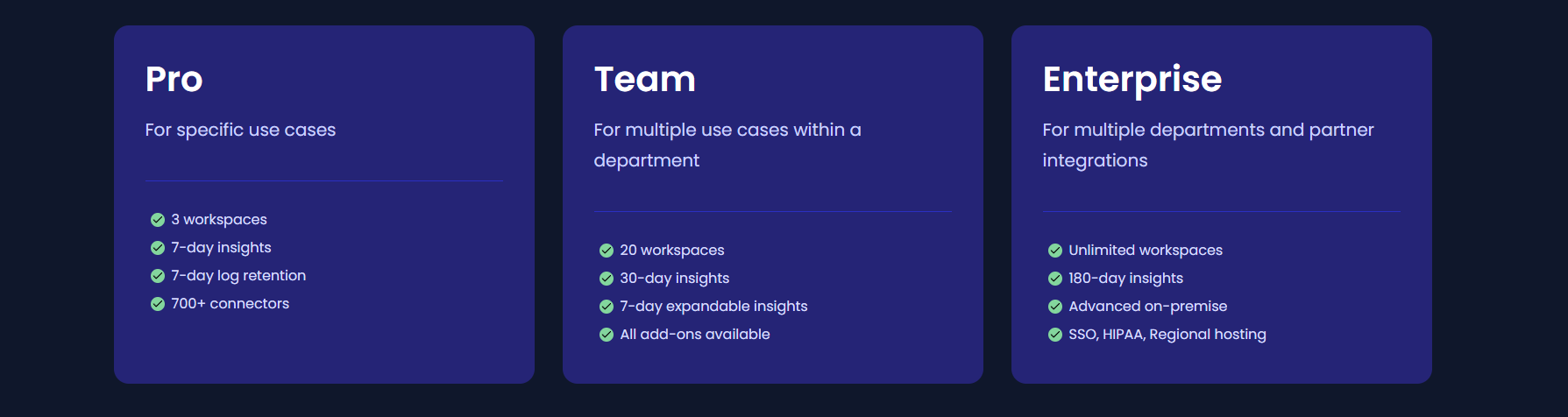
Pro Plan
- 3 workspaces
- 7-day insights
- 7-day log retention
- 700+ connectors
Team Plan
- 20 workspaces
- 30-day insights
- Expandable insights (starting at 7 days)
- Access to all add-ons
Enterprise Plan
- Unlimited workspaces
- 180-day insights
- Advanced on-premise capabilities
- SSO, HIPAA, and regional hosting support
FAQs About Tray AI
What is Tray AI?
Tray AI is a platform that automates workflows, connects applications, and manages AI-based processes.
Can beginners easily use Tray AI?
Their low-code interface is quite easy for beginners; yet, complex workflows might require some time for beginners to understand.
Does Tray AI have the capability to integrate with any app?
Certainly, it comes with the support of many pre-built integrations and even has the flexibility for you to add your own API connections.
Is Tray AI a good choice for small businesses?
Definitely, small businesses can benefit from using it. The majority of its users are mid-sized and large companies.
How secure is Tray AI?
They have incorporated enterprise-grade security features along with compliance measures to ensure a high level of security.
Conclusion
Tray AI is an excellent tool for companies seeking to automate their processes and embed AI into their daily activities. It might take some time and resources to get familiar with the platform. However, it offers great potential to upscale your automation and increase productivity.
Alternatives To Tray AI
Browse AI offers no-code automation for extracting data and monitoring websites.
Automates capturing and organizing workflows.


