SendBlue
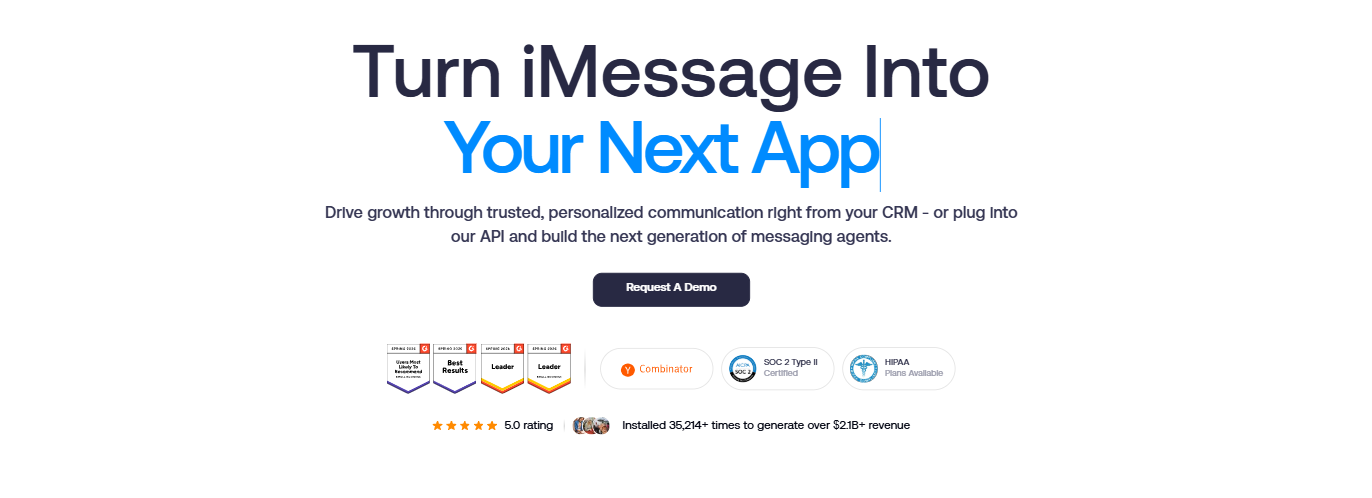
Business messaging platform for iMessage, SMS, and automation.
Good customer communication matters for every business. SendBlue is a messaging platform that helps companies connect with customers through iMessage, SMS, MMS, and RCS. It is built for businesses that want faster conversations, better engagement, and simple automation.
API access, group chats, and media sharing are some of the useful features it has. Businesses can use it for customer support, sales follow-ups, marketing campaigns, and appointment reminders. SendBlue is especially useful for teams that want a more modern and personal way to communicate with customers.
Features Of SendBlue
iMessage Support
SendBlue lets businesses send and receive iMessages with customers on Apple devices.
SMS And MMS Messaging
Users can send text messages, photos, videos, and other media files.
RCS Support
Supports RCS messaging for better communication with Android users.
Group Chats
Businesses can manage customer or team conversations in group chats.
Read Receipts And Typing Indicators
Users can see when messages are read and when someone is typing.
Media Sharing
SendBlue supports sharing images, videos, voice notes, and files.
API Access
Developers can use the API to automate messaging and connect other tools.
Workflow Automation
Businesses can automate reminders, replies, and follow-up messages.
Dedicated Phone Numbers
Companies can use business phone numbers for customer communication.
CRM Integrations
SendBlue works with CRM and business tools for easier customer management.
Customer Support
Provides support for setup and business messaging needs.
Use Cases Of SendBlue
- Customer support messaging
- Sales follow-ups
- Appointment reminders
- Marketing campaigns
- Lead nurturing
- Team communication
- Automated customer replies
How To Use SendBlue
- Create an account on SendBlue.
- Connect your phone number or business line.
- Get API access from the dashboard.
- Integrate the API with your app or CRM.
- Create automated workflows or message campaigns.
- Send iMessages, SMS, or MMS to customers.
- Track replies and customer engagement.
What We Like About SendBlue
iMessage Support
Supports iMessage for business communication.
Easy Automation
Simple to automate customer messaging and workflows.
Media Quality
Sends high-quality photos, videos, and voice messages.
Faster Setup
No long A2P registration process is needed.
Group Messaging
Supports group chats for teams and customers.
Customer Engagement
Helps businesses create better customer interactions.
Clear Pricing
A transparent pricing model is offered for businesses.
What We Don't Like About SendBlue
High Pricing
Pricing may be expensive for small businesses.
API Restrictions
Lower plans may have API limits.
Not For Basic Needs
It may not be the best choice for simple SMS-only businesses.
SendBlue Pricing Plans
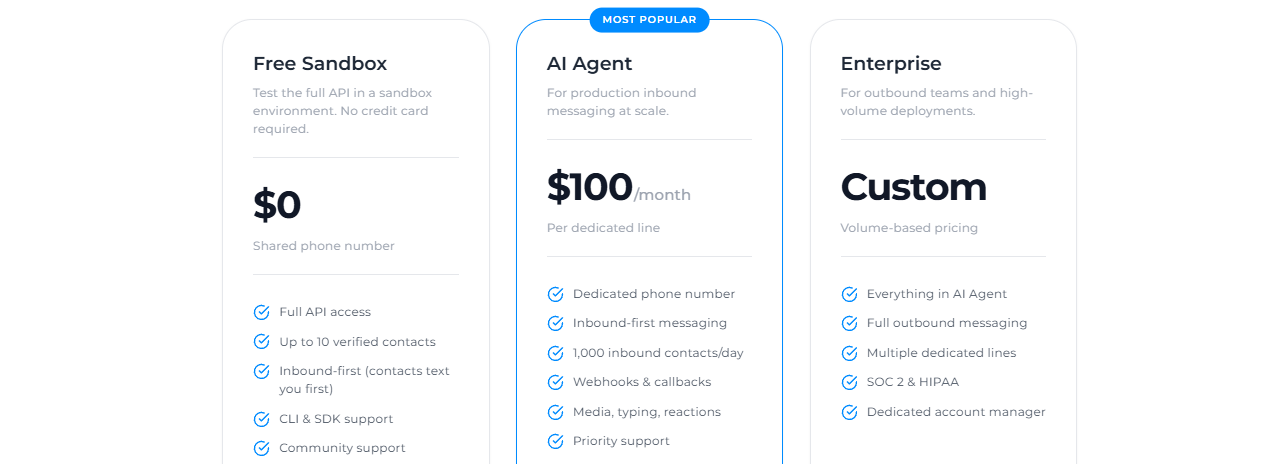
Free Sandbox
- Full API access
- Up to 10 verified contacts
- Inbound-first messaging
- CLI & SDK support
- Community support
- Shared phone number
AI Agent – $100/Month
- Dedicated phone number
- Inbound-first messaging
- 1,000 inbound contacts per day
- Webhooks & callbacks
- Media, typing, and reactions support
- Priority support
Enterprise – Custom Pricing
- Everything in the AI Agent
- Full outbound messaging
- Multiple dedicated phone lines
- SOC 2 & HIPAA compliance
- Dedicated account manager
- Volume-based pricing
FAQs About SendBlue
Is SendBlue good for small businesses?
Yes. Small businesses can use it for customer support and sales messaging. However, pricing may be high for some startups.
Does SendBlue support iMessage?
Yes. It is mainly known for iMessage business messaging support.
Can SendBlue send SMS messages?
Yes. It supports SMS, MMS, and RCS messaging.
Does SendBlue have an API?
Yes. Businesses can use their API to automate messaging workflows.
Can SendBlue send photos and videos?
Yes. Users can send voice memos, photos, and videos.
Conclusion
SendBlue is a great messaging platform for businesses that want better customer communication. It works well for iMessage, SMS, and automated messaging. The platform has useful features like group chats, media sharing, and API access. It is best for companies that need advanced messaging tools. However, smaller businesses may find the pricing expensive.
Alternatives
Chatling AI
Good alternative for automated customer messaging and chatbot support.
Sameday AI
Focuses on sales communication and lead engagement.