Rippling
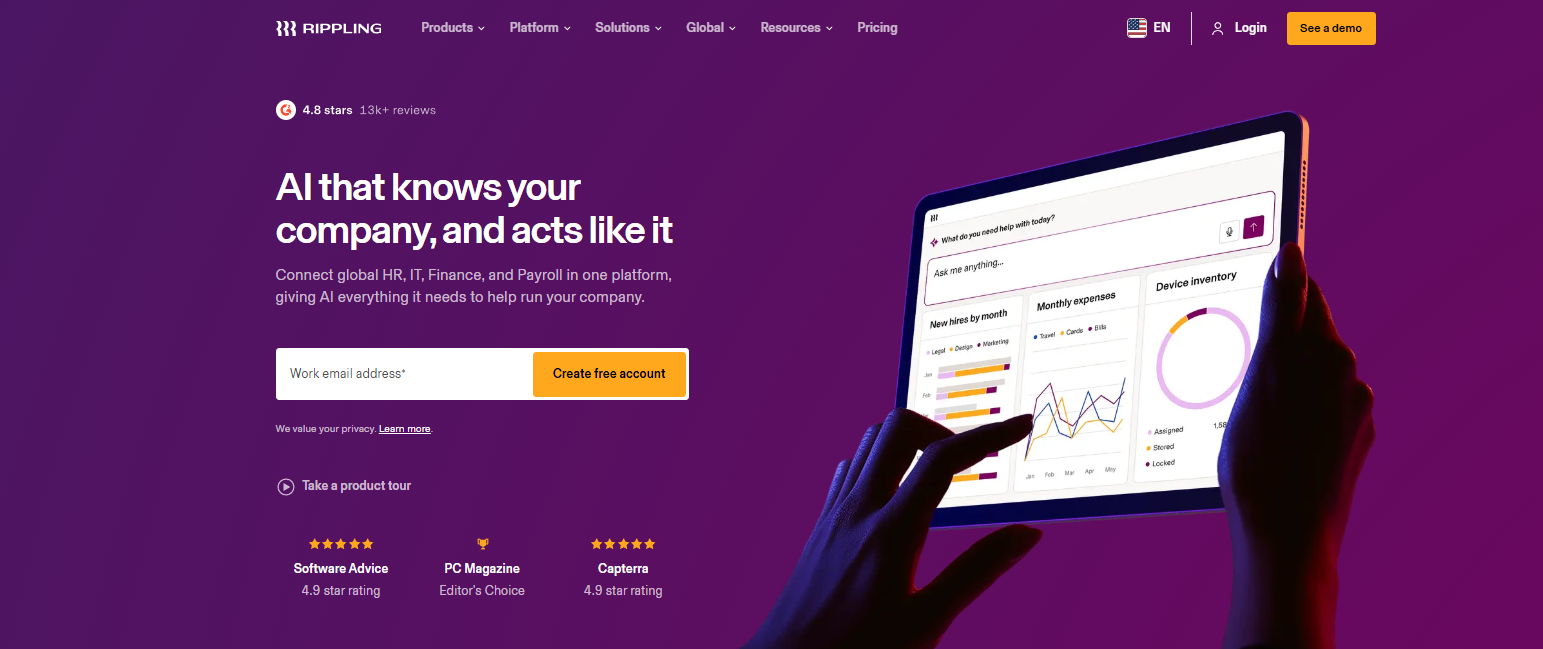
Reduce admin work, improve efficiency, and support business growth.
Rippling is a platform that helps companies manage their employees. From hiring someone to paying them, giving them access to software, or even managing their work devices, everything sits in one place.
It’s especially helpful for companies that are growing fast and don’t want HR, IT, and payroll turning into a messy, time-consuming process.
Features Of Rippling
Employee management
Keeps all employee details, documents, and records organized
Payroll system
Automatically calculates salaries, taxes, and payments
Onboarding & offboarding
Makes joining and leaving the company smooth and structured
IT device control
Helps companies set up laptops, apps, and access for employees
App connections
Works with tools like Slack, Google Workspace, and many others
Time tracking & leave
Tracks attendance, working hours, and holidays
Automation tools
Reduces repetitive HR and admin work
Use Cases Of Rippling
Startups
Startups that need a simple system to manage hiring and payroll
Growing Companies
Growing companies that are tired of manual HR work
Remote Teams
Remote teams spread across different locations
IT Teams
IT teams managing employee devices and app access
Global Workforces
Businesses handling international employees or contractors
Automation-Focused Companies
Companies that want fewer tools and more automation
How To Use Rippling
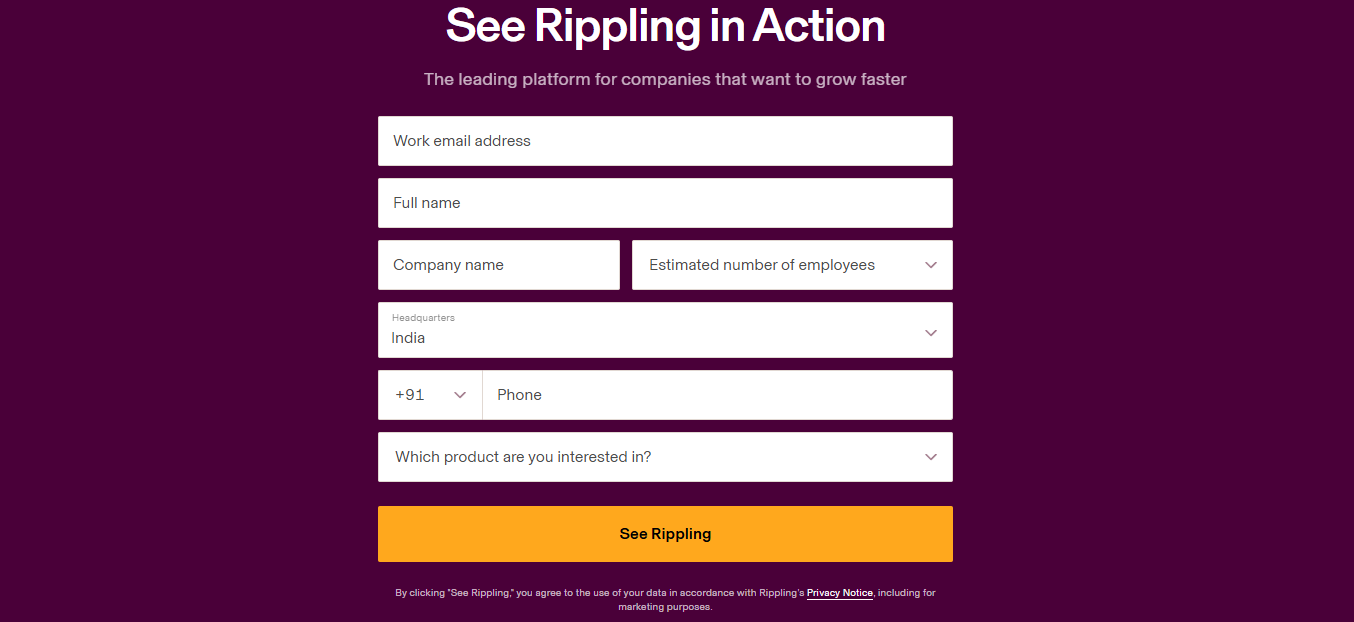
- To get started, you'll typically have to request a demo and speak with the Rippling team.
- After setup, you can add employee data, configure payroll, connect workplace apps, and automate routine HR and IT tasks.
- Once everything is in place, Rippling acts as a centralized platform for managing your workforce.
What We Like About Rippling
All-in-One System
Only this tool is enough for managing a workforce. You don’t need 5–6 different tools
Automation Saves Time
A lot of tasks run automatically, saving time and effort.
Smooth Onboarding
Onboarding new employees becomes very smooth.
Good Integrations
Works well with popular business apps.
Scalable Platform
Can grow easily with your company.
HR + IT Together
Combines HR and IT, which is not very common in most other tools in the market.
What We Don't Like About Rippling
Setup Takes Time
Setting it up for the first time takes some time and effort
Too Many Features
Some features might feel unnecessary if your company is small.
Limited Customization
You can definitely customize it, but not unlimited.
Rippling Pricing Plans
Rippling doesn’t really have one fixed public price for everyone. The cost usually depends on the requirements of your company.
Pricing usually changes based on:
- Number of employees
- Features you choose (HR, payroll, IT, etc.)
- Whether you need global payroll or not
- Size and structure of your business
So most companies need to request a custom quote.
FAQs About Rippling
What is Rippling actually used for in day-to-day work?
It’s used to handle all the behind-the-scenes employee stuff like payroll, HR records, onboarding, and even IT access in one place.
Is Rippling only for big companies, or can small teams use it too?
Small teams can use it, but it usually feels more useful when a company starts growing, and things get harder to manage manually.
Can Rippling really manage remote employees properly?
Yes, it’s actually built with remote and distributed teams in mind, so managing people in different locations is pretty smooth.
Do I still need other HR or payroll tools if I use Rippling?
In many cases, no. A lot of companies use it to replace separate tools for HR, payroll, and IT.
Is it difficult to get started with Rippling?
It’s not hard to use once everything is set up, but the initial setup can take some time and planning.
Conclusion
As companies grow, managing employees becomes increasingly complex. Rippling addresses this challenge by providing the tools needed to support hiring, payroll, compliance, and employee management from one centralized system. Its scalability makes it particularly appealing for businesses planning for long-term growth.