Any AI tool can be useful for business coaches, and how can they not be? Business coaches do such an assorted job. To the point, they need assistance with everything. But some tools are more applicable since business coaching is based on human connection.
There are notes to write up after each call, follow-ups to send, worksheets to prepare, posts to publish, and a calendar that never seems to line up. For many coaches, these tasks quietly take up more hours than the sessions themselves.
If you are a solo business coach or aspiring business coach, then you are in the right place, as today I am going to talk about the best AI tools that every business coach should know about. This article is also applicable for coaches working in HR and L&D roles.
Who are Business Coaches?
Business Coaches are mentors who act as mentors for entrepreneurs and business owners. Business coaches find blind spots and solve complex problems for businesses. They point out a fresh perspective on a topic that nobody could have thought of before, and even if they have thought about it, they can’t articulate it well. With the guidance of business coaches, it becomes easy to build new skills. Business Coaches teach practical skills such as delegating work, managing time, marketing, sales, and leading a team.
ChatGPT / Claude
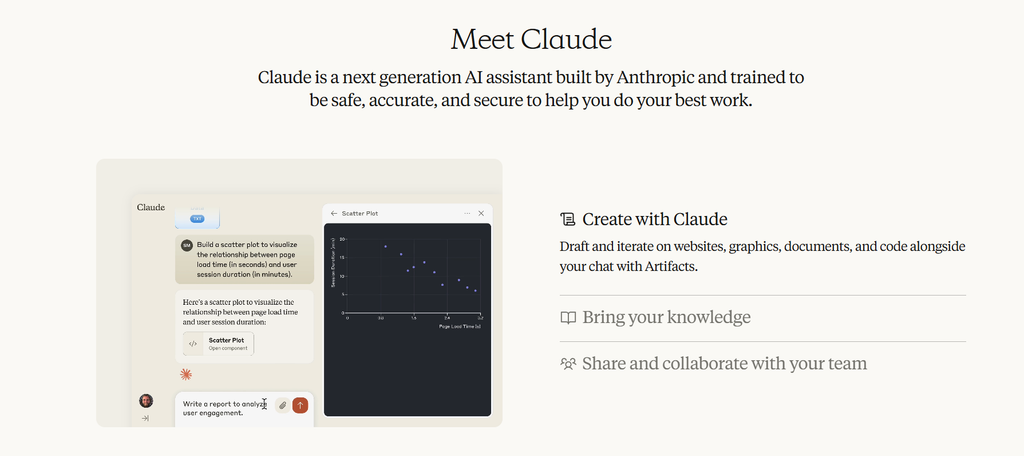
ChatGPT and Claude are conversational AI assistants. Type a question or prompt and receive written responses, including summaries, draft content, and ideas. These are general AI tools; therefore, you can use them to explain something, edit paragraphs, or brainstorm.
Use cases for business cafes are varied. You may create an activity for setting goals, come up with questions for a leadership session, or even create a practice for a difficult conversation. Most people will find that after using a few weeks, you will rarely get your answer straight away. By asking additional questions and providing context around your client (without personal details), you will get a much more useful response. The decision of what to keep is still down to the coach.
Otter AI
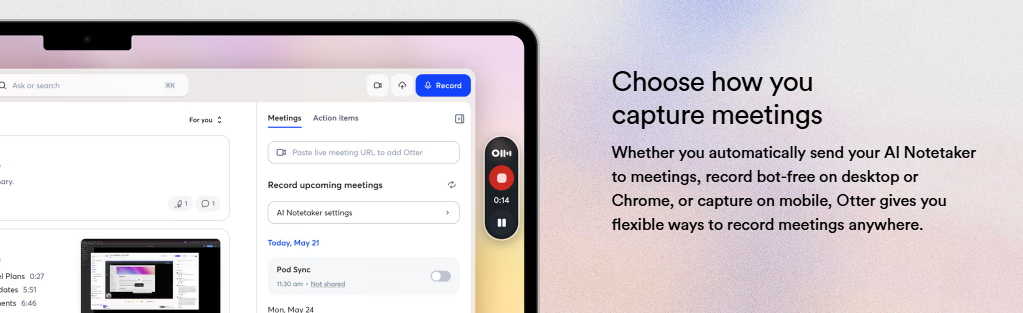
Otter AI provides transcription of spoken conversations. It can be used within online meetings to provide live transcription of speech and a summary. The main feature most people will use is searchability.
Coaching tends to be detailed. It will give you an exact idea of what your client has said, what they have committed to, and what themes have been mentioned throughout the weeks. This means you aren’t dividing your attention between listening and note taking. After a few months, you will find the true benefit of this tool.
Being able to search previous sessions can highlight trends that you wouldn’t have noticed. The summaries can also be useful to quickly scan through to check for any mistakes. Always let your client know that their session will be recorded.
Fireflies AI
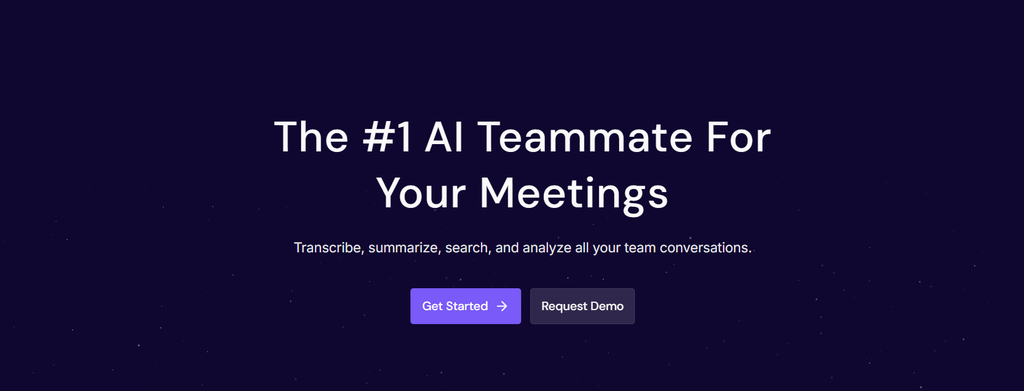
Fireflies AI provides many of the same features as Otter. However, it focuses more on integration with other tools. You can send your notes and action items into CRMs, project management tools, and messaging tools.
This can be really useful when you have a growing client base. If you are working with group programmes or multiple engagements, you will have all your session highlights saved in one place. To set this up, there is a bit of work required. Usually, you will have to tweak things a couple of times for it to go exactly where you want. Once set up, it will save you time from manually entering information and missing follow ups.
Notion AI
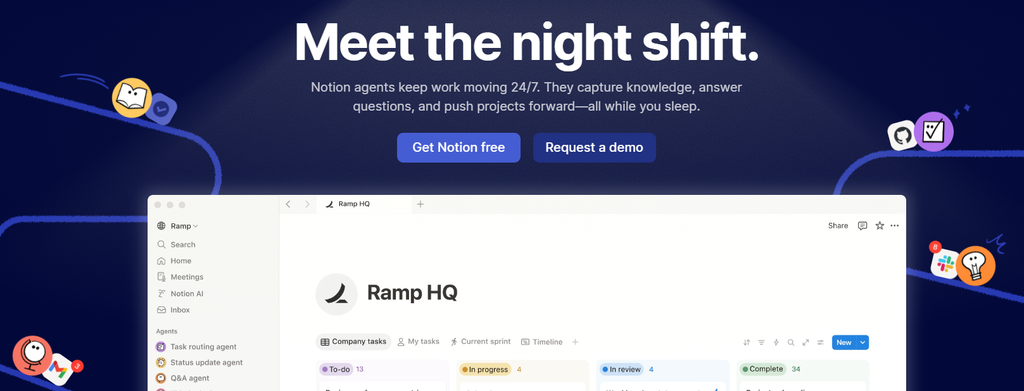
Notion AI is an all-in-one workspace where you can store pages in various formats. There are multiple AI features, including summarising, editing, and generating.
A lot of coaches will use Notion to create individual pages for each client. This can include their goals, session notes, homework, and resources. You can get very tempted to overcomplicate it, but it will likely last longer if you keep it simple. If you are using it to track client progress, you may find your pages get quite long, so it can be useful to add a summary at the top of the page for your next session. As you grow, you can start to store your templates too.
Canva Magic Studio
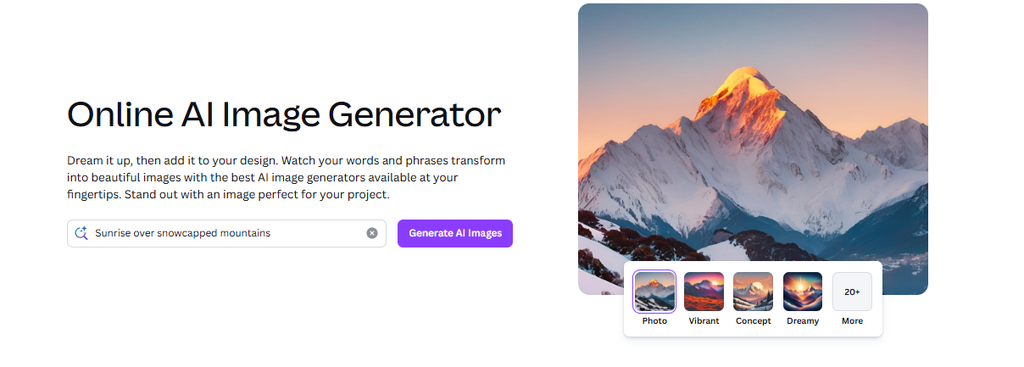
Canva is a design platform that uses templates. With the Canva Magic Studio, you can generate images, suggest designs, and auto resize. It makes it easy to change your design across various formats.
Many business coaches create worksheets, workbooks, social posts, and downloadable guides. Canva helps keep your designs consistent even if you aren’t using a designer. It can be useful to create a couple of templates that you use that have specific colours and fonts. This will keep your whole library looking consistent.
Gamma
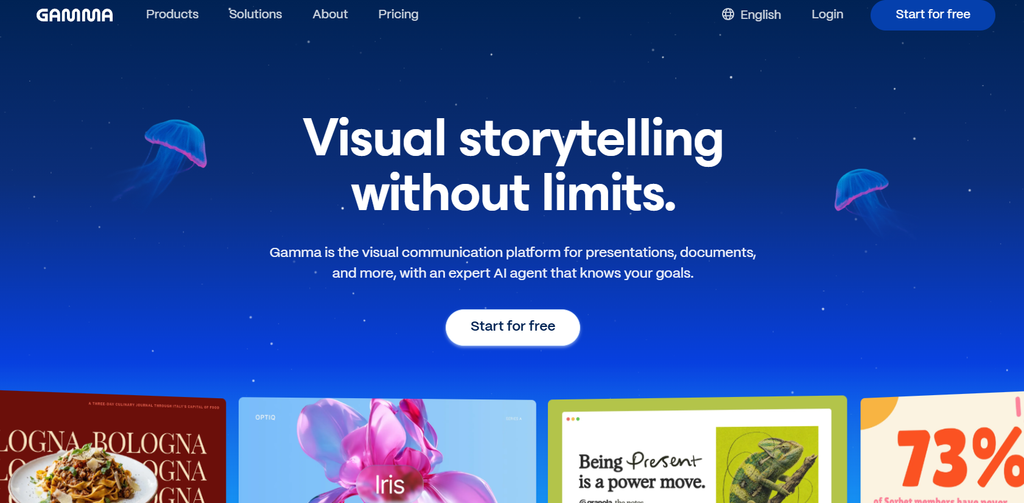
Gamma is a tool that will create a presentation, document, or basic website based on a quick prompt or outline. It will create a draft for you with formatting and design.
If you are delivering workshops, webinars, or training sessions, this can help speed up the most time consuming part of the process. You will still need to include examples, stories, and client-specific details, but the structure will be provided by the tool. From experience, a detailed outline will create a much better draft than a one-line prompt. Generic slides will usually need some editing to make them feel more personal.
Jasper / Copy AI
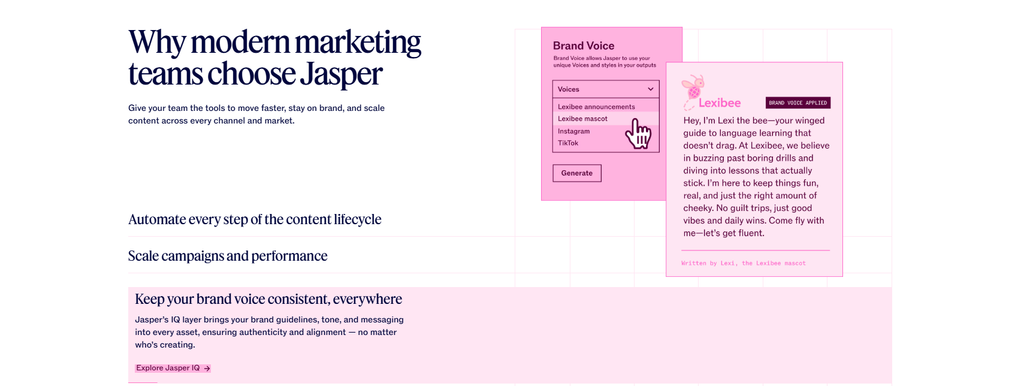
Jasper and Copy AI are both AI copywriting tools designed for marketing. They will create blog posts, emails, social media captions, and landing pages. Both will allow you to set your brand voice.
It can be hard to write regularly when working with clients, but for many coaches, content is how they are found. This can be used to create your initial draft for your LinkedIn posts or newsletter. The drafts can feel a little generic, but it can be useful to spend some time getting your brand voice to match your writing. You will still need to edit some to make them sound like you.
Descript
Descript is a tool to edit audio and video. It uses a transcript, meaning if you delete a sentence in the text, it will remove it from the audio. It has some handy features, including removing filler words, auto captions, and cutting short clips.
This can save a lot of the technical side of editing if you have a podcast, YouTube series, or online course. It will help you clean up your recording into short clips. The auto filler word removal works really well but can sometimes sound a little abrupt. It is still a good idea to give it a quick listen before publishing.
Zapier
Zapier connects apps together. If something happens in one app, it will do an action in another. These are called Zaps and can be set up easily with no coding. There are thousands of apps to choose from.
After a coaching session, you often want to send a follow up message, task, add to a tracking sheet, and maybe remind them to pay. Whilst these are all small tasks, they can take up a lot of time. Most people find it best to start with one small task and see how it works for a week. If it goes wrong, it can cause you to send the wrong message. Once you have a couple going well, it will give you more time to prepare and think about your coaching.
Calendly (AI features)
Calendly allows people to book in times. It will send confirmation and reminders. Newer features have been added to make it easier to set up and ensure people are sent to the correct person.
As an independent coach, this takes away the back and forth of finding a suitable time. People can book in an intro call without having to email. The auto reminders will help reduce people missing their appointment. Small changes can make a big difference over time. Adding in some buffer time between sessions, limiting how far in advance people can book, and adding a short question on the booking page for an intake will mean you have some context for each first call.
Conclusion: Which is the best AI tool for Business Coaches?
Business Coaches don’t need a complete set of new tools. They require slightly more efficiency in the tasks that exist outside the conversation. A tool that manages the notes, reminders, or the first version of a post can earn coaches back a couple of hours per week, and those hours are probably better spent on preparing for clients or taking a break.
All of the tools above address a different need, so your perfect first step will really depend on where you are currently spending your time. Give one of the above tools a chance for a few weeks, observe what effect it is having, and then only keep it if it is actually gaining its place. The work depends on the relationship of trust between a coach and client; every tool that interferes with this relationship is not worth it, no matter how clever.
FAQs
Can AI tools replace a business coach?
No. Although you can use AI for taking notes, writing, and admin, coaching is a skill that you need to have. Most coaches will use AI to help them.
Are AI tools safe to use with confidential client information?
As a general rule, you shouldn’t put your name or any sensitive business information into your AI assistant unless you know how it is stored and used.
Should I inform clients that I record sessions with an AI note-taker?
Yes. Each state has different recording laws. The client should always know if they are being recorded or transcribed. The best way to do this is to ask them to sign a form allowing you to record the session. This will also help build more trust.
Which AI tool should a new business coach start with?
A general AI assistant such as ChatGPT or Claude would be a great place to start. This can help with a number of tasks at once. You might also find a scheduling tool such as Calendly a good, easy place to start. This will save you time straight away with little setup.
Do I need any technical knowledge?
No. These tools are generally very easy to use and are aimed towards non-technical people. They have easy to use drop down menus and templates. Zapier will take a little more setup, but you don’t need to code.
Will the content created by AI sound like me?
No. When using AI, the content can be quite generic. However, if you use some of your own words and edit the content, it will help keep your voice.

Sapna Ghodasara is the founder of Guide of AI Tool, where she writes in depth reviews of AI tools for marketers, creators and businesses. Her reviews focus on what matters before you pay for a tool: real use cases, honest pros and cons, pricing, and how well it fits into an everyday workflow.
Sapna is the cofounder of SEOMagicLab. That mix of technical training and daily marketing work lets her judge AI tools from two angles: how well the technology actually performs and whether it delivers real value for the people using it.