GPT Image 2
AI image model built for creativity, quality, and precision.
GPT Image 2 is OpenAI's latest native image generation model and the successor to GPT Image 1.5. It serves as the company's default image model and introduces a major upgrade: built-in reasoning. It was released on April 21, 2026. It allows users to create and edit images using natural language prompts, making it possible to generate everything from marketing graphics and product photos to illustrations and realistic scenes without traditional design software.
In this review, let's have a look at the features, pricing, pros, and cons of GPT Image 2.
Features Of GPT Image 2
Built-In Visual Reasoning
This is the first OpenAI image model with visual reasoning. GPT Image 2 does not just think about the prompts as a compilation of keywords, but it uses a new visual reasoning engine, which means the model will understand the relationships of the objects in the scene and also the surrounding context to generate a more well-thought-out result.
Industry-Leading Text Rendering
Generate readable text inside images. This is useful for creating advertisements, posters, menus, or UI mockups. GPT Image 2 can accurately render headlines, labels, pricing tables, and even multilingual text with impressive consistency.
Native 4K Image Generation
Outputs are available in resolutions of up to 3840 2160, producing high-quality visual art that can be effectively leveraged for professional, commercial collateral, displays and print material, trade shows, and product showcases.
Advanced Image Editing
GPT Image 2 supports image editing with optional mask-based workflows. Users can replace objects, modify backgrounds, add new elements, or make highly targeted changes while preserving the original composition.
Strong Prompt Understanding
Complex prompts containing multiple instructions are handled exceptionally well. The model demonstrates a strong ability to maintain object placement, follow detailed requirements, and preserve visual consistency throughout the generated image.
Use Cases Of GPT Image 2
Marketing and Advertising
Marketing assets frequently combine visuals with written messaging.
Because GPT Image 2 handles typography exceptionally well, it is naturally suited for promotional graphics, social media creatives, landing page visuals, and advertising materials.
Product Visualization
Brands can create realistic product scenes without extensive editing. The model's understanding of lighting, packaging, and presentation contributes to more convincing commercial imagery.
User Interface Concepts
Interface mockups benefit from GPT Image 2's text capabilities.
Menus, labels, buttons, and dashboards remain significantly more readable than what many competing models currently produce.
Editorial and Publishing Work
Magazines, blogs, newsletters, and content teams often require visuals containing titles, callouts, charts, and structured information.
How To Use GPT Image 2?
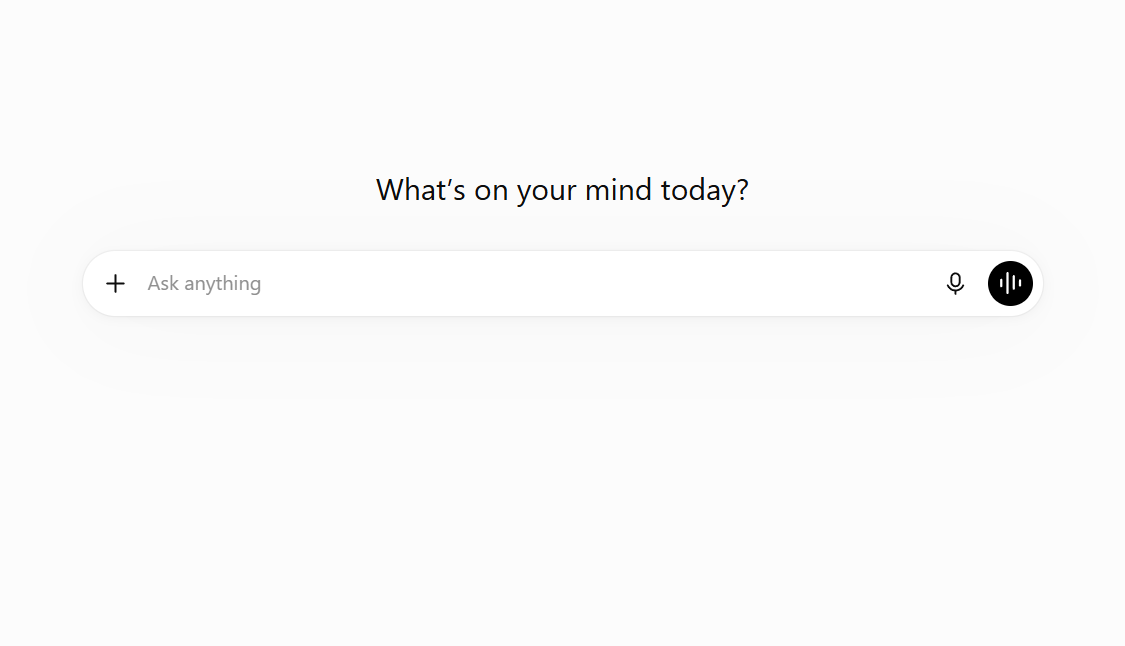
GPT images 2 can be directly accessed through ChatGPT. Go to chatgpt.com/images/ first.
Write a Detailed Prompt
Describe the scene clearly, including subjects, style, lighting, colors, and important details.
Select Image Quality
Choose between low, medium, or high quality based on your budget and detail requirements.
Choose Resolution and Aspect Ratio
Pick the image size and format that best fit your intended platform or project.
Generate and Review
Create the image and check for accuracy, composition, and overall quality.
Edit and Refine
Use editing tools to adjust text, objects, colors, backgrounds, or other details.
Export Your Image
Download and use the final image for marketing, social media, presentations, or creative projects.
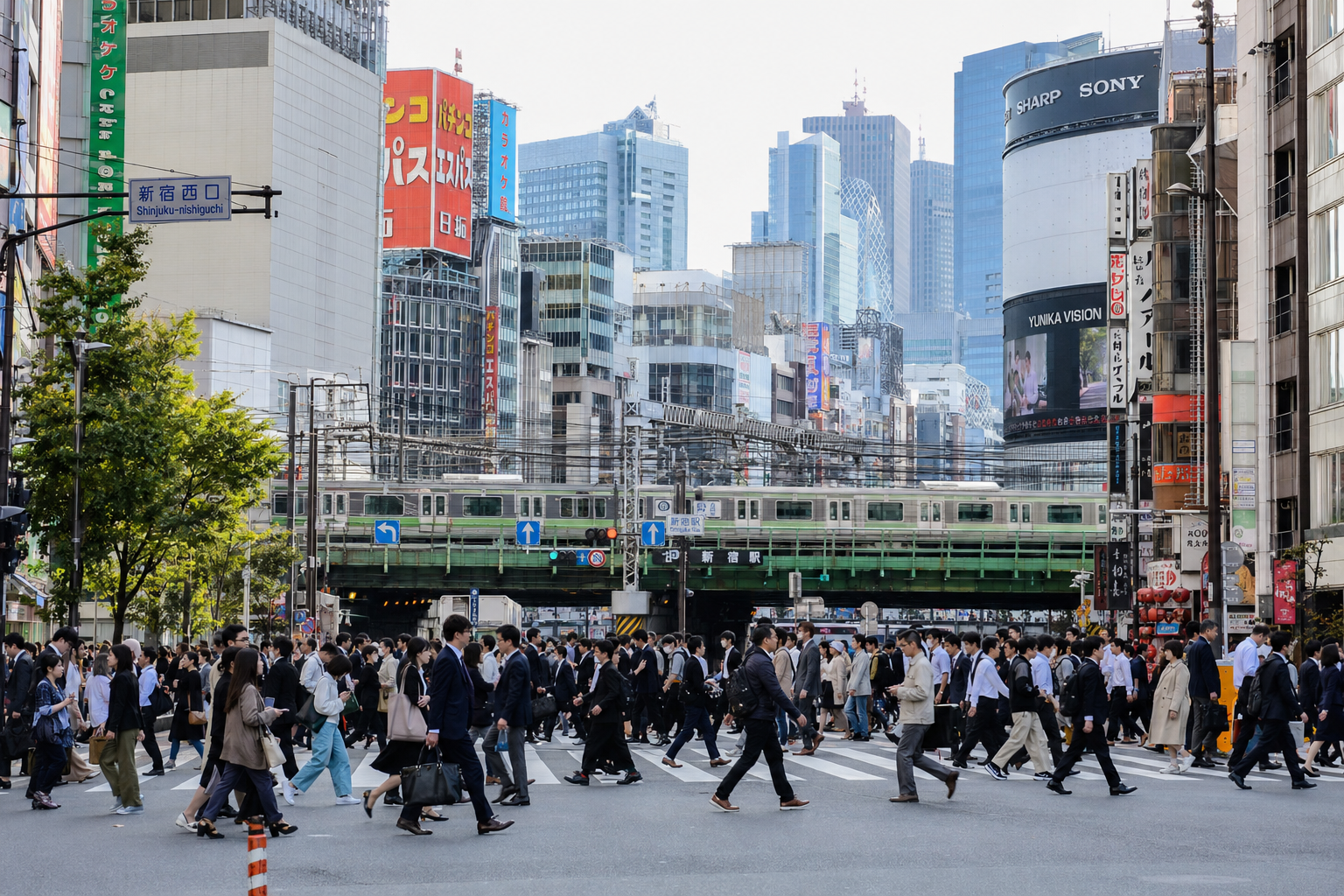
This is an AI-generated image created by GPT Image 2, but it looks almost real.
What We Like About GPT Image 2
GPT Image 2 is easy to use and gives reliable results. The generated output is clear cut, sticks to the instructions precisely and is a highly realistic photo with just about the level of post-editing expected for it. It's a flexible and hassle free solution to product photo-shoot, advertising campaign, design mock-up, and other purposes.
What We Don't Like About GPT Image 2
The knowledge cutoff is December 2025, which can affect image generation involving newly released products, recent public figures, or emerging brands.
Additionally, while reasoning improves prompt understanding, it does not completely eliminate generation variability. Complex scenes can still benefit from multiple iterations before reaching the ideal result.
GPT Image 2 Pricing Plans
Free Plan
- Access to ChatGPT with limited usage
- Includes access to selected AI models
- No API credits included
- Best for casual users and basic tasks
GPT-5.5 Pricing
- Input: $5.00 per 1M tokens
- Cached Input: $0.50 per 1M tokens
- Output: $30.00 per 1M tokens
GPT-5.4 Pricing
- Input: $2.50 per 1M tokens
- Cached Input: $0.25 per 1M tokens
- Output: $15.00 per 1M tokens
GPT-5.4 Mini Pricing
- Input: $0.75 per 1M tokens
- Cached Input: $0.075 per 1M tokens
- Output: $4.50 per 1M tokens
FAQs About GPT Image 2
Is GPT Image 2 better than GPT Image 1.5?
Yes. It offers better text rendering, stronger prompt understanding, image editing, and built-in reasoning.
Does GPT Image 2 support image editing?
Yes. It supports image editing and mask-based modifications.
Is GPT Image 2 expensive?
Native 4K generation can be costly, but low-quality generation with upscaling is much more affordable.
What are GPT Image 2's limitations?
Its knowledge cutoff is December 2025, so it may struggle with very recent products, brands, or events.
Conclusion
Compared to many other AI Image generators, GPT Image 2 definitely remains at the top of the ladder. It can create many different types of images if the prompt is detailed and has all the required information. Overall, it's safe to say that it's not just hype but actually a really good AI Image Generator.