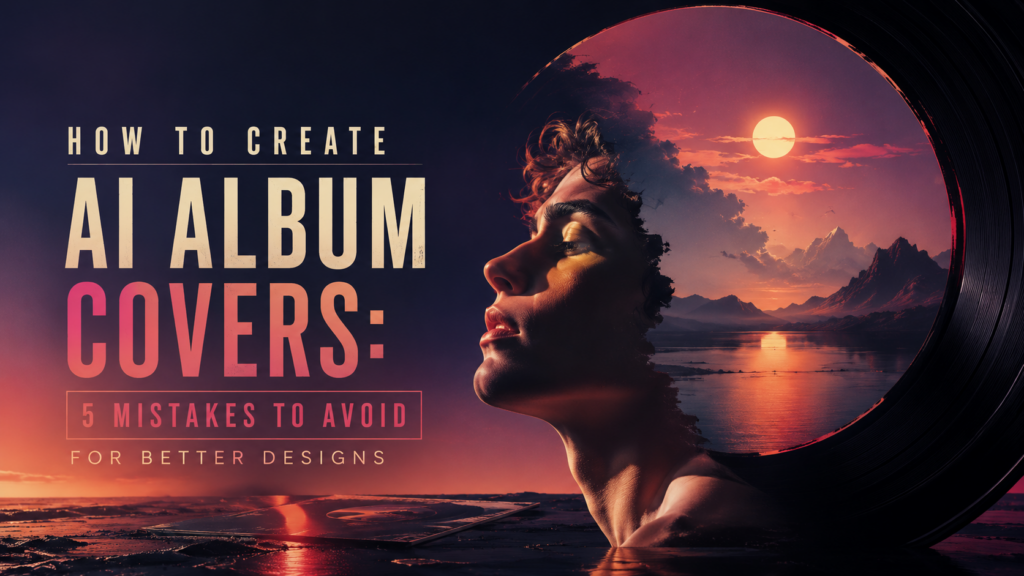
An album cover is the first impression of a song or album. Many albums are considered nostalgic, not only because of the music but because the album cover evokes a feeling of reminiscence. Good album art draws curiosity, captures the spirit of your music, and sets up recognition.
Hiring a designer or learning a professional design platform was previously necessary to produce high-quality album artwork. AI image generators, however, have significantly sped up and simplified the creative process. By following a structured creative process with robust prompts, it has become possible to generate creative designs rapidly and mold the resulting artwork into something that best fits your sound.
In this article, let’s see how to create an AI album cover and what mistakes you should avoid.
Why Album Covers Still Matter in the Streaming Era
In this streaming era, millions of songs are available on streaming platforms like Spotify. With so many options available, it is not that easy to stand out. Of course, the best way to catch one’s attention depends on how good your music is.
But before someone clicks on your song, the impression is the album cover. This is why album covers are still a thing and are considered important.
These album covers appear in search results when someone may have searched for a song with a similar name, or they can appear on playlists. Remember, not everyone shuffles their music and may actually look at who they are listening to.
A cover that actually looks good and makes you feel something can help become the identity of an artist. Many famous and popular brands have memorable covers that are remembered to this day.
How To Create AI Album Covers
Choose a Visual Identity Before Using AI
Spend some of your time deciding the visual look you want before trying out an AI image generation tool.
What emotions does your music bring? What kind of visual identity should you present to the audience? Is that music of yours more like a dark movie or bright and happy, perhaps nostalgic or futuristic?
If you are clear about your artistic vision, you will be able to explain it more clearly. Also, you will be able to create better prompts. If possible, show the AI some images and tell it to take inspiration from them.
Match the Cover to Your Music Genre
Trends and rules are not necessary to follow, but in the case of music genre, you definitely have to. Fans of different genres have different tastes. You need to create a professional looking album cover.
Pictures of cityscapes, a good deal of text with some strong lighting are characteristics that one may notice in many hip-hop albums. On the other hand, soft colors and sketches are quite common for indie artists, whereas techno music usually features bright neon lights and a futuristic feel.
Album covers for rock and metal mostly have dark colors, textured backgrounds, or fantasy art elements.
Write Prompts That Tell a Story
Think about who or what is in the image, where it takes place, what the lighting looks like, and what emotion it should convey.
For example, rather than writing:
“Blue sky with a person.”
Try something like:
“A lone traveler standing on a cliff at sunrise, overlooking a mist-covered valley, cinematic lighting, soft golden tones, peaceful yet hopeful atmosphere.”
Story-driven prompts usually produce artwork with stronger composition and a clearer emotional impact.
Use Composition Instead of Random Objects
Adding too many unrelated elements can make an album cover feel cluttered. Focus on one main subject that naturally draws attention.
Think about visual balance, negative space, foreground and background, and where the focal point should be. Since album covers are often viewed as small thumbnails, a simple composition is usually more effective than a busy scene filled with details that become difficult to recognize.
Select an Art Style That Fits Your Sound
The art style should complement your music rather than compete with it. Different AI models can produce everything from realistic photography to hand-painted illustrations, so choose a style that reinforces the mood of your songs.
Popular styles include:
- Photorealistic for cinematic or pop music
- Digital illustration for hip-hop and electronic genres
- Watercolor for acoustic or indie releases
- Oil painting for folk and classical music
- Retro synthwave for electronic and vaporwave
- Abstract art for experimental or ambient albums
Generate Multiple Concepts Efficiently
The first image you generated may not be the best. But don’t rewrite the prompts and try again with the same prompt. Use different AI Image generators and compare multiple versions. It makes things easier. Refine your final design without losing your original concept.
Edit and Improve Your Favorite Version
Once you’ve selected the strongest image, take time to refine it. Remove distracting objects, improve facial details, adjust colors, or replace sections that don’t match your vision.
Many AI image editors include features like inpainting, background replacement, object removal, and image enhancement. Small edits can make a significant difference in the final quality of your album cover.
Add Typography Without Ruining the Artwork
Album titles and artist names should complement the artwork rather than cover its most important details. Choose fonts that match your music style and place the text where it remains readable without distracting from the overall design.
Avoid using too many fonts or bright colors that clash with the image. In many cases, simple typography with good spacing creates a more professional result than elaborate text effects.
Export for Spotify, Apple Music, and YouTube Music
Before publishing your music, export your album cover at a high resolution to ensure it looks sharp across different devices and platforms.
Keep these best practices in mind:
- Use a square (1:1) aspect ratio
- Export as a high-quality JPEG or PNG
- Aim for at least 3000 × 3000 pixels for the best results
- Check your music distributor’s artwork requirements before uploading
Common AI Album Cover Mistakes
Finally, let’s look at some AI Album Cover Mistakes one should avoid for better designs:
Using Prompts That Are Too Vague
“Cool album cover” or “dark artwork” aren’t enough to help make AI understand your vision. Be specific about the topic, mood, light, color, and art style to get the results you expect. Cramming in too many unrelated elements. Trying to insert your entire creative vision, the song’s message, lyrics, and symbolism into one cover can be discombobulating.
Adding Too Many Unrelated Objects
Adding so much information in a single piece will create a cluttered and confusing image. Including one key subject in the artwork with just one or two other less dominant images/objects will result in a much stronger and more memorable album cover.
Ignoring Composition and Focal Points
The cover for your album should ideally draw the eye towards the main subject or concept. Balance, spacing, and positioning are all things to consider, as the artwork should ideally still be effective when the thumbnail is viewed.
Choosing Colors That Don’t Match the Mood of the Music
Colors are particularly powerful for setting expectation. Happy, bubbly tones will be far from desirable if the album is a heavy metal masterpiece, and so are dark tones for an upbeat pop release. The palette used on the album cover should accurately reflect the feelings that the music evokes.
Letting AI Generate Unreadable Text
AI-generated text is often misspelled or distorted. Instead of relying on the AI for titles or artist names, add typography later using a design tool for a cleaner and more professional result.
AI Album Cover Prompt Examples And Results
I have tried some prompts for creating album covers for some of the most popular genres.
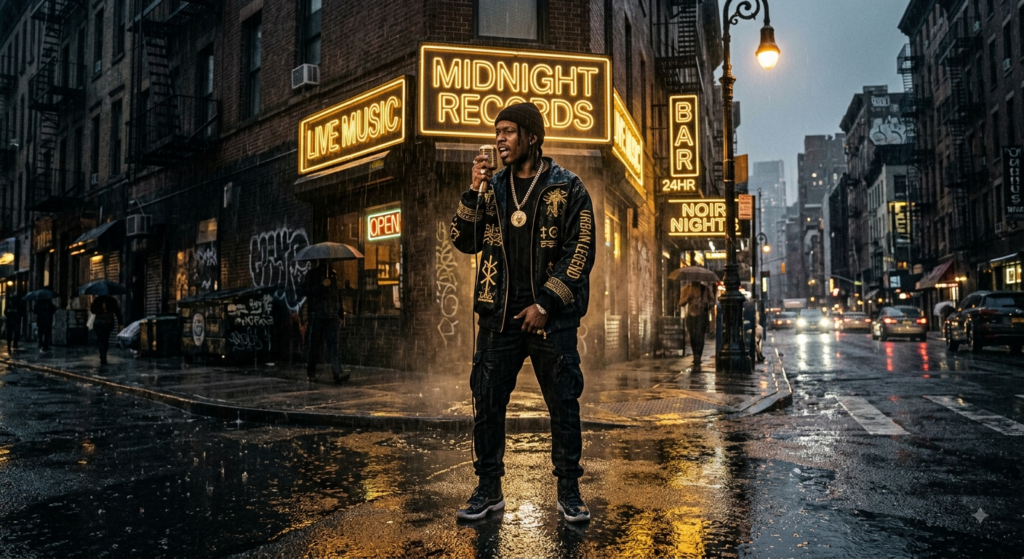
Hip-Hop
A lone rapper standing under neon streetlights on a rainy night, cinematic lighting, black and gold color palette, ultra-detailed, urban atmosphere.
(created with Nano Banana Pro)
Pop
A dreamy sunset above pastel clouds, glowing light, vibrant colors, modern digital art, joyful and energetic mood.
(created with ChatGPT Images)

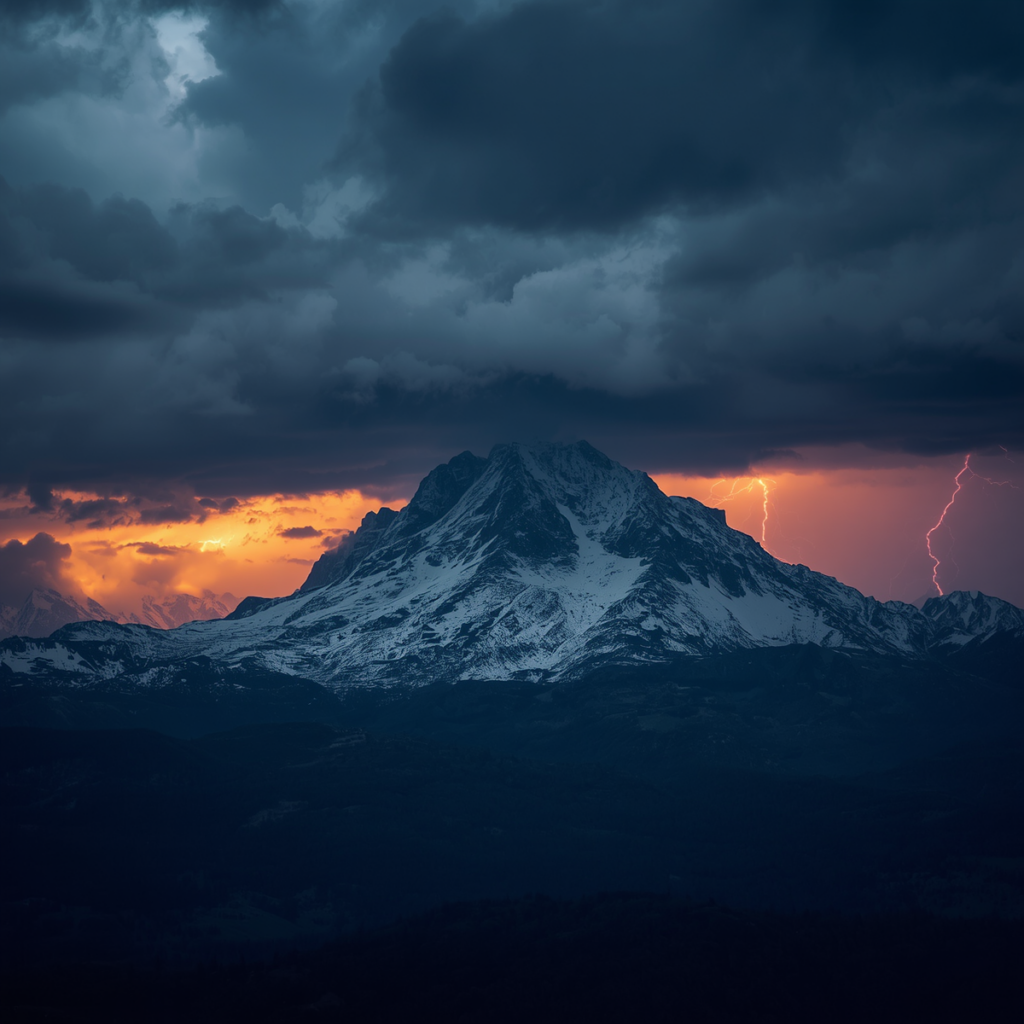
Rock
A rugged mountain peak during a thunderstorm, dramatic clouds, electric blue lightning, gritty textures, cinematic realism.
(created with Canva AI Image Generator)
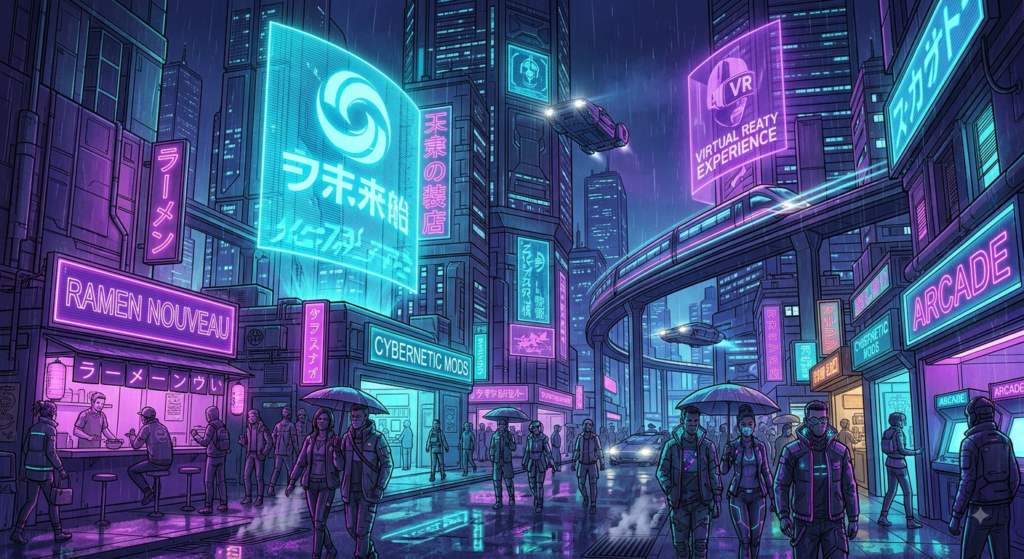
Electronic / EDM
A futuristic cyberpunk city with glowing holograms, neon purple and cyan lights, sleek digital art, energetic nightlife.
(created with Nano Banana Pro)
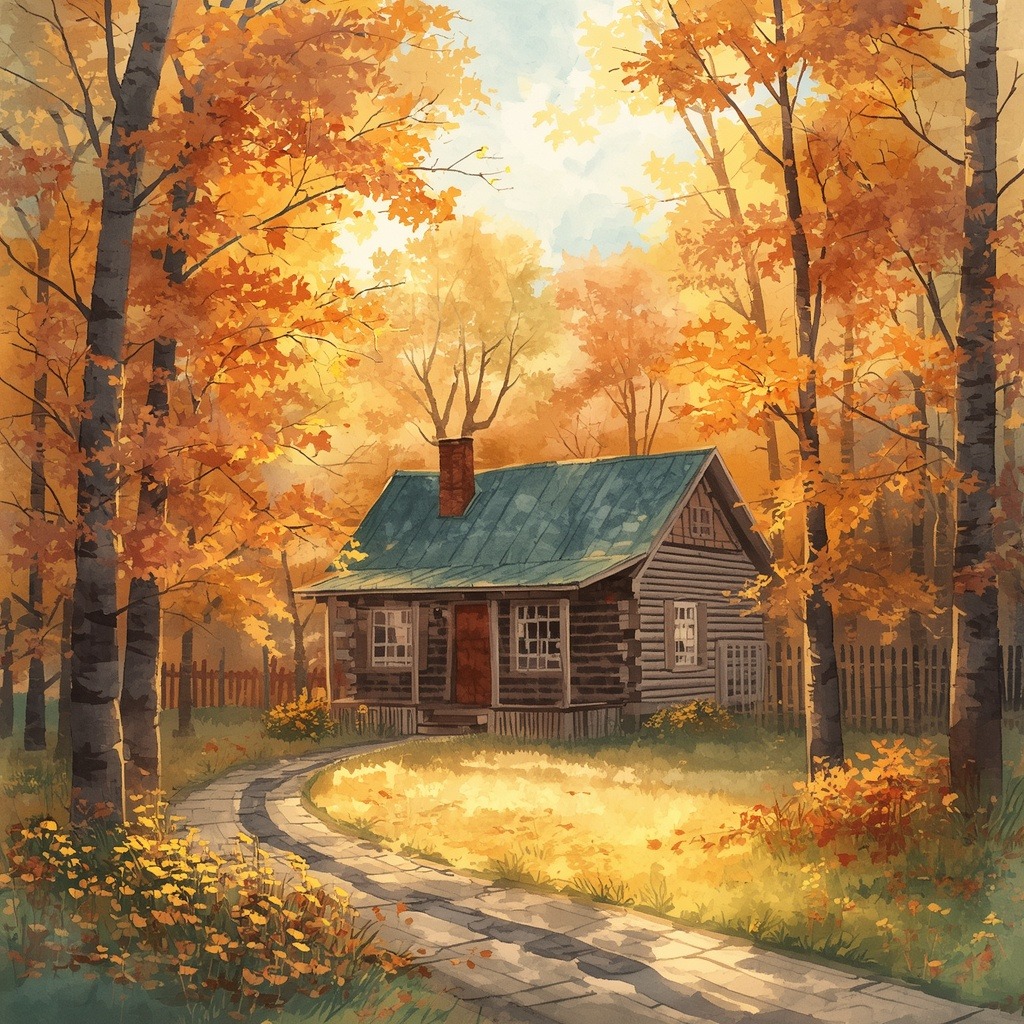
Indie Folk
A cozy cabin surrounded by autumn trees, warm golden sunlight, watercolor painting, peaceful and nostalgic atmosphere.
(created with Leonardo AI)
Conclusion
You don’t need Photoshop or any professional experience to generate album artwork anymore. In a matter of minutes, with the use of some creative prompts and the power of AI image generators, you can take even a basic idea and turn it into compelling cover art that will look fantastic anywhere it appears. All you have to do is enter an excellent prompt, see the different styles, then pick out your favorite result and export at a suitable resolution!
FAQs
Can I use AI album covers commercially?
Yes, if your AI tool’s license allows commercial use. Always check its terms before publishing.
What size should an AI album cover be?
Use a square image, ideally 3000 × 3000 pixels, for the best quality.
How do I make my AI album cover unique?
Use detailed prompts, generate multiple versions, and add your own typography or edits.