If you create content for social media, you already know the drill. You write a caption in one tab, jump to another tool to generate an image, then open a third app to cut a quick video, and by the time you’re done, you’ve spent more time switching between tools than actually creating.
This is one of the most common bottlenecks for solo creators, small business owners, and even agencies juggling multiple client accounts. Every extra tool in your stack means another login, another subscription, another export-import step, and another place where your brand voice can drift.
The good news is that AI has quietly solved this problem. A new category of content tools now handles captions, images, and video generation from a single dashboard, so you can go from idea to published post without leaving one app. In this article, we’ll look at why this matters, what to look for, and which tools are actually worth using in 2026.
Why a Single AI Workflow Beats Using Multiple Separate Tools
The Hidden Cost of Tool-Switching
Every time you switch tools, you lose momentum. A caption written in a separate app rarely lines up perfectly with the image you generate next, and by the time you get to video, you’re often starting from scratch on tone and messaging. Research on knowledge work has shown that context-switching alone can eat up a meaningful chunk of a workday, and content creation is no exception.
Brand Consistency Across Formats
When your captions, images, and videos are generated by tools that don’t talk to each other, keeping a consistent brand voice becomes a manual job. An all-in-one workflow lets the AI reference the same brand inputs (tone, colors, style) across every content type, so an Instagram carousel and a TikTok caption actually feel like they came from the same brand.
Can AI content tools maintain a consistent brand voice?
Yes, as long as the platform lets you set brand voice inputs once and applies them across captions, images, and video, rather than generating each format independently. Tools that treat every content type as a separate feature, instead of pulling from the same brand settings, tend to produce content that feels disjointed across platforms.
Time Saved When Everything Lives in One Dashboard
This is the most obvious benefit, but it’s worth quantifying. Creators who consolidate their content workflow, including keyword research, SEO optimization, and multi-format generation, into one platform routinely report cutting production time in half. By optimizing content for search visibility directly inside the generator, you eliminate the need for back-and-forth SEO auditing tools.
What to Look for in an All-in-One AI Content Tool
AI Caption Generation Quality
Not all caption generators are equal. Look for tools that let you set a brand voice once and apply it consistently, rather than generating generic captions you have to rewrite every time.
Image Generation Model Options
The best platforms don’t lock you into one image model. Access to multiple models like FLUX, Imagen, and Ideogram means you can choose the right style for a product shot, a lifestyle image, or a branded graphic.
Video Generation Capabilities
Short-form video is now a requirement, not an option, for most brands. Tools that integrate video models like Sora, Veo, or Kling let you generate Reels, Shorts, and TikToks without needing a separate video editing subscription.
Multi-Platform Format Optimization
A caption that works on LinkedIn rarely works as-is on TikTok. A good workflow tool automatically adjusts tone, length, and formatting for each platform, rather than forcing you to rewrite everything manually.
Do AI content tools support all major social platforms? Coverage varies quite a bit between tools. Some platforms cover 11 networks, including Instagram, TikTok, LinkedIn, Facebook, YouTube, X, Threads, Pinterest, Bluesky, Discord, and Telegram, while others focus on a smaller set of core platforms, such as Instagram and TikTok. It’s worth checking platform coverage before committing, especially if you post to niche networks like Bluesky or Discord.
Ease of Use for Non-Technical Creators
If a tool requires a steep learning curve, it defeats the purpose of saving time. The best options are usable by solo creators with no design or editing background.
Best AI Tools for Captions, Images & Video in One Workflow
Which AI tool is best for generating captions, images, and video together?
Look for a platform that genuinely combines all three inside one content studio, rather than one that added a caption generator as an afterthought. Below are four tools that each take a different approach to this, starting with the one that offers the widest combination of caption, image, and video generation.
1. PostEverywhere
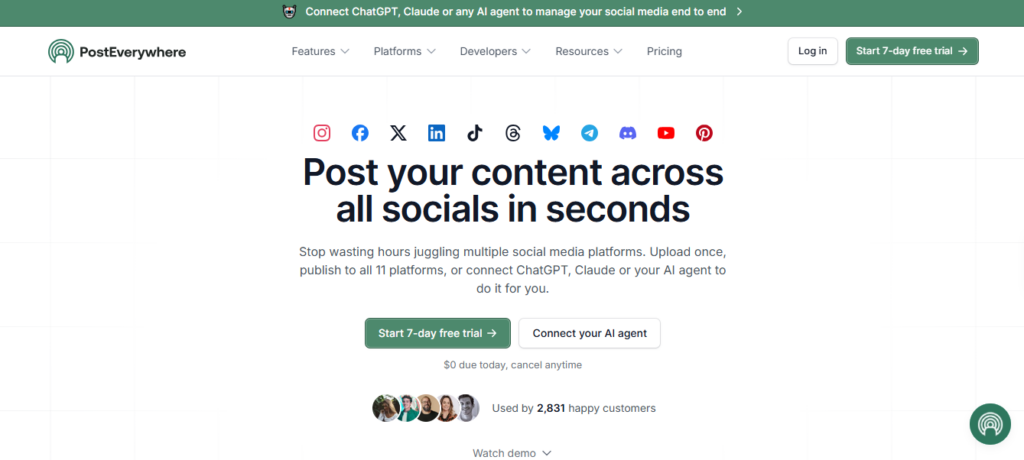
PostEverywhere is a social media scheduling and management platform built around the idea that content creation and publishing shouldn’t require separate tools. It handles AI captions, AI image generation, and AI video generation from one content studio, then schedules and publishes across 11 platforms, including Instagram, TikTok, LinkedIn, Facebook, YouTube, X, Threads, Pinterest, Bluesky, Discord, and Telegram.
Features
- AI captions in your brand voice, tailored per platform
- AI image generation with FLUX, Imagen 4, and Ideogram
- AI video generation with Sora 2, Veo 3, and Kling
- Visual drag-and-drop content calendar
- Best-time-to-post analytics
- REST API, SDK, and MCP server for developers and AI agents
Strengths
- Genuinely combines captions, images, and video in one workflow instead of bolting one AI feature onto a scheduler
- Access to several image and video models rather than a single default
- MCP server support means the platform can be controlled directly through Claude, ChatGPT, or Cursor in plain language, which is rare among scheduling tools
- Full API and developer access included from the entry-level plan
Weakness
- No permanent free plan, though every plan includes a 7-day free trial
- Best suited to creators and small teams; larger enterprises with complex approval chains may want to compare team features first
Pricing Plans start at $9/month for 2 social accounts and 10 AI credits, and go up to $39/month for 20 accounts and 500 AI credits on the Scale plan, built for agencies. Annual billing saves 20%.
Are there free AI tools for content creation?
Most all-in-one platforms don’t offer a permanent free plan, but many, including PostEverywhere, include a free trial period so you can test the workflow before committing financially.
2. Buffer AI
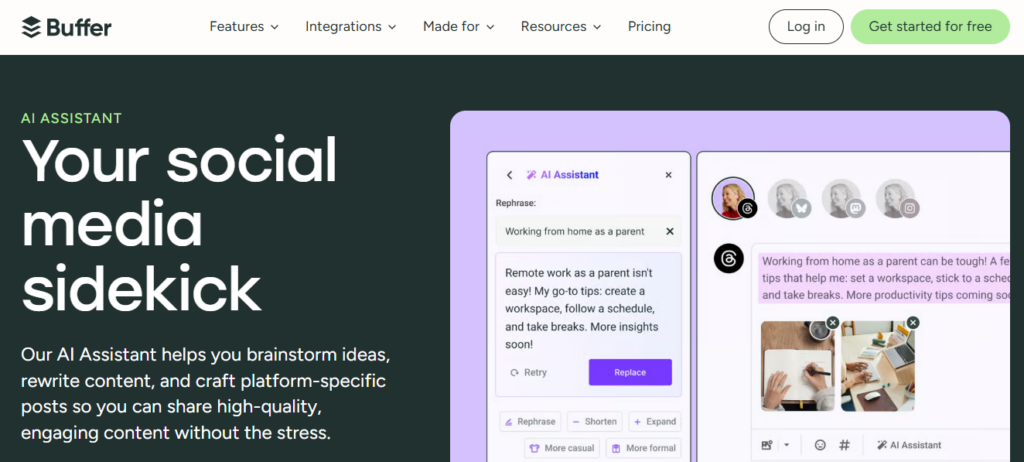
Buffer AI keeps its core promise of simplicity while adding AI-generated captions and content ideas. It’s a solid entry point for creators who want light AI assistance without a steep learning curve.
Features
- AI content idea generator
- Caption rewriting and suggestions
- Best time to post recommendations
- Engagement analytics
Strengths
- Very easy to use
- Affordable per-channel pricing
- Good for creators just getting started with AI content
Weakness
- Image and video generation are limited compared to AI-first platforms
- Advanced reporting requires higher-tier plans
Pricing Plans start at around $6/month per channel.
3. Simplified AI
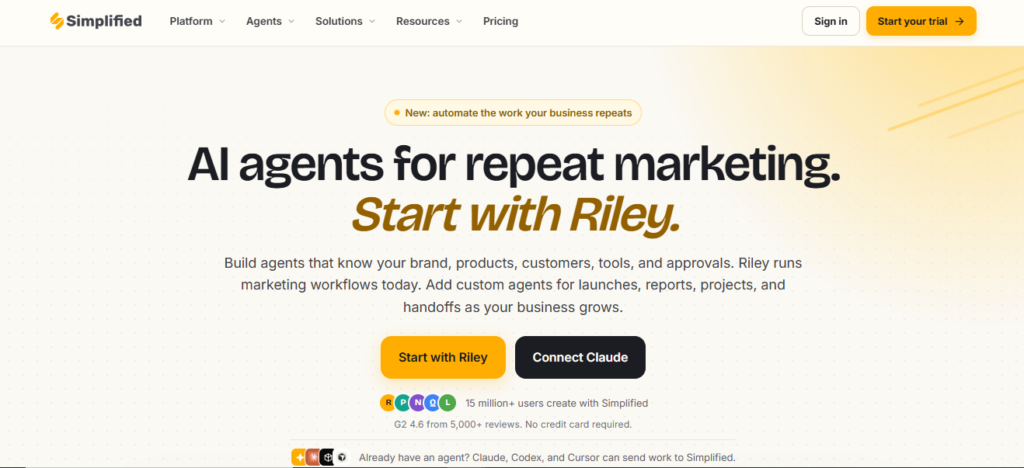
Simplified AI leans more into design than any other tool on this list. It combines AI copywriting, design templates, and basic video editing in one workspace, making it a strong pick for brands that care about visual polish.
Features
- AI-driven design and copywriting
- Editable templates for multiple content formats
- Visual content creation and modification tools
- Team collaboration on content projects
Strengths
- Strong brand customization options
- Flexible across many content formats
- Good for teams that want design control alongside AI generation
Weakness
- Initial learning curve for new users
- Paid plans can get expensive for solo creators
Pricing Plans start from $15.70/month.
4. Hootsuite
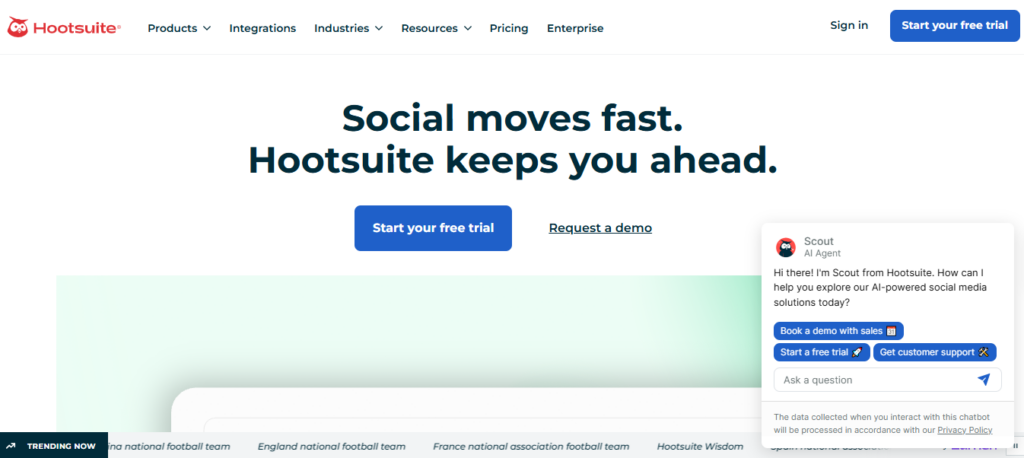
Hootsuite takes a broader approach, aimed at growing businesses that need AI content help alongside more robust reporting and inbox management. Its AI writing tool, OwlyWriter, can generate a post from a URL, suggest ideas, or apply a proven copywriting framework such as AIDA or PAS when you’re short on inspiration.
Features
- OwlyWriter AI for post generation, ideas, and copywriting frameworks
- Side-by-side view of multiple social feeds with engagement metrics
- Custom analytics reports with competitor comparison
- Idea catalog with templates for different content goals
- Unified inbox for messages across all connected platforms
Strengths
- Strong reporting tools for tracking performance across every channel
- Unified DM inbox removes the need to switch between platforms to reply
- Large library of ready-to-use post templates and copywriting frameworks
- Well suited to growing businesses that need scale, not just scheduling
Weakness
- Pricing is on the higher end compared to most tools on this list
- Image and video generation are not part of the core AI toolset, so it leans more on text-based AI than an end-to-end content studio
Pricing: Free 30-day trial available. The Standard plan starts at $199 per user per month, billed annually, and includes unlimited posts, scheduling, and one inbox for all messages.
| Tool | Best For | AI Captions | AI Images | AI Video | MCP/Agent Support | Starting Price |
| PostEverywhere | All-in-one content + scheduling, developers | Yes | Yes | Yes | Yes | $9/month |
| Buffer AI | Beginners and solo creators | Yes | Limited | No | No | $6/month/channel |
| Simplified AI | Design-focused teams | Yes | Yes | Limited | No | $15.70/month |
| Hootsuite | Growing businesses, reporting-heavy teams | Yes (text only) | No | No | No | $199/user/month |
How to Choose the Right Tool for Your Workflow
For Solo Creators
Prioritize ease of use and speed. You don’t need heavy team features, just a tool that gets a week of content ready in one sitting.
For Small Businesses
Look for a balance of AI content generation and scheduling, plus enough analytics to know what’s actually working without paying for enterprise-level reporting.
For Agencies Managing Multiple Clients
Multi-account management, team workspaces, and API access become important here, since you’ll likely need to plug the tool into other systems or automate parts of the workflow across clients.
Which tool is best for agencies managing multiple clients?
Look for tools with multi-account support, team workspaces, and API access. PostEverywhere’s higher-tier plans and Simplified AI’s collaboration features both cover this use case, depending on how technical your workflow needs to be.
Conclusion
When Specialized Tools Still Win
All-in-one platforms make a compelling case on paper, but they’re not the right choice for every creator. There are situations where using separate, best-in-class tools is the smarter call — and being honest about that makes it easier to choose the right setup for your actual workflow.
When Output Quality Is Non-Negotiable
All-in-one platforms optimize for speed and convenience. Dedicated tools optimize for output. If your brand competes on visual quality — think luxury products, high-end fashion, or premium B2B content — the image generation inside a scheduling platform will often fall short of what a specialized tool like Midjourney or Adobe Firefly produces. The same applies to video: a creator building a reputation on cinematic short-form content will likely find that standalone video tools give them more control over timing, transitions, and style than an integrated generator does.
If the final output is the product, best-in-class tools usually win on quality. If the output is a means to an end (getting posts published consistently), all-in-one platforms tend to win on efficiency.
When Your Team Has Specialized Roles
All-in-one workflows assume one person — or one AI — is handling everything. Larger teams often don’t work that way. A copywriter, a designer, and a video editor each have their own preferred tools, and forcing everyone into a single platform can create friction rather than remove it. In those cases, a shared project management layer with specialized tools feeding into it often works better than consolidating everything into one dashboard.
When You Need Capabilities That Don’t Exist in Bundled Tools
Bundled AI features are almost always a version or two behind the dedicated frontier. If you need fine-tuned image models trained on your specific brand assets, advanced video editing with frame-level control, or caption generation with deep SEO optimization, you’ll likely hit the ceiling of an all-in-one platform faster than you expect. Specialized tools tend to ship new capabilities first, because that capability is their entire product.
The Honest Trade-Off
Choosing an all-in-one platform is a trade-off between depth and speed. You give up some ceiling on quality and customization in exchange for a faster, more consistent workflow. For most solo creators and small teams publishing regularly, that trade-off is worth it. For creators, where quality differentiation is the competitive advantage, it may not be.
The right answer depends on where your bottleneck actually is: if it’s production speed and consistency, consolidate. If it’s output quality, specialize.
Switching between separate caption, image, and video tools might feel normal because it’s what most creators have always done, but it’s no longer the most efficient way to work. All-in-one AI content platforms have matured to the point where a single dashboard can realistically replace three or four separate subscriptions, while keeping your brand voice consistent across every format and platform.
If you’re evaluating your options, start by mapping your actual workflow: how many platforms you post to, whether you need video generation, and whether you’ll eventually want to automate parts of the process through an AI agent. That will narrow the list quickly, whether you land on an all-in-one option like PostEverywhere or a more design-focused tool like Simplified AI.