How many leads disappear before you even get a chance to speak with them?
You may not have wondered about this topic, but the truth is you have already missed many. Even when you miss a call, you probably think this person will call again. Studies show that nearly 85% of people whose calls go unanswered won’t try again. That’s a lot of missed opportunities for something as simple as not being available at the right moment.
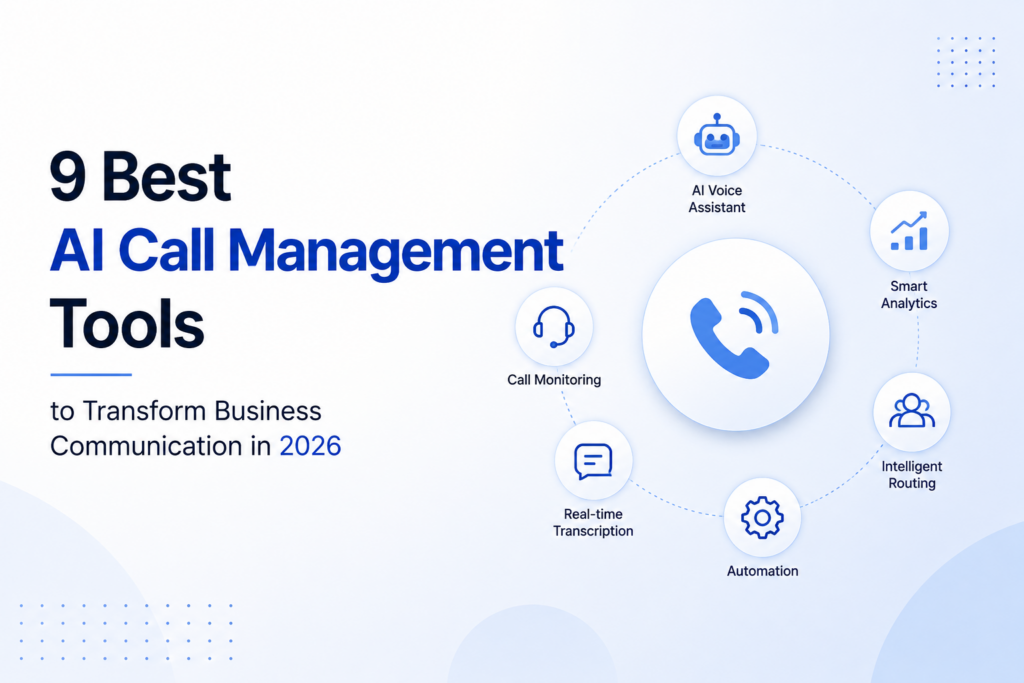
Some are designed to answer calls around the clock, ensuring no customer is left waiting. Others automatically transcribe meetings, generate summaries, or analyze conversations to help teams improve future interactions. There are even solutions that qualify leads, automate follow-ups, and keep customer communication organized without adding extra work to your day.
In this guide, I’ll share the AI call management tools that impressed me the most, the features that stood out, what I liked, where each one could improve, and who I think they’re best suited for. Hopefully, by the end, you’ll have a clear idea of which one deserves a place in your workflow.
What Are AI Call Management Tools?
AI call management tools are designed to make managing business telephone calls simple. They do everything, including answering phone calls, directing clients to the right destination, booking visits, identifying prospects, making a copy of dialogue, and providing abstracts, without the need for a man-made administrator to deal with each and every telephone call.
Some call administration software performs the job of virtual receptionists. Many others specialise in the generation of conversation notes and analytics, as well as other forms of communication.
Never Miss a Call Again: The Top AI Call Management Tools
We’ve rounded up the top AI call management tools to help you find the right solution for your business needs. For businesses that rely on phone-based outreach, a cold calling call center can also help sales teams connect with prospects, manage conversations, and generate more opportunities efficiently.
SendBlue
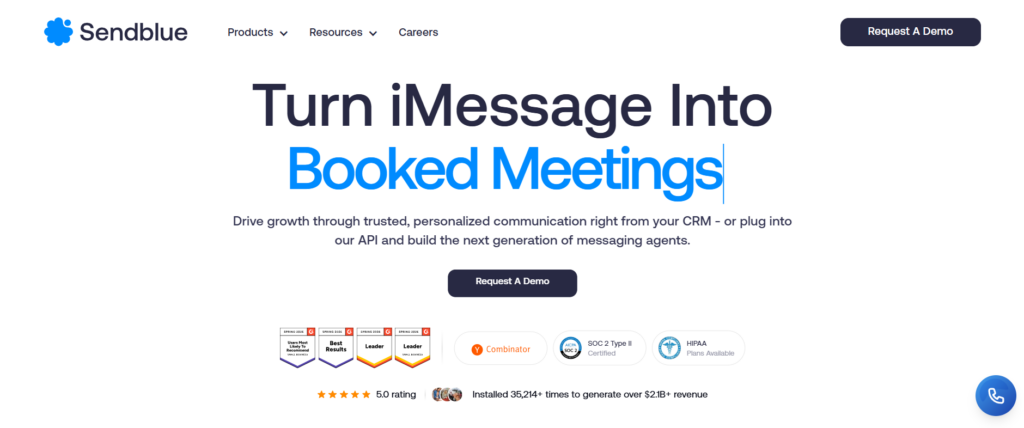
For those businesses that rely on texting their customers, SendBlue does a good job of keeping things surprisingly simple.
In short, if you’d normally find yourself ping-ponging between texts, iMessages, and multiple other chat programs, this keeps it all centralized.
Personally, the way you can quickly set up replies for most FAQs without sounding robotic is an amazing feature.
Key Features:
- Business messaging through iMessage and SMS
- AI-powered message automation
- Scheduled campaigns
- Contact management
- Two-way customer conversations
- Automated replies
What I liked:
- Supports iMessage and SMS
- Automated replies save time
- Easy campaign management
- Conversation history stays organized
- Great for customer follow-ups
Could be better:
- Advanced automation takes some setup
- Better suited for businesses that rely heavily on messaging
Otter AI
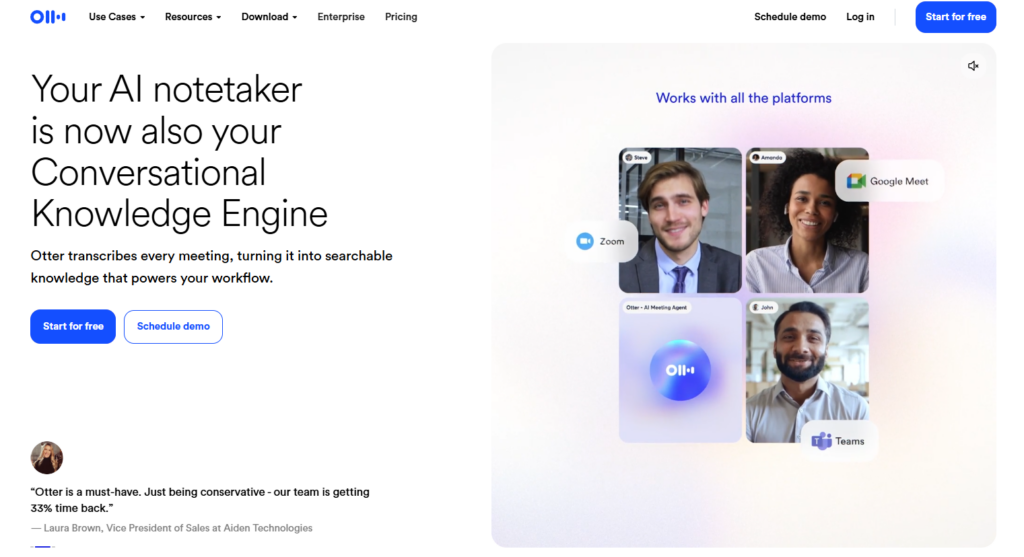
I’ve tested out several meeting transcription software tools, but Otter AI still managed to impress me. Otter AI joins my meetings automatically, generates reliable transcripts, highlights key points from my meetings, and even recommends follow-up actions for meetings.
With Otter, taking notes is not something you have to focus on. You can actually concentrate on the conversation and contribute to discussions. The meeting summary features are particularly useful for reviewing more extended discussions.
Key Features:
- Live meeting transcription
- AI-generated summaries
- Speaker identification
- Automatic action items
- Meeting search
- Calendar integrations
What I liked:
- Accurate live transcription
- Automatic meeting summaries
- Speaker identification works well
- Searchable meeting history
- Helpful follow-up suggestions
Could be better:
- Accuracy drops with heavy accents or noisy environments
- Some collaboration features require paid plans
Read AI
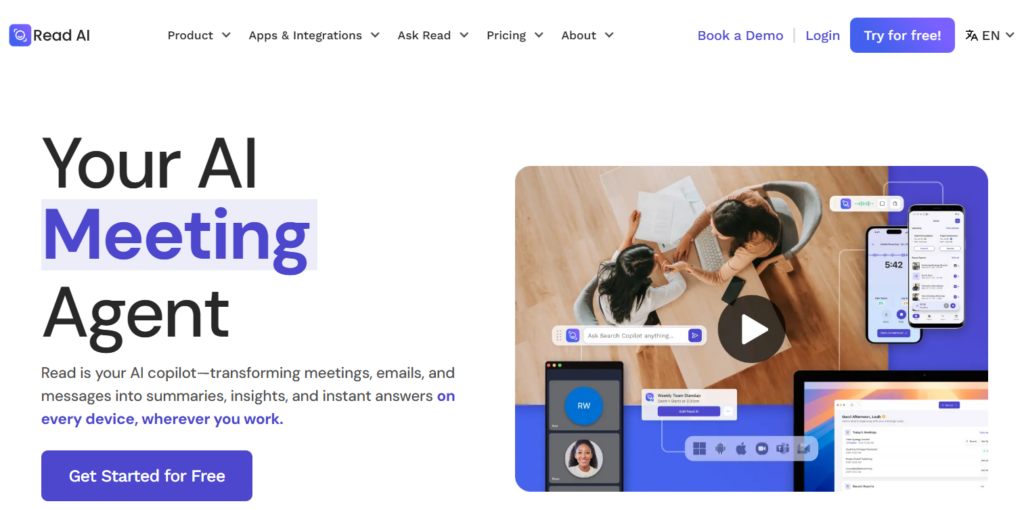
Beyond mere transcription, Read AI provides summarization along with key observations on engagement, who contributed, and decisions or tasks that were discussed.
Once I tried it in a couple of different meetings, I found myself reviewing the summaries rather than rewatching meeting videos.
And being able to search through my meeting chats and emails is quite handy as well, saving me time looking for key details.
Key Features
- AI meeting summaries
- Engagement analytics
- Action item tracking
- Search across meetings, chats, and emails
- Meeting highlights
- Productivity insights
What I liked
- Excellent AI-generated summaries
- Engagement insights are genuinely useful
- Fast search across conversations
- Clear action item tracking
- Saves time after long meetings
Could be better
- Analytics may feel excessive for smaller teams
- Premium features unlock the best experience
Chatling AI
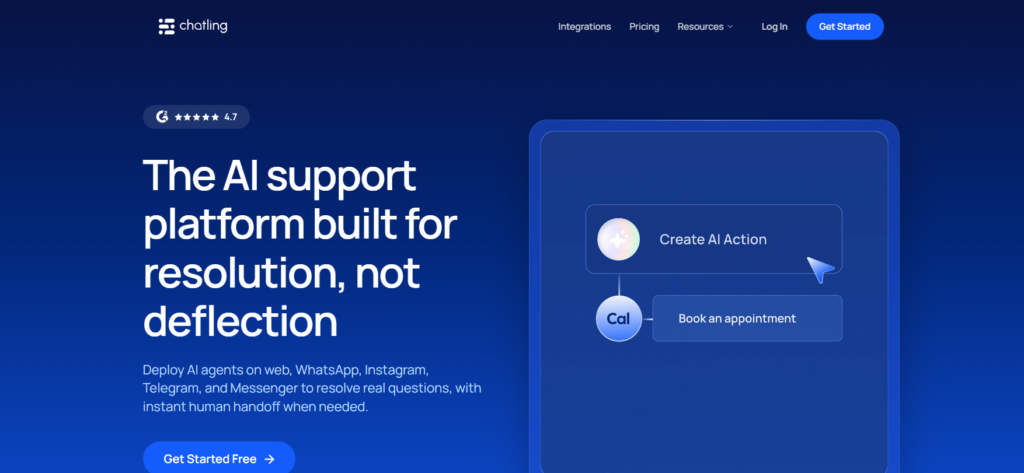
If answering the same customer questions every day sounds familiar, Chatling AI can help.
Setting up the chatbot was straightforward, and it handled FAQs surprisingly well. It responds instantly, qualifies visitors, and keeps conversations moving without requiring someone to stay online all day.
It felt more natural than many customer support chatbots I’ve tested.
Key Features:
- AI customer chatbot
- Lead qualification
- FAQ automation
- Website integration
- Custom knowledge base
- Live chat handoff
What I liked:
- Quick chatbot setup
- Answers common questions accurately
- Captures potential leads
- Reduces repetitive support work
- Easy website integration
Could be better:
- Complex conversations still need human support
- Customization options could be deeper
Laxis
Laxis will definitely become one of your favourites
It records conversations, creates transcripts, summarizes discussions, and extracts action items automatically. What really stood out was how clean and readable the summaries were.
Instead of spending twenty minutes organizing notes after every meeting, everything was already prepared.
Key Features:
- Meeting recording
- AI transcription
- Meeting summaries
- Action item extraction
- CRM integrations
- Searchable meeting history
What I liked:
- Excellent meeting summaries
- Action items are clearly identified
- Good transcription quality
- CRM integrations
- Saves significant note-taking time
Could be better:
- Interface feels slightly overwhelming initially
- Advanced integrations require higher plans
Sameday AI
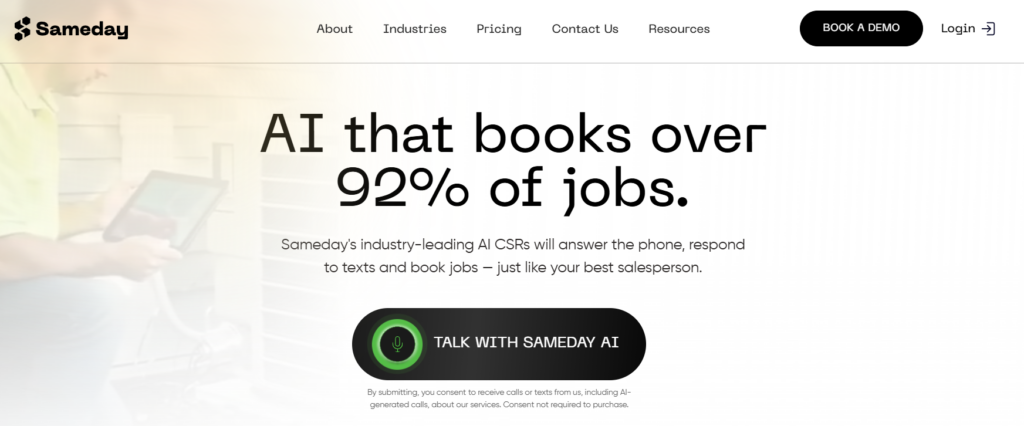
If your business depends on incoming phone calls, then Sameday AI deserves serious attention.
It answers calls around the clock, books appointments, responds to common questions, and makes sure leads don’t disappear after business hours.
During testing, I liked how conversational the AI sounded. It didn’t feel like the typical robotic phone assistant.
Key Features:
- 24/7 AI call answering
- Appointment booking
- Lead capture
- Call routing
- Custom AI voice assistant
- Automated customer responses
What I liked:
- 24/7 AI call answering
- Automatic appointment scheduling
- Captures leads effectively
- Reduces missed calls
- Simple onboarding
Could be better:
- Works best when properly trained
- Smaller businesses may not need every feature
Lindy AI
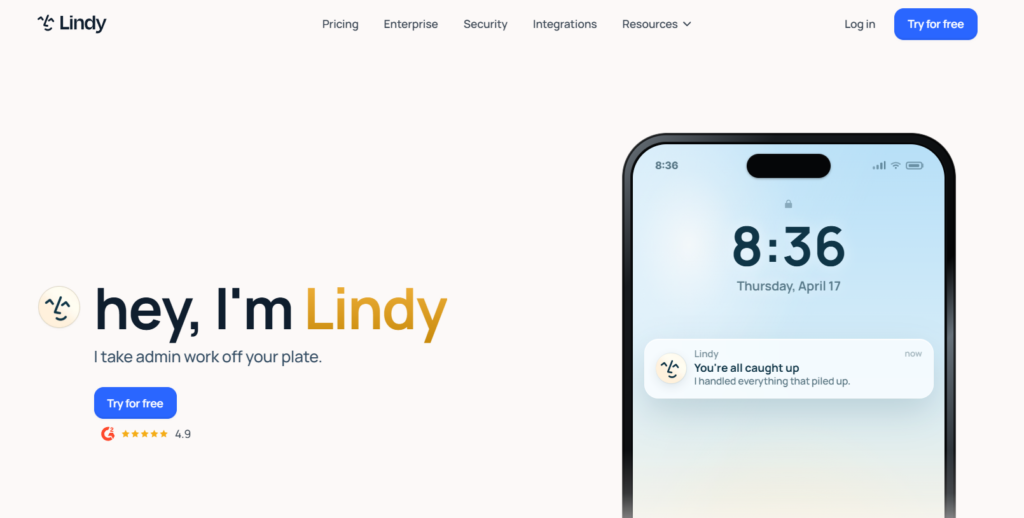
If you want an AI assistant that can actually handle phone calls and repetitive tasks for you, Lindy AI is worth a look.
During testing, what impressed me most was how flexible it felt. It can answer calls, schedule meetings, send emails, qualify leads, and even connect with other apps without needing constant supervision. Once I set up a few workflows, it started taking care of routine tasks on its own.
Key Features:
- AI phone agent
- Call answering and routing
- Appointment scheduling
- Workflow automation
- CRM integrations
- Email and calendar automation
What I liked:
- Handles repetitive tasks automatically
- Easy to connect with popular business apps
- Great for qualifying leads
- Custom workflows are flexible
- Saves a lot of manual follow-up
Could be better:
- Initial setup takes some planning
- Advanced automations have a learning curve
Convin AI
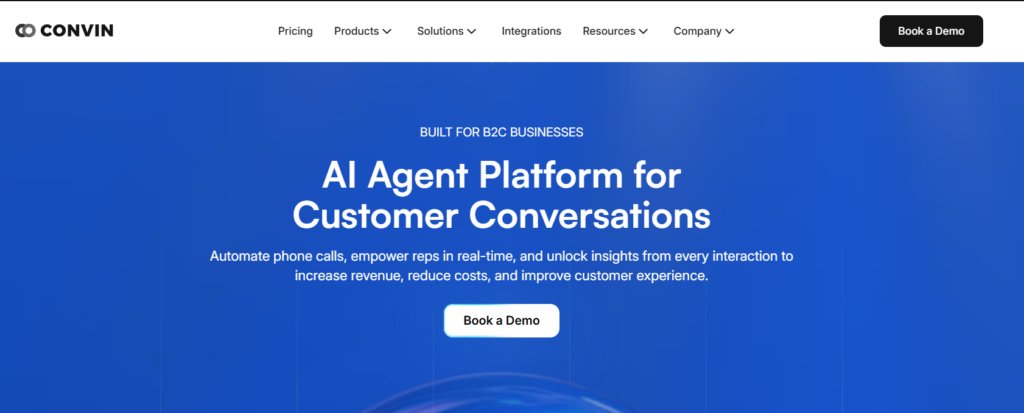
Convin AI focuses less on answering calls and more on helping you understand them.
After trying it, I found its conversation analysis surprisingly detailed. It automatically reviews customer calls, highlights important moments, tracks agent performance, and points out where conversations could improve. If you’re managing a sales or support team, these insights can be incredibly useful.
Key Features:
- AI conversation intelligence
- Automatic call recording analysis
- Quality assurance automation
- Sales coaching insights
- Performance dashboards
- Compliance monitoring
What I liked:
- Detailed conversation analytics
- Saves hours of manual call reviews
- Helpful coaching suggestions
- Strong quality monitoring
- Easy-to-read reports
Could be better:
- More valuable for larger support or sales teams
- Some advanced analytics require higher plans
| Tool | Best For | AI Calls | Meeting Summaries | Lead Generation | Messaging | Call Analytics | Booking | Free Plan |
| SendBlue | Business messaging | ❌ | ❌ | ❌ | ✅ | ❌ | ❌ | ✅ |
| Otter AI | Meeting transcription | ❌ | ✅ | ❌ | ❌ | ❌ | ❌ | ✅ |
| Read AI | Meeting insights | ❌ | ✅ | ❌ | ❌ | ❌ | ❌ | ✅ |
| Chatling AI | AI customer support | ❌ | ❌ | ✅ | ✅ | ❌ | ❌ | ✅ |
| Laxis | Meeting documentation | ❌ | ✅ | ❌ | ❌ | ❌ | ❌ | ✅ |
| Lindy AI | AI phone assistant & automation | ✅ | ❌ | ✅ | ❌ | ❌ | ✅ | ✅ |
| Sameday AI | AI call answering | ✅ | ❌ | ✅ | ❌ | ❌ | ✅ | ✅ |
| Convin AI | Conversation intelligence | ✅ | ❌ | ❌ | ❌ | ✅ | ❌ | ✅ |
Conclusion
Out of the eight I’ve tested, the following AI call and voice applications seem to excel within different niches. Sameday AI and Lindy AI are fantastic for call answering, appointment setting, and ensuring leads are followed up on without fail. Otter AI, Read AI, and Laxis work best to manage meetings and discussions without having to take notes.
SendBlue and Chatling AI can be helpful to communicate with customers more efficiently.
When you’re aiming to improve sales calls or any type of support call, be sure to check out Convin AI for all of the call analytics.
FAQs
What are AI call management tools?
AI Call Management solutions provide artificial intelligence that handles incoming calls, redirects conversations, schedules meetings, or completes an automated interaction for your business.
Which is the best AI call management tool?
Lindy AI and Sameday AI are great for call answering, while Otter AI and Laxis excel at meeting management.
Can AI call management tools answer calls automatically?
Yes. Many AI call management tools can answer calls 24/7, respond to common questions, and even book appointments.
Are AI call management tools good for small businesses?
Yes. Many offer free plans and affordable pricing, making them suitable for startups and small businesses.
Can AI call management tools integrate with CRM software?
Most AI call management tools integrate with popular CRM, calendar, and communication apps for smoother workflows.
Do AI call management tools help reduce missed calls?
Yes. They ensure calls are answered promptly, helping businesses capture more leads and improve customer service.