
Clean, consistent product photos help online shops look trustworthy, but studio shoots and manual retouching are slow and costly. A free AI image editor can fix backgrounds, lighting and framing in minutes. This guide compares five AI image editors for e-commerce worth testing in 2026, including Pollo AI, with notes on what each does well, where it falls short, and which kinds of sellers it suits.
What Should You Look for in an AI Image Editor for Product Photos?
Look for a tool that handles your most frequent edit quickly, keeps the product accurate, and scales across a catalogue. Five criteria matter most:
- Background and lighting control. Can you swap backdrops and soften shadows with plain instructions?
- Product accuracy. Does it preserve shape, colour and labels while you edit around them?
- Canvas extension. Does it include an image expander, so one photo can be reframed for square, vertical and banner placements?
- Batch and consistency. Can you repeat the same look across many products?
- Pricing clarity. Check how many images a plan really covers, not just the headline price.
1. Pollo AI: Best Overall for Editing and Scaling Product Visuals

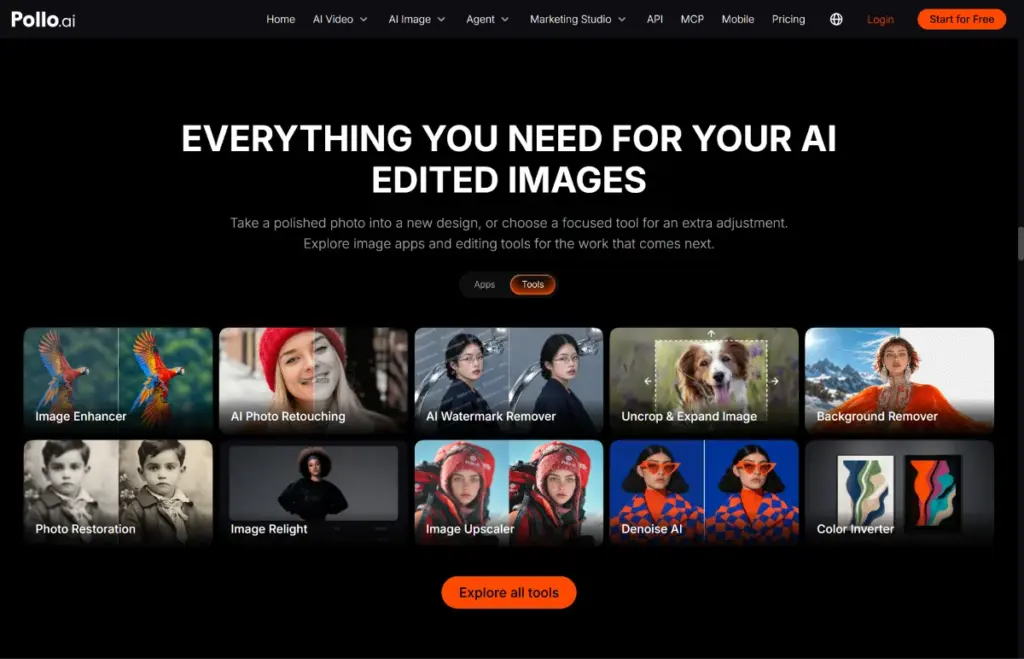
Pollo AI is the best all-rounder because it edits photos with plain-language instructions and carries the same assets into ads and video. You upload a photo, describe the changes and any details to keep, then review and download the result. It can swap backgrounds, remove objects and change styles, and its Marketing Studio adds product-focused workflows such as product shots, product staging and listing image sets. Leading image models such as GPT Image 2.5 and Nano Banana 2.1 sit under one roof.
Plans start at $12 a month billed annually (Lite: 400 credits, up to 400 images a month).
Downside: the wide toolset takes a little time to explore, and you should still check logos and small text in every output.
2. Photoroom: Best for Fast, Marketplace-Ready Images
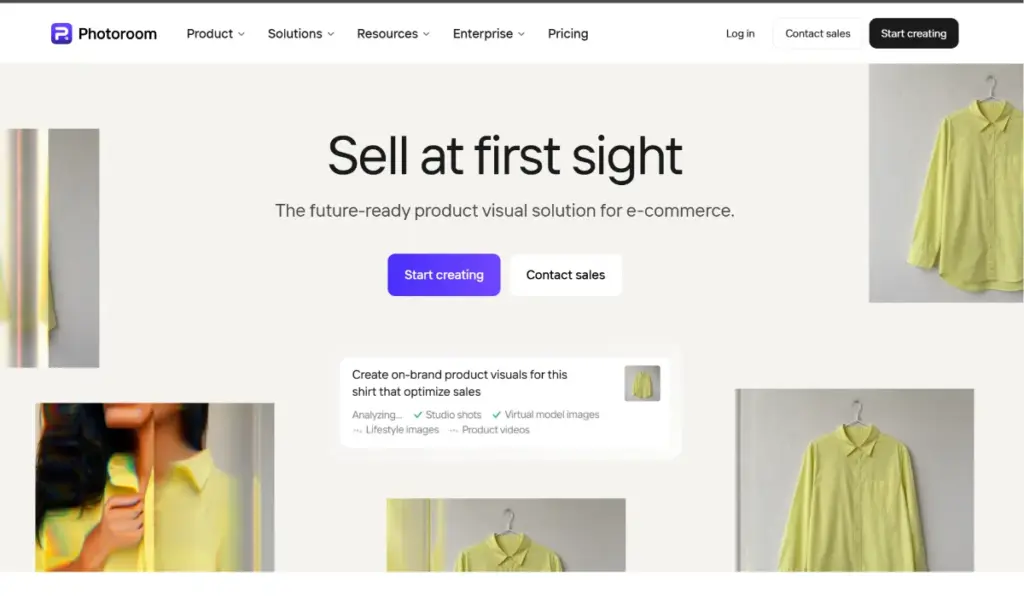
Photoroom is best for sellers who need quick, listing-ready images in bulk. It is built for e-commerce, with AI background removal, batch editing and an API for workflow automation. It also offers AI backgrounds, AI fashion models and a video generator for short product clips. Paid plans start at SGD 7.50 a month billed yearly on its Singapore pricing page (Pro: 6,000 AI credits and 1,000 exports), with a free trial. Video generation starts on the Max plan and 4K output on Ultra.
Downside: it is more focused on product listings than on wider creative work such as ad concepts or custom styling, and plan details change, so check current pricing.
3. Pebblely: Best for Simple AI Backgrounds

Pebblely is best for small online stores that mainly want a new scene behind each product. It isolates the product, then generates a background from 40+ themes or a custom prompt, adding matching shadows and reflections. Its pricing page lists Lite at $9 a month for 30 images, Basic at $19 for 200 images and Pro at $39 for 500 images, with bulk generation on the two higher tiers and extra free months on yearly billing.
Downside: it is mainly a background generator, so you may need another tool for broader edits such as reframing or detailed cleanup.
4. Adobe Photoshop and Firefly: Best for Professional Control

Adobe is best if you already work in Photoshop and want precise, professional-grade control. Generative Fill adds, removes or replaces parts of an image, and Generative Expand extends its borders. Both run on generative credits. Its Firefly Pro plan bundles Photoshop on web and mobile with 4,000 generative credits, and pricing varies by region.
Downside: credits, plan tiers and a steeper learning curve make it heavier for beginners handling large catalogues.
5. Canva: Best for Editing and Designing in One Place
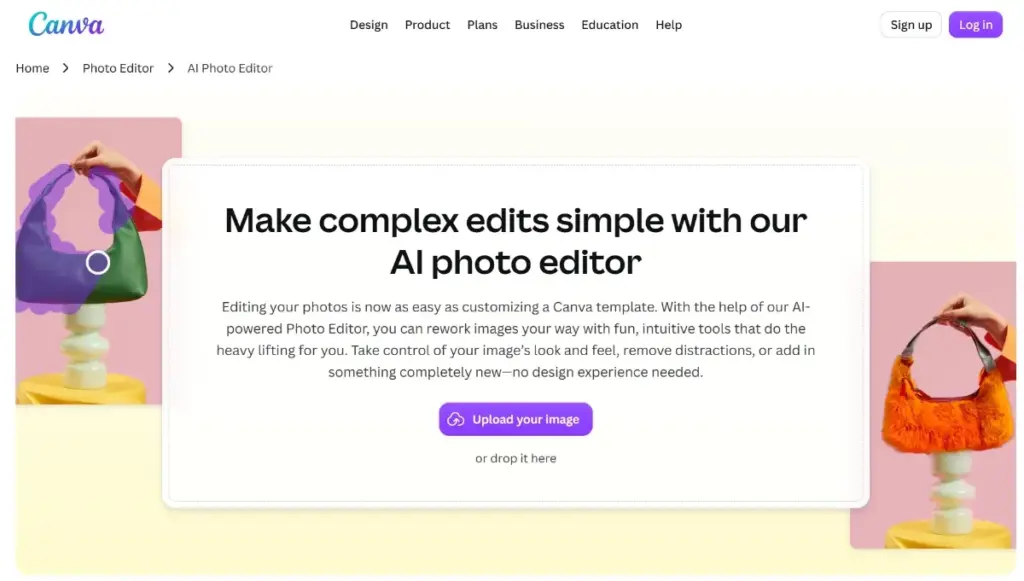
Canva is best for sellers who also make social media posts, banners and promo graphics. Its Magic Studio includes Magic Edit and Magic Eraser for swapping or removing objects, Magic Expand for extending image borders, and a one-click Background Remover. Canva Pro is listed at S$165 per person per year on its Singapore pricing page.
Downside: the free plan allows only about 20 uses of AI tools, and Pro raises that to roughly ten times as much, so heavy product-photo work may need an AI add-on pass at extra cost.
AI Image Editors for E-Commerce Compared: Which Should You Choose?
Choose by your main task: all-in-one scaling, bulk listings, simple backgrounds, pro retouching or design work.
| Tool | Best for | Standout feature | Listed starting price |
|---|---|---|---|
| Pollo AI | Editing plus ads and video | Plain-language edits, Marketing Studio | $12/mo, billed annually |
| Photoroom | Bulk marketplace images | AI backgrounds, AI fashion models, batch editing | SGD 7.50/mo, billed yearly (free trial) |
| Pebblely | Simple AI backgrounds | 40+ background themes | $9/mo (30 images) |
| Adobe Photoshop and Firefly | Professional control | Generative Fill and Expand | Firefly Pro, priced by region |
| Canva | Photos plus design | Magic Edit, Magic Expand | Pro S$165/yr per person |
Prices are as listed on each regional pricing page and change often, so check current pricing before you subscribe.
Ready to Improve Your Product Photos? Try Pollo AI
Test with one bestseller. Upload a clear photo to Pollo AI, describe the background and lighting you want, and add a line about what must stay unchanged. Compare the result with your original, then repeat the same instructions across your catalogue. You will quickly see whether it fits your workflow.

Sapna Ghodasara is the founder of Guide of AI Tool, where she writes in depth reviews of AI tools for marketers, creators and businesses. Her reviews focus on what matters before you pay for a tool: real use cases, honest pros and cons, pricing, and how well it fits into an everyday workflow.
Sapna is the cofounder of SEOMagicLab, an SEO and link building agency serving B2B SaaS, ecommerce and content brands. That mix of technical training and daily marketing work lets her judge AI tools from two angles: how well the technology actually performs and whether it delivers real value for the people using it.