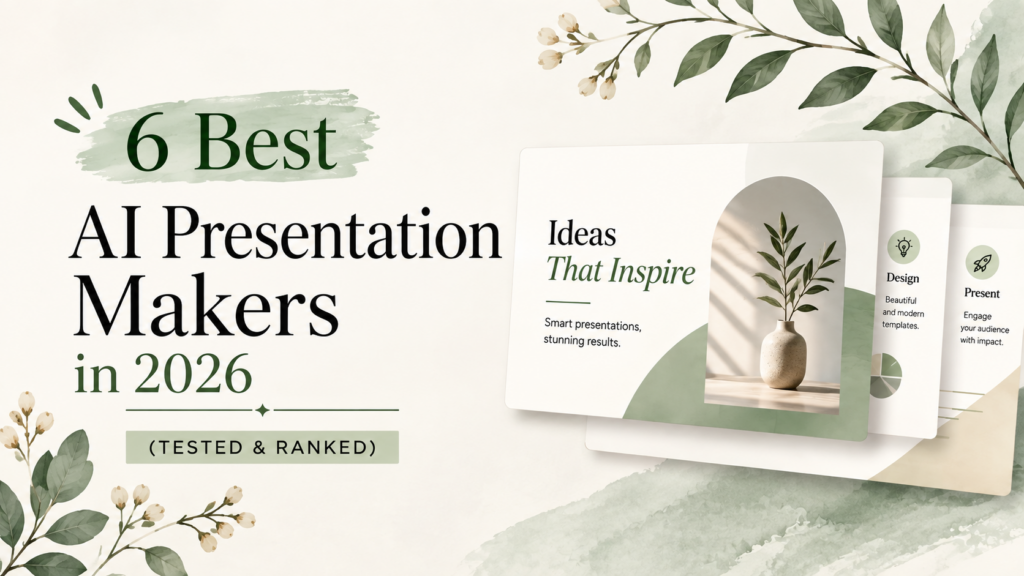
In 2026, around 80% of professionals surveyed across 12 countries said they use AI when creating presentations. The reason is simple: building a deck takes time, especially when you are starting with a blank slide and working through the structure, copy, design, and formatting yourself.
AI presentation makers reduce much of that initial work. You give them a prompt, document, outline, or URL, and they turn the input into a draft deck. Some also handle branding, images, charts, collaboration, and PowerPoint export.
I tested the tools in this list with agency use in mind. The focus is not only how quickly they generate slides, but also how much editing you need afterward, how well they handle client branding, and whether the final presentation is practical to use.
What is an AI Presentation Maker?
An AI presentation maker is software that automatically converts prompts and existing content into structured slides.
You can also build a slide by yourself and then just briefly describe your requirement or provide it with your content. The system drafts an outline with design and visuals.
Making presentations with AI tools differs from making presentations with traditional presentation software such as PowerPoint or Google Slides, essentially in one aspect. A regular editor leaves you free at every detail level of control manually.
The AI presentation maker takes care of the formatting and visual stuff, while you concentrate on the message.
Things You Need To Create A Presentation With An AI Presentation Maker
Most AI presentation tools require any of the following input:
Existing Presentations
Upload a presentation and have the AI reorganize or redesign it.
Web Links
Share a webpage and let the tool use its content for the presentation.
Uploaded Files
Upload a PDF, Word file, or report and turn it into slides.
Prompts
A short description of the presentation you want.
Slide Outlines
Provide key points or a basic structure for the AI to develop.
Reasons To Use an AI Presentation Maker
These are some of the reasons you should consider using an AI presentation maker rather than traditional presentation software.
Cut Down Initial Drafting Time
A completely clean deck wastes so much time. You have to do everything from scratch. AI gives you an initial structure, so you don’t have to waste time arranging slides.
Get Better Looking Slides
If you don’t have a lot of design experience or you find it exhausting to brainstorm new ideas all the time, using an AI presentation tool means you will be suggested layouts, fonts, spacing, and visual elements.
Keep Branding Consistent
Brand settings help apply the same colors, fonts, logos, and visual style throughout a deck. This is useful for agencies and teams creating presentations for several clients.
Work With Your Team
Shared editing and collaboration features let multiple people review and update a presentation in one place. This reduces confusion caused by sending different versions of the same file.
AI Presentation Makers At A Glance
| Tool | Ideal Use | AI Capabilities | Brand Control | Creation Time | PowerPoint Support |
| PresentationsAI | Client decks & business presentations | AI deck generation, content creation | High | Fast | Yes |
| Tome AI | Story-led pitches & concepts | AI storytelling, slide generation | Medium | Fast | Limited |
| Slides AI | Converting text into slides | AI text-to-presentation | Medium | Very Fast | Yes |
| Autoslide | Quick presentation drafts | AI slide generation | Medium | Very Fast | Yes |
| Canva | Branded presentations & design work | AI design, content generation, presentation creation | High | Fast | Yes |
| Visme | Data-rich reports & presentations | AI presentations, charts, infographics | High | Fast | Yes |
Presentations AI: From Brief to Presentation
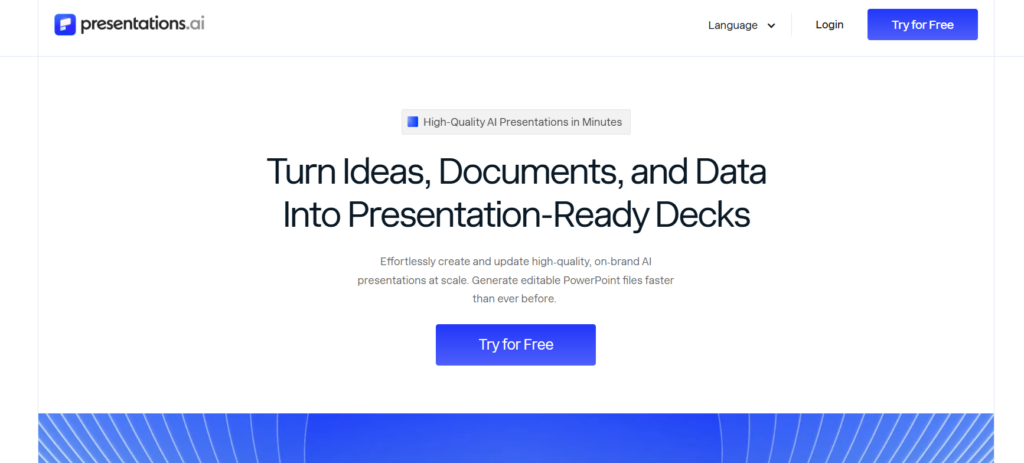
Presentations AI is an AI presentation maker that generates presentations based on briefs, outlines, or rough ideas. Agencies can convert their initial content into a professional presentation deck without manually designing every single slide.
Best for
- Client proposals
- Pitch decks
- Sales presentations
- Business presentations
How To Use Presentations AI?
First, I signed up and input a prompt.
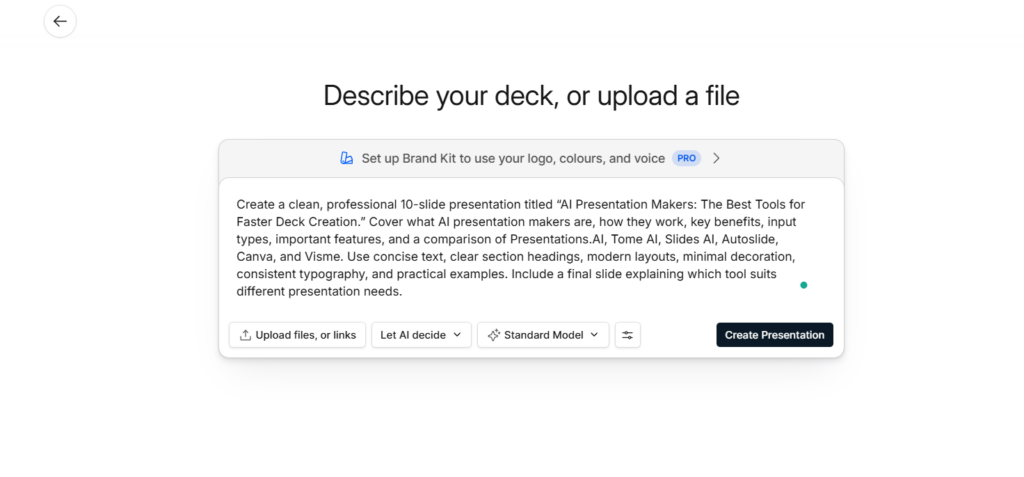
It generated slides very quickly.
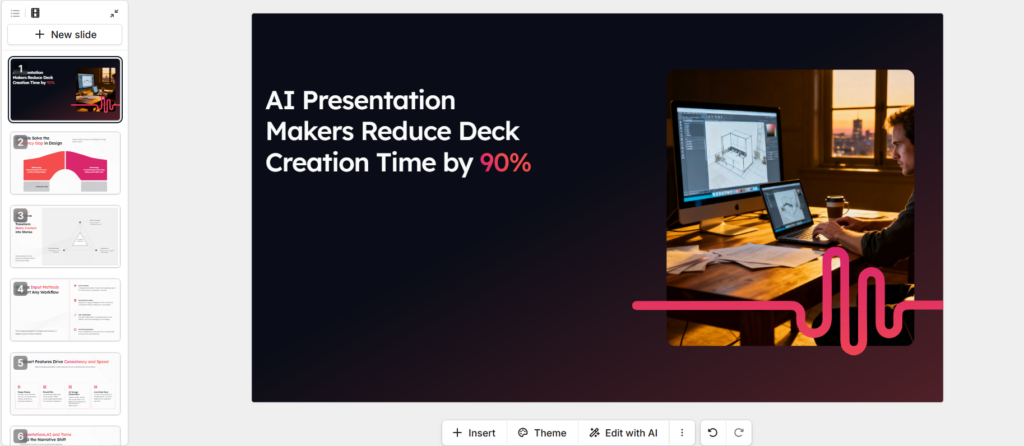
Our Review
I tested the workflow with presentation style content and found Presentations AI most useful at the starting stage. You give it a topic or source material, and it builds the slide structure. For agency work, it can be used for proposals, sales decks, and early client presentations where getting a usable first version matters more than controlling every design detail.
The main trade-off is editing. The generated structure is useful, but you still need to review the wording, slide order, and visual choices before sending a deck to a client. If your client has strict brand rules, expect some manual work.
Pricing
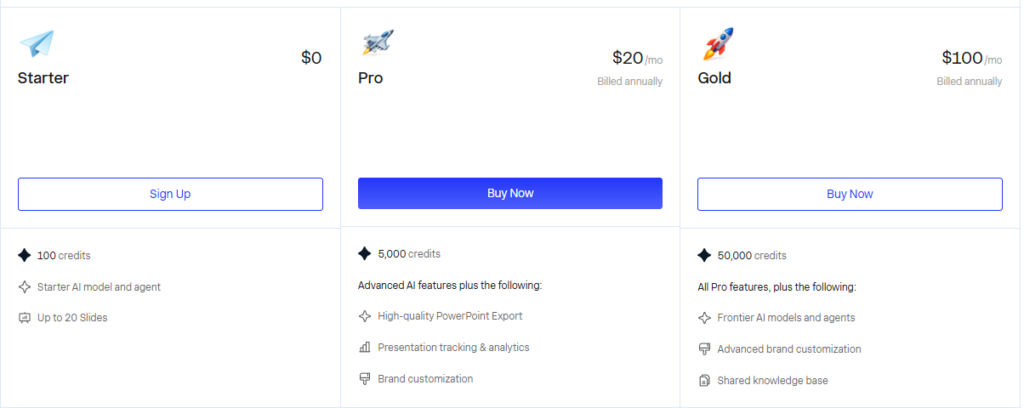
Tome AI: Build More Engaging Client Stories
Tome AI is an AI presentation maker that is very simple to use. Input your ideas, content, and prompts, and Tome AI will create attention grabbing slides to convey the presentation. Several users can meet together, build a client proposal, develop a story, brainstorm ideas, etc, and not have to construct the slides in a presentation.
Best for
- Creative pitches
- Campaign concepts
- Client storytelling
- Project presentations
How To Use Tome AI?
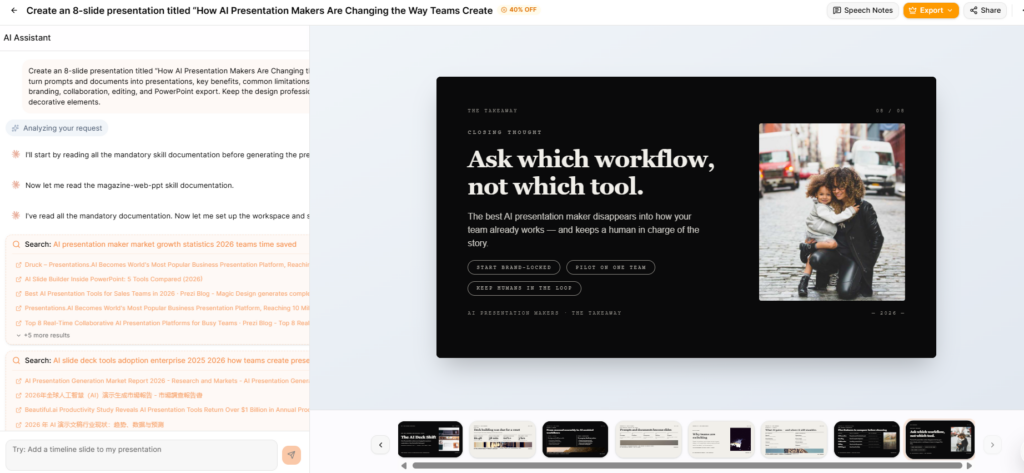
Write a prompt.
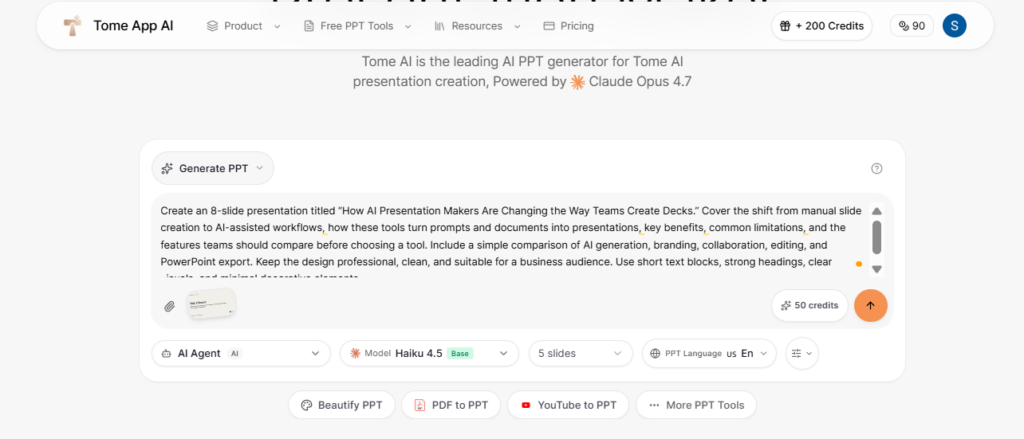
This is the result.
Our Review
I would pick Tome when the presentation needs a clear narrative. The workflow suits campaign ideas, creative pitches, project concepts, and presentations where each section needs to lead into the next.
From an agency perspective, the main advantage is speed rather than design control. You get a usable presentation quickly, then refine the slides to fit the client’s requirements. It is less suitable for presentations where every font, layout, and design element must follow strict brand guidelines.
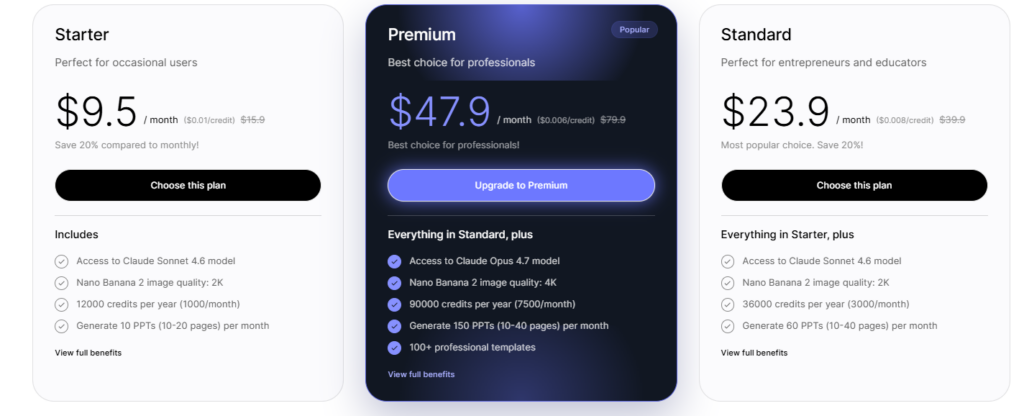
Pricing
Slides AI: Turn Existing Content Into Presentations
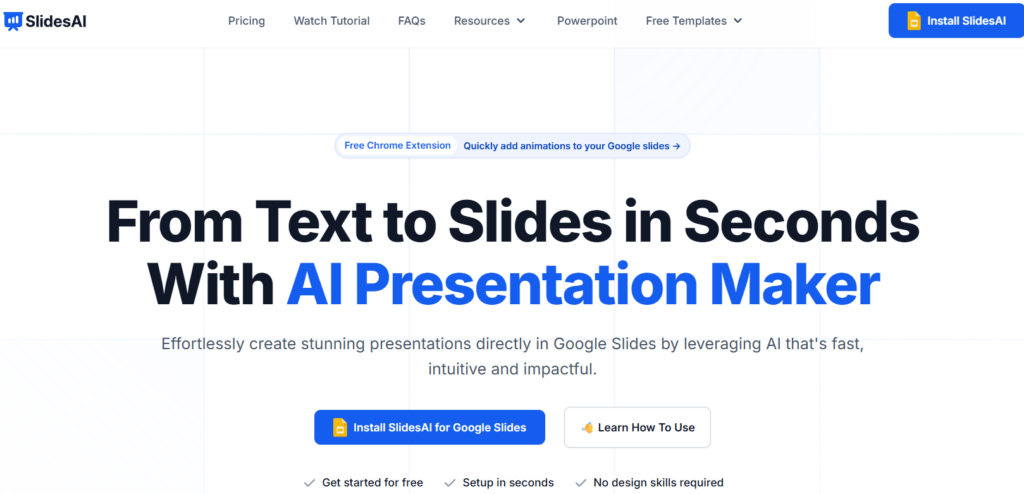
Slides AI is an AI presentation maker that can convert text, notes, or a document provided by the client into slides for the presentation. Slides AI can be very handy, for example, if a few clients constantly ask you to prepare presentations, without wanting you to reinvent and present every one completely from scratch.
Best for
- Reports
- Client briefs
- Articles to slides
- Text-heavy presentations
How To Use Slides AI?
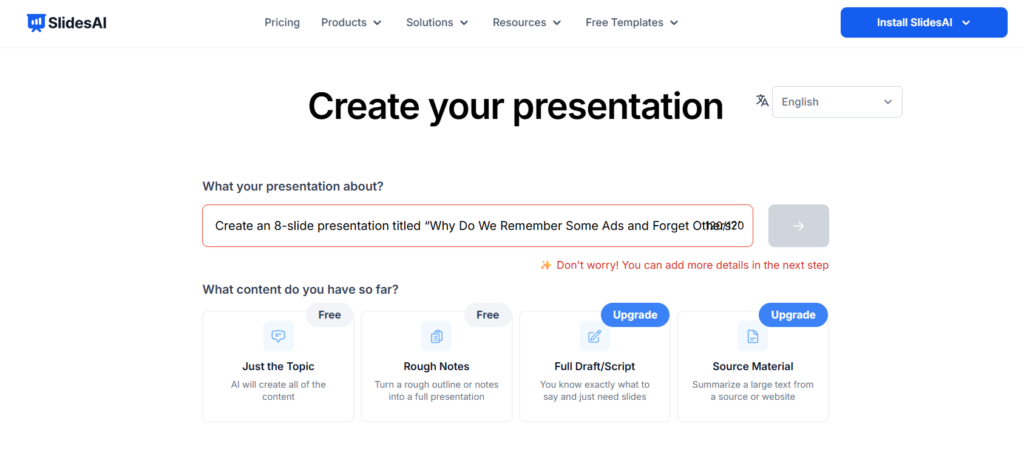
Enter a prompt.
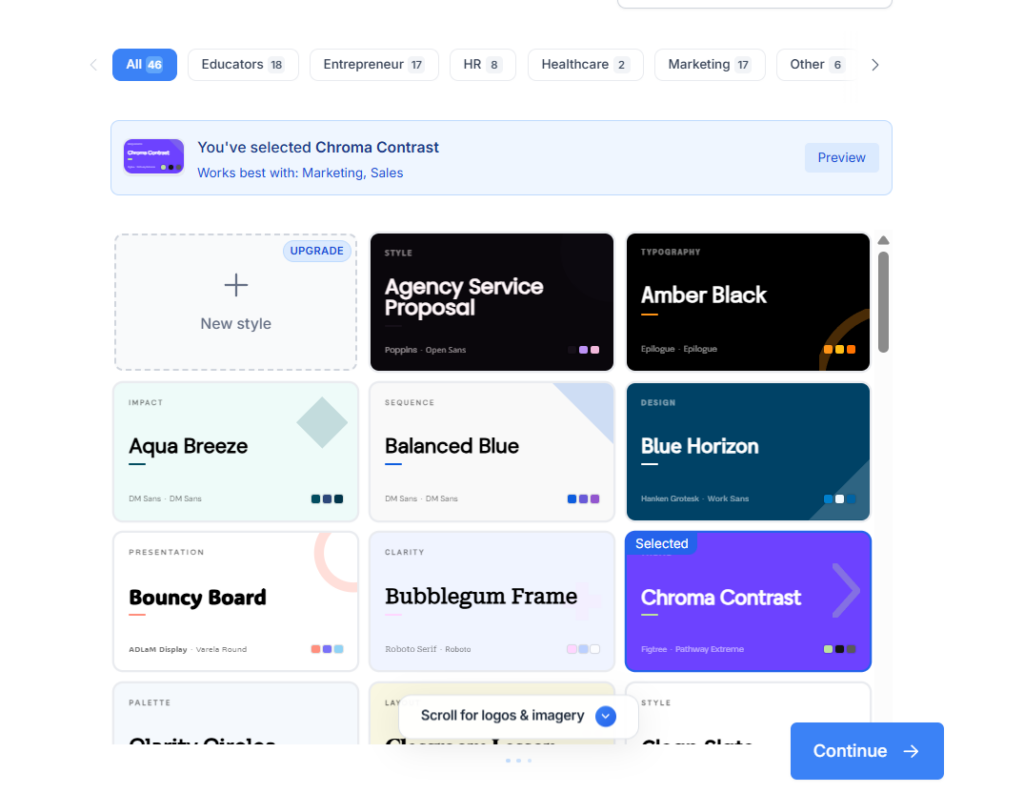
Select a template.
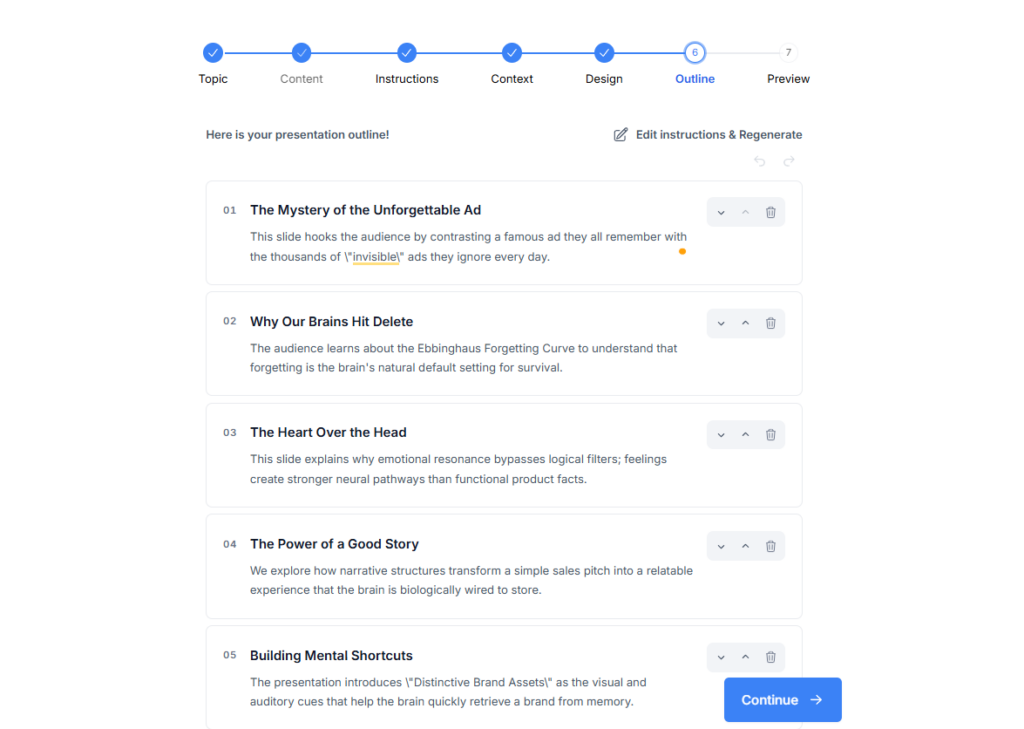
This is the outline.
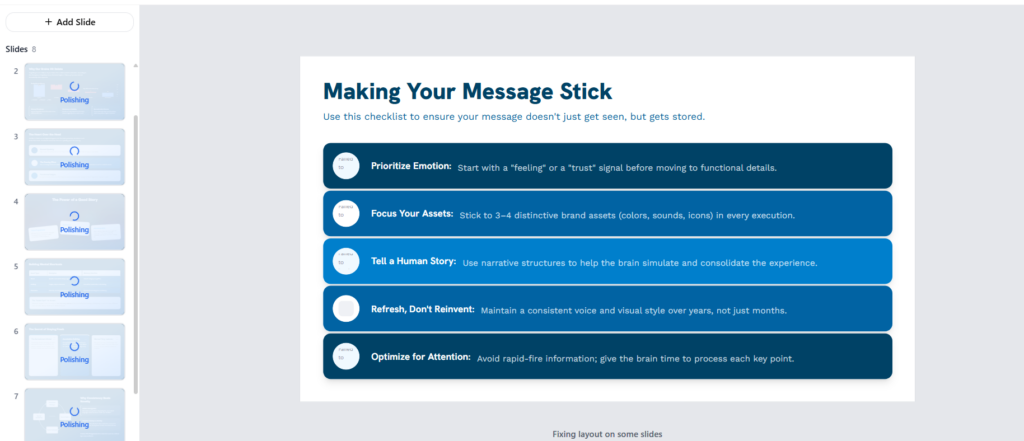
Final Result.
Our Review
Slides AI makes more sense when your client has already supplied the material. I used it to turn a long brief, report, article, or set of notes into an initial slide deck rather than moving the content into slides manually.
The time saved depends on how clean the source material is. Well structured text tends to produce a better starting point. After generation, I would still check slide breaks and remove sections where the AI has packed too much information into one slide.
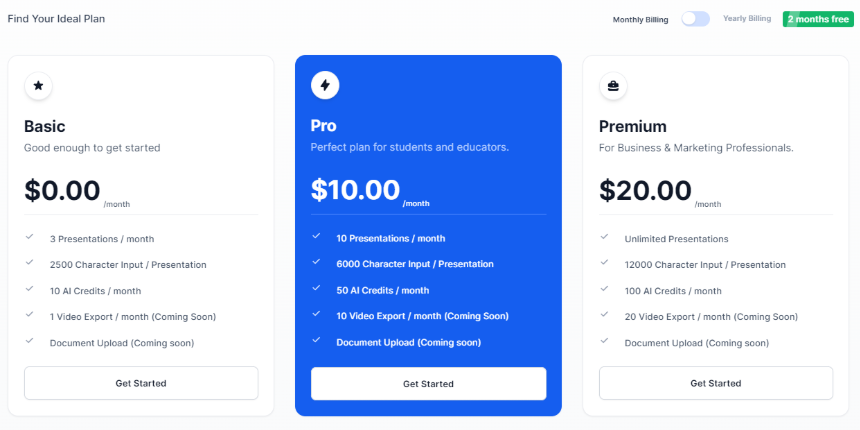
Pricing
Autoslide: Speed Up Presentation Drafting
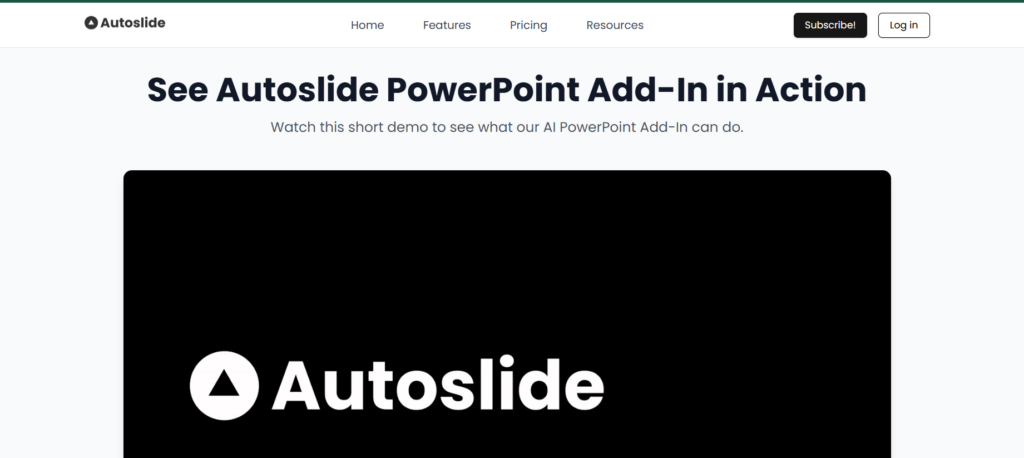
Autoslide is an AI presentation maker that uses AI to generate presentations from simple instructions, giving agencies a faster way to create initial decks for client meetings, proposals, and internal reviews. Instead of manually planning every slide, teams can start with an AI-generated presentation and refine the content and design afterward.
Best for
- Quick client decks
- Internal presentations
- Meeting decks
- First drafts
Our Review
Speed is what makes Autoslide stand out over detailed presentation design. Give it a topic, and it will produce a starting deck, which suits internal reviews, early client discussions, and first drafts.
For client delivery, I would treat the generated presentation as a draft. You will likely need to replace some content and adjust the visual hierarchy. If your agency produces several simple decks each week, the faster first pass is more useful than extensive customization.
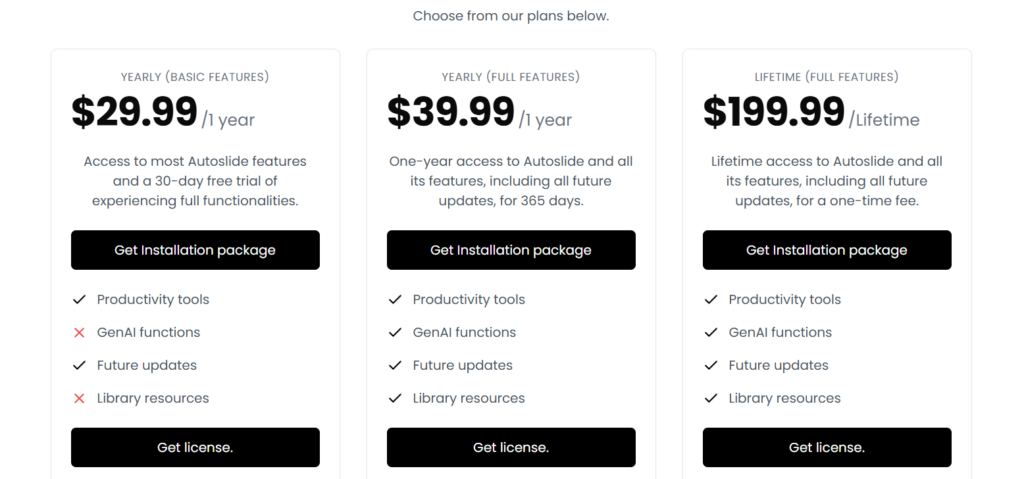
Pricing
Canva: Useful Beyond Presentation Design
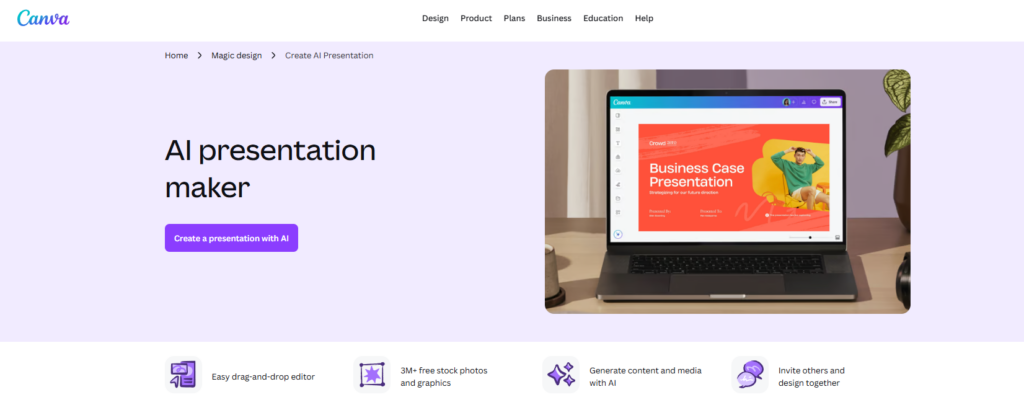
Canva is an AI presentation maker that combines AI presentation generation with templates, brand tools, collaboration, and a wider design ecosystem, making it practical for agencies that already use Canva across client projects. Teams can create presentations while keeping logos, colors, fonts, and other brand assets organized for different clients.
Best for
- Branded presentations
- Marketing decks
- Client presentations
- Visual presentations
How To Use Canva?
Click on Create Presentations with AI, then choose a template.
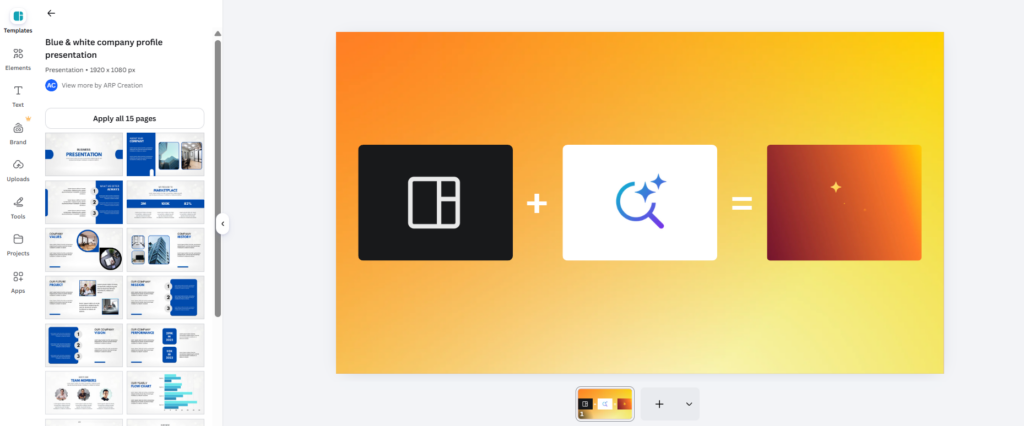
Then edit and fix some things manually.
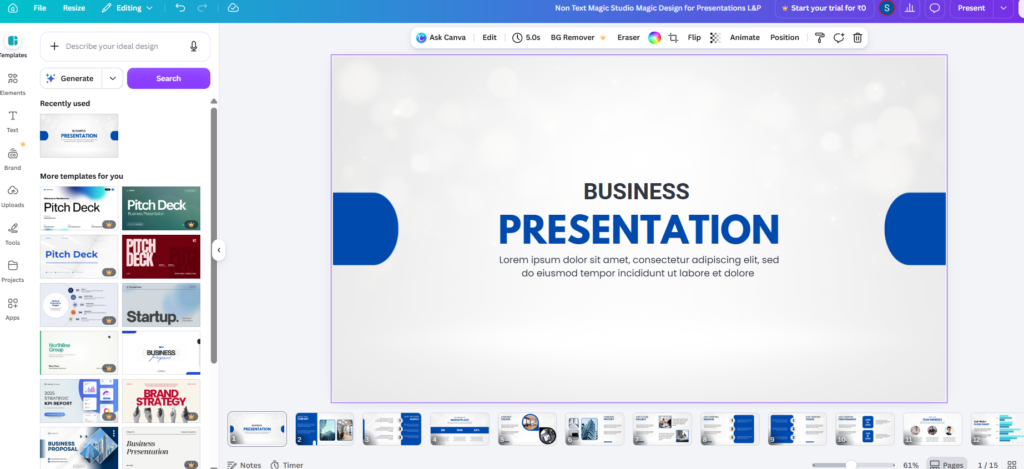
Our Review
Canva is a good choice when your agency already handles client graphics, social posts, videos, and presentations in the same workspace. The presentation tools sit alongside templates, brand assets, and other design features, so your team does not need a separate workflow for every asset.
I found this more useful for agencies with repeat clients and established brand kits. It still needs someone to review the deck, especially when a client expects a specific visual system. Canva works best when presentation creation is one part of a wider design workflow.
Visme: Make Data-Heavy Presentations More Visual
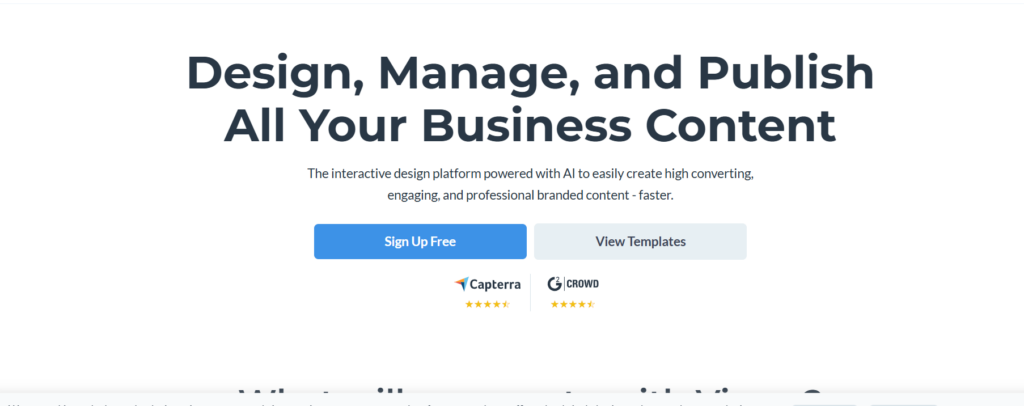
Visme is an AI presentation maker that comes with features like interactive visuals, business templates, charts, infographics, and more. It can produce reports, marketing presentations, and proposal presentations.
Best for
- Data reports
- Marketing presentations
- Infographics
- Business presentations
How To Use Visme?
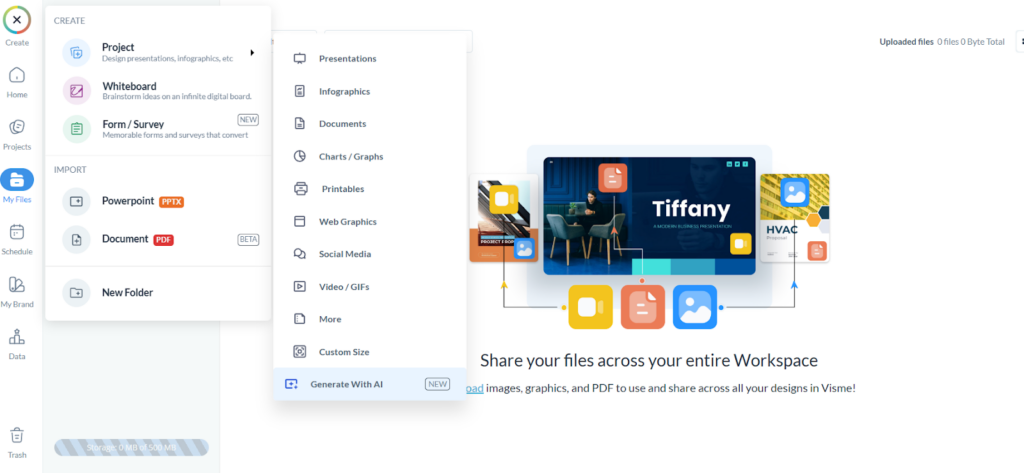
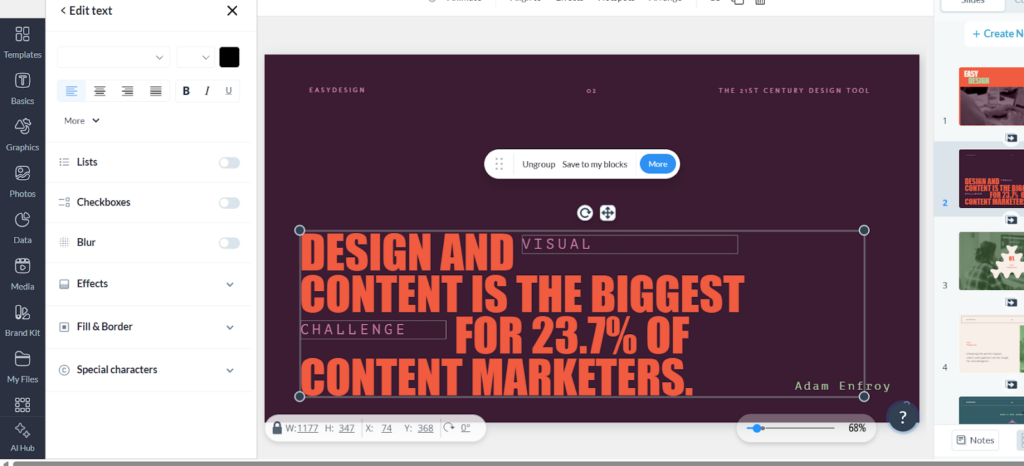
Click on Create and then click on Create Presentation.
Then choose any ready-made template from different categories.
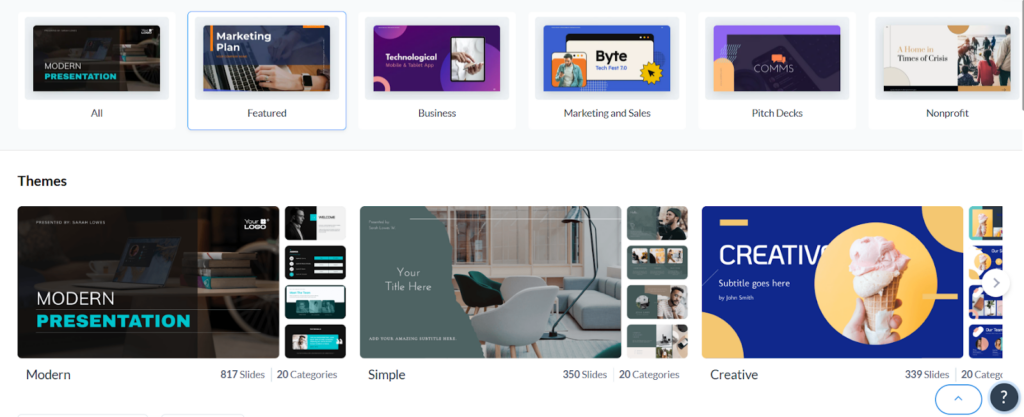
Edit texts and colours, and edit accordingly.
Our Review
A presentation that has charts, reports, infographics, or other structured visual information is best for Visme. It gives you more room to work with data than a basic AI slide generator.
For agency reporting work, this matters. A monthly performance deck, for example, often needs charts, figures, explanations, and branded sections in the same file. Visme handles this type of work well, although the larger feature set means you will spend more time editing than with a simple text-to-slides tool.
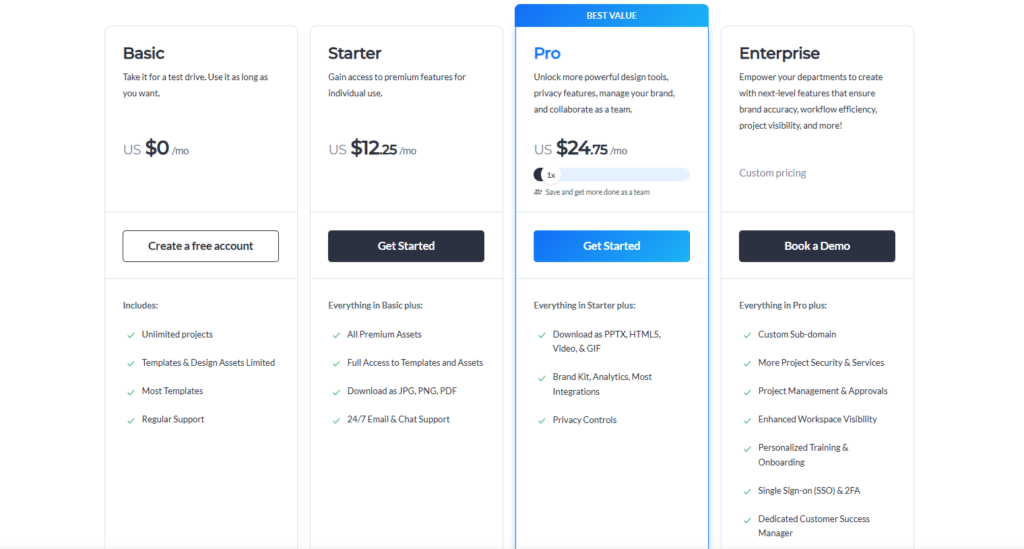
Pricing
FAQs
How does an AI presentation maker work?
Your prompt, text, or source data are fed to an AI presentation maker. The AI then builds the presentation structure and writes text. It then suggests slide layouts, and sometimes designs, images, and other presentation elements.
What is an AI that can make presentations?
Presentations AI, Tome AI, Slides AI, Autoslide, Canva, and Visme are examples of tools using AI to build presentation decks from prompts or from your input data.
What is the best free AI presentation maker?
Canva, Slides AI and Tome AI each offer a free option. The best for you, however, depends on your features, requirements, and level of customisation for your presentation.
What is AI in presentation?
AI in presentation represents any software tool or service that employs artificial intelligence to design, structure, generate, or modify your slides.