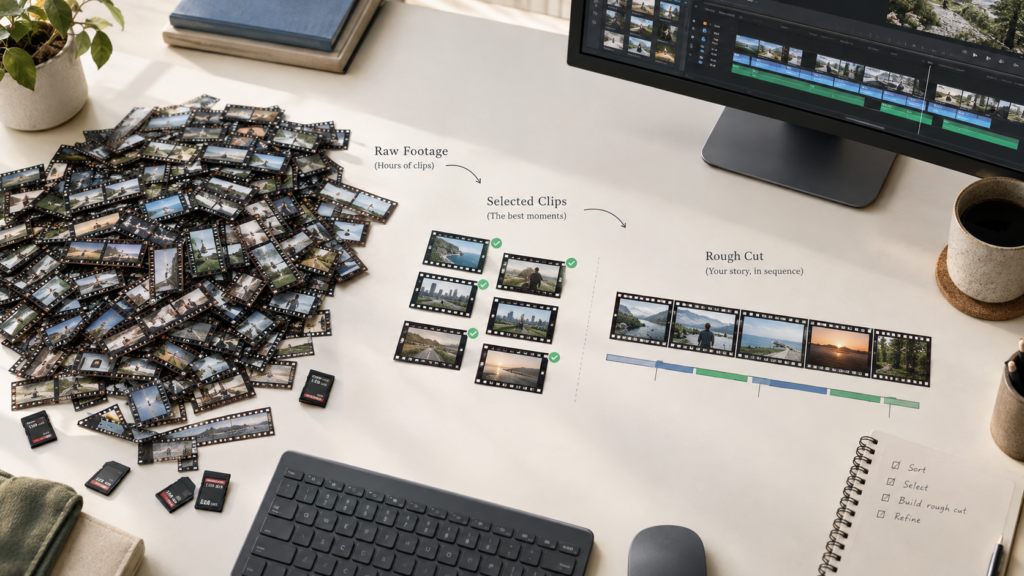
Reviewing hours of raw recording before a single creative decision gets made is the part of editing nobody enjoys. Every take needs watching, every repeat needs comparing, every false start and dead pause needs marking for removal, all before the actual edit even starts. That review time scales directly with how much footage a project has, and it’s exactly the kind of work that doesn’t require judgment so much as patience.
The good news is that this specific stage, reviewing and assembling raw footage into a working cut, is genuinely automatable now, not just faster to do by hand.
Here’s how to actually skip the manual review and get straight to a working rough cut.
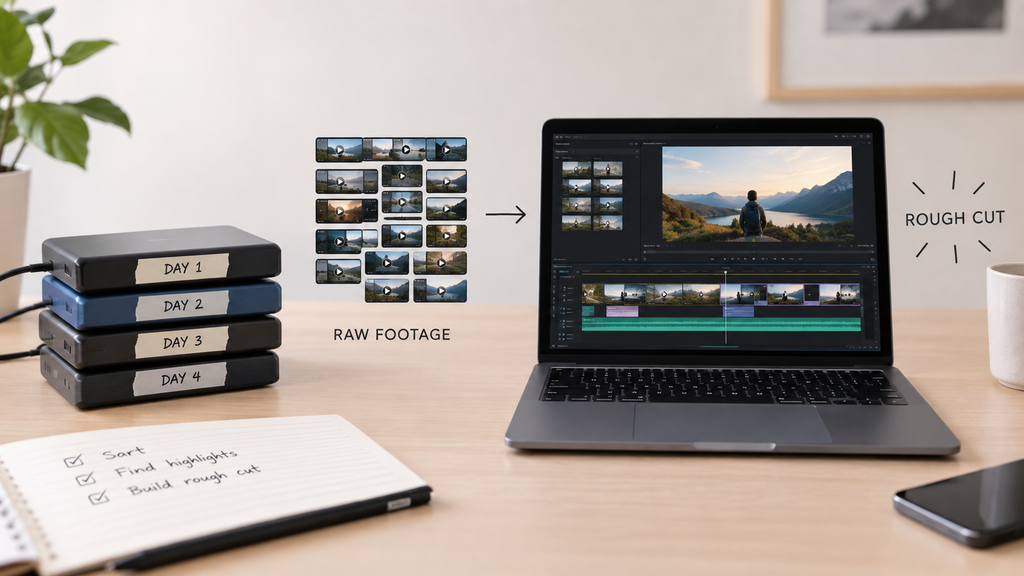
Why watching every clip manually doesn’t scale
Reviewing footage by hand works fine for a five-minute project. It stops working the moment a shoot produces hours of material, several takes of the same line, multiple camera angles, long pauses between usable moments. The review time isn’t optional in a manual process; every minute of raw footage needs at least a minute of someone’s attention to know what’s usable.
That bottleneck exists specifically because manual review treats every clip as needing individual human judgment, when most of what’s being judged is: is this take clean, is this the best of three attempts, is this pause worth keeping, follows a pattern a system can learn to apply.
Describing the cut instead of reviewing every clip yourself
Invideo Editor takes raw footage and a description of the intended cut, by topic, story, or the order it was shot in, and an AI agent reviews the material itself: identifying the cleanest take among several repeated attempts, cutting dead air and false starts, and laying the result onto a real, editable timeline before a person manually reviews a single clip.
That description doesn’t need to be a full script. A rough sense of the structure, what the video is about, and what order the ideas should follow is enough for the review and assembly to happen automatically rather than clip by clip.
What Invideo Editor adds: reviewing footage the way a person would, at scale
Invideo Editor can edit videos with AI across an entire folder of raw takes at once, applying the same judgment a person would use, which take reads cleanest, where the dead air actually starts and ends, consistently across however much footage a project has, rather than that judgment being a bottleneck that scales with runtime.
That consistency matters specifically at volume. A person reviewing three hours of footage gets slower and less consistent by the third hour; an automated review doesn’t.
What still benefits from a manual pass afterward
An automatically assembled rough cut is a starting point, not a finished video. It’s worth reviewing the result against the original intent and understanding whether the structure actually tells the story the way it was meant to, before moving into pacing, color, and sound.
That review is a much smaller task than the original manual process would have been, checking a completed assembly against an intention takes far less time than building that assembly clip by clip from scratch. The timeline itself is a real, professional manual editor on its own, free to use whether or not an agent ever touches the project, so that review and refinement pass happens in the same place the automated assembly did, not a separate tool.
Common problems when automating raw footage review
Vague direction is the most common issue. A description too thin for the system to infer the intended structure produces a rougher starting point than a clearer one would.
Assuming the automated pass is the finished video, rather than a rough cut meant for further refinement, is a related mistake, skipping the manual review step that catches whether the assembled structure actually serves the story.
Footage with no real structure at all, no topic, no script, no shooting order to infer from, is harder for any automated review to work from effectively, since there’s less signal to base take selection and cutting decisions on.
Common mistakes when turning raw footage into a rough cut automatically
- Providing minimal or vague direction. A clearer description of the intended structure produces a meaningfully better first assembly.
- Treating the automated rough cut as a finished product. It’s a starting point that still benefits from a review pass against the original intent.
- Skipping a check on whether the assembled structure tells the story correctly. An automated pass optimizes for clean takes and removes dead air, not necessarily narrative judgment.
- Assuming footage with no real structure will assemble as well as footage with a clear topic or script to work from.
FAQ
Does this actually save time, or just move the review work somewhere else?
It genuinely saves time. Reviewing an already-assembled cut against an intention is a much smaller task than manually reviewing and assembling raw footage clip by clip from scratch.
How much direction does the system need to assemble a good rough cut?
A rough sense of structure, the topic, the intended order, a script if one exists, is enough. More specific direction produces a stronger first assembly, but it doesn’t need to be a fully written script.
Can this handle footage from multiple cameras?
Yes, multicam footage can be synced and assembled the same way, with the system handling the alignment between angles rather than that being a separate manual step.
Is the resulting rough cut ready to publish?
No, and it isn’t meant to be. It’s a working starting point with the repetition and dead air already removed, ready for pacing, color, and sound work, not a finished, publish-ready video.

Sapna Ghodasara is the founder of Guide of AI Tool, where she writes in depth reviews of AI tools for marketers, creators and businesses. Her reviews focus on what matters before you pay for a tool: real use cases, honest pros and cons, pricing, and how well it fits into an everyday workflow.
Sapna is the cofounder of SEOMagicLab. That mix of technical training and daily marketing work lets her judge AI tools from two angles: how well the technology actually performs and whether it delivers real value for the people using it.