Turning a folder of raw footage into a rough cut is the least creative, most time-consuming part of editing. Reviewing every take, logging what’s usable, cutting the false starts and dead air, syncing multiple cameras, all before the actual creative decisions even start. A handful of AI tools now handle this specific stage well, some as part of a broader editor, some as a dedicated pre-editing specialist.
This guide covers the best AI tools for turning raw footage into a Rough Cut for that specific job, going from unsorted raw footage to a working rough cut, fast.
What actually matters for this specific job
- Working from genuinely unsorted footage, not footage that’s already been logged or organized by hand.
- Take selection, picking the cleanest version among several repeated takes, not just cutting on a fixed rule.
- Multicam handling, syncing multiple camera angles automatically when a shoot used more than one.
- A result you can still shape: a rough cut should be a starting point for refinement, not a locked, final output.
- Speed at volume, since the value of automating this stage compounds across a project with a lot of raw footage to get through.
The best AI tools for turning raw footage into a rough cut at a glance
| Tool | Best For | Free Option |
|---|---|---|
| invideo Editor | Assembling a full base cut from raw footage inside a complete editing project | Yes, manual timeline free to use |
| Selects (Cutback) | Pre-editing specialist for professional multicam production | 7-day free trial |
| Loopdesk | One-prompt execution across a large batch of raw footage | No free plan |
| Descript | Assembling a cut from a transcript of spoken-word footage | Yes |
| Adobe Premiere Pro | Detecting scene and shot boundaries within existing footage | Free trial |
Invideo Editor
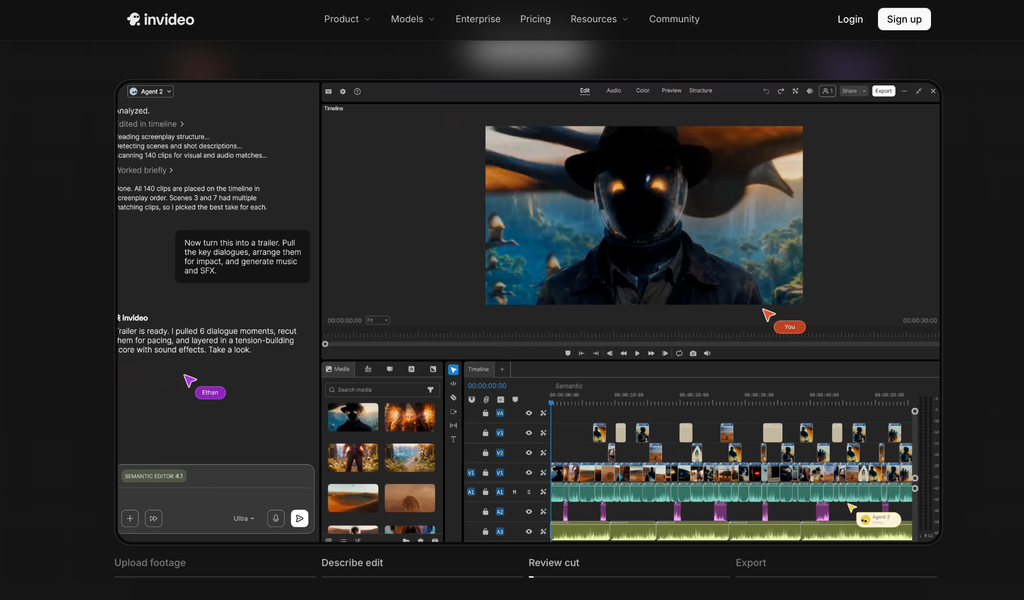
Invideo Editor reviews a folder of raw takes and, from a description of the cut you want, by topic, story, or shooting order, picks the cleanest take among the repeats, cuts the dead air and false starts, and lays the result onto a real editable timeline. It handles single-camera footage with or without a script, and syncs multicam angles automatically when a shoot used more than one camera. From there, the same project lets you edit videos online by hand, restructure pacing, grade, and mix, all without leaving the same workspace the rough cut was assembled in.
- Strengths: genuinely reviews and selects among raw takes rather than applying a fixed rule; the rough cut lands on a real, fully editable timeline, not a locked output
- Limitations: getting the most out of assembly benefits from a clear description of the intended cut; very sparse or ambiguous direction produces a rougher starting point
- Pricing: the manual timeline is free to use on its own; full agent-driven assembly requires a paid plan, Basic $9/Pro $25/Ultra $60 per seat/month
Selects (Cutback)
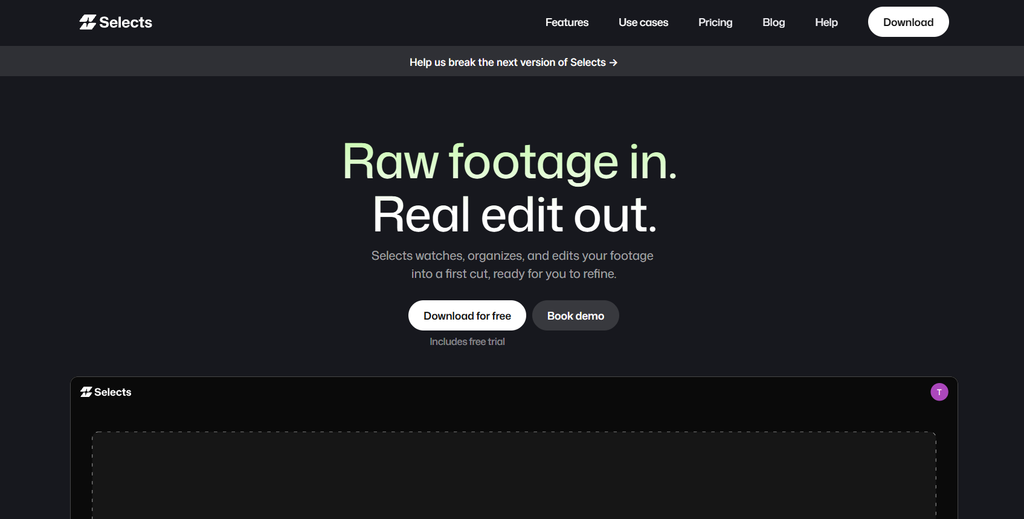
Selects is built specifically for the pre-editing stage of professional, multicam production. Point it at raw footage and it syncs the camera angles, transcribes every word with speaker identification, detects repeated takes and topics, and picks the best take among several repeats, producing an organized rough cut ready to hand off to a traditional NLE for the creative pass.
- Strengths: genuinely reduces the least creative part of a long-form, multicam edit; integrates cleanly with Premiere, Final Cut, and Resolve
- Limitations: it’s a pre-editing specialist, not a finishing tool, the creative edit still happens in a separate application afterward
Pricing: 7-day free trial; Max tier around $80/month billed annually, Pro tier around $800/month for production teams.
Loopdesk
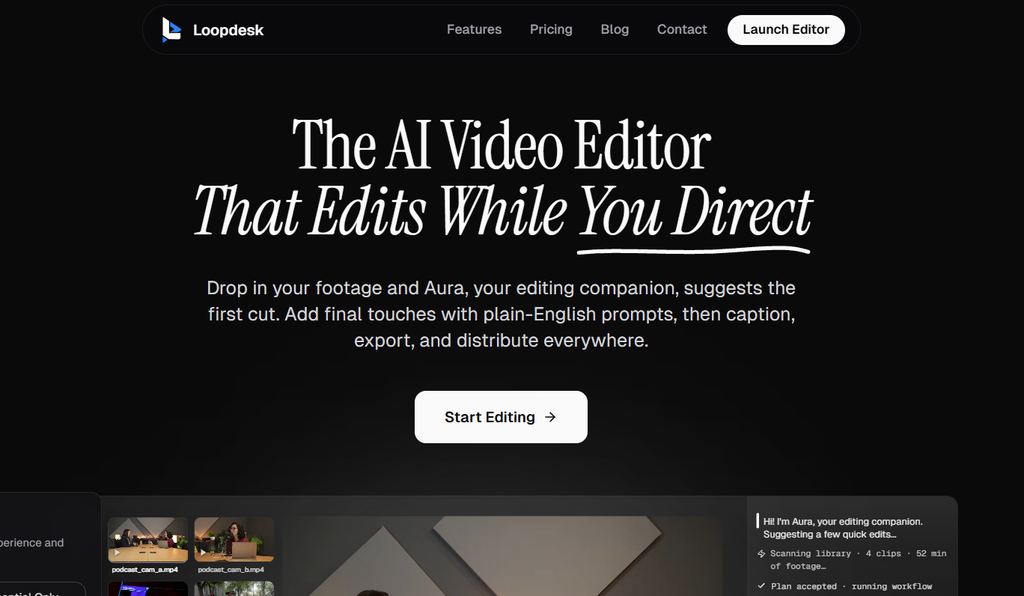
Loopdesk executes a full editing chain from one instruction, including assembling raw footage into a structured result, remove silences and filler words, organize by topic, output a working cut, without further manual clicks. Its real strength here is doing this across a large batch of raw footage at once rather than one project at a time.
- Strengths: genuinely fast for processing a high volume of raw footage the same way; browser-based with no install
- Limitations: less emphasis on deep manual refinement after the automated pass; no free plan available
Pricing: Creator Lite around $19/month, or roughly $15/month billed annually.
Descript
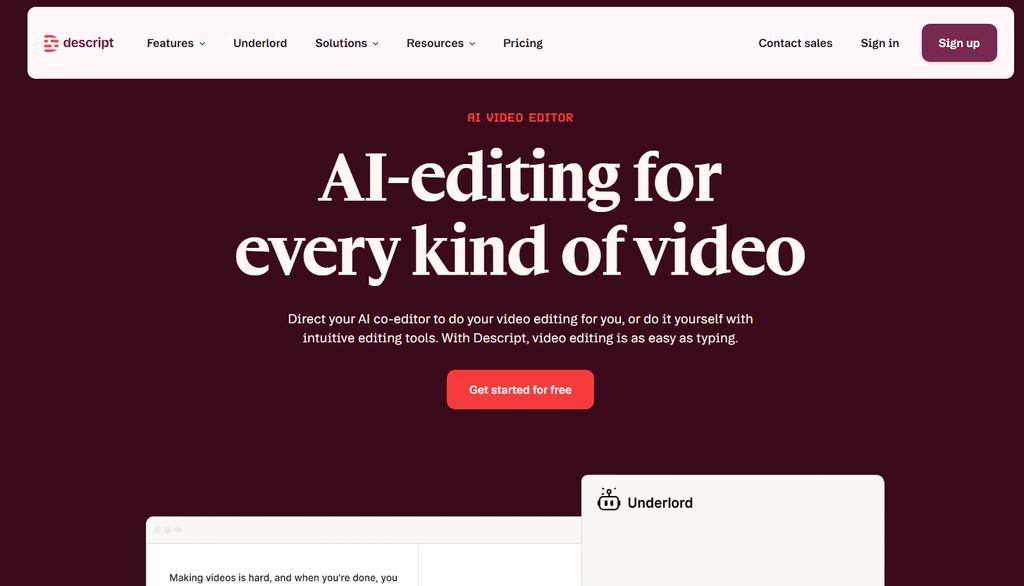
For footage that’s fundamentally spoken-word, an interview, a podcast recording, a tutorial, Descript transcribes the raw audio and video automatically, and an editor assembles a rough cut by trimming the transcript directly: delete a rambling answer, and the corresponding footage cuts out too.
- Strengths: genuinely fast for assembling dialogue-heavy raw footage into a working cut; approachable for anyone comfortable editing text
- Limitations: this approach is specific to footage with clear spoken structure, less natural for b-roll or footage without much dialogue
Pricing: Free tier available; Hobbyist ~$16/month, Creator ~$24/month, billed annually.
Adobe Premiere Pro
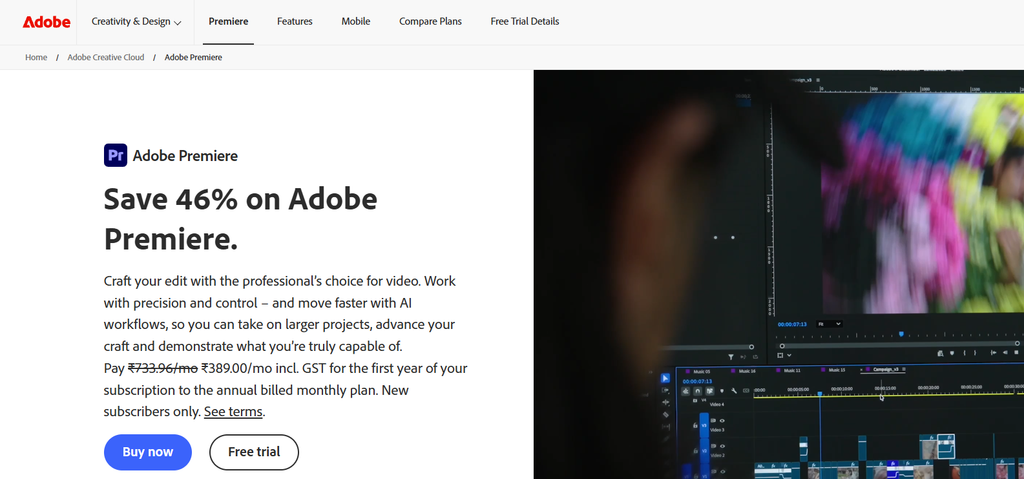
Premiere‘s Scene Edit Detection can automatically identify shot and scene boundaries within footage that’s already been imported, useful for quickly breaking a long, continuous recording into individual clips as a first step toward a rough cut, even though the actual take selection and assembly from there is still manual.
- Strengths: genuinely useful for quickly segmenting long, continuous recordings into individual clips; fits directly into an existing Premiere-based pipeline
- Limitations: detects boundaries within footage rather than independently assembling a full rough cut from raw takes the way a dedicated tool does
Pricing: Free trial; ~$22.99/month subscription.
Which tool should you use for turning raw footage into a rough cut?
- Want a rough cut assembled inside a complete editing project you can keep refining? invideo Editor.
- Working on a professional multicam production with a traditional NLE pipeline? Selects.
- Need to process a large batch of raw footage the same way, fast? Loopdesk.
- Your footage is fundamentally spoken-word content? Descript.
- Already working in Premiere and just need shot boundaries identified? Adobe Premiere Pro.
The bottom line
Getting from raw footage to a usable rough cut is a genuinely automatable job now, not just a faster manual process. Most of the tools above are strong at one piece of that, multicam sync, transcript-based assembly, batch volume, while fewer combine that assembly with a full editing project to refine the result afterward.
If the goal is a rough cut that lands inside a project you can keep shaping, color, audio, restructuring, without switching tools, invideo Editor is built around that combination specifically.
Frequently Asked Questions
Can AI really pick the best take among several repeated ones?
Yes, this is specifically what tools built for raw footage assembly do, reviewing multiple attempts at the same line or shot and selecting the cleanest version, rather than requiring a person to compare every take manually.
Do these tools work on footage without a script?
Most do. Tools like invideo Editor and Loopdesk can work from a plain-language description of the intended cut rather than requiring a script, inferring structure from the footage itself.
Is a rough cut from one of these tools ready to publish?
No, and it isn’t meant to be. A rough cut is a starting point, the repetition and dead air removed, ready for the actual creative pass, pacing, grading, sound design, that follows.
Which tool is best for a multicam shoot specifically?
Selects (Cutback) is built specifically around professional multicam pre-editing. Invideo Editor also syncs multicam angles automatically as part of its broader assembly process within a full editing project.

Sapna Ghodasara is the founder of Guide of AI Tool, where she writes in depth reviews of AI tools for marketers, creators and businesses. Her reviews focus on what matters before you pay for a tool: real use cases, honest pros and cons, pricing, and how well it fits into an everyday workflow.
Sapna is the cofounder of SEOMagicLab. That mix of technical training and daily marketing work lets her judge AI tools from two angles: how well the technology actually performs and whether it delivers real value for the people using it.