Wayground
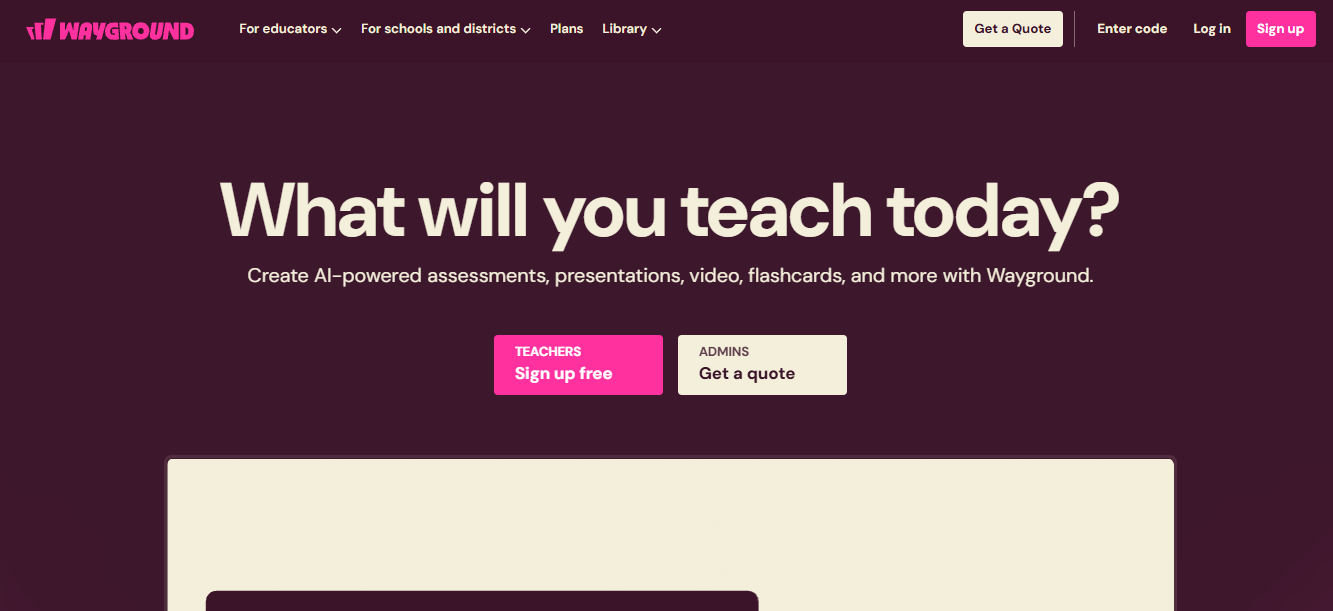
Learning does not have to be uninteresting. It can be intriguing too. The AI tool we are going to cover today is such an example of that. Wayground helps encourage students and educators to teach more easily.
What is Wayground?
Wayground is an AI learning platform that was founded in 2015 for teachers and students. It is a game-based online learning platform that combines Instruction, practice & assessment for teachers, students & organizations to create and use interactive quizzes, lessons & flashcards.
Key Features Of Wayground
Wayground consists of several useful features that you need to be aware of before you try the AI tool.
Interactive Learning Content
You can create quizzes, polls, and presentations. Many students can complete these quizzes in real time. Teachers can choose from a large library of resources and build content from scratch.
Gamified Assessments
Students learn better when learning is not basic and boring. That is why Wayground can turn traditional assessments into game-like experiences. Points, leaderboards, and avatars keep students engaged while they learn.
Multiple Question Types
Users can create a variety of question formats, including multiple choice, fill in the blank, open-ended, poll, and drag-and-drop questions. This variety helps teachers assess different types of understanding.
Live and Self-Paced Modes
Wayground supports both synchronous sessions, where the whole class participates together, and asynchronous assignments, which students can complete on their own schedule.
Data and Analytics
Teachers receive detailed reports on student performance. These insights help identify learning gaps and track progress over time.
Content Library
The platform hosts millions of teacher-created quizzes and resources across subjects and grade levels, so educators don't need to start every activity from zero.
Integration with Other Tools
Wayground connects with platforms like Google Classroom, Microsoft Teams, and various learning management systems, making it easier to fit into existing classroom workflows.
Accessibility Across Devices
Students can join sessions using laptops, tablets, or smartphones, which makes the platform flexible for different classroom setups.
AI-Assisted Content Creation
Newer features use AI to help teachers generate quiz questions quickly, saving time on content preparation.
Use Cases Of Wayground
There are several use cases of Wayground. Being an education app, it is mostly used by teachers and educators. Let’s understand what Wayground’s exact purpose is.
Classroom Assessments
Creating classroom assessments that help teachers check how much the students have studied, both during and after lessons.
Formative Assessment
Using Wayground, Educators use quick polls and short quizzes to gauge comprehension in real time, allowing them to adjust instruction on the spot.
Homework and Practice
Students complete assignments by themselves outside of class.
Test Prep and Review
Teachers use Wayground to review material before major exams, often through competitive review sessions that keep students motivated.
Professional Development and Training
Beyond K-12 classrooms, businesses and trainers use Wayground for employee onboarding, compliance training, and workshop engagement.
Remote and Hybrid Learning
Since students can join from any device, teachers use the platform to keep both in-person and remote learners engaged simultaneously.
Peer Learning and Collaboration
Students can create their own quizzes to teach classmates, encouraging active participation in the learning process.
How To Use Wayground
- Sign up and choose a plan.
- Create an assessment, presentation, or other classroom activity.
- Add questions or use AI to generate and adapt content.
- Share the activity with students for live or self-paced learning.
What We Like About Wayground
Interactive format
Students remain genuinely involved in class.
Flexible session modes
Works for both live classes and self learning too.
Huge content library
A comprehensive library of ready-made questions saves teachers significant prep time.
Useful analytics
Detailed performance reports make it easy to spot learning gaps.
Easy LMS integration
Connects smoothly with Google Classroom, and Microsoft Teams.
What We Don't Like About Wayground
Occasional technical glitches
Some users report access issues and bugs during live sessions.
Limited filtering in the question bank
When pulling questions from Wayground's shared library, users can't always filter by specific question type, making it harder to find exactly what they need.
Ads on the free plan
Even active classroom users have noted that ads appear during quizzes, which feels out of place in an educational setting.
Wayground Pricing Plans
Wayground does not reveal the actual price. For knowing that, you have to request a quote. These are the features such a plan unlocks.
Basic
- Assessments, presentations, passages, flashcards, and videos
- Limited question types
- Live and student-paced delivery
- AI tools to generate, import, adapt, and explain content
- 25+ accommodations, including Read Aloud
- Live instruction data with Classroom Pulse
School and District
- 20+ question types and 40M+ standards-aligned resources
- Full AI grading with custom and state rubrics
- Longitudinal growth graphs and standards-aligned reports
- Admin dashboard with school and district insights
- Canvas, Schoology, Clever, and ClassLink integrations
- Centralized accommodation setup and compliance monitoring
- Dedicated Customer Success Manager
FAQs About Wayground
What is Wayground?
Wayground is an educational platform for creating assessments, presentations, flashcards, and other classroom activities.
Who can use Wayground?
It is designed for teachers, schools, and districts.
Does Wayground use AI?
Yes. Its AI features can help generate, adapt, import, and explain teaching content.
Does Wayground offer a free plan?
Wayground offers a Basic plan with essential teaching and assessment features.
Conclusion
Wayground brings assessments, teaching resources, AI tools, and student insights into one platform. Its features can help teachers create classroom content, track performance, and support different learning needs. The School and District plan also adds advanced reporting and administrative tools for larger educational organizations.
Alternatives To Wayground
Flashcards, study sets, and practice activities.
AI-powered quiz and assessment creation