What if your next best pattern design came from a single AI prompt instead of hours of sketching? Yes, you read that right. With AI pattern customization platforms, it is possible.
Designing custom patterns is a core part of designing. It is, however, quite a time consuming process. You need to have both great technical skills and creativity. The reason it mostly takes so much time is that achieving the right balance of style and color can take time. It can also happen that you may keep repeating the process and ultimately get exhausted.
Many AI design tools do a lot more than just generate a random pattern. While not all AI design tools are suitable for generating repeat patterns, there’s a vast range available to help you produce just about any kind of graphic you need.
With the help of many AI image design generators, you can also create seamlessly repeatable graphics, experiment with colors, textures, and organic patterns as well as geometric layout designs, give your graphic artistic and abstract treatments, and even use the design as a starting point from which to generate dozens of different variations.
The global generative design market is projected to grow from $445.6 million in 2026 to nearly $1.93 billion by 2034. With such high demand, it is important to find tools that actually work. Below, I have listed 8 AI Pattern Customization Platforms, and after trying them out, I have shared what I think about each of them and whether you should try them.
What are AI Pattern Customization Platforms?
If you have not yet figured out what AI pattern customization platforms are, let me explain. AI Pattern customization platforms are AI platforms that have tools that can create an AI pattern with a single prompt. The prompt and description have to be detailed. But other than that, you don’t need to worry about anything else; AI will create an amazing and beautiful looking pattern.
Best AI Pattern Customization Tools to Create Custom Patterns
You can create stunning patterns faster with these AI tools.
Leonardo AI
Leonardo AI is versatile. In a matter of minutes, you can use an AI design tool to create all sorts of artwork, and it can be used for unique patterns, custom images, etc. Combined with image generation with many editing options, design custom patterns seamlessly, experiment with all manner of visual styles, and generate variations from your initial concept with a few easy clicks.
Features
- AI Pattern Generation – Create unique patterns from simple text prompts.
- Multiple AI Models – Switch between models to achieve different visual styles.
- Image-to-Image Creation – Turn existing images into new pattern designs.
- Prompt Controls – Use positive and negative prompts for more accurate results.
- Canvas Editor – Refine, expand, or edit generated designs in one workspace.
- Style Presets – Apply different artistic styles with a single click.
- High-Resolution Downloads – Export images suitable for print and digital use.
- Batch Generation – Generate multiple pattern variations simultaneously.
Strengths
- Produces detailed and visually appealing patterns.
- Offers extensive control over image generation.
- Suitable for beginners and experienced designers.
- Frequently updated with new AI capabilities.
Weaknesses
- Advanced settings take time to learn.
- Free credits are limited.
- Some prompts require refinement for the best results.
Refire Design
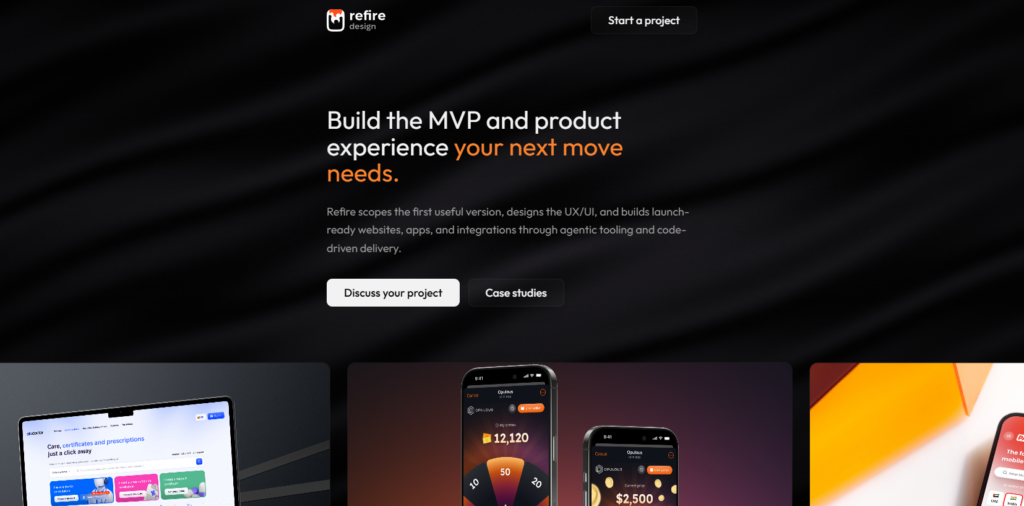
Refire Design helps users quickly produce and customize original graphics. The AI tools simplify experimentation with layouts, color palettes, and other stylistic design choices, and provide a great choice for designers aiming to streamline creative projects while maintaining creative freedom.
Features
- AI Design Generator – Create graphics from text-based descriptions.
- Pattern Customization – Modify colors, layouts, and visual elements.
- Smart Color Editing – Instantly test different color combinations.
- Design Variations – Generate multiple versions of the same concept.
- Layout Assistance – Improve spacing and composition automatically.
- Simple Editing Tools – Fine-tune designs with easy-to-use controls.
- Project Exports – Save designs in multiple file formats.
- Collaboration Features – Share projects with teammates for feedback.
Strengths
- Clean and intuitive interface.
- Makes design revisions faster.
- Easy to learn for beginners.
- Supports collaborative workflows.
Weaknesses
- Fewer advanced AI tools than larger platforms.
- Limited options for highly detailed patterns.
- Some features require a paid plan.
Visme
Visme isn’t built specifically for pattern generation, but it fits quite well into a pattern design workflow. It helps in making it easy to build presentations, branding assets, and marketing graphics that include custom patterns.
Features
- AI Design Assistant – Generate visual content from simple prompts.
- Drag-and-Drop Editor – Customize designs without advanced skills.
- Pattern Backgrounds – Add decorative backgrounds to creative projects.
- Brand Kit – Store logos, colors, and fonts in one place.
- Template Library – Access professionally designed templates.
- Color Customization – Adjust palettes to match your brand.
- Team Collaboration – Work on projects together in real time.
- Multiple Export Options – Download files for web, print, or presentations.
Strengths
- Extremely beginner-friendly.
- Large collection of design templates.
- Great for business and marketing content.
- Easy collaboration features.
Weaknesses
- Not built specifically for pattern generation.
- AI features are more limited than dedicated tools.
- Some premium assets require a subscription.
Resleeve AI
Resleeve AI is designed with fashion creators in mind. It helps generate clothing concepts where patterns become part of the overall garment design. It’s particularly useful for quickly testing different prints and fabric style patterns before creating final products.
Features
- AI Fashion Design – Generate clothing concepts from text prompts.
- Pattern Creation – Design custom prints for garments and fabrics.
- Fabric Visualization – Preview designs on different clothing styles.
- Color Variations – Explore multiple color combinations instantly.
- Style Generation – Create different fashion aesthetics with AI.
- Realistic Mockups – Produce high-quality apparel visualizations.
- Prompt-Based Workflow – Describe ideas using natural language.
- Fast Design Iterations – Generate several concepts in minutes.
Strengths
- Built specifically for fashion designers.
- Creates realistic clothing mockups.
- Speeds up concept development.
- Easy to experiment with different prints.
Weaknesses
- Limited use outside fashion design.
- Editing options are fairly basic.
- Best results depend on detailed prompts.
Patterned AI
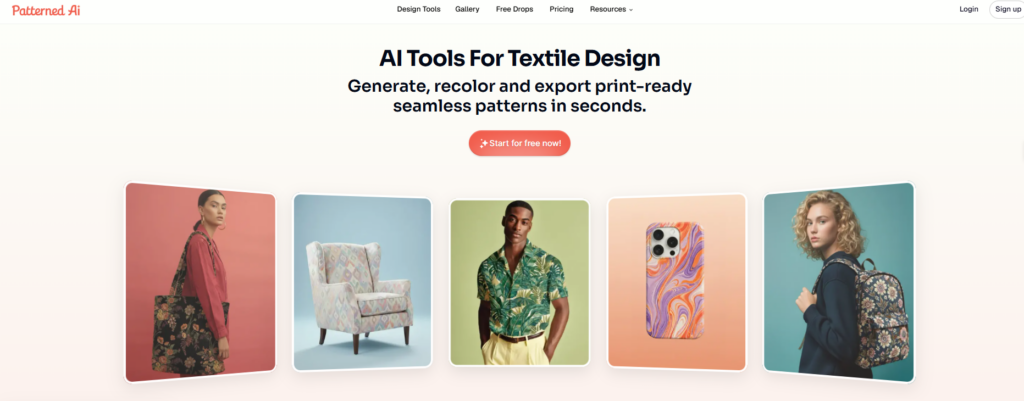
Patterned AI is one of the few tools dedicated entirely to creating seamless patterns. It generates repeatable designs. If your main goal is creating wallpaper, fabric, wrapping paper, or product surface designs, then this is the tool you should definitely try out.
Features
- Seamless Pattern Generation – Create repeatable patterns from text prompts.
- Custom Pattern Styles – Generate geometric, abstract, floral, and artistic designs.
- Pattern Variations – Produce multiple versions of the same concept.
- Repeat Preview – View how patterns tile before downloading.
- High-Resolution Exports – Download designs for commercial printing.
- Simple Prompt Interface – Generate patterns with minimal setup.
- Quick Editing Options – Make small adjustments before exporting.
- Commercial Use Support – Suitable for products and branding.
Strengths
- Designed specifically for seamless patterns.
- Very easy to use.
- Fast generation speed.
- Great for surface design projects.
Weaknesses
- Limited image editing capabilities.
- Fewer creative tools than full design suites.
- Not ideal for general illustration work.
Dzine
Dzine offers AI image generation, as well as many other editing features, such as image pattern customization tools, which means users no longer have to hop back and forth between different tools. It supports many creative workflows. Ultimately, Dzine is useful for any designer requiring more speed and versatility.
Features
- AI Image Generator – Create original graphics from text prompts.
- Image Editing – Modify generated artwork using built-in tools.
- Style Transfer – Apply different artistic styles to existing designs.
- Object Editing – Add, replace, or remove elements from images.
- Background Editing – Remove or replace backgrounds with AI.
- Color Adjustments – Experiment with different color palettes.
- High-Resolution Downloads – Export detailed images for various projects.
- Creative Workspace – Manage generation and editing in one platform.
Strengths
- Combines creation and editing tools.
- Beginner-friendly interface.
- Produces high-quality visuals.
- Supports a wide variety of design projects.
Weaknesses
- Not focused specifically on pattern design.
- Advanced edits can take several attempts.
- Some premium features require a subscription.
Kittl
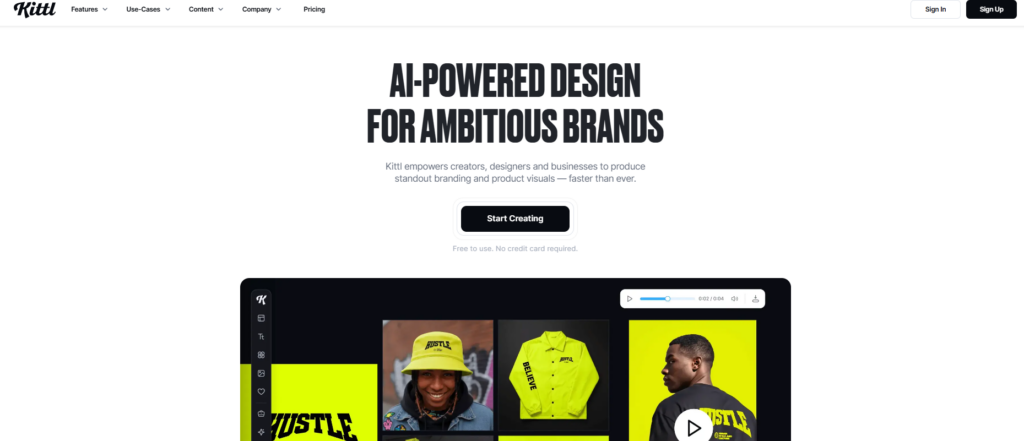
Kittl is a design platform that blends AI-powered creativity with professional editing tools. It is especially useful for branding, merchandise, packaging, and print design, where custom patterns often complement typography and vector graphics.
Features
- AI Design Generator – Create illustrations and graphics from prompts.
- Vector Editing – Edit scalable graphics without losing quality.
- Pattern Design Tools – Build decorative and repeating design elements.
- Typography Editor – Customize text with advanced font controls.
- Texture Library – Add textures and visual effects to designs.
- Ready-Made Templates – Start projects using professionally designed layouts.
- Branding Tools – Create assets for logos and marketing materials.
- Commercial Exports – Download files suitable for professional use.
Strengths
- Excellent vector editing capabilities.
- Strong typography features.
- Great for branding and merchandise.
- Easy-to-use interface.
Weaknesses
- Pattern generation isn’t its primary focus.
- Some advanced assets are paid.
- Learning advanced editing takes time.
Recraft AI
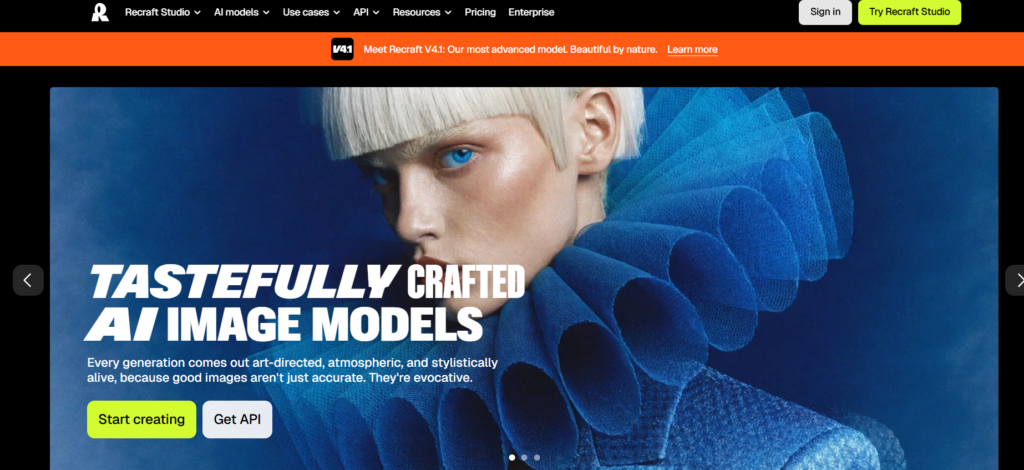
Recraft AI is an AI tool that can generate stunning vector graphics, illustrations, and design assets you can repeat endlessly. It provides better control over consistency than most AI image generators, and is ideal for designers creating branding, packaging, icons, or custom patterns.
Features
- AI Vector Generation – Create editable vector artwork from prompts.
- Pattern Creation – Generate custom repeating designs for creative projects.
- Style Consistency – Keep visuals consistent across multiple generations.
- Image Editing – Refine and update generated artwork with AI.
- Color Controls – Adjust colors to match specific themes or brands.
- Background Removal – Remove backgrounds in a single step.
- High-Resolution Exports – Export files for print and digital use.
- Creative Asset Generator – Produce icons, illustrations, and graphics alongside patterns.
Strengths
- Generates clean vector artwork.
- Consistent output quality.
- Strong customization options.
- Ideal for branding and professional design.
Weaknesses
- Requires prompt experimentation for the best results.
- Free plan has generation limits.
- Smaller template library than traditional design platforms.
AI Pattern Customization Tools Compared
| Tool | Best For | Ease of Use | Pattern Quality | Customization | Free Plan | Overall Rating |
| Leonardo AI | Professional pattern creation, illustrations | ⭐⭐⭐⭐☆ | ⭐⭐⭐⭐⭐ | ⭐⭐⭐⭐⭐ | ✅ Yes | 9.7/10 |
| Refire Design | Quick graphic customization | ⭐⭐⭐⭐☆ | ⭐⭐⭐⭐☆ | ⭐⭐⭐⭐☆ | ✅ Yes | 8.8/10 |
| Visme | Marketing, presentations, branded graphics | ⭐⭐⭐⭐⭐ | ⭐⭐⭐☆☆ | ⭐⭐⭐⭐☆ | ✅ Yes | 8.6/10 |
| Resleeve AI | Fashion and textile design | ⭐⭐⭐⭐☆ | ⭐⭐⭐⭐⭐ | ⭐⭐⭐⭐☆ | ✅ Limited | 9.1/10 |
| Patterned AI | Seamless repeating patterns | ⭐⭐⭐⭐⭐ | ⭐⭐⭐⭐⭐ | ⭐⭐⭐⭐☆ | ✅ Limited | 9.4/10 |
| Dzine | AI image creation and editing | ⭐⭐⭐⭐☆ | ⭐⭐⭐⭐☆ | ⭐⭐⭐⭐⭐ | ✅ Yes | 9.0/10 |
| Kittl | Branding, print, and merchandise | ⭐⭐⭐⭐⭐ | ⭐⭐⭐⭐☆ | ⭐⭐⭐⭐⭐ | ✅ Yes | 9.3/10 |
| Recraft AI | Vector graphics and branding | ⭐⭐⭐⭐☆ | ⭐⭐⭐⭐⭐ | ⭐⭐⭐⭐⭐ | ✅ Yes | 9.5/10 |
Conclusion
AI pattern Customization platforms are not replacing design skills, but they are becoming incredibly useful for generating ideas, testing variations, and speeding up production. For designers who regularly create custom graphics, textiles, packaging, or digital assets, these tools are worth adding to the workflow.
If I were choosing just one tool for general-purpose pattern design, I would lean toward
Leonardo AI because of its flexibility. For seamless print-ready patterns, Patterned AI
would be my first pick. Ultimately, the best choice depends on whether your work is focused on branding, fashion, surface design, or broader creative projects.
FAQs about AI Pattern Customization Tools
Which AI pattern Customization platforms are the easiest to use?
Patterned AI and Visme had the shortest learning curve. Both make it easy to generate and customize designs without spending much time on setup.
Which AI pattern Customization platforms produce the best seamless patterns?
Patterned AI is most consistent for creating repeat-ready patterns. The generated designs tile smoothly and usually require very little additional editing.
Is Leonardo AI better for patterns or general artwork?
Leonardo AI works well for both. It offers enough control for custom pattern creation while also being capable of generating illustrations, concept art, and other creative assets.
Which tool is best for fashion and textile design?
Resleeve is best for fashion-related work because it focuses on clothing visualization and fabric patterns rather than general graphics.
Can these tools create commercial-quality designs?
Yes. Leonardo AI, Recraft AI, Kittl, and Patterned AI are for producing designs that look suitable for branding, packaging, merchandise, and print projects.
Which AI tool offers the most creative control?
Leonardo AI and Recraft AI have the most flexibility through prompt controls and editing options.
Are free plans enough for regular use?
For occasional projects, the free plans are usable. However, if you plan to generate many variations or high-resolution exports, the limits on tools can be reached fairly quickly.
Which tool would I choose for branding projects?
For branding work, Recraft AI and Kittl. Because of their vector support and stronger design-focused workflows.