Audiobooks are the popular thing now. Audiobooks have existed for a long time, but they have gained popularity pretty recently. Many audiobooks are available for free on Spotify and YouTube, making them accessible to all. Audiobooks can be listened to while travelling, on long walks, or while doing chores too. That means it can be a replacement for boredom.
Now, whether you are an independent author, content creator, or an educator, an audiobook generator can be a great addition to your workflow. It can help you create audiobooks.
These are the 6 best tools for generating audiobooks. Let’s discuss what makes each of them stand out.
What is an audiobook generator?
An audiobook generator is software that can generate an audiobook. It is usually a music generator too and uses text to speech technology to create these audiobooks. First, the text is entered through a document, then, pick up a preferred voice, always remember to select different voices for different characters.
Listeners should be aware of who is speaking when. Add pronunciation guidelines if needed or some accent changes. This is usually enough to create an audiobook.
Features of Audiobook Generators
Each Audiobook Generator may have slightly different features, but some features are present in all of them.
Manuscript Import
You can upload books in EPUB, PDF, DOCX, TXT, or HTML formats. This makes it easier to turn an existing book into an audiobook.
Chapter Extraction & Structuring
It can find chapter headings and split the book into smaller parts. This is helpful, though you might still need to fix some sections.
Voice Library & Casting
There are lots of AI voices to choose from, including different accents and male or female voices. Some sound quite real, while others may feel a little robotic.
Auto-Character Casting
Some tools can give different characters different voices when they speak. It works well in some cases, but the voice changes may not always be right.
Voice Cloning
You can create a voice that sounds like your own using a short recording. The results can vary depending on the audio quality and the tool you use.
Pronunciation & Pacing Controls
You can change how words are spoken, adjust the speed, and add pauses. This can help with tricky names, although some words may still sound wrong.
Line-by-Line / Paragraph Editing
You don’t have to make the whole audiobook again if one part sounds bad. Just edit or regenerate that sentence or paragraph.
Export & Distribution
Most tools let you download audio as MP3 or WAV. Some also offer ways to publish or share audiobooks, but the options depend on the platform.
How People Use Audiobook Generators
Though mainly intended for book writers, Audiobook generators have many use cases:
Authors
Authors use audiobook generators the most. They use them to convert their books into audio format.
Students
Students can revise their lessons by listening to them. They can convert study materials into audio form.
Teachers
Teachers can do the same thing that students do: convert reading materials and notes into audio lessons. Students can listen during free time.
Bloggers
Long articles in the form of audio can be a solace for people with busy schedules.
Publishers
Publishers can make audiobook versions of books more quickly. This may help them offer more titles in audio format.
People Who Prefer Listening
Some people find listening easier than reading long pages. Audiobook generators let them listen to books while walking, resting, or doing other activities.
Content Creators
Creators can turn written stories or guides into audio content for their websites, apps, or other platforms.
ElevenLabs
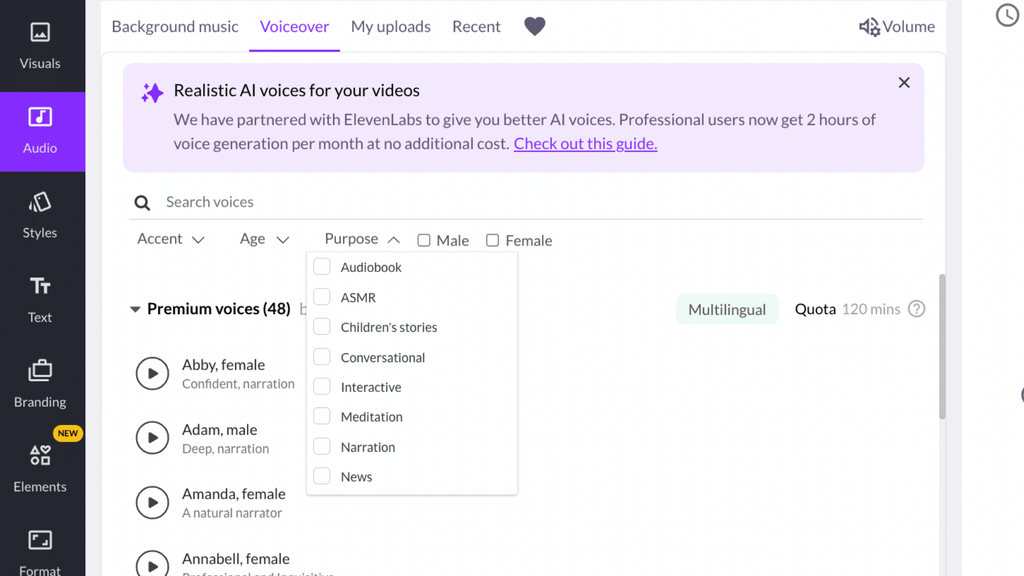
ElevenLabs is an excellent audiobook generator for authors to change their written manuscripts into professionally narrated audiobooks. It has a special audiobook production process. With this process, a user can upload a book to it and get a narration without any recording involved. They can upload their manuscripts as EPUB or PDF formats on the ElevenLabs platform.
Automatic character detection is one of the unique features of this platform. The software can detect different characters in a storyline and suggest their voices. Users have the option of selecting a monologue or choosing distinctive voices for different characters. That makes this platform suitable for novels, stories full of dialogue, and books where several people speak.
Speechify
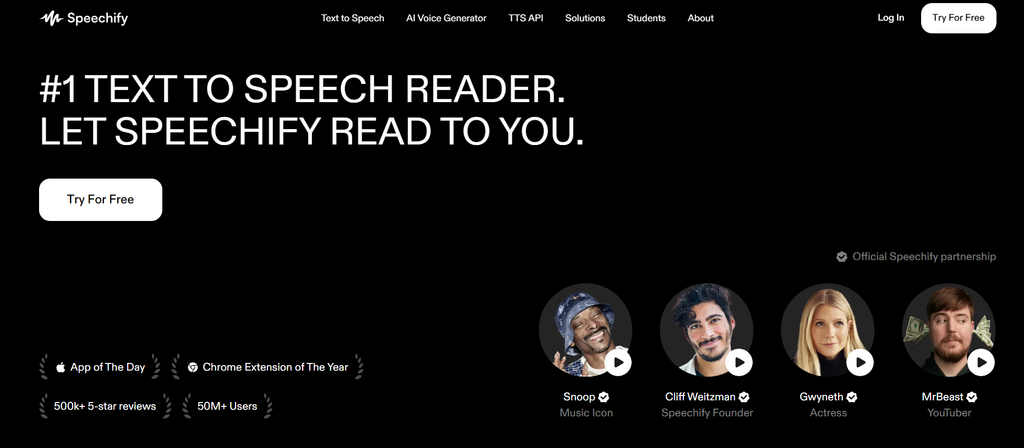
Speechify is an app that helps users turn all kinds of content into spoken word. If you’d rather have text in auditory form, Speechify is your solution. It works pretty much like making an audiobook from your books, PDFs, Word documents, and other types of text.
The platform comes with multiple voices that users can choose from, and it also has different accents, languages, and speaking styles. Additionally, the user may change the speed of the narration so it becomes a perfect fit for different needs. Such a feature allows listening to books on the go and even while working.
As a plus, Speechify offers voiceover creation tools that enable the production of advanced narration. A user can upload a script and manuscript, assign a voice to each paragraph, and edit audio sections using the editing workspace. Pronunciation controls are there in case users want to adjust specific words and names.
Murf AI
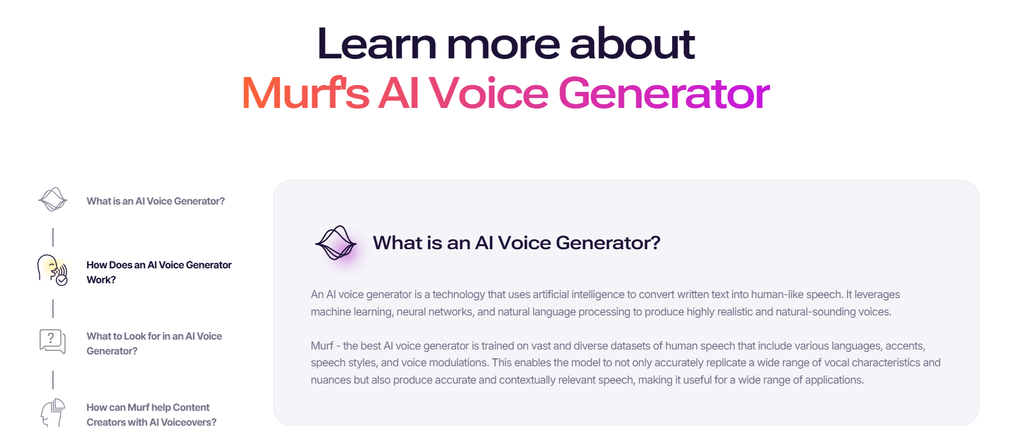
Murf AI works as an audiobook generator for content creators interested in more accurate narration, voice change, pitch, speed, and voice delivery. It converts written text into speech, with the help of voice technology, eliminating the need to record one’s voice. Users simply type in their text, choose a voice, and the platform takes care of narration. This is very convenient for people with a lot of work on their hands.
They can control most aspects of a voice, such as pitch, speed, pauses, emotion, emphasis, etc. With the right voice and settings, a user would find the perfect narration for their audiobook.
Murf AI also provides a work area called Murf Studio. Here, the user can divide the script into several parts and edit them individually. They can also preview the produced audio in the work area before exporting, which would save time and avoid making mistakes afterwards. The platform also gives space for background music and other media files, making complete audio projects possible.
PlayHT
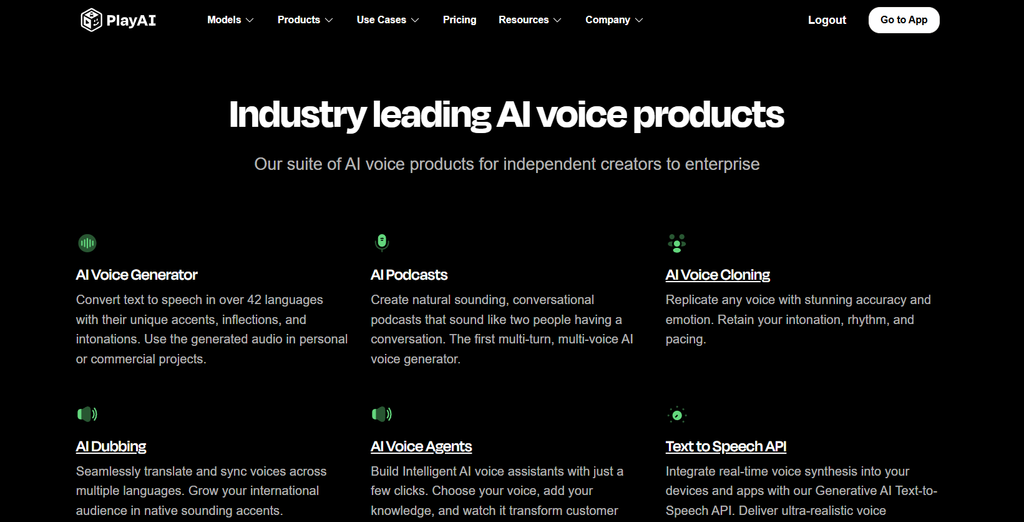
With its powerful features for generating audiobooks, PlayHT lets you effortlessly convert written manuscripts into audiobooks through its audiobook generator workflow. Audiobook Maker is PlayHT ‘s audiobook production tool designed to make it easier to narrate long pieces of content.
The file types that can be uploaded are those that include PDF, EPUB, TXT, or DOCX. A user can also type the manuscript text directly into the editor and subsequently edit it. The platform enables a range of operations, from content checking and chapter arrangement to language and voice choice for the narrator to the end-user.
Chapter-wise work process is another of the helpful features that make working with the users much easier on audiobooks. The users have the option to go through each chapter separately without having the complete audiobook on hand; in fact, they are only allowed to generate chapters once they make sure of their chapter quality.
Spoken
Spoken is just like another audiobook generator that authors or publishers can even use their written works to generate voices with one, two or a full cast voice. Spoken differs from text-to-speech programs that are usually only able to read the text.
Spoken knows the plot, recognizes all the characters, and then presents you with the possible voice of each character. Moreover, you also get to customize it by providing extra info about the character such as his/her personality, tone of voice, age, and even a dialect.
You can get even more control with sound on one or every scene. Besides the speed change, you can also alter the mood of a scene. Scenes or chapters can be viewed one after another, while certain parts of the audiobook can be remade.
Speechki
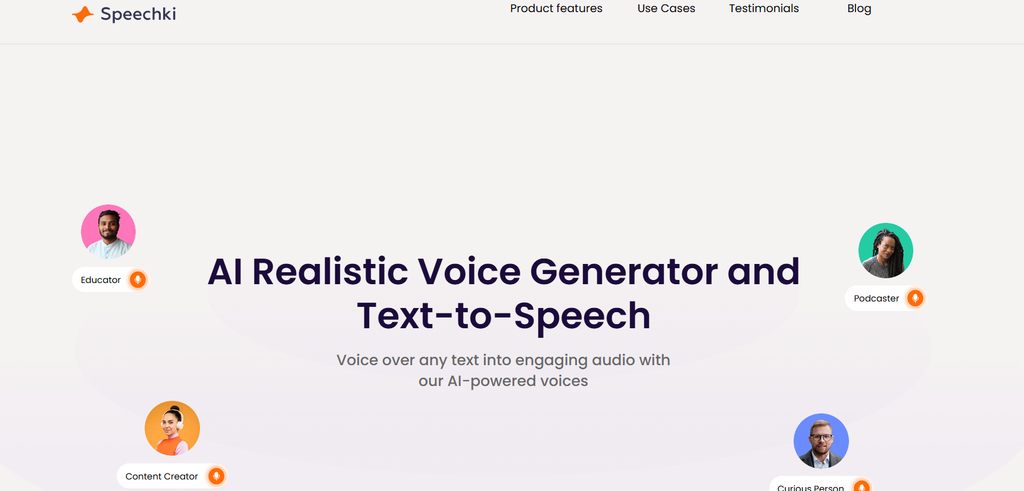
Speechki is an audiobook generator that allows writers to convert their books into audiobooks. Authors can simply upload their manuscript and select a voice to narrate their work using AI voices.
There are many tools at your disposal to assist you with editing the speech. You can play each sentence and decide how the narration is going to take place, and add your pauses wherever required. In this way, you can double-check that the words are pronounced correctly and the long sentences are smooth as well.
Speechki also allows you to make use of an audiobook preview. The documentation is thorough, and it shows the first 10 sentences, allowing you to decide if that’s the right voice for you and get it changed if you want.
Conclusion
Audiobook generators speed up the process of converting your textbooks into audio. Upload a book, select a voice, and you can generate an audiobook without recording the entire book by yourself. Some tools even allow you to edit the narration, change voices, and correct pronunciation. You may still want to edit the final product, but these tools can save you hours of recording time.
FAQs About Audiobook Generators
What is an audiobook generator?
An audiobook generator converts a book or any written text into audio. It enables you to listen to a book rather than reading the book.
Can audiobook generators convert PDF files into audiobooks?
Yes! You can upload your PDF file. There are some tools that also accept EPUB, DOCX, TXT, and other files.
Can I use my own voice to create an audiobook?
Some tools that convert text to speech allow voice cloning. They can create a mimicked version of your voice from an audio file.
Are audiobook generators free?
Free plans or some amount of free audio generation are available in some tools. Additional costs may include longer books, higher-quality voices, and more advanced capabilities.
Can I have different voices for characters in my audiobook?
Yes, some tools can make characters sound different from each other. It can make conversations easier to listen to, but it can also need some editing.
Are audiobooks publishable?
Not really. Publishing them is convenient but may require some editing to do before publishing.

Sapna Ghodasara is the founder of Guide of AI Tool, where she writes in depth reviews of AI tools for marketers, creators and businesses. Her reviews focus on what matters before you pay for a tool: real use cases, honest pros and cons, pricing, and how well it fits into an everyday workflow.
Sapna is the cofounder of SEOMagicLab. That mix of technical training and daily marketing work lets her judge AI tools from two angles: how well the technology actually performs and whether it delivers real value for the people using it.