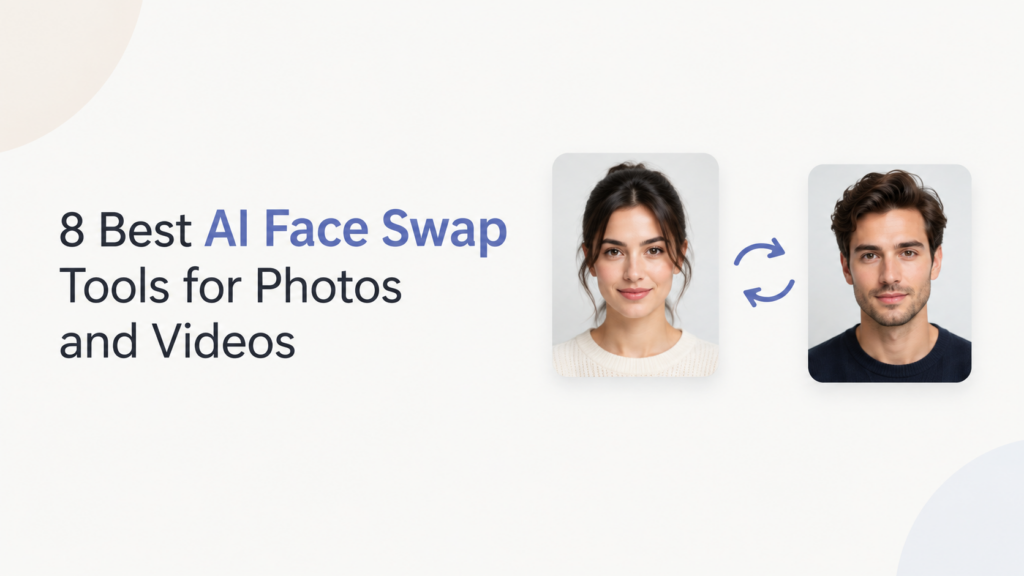
Face swapping is actually not something very new. People have been doing it for years, with the help of photo editing apps and photo effects. But AI face swap tools have made it easier to create face swaps. Some tools even have free tier plans that help with swapping faces.
In this article, I am not just going to list the 8 Best AI Face Swap Tools, but also talk about what AI face swapping is and how the technology works.
What are AI Face Swap Tools?
AI face swap tools are apps or websites that use artificial intelligence to replace one person’s face with another in a photo, video, or GIF. They analyze facial features, position, expressions, and lighting, then blend the new face into the original content.
You usually only need to upload a source image and the photo or video you want to edit. The tool handles the face detection, replacement, and blending automatically, so you don’t need advanced photo or video editing skills.
How AI Face Swapping Works
AI face swapping combines the identity of one face with the pose, expression, and surroundings of another. The software first identifies key facial features, then creates a new version that fits the target image.
Photo vs. Video Face Swapping
Swapping a face in a photo is comparatively easier than doing the same thing in a video. Video is more demanding because the replacement needs to stay aligned as people tend to change their head movements and expressions.
This can be the reason that the same tools that create a good AI face swap may fail to do so with videos. That’s still not a bad thing, as at least the AI image face swap technology has gotten much better.
GAN-Based Face Swapping
Many AI face swap tools use GANs (Generative Adversarial Networks).
A GAN has one model that creates the edited image and another that checks how realistic it looks. As the models train, the generated faces become more convincing. Doing that can sometimes preserve the facial characteristics while matching the target person’s expression, position, and lighting.
Diffusion-Based Face Swapping
Newer systems can use diffusion models, which are also common in modern AI image generators. These models build or modify an image step by step while using information about the face that needs to be added.
Diffusion-based methods can produce detailed results and handle changes in lighting, facial position, and other visual conditions.
Reasons to Use AI Face Swaps (and When You Should Not)
The popularity of AI face swaps is due to creative projects, entertainment, and personal content. But remember, it can be misused too. It involves the identity of an individual. So, it is necessary to know when they are appropriate and when they can cause problems.
Good Reasons to Use AI Face Swaps
Face swaps are great for making memes, posts for social media, character concepts, and short videos. They’re also great for creative projects, visual stories, and videos that are meant to be shared online with everyone listed as OK to use their face.
Some common uses are
- Entertainment: Make funny photos, memes, or videos with friends who have given permission.
- Creative projects: Experiment with characters, costumes, and different visual ideas.
- Content creation: Add creative effects to social media photos and videos.
- Photo editing: Try different appearances or place a face into a new setting.
- Film and video: Explore visual effects and concepts with the consent of the people involved.
When Should You Avoid Face Swaps?
You should not use face swaps to impersonate, deceive, harass, embarrass, or harm another person. Using someone’s face without their permission can also create privacy and legal concerns.
Be particularly careful about creating fake content that makes someone appear to say or do something they never did, using someone’s face in intimate or sexual content without consent, or using their identity for scams and financial deception.
Legal Problems With Face Swaps
Your legal risks are determined by where you are and how you create or distribute the content. Depending on the circumstances, face swaps could involve claims related to privacy, publicity, and likeness, defamation, fraud, copyright infringement, or laws related to deceptive or non-consensual synthetic media.
The risk increases even more if you publish it to the general public, commercially exploit someone’s identity, tarnish or harm someone’s reputation, or create fake content that looks real. It is wise to always ask for permission.
AI Face Swap Tools At A Glance
| Tool | Best For |
| FaceSwap AI | Easy face swaps |
| AKOOL | AI video face swaps |
| Vidnoz AI | Face swap videos |
| Kreado AI | AI avatars & face swaps |
| Remaker AI | Photo & video swaps |
| Pica AI | AI photo face swaps |
| DeepSwap | Photo, video & GIF swaps |
| Magic Hour | Quick online face swaps |
FaceSwap AI
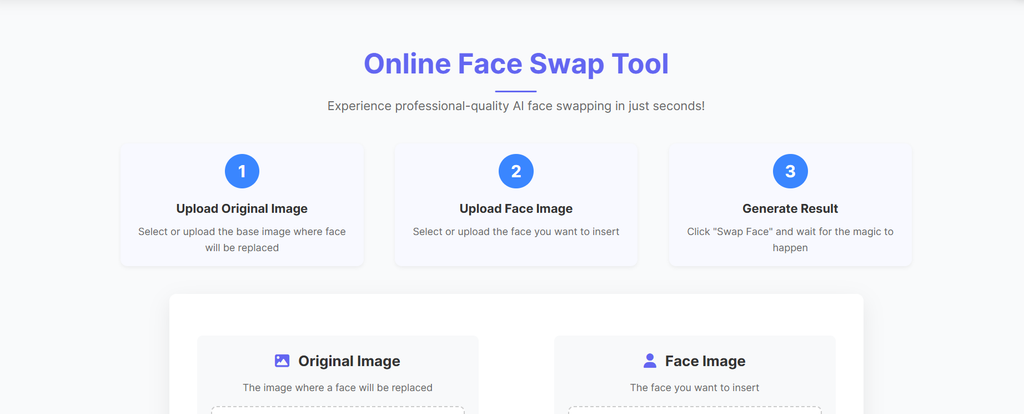
FaceSwap AI is made specifically for swapping faces in digital content. You can upload a photo or video, choose the face you want to use, and let the tool handle the replacement. It also works with group images where more than one face needs to be changed.
Key features
- AI Face Swap
- Video face swapping
- Multiple-face swaps
- Group photo support
- GIF face swaps
- Simple online interface
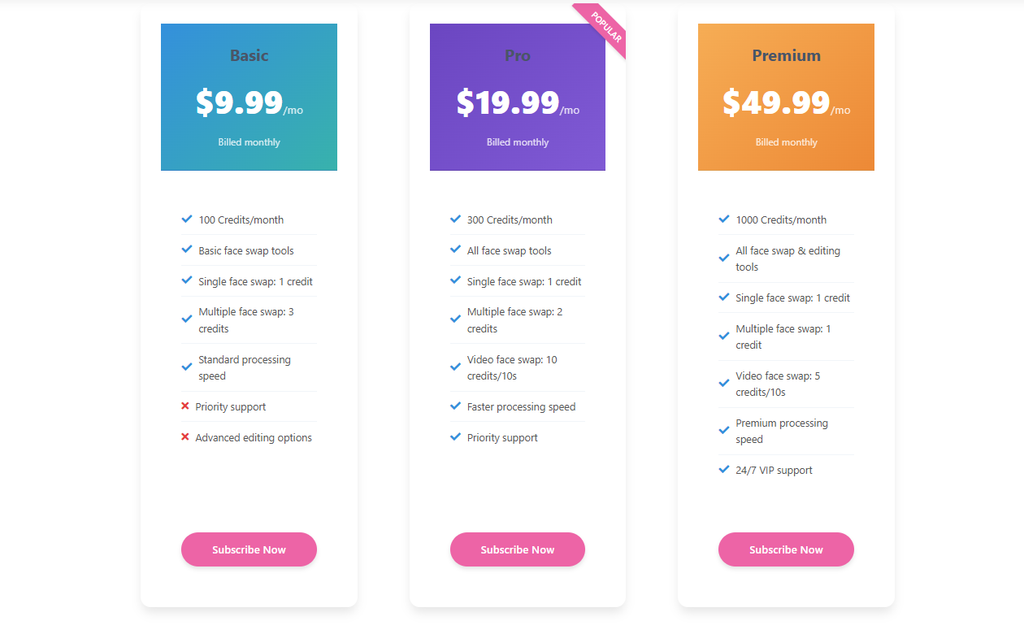
Pricing
AKOOL
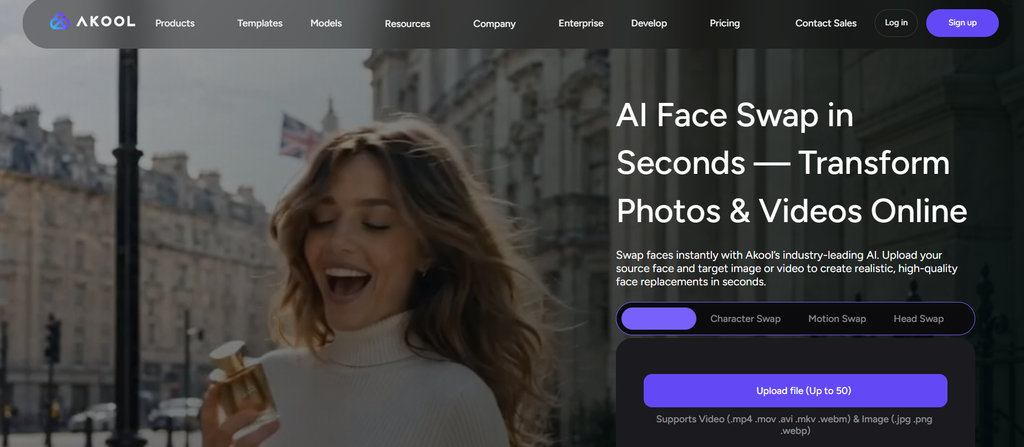
AKOOL goes beyond basic face replacement by combining face swapping with other AI video effects. You can use it for images or videos and work with several faces in the same project. This makes it useful for social content, advertising, and creative video experiments.
Key features
- Image and video face swaps
- Multiple-face replacement
- Group face swapping
- Live face swap
- Batch processing
- Character and head swapping
- High-resolution results
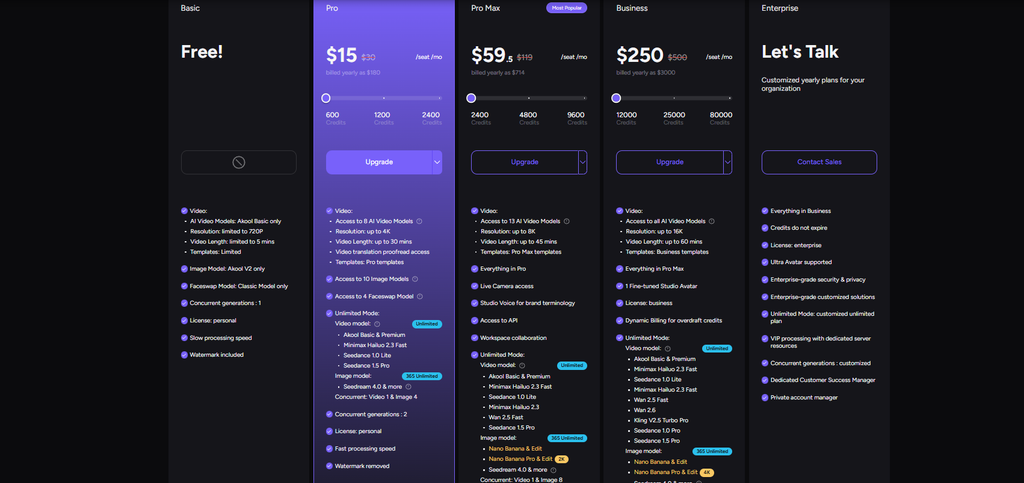
Pricing
Vidnoz AI
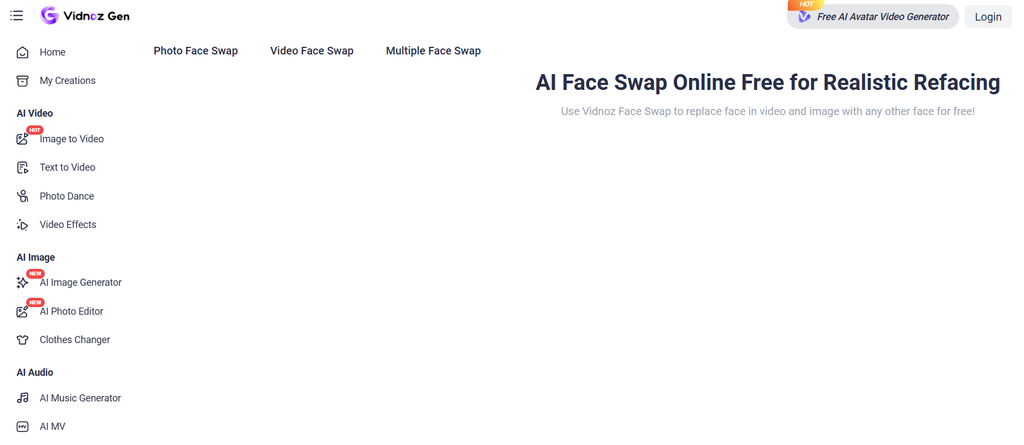
Vidnoz AI includes face swapping as part of its larger collection of AI video tools. You can replace faces in still images or video clips and work with multiple people when needed. It is also designed for users who want to create the result without dealing with complicated editing software.
Key features
- Image face swaps
- Video face swaps
- Multiple-face editing
- GIF face swapping
- HD output
- AI photo enhancement
- Ready-made face-swap options
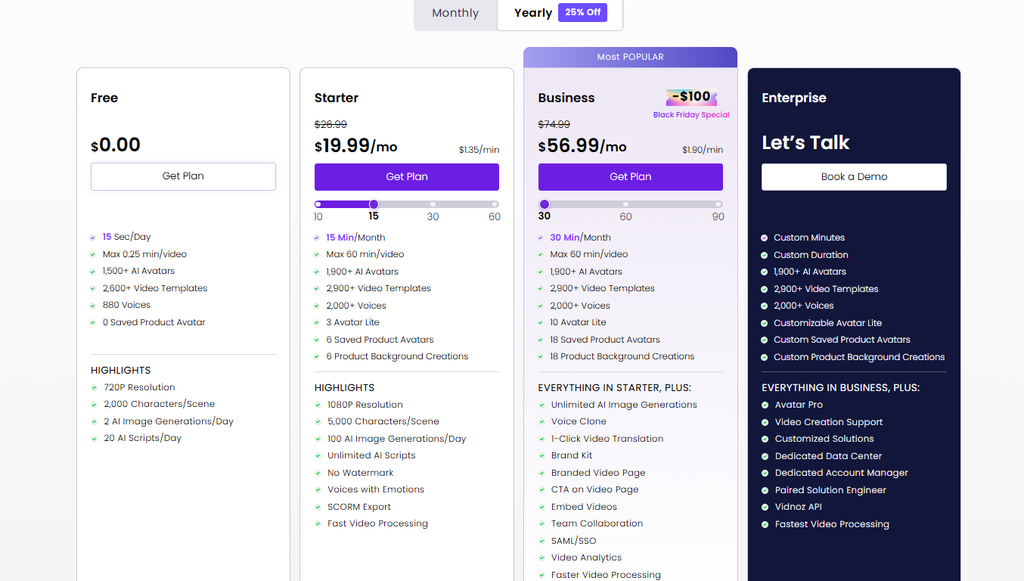
Pricing
Kreado AI
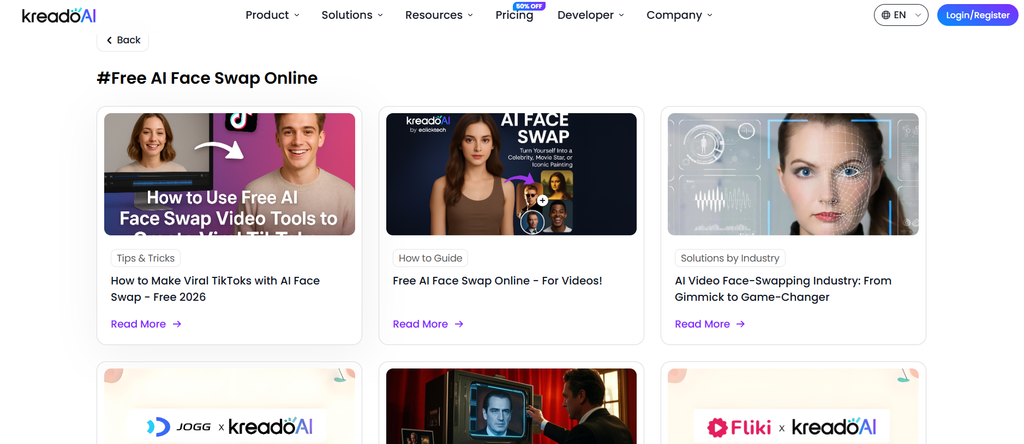
Kreado AI combines face swapping with AI avatar and video creation features. It can be useful when a face swap is only one part of the content you want to make. You can also use its avatar and video features to build short marketing, social media, or presentation-style videos.
Key features
- AI Face Swap
- AI avatars
- Video creation
- Avatar-based videos
- Multilingual content
- AI video editing
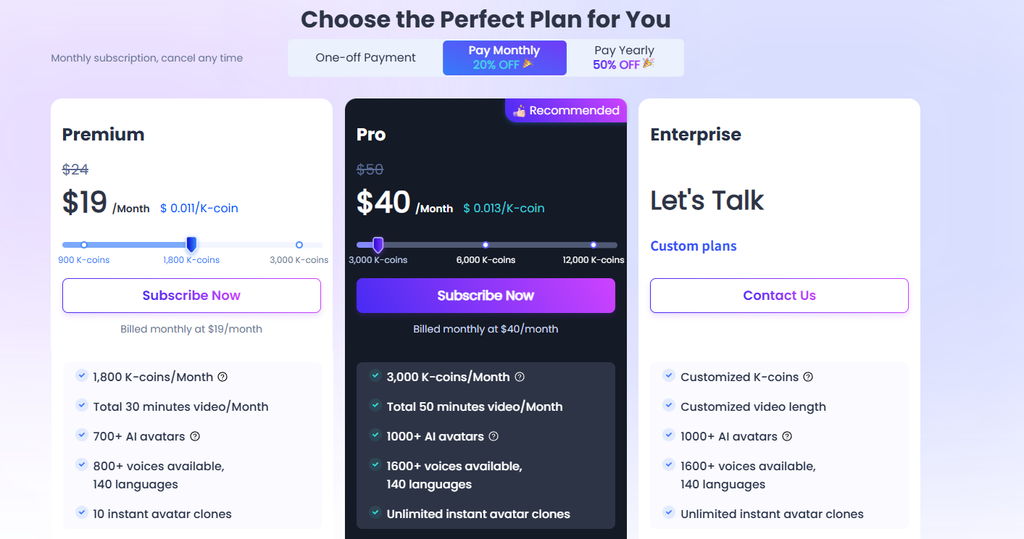
Pricing
Remaker AI
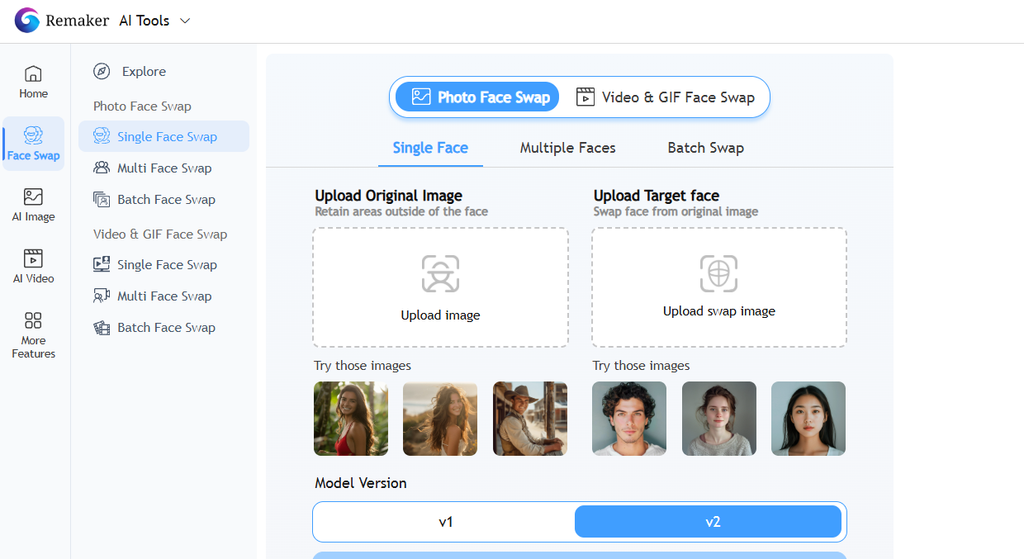
Remaker AI focuses on quick AI-powered image and video editing, with face swapping being one of its main creative tools. It supports individual faces as well as multiple faces, so you can use it for everything from simple portraits to group photos. It also includes options for swapping heads and working with GIFs.
Key features
- AI Face Swap
- Video face swaps
- Multi-face replacement
- Head swapping
- GIF face swaps
- AI image editing
- Mobile-friendly access
Pricing

Pica AI
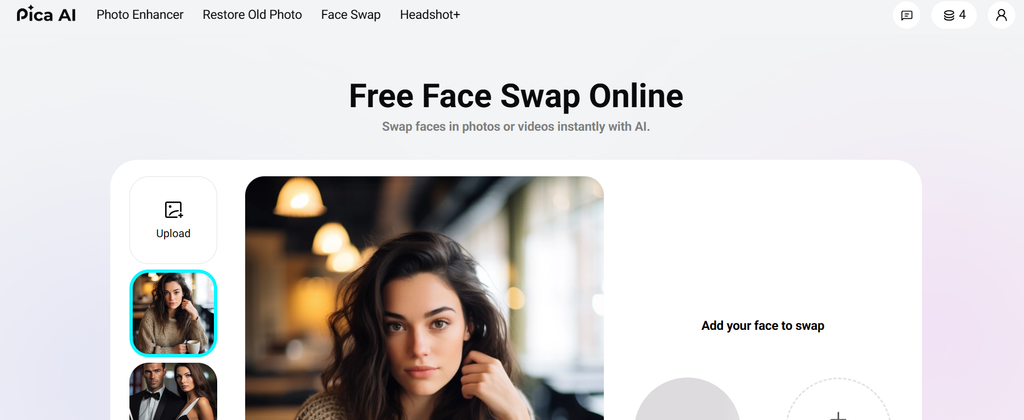
Pica AI makes face swapping fairly simple. Upload your original image or video, provide the face you want to use, and the tool generates the edited version. Its multi-face option is especially useful for group photos where several people need to be replaced.
Key features
- Photo face swapping
- Video face swapping
- Multi-face swaps
- Group photo editing
- GIF and MP4 support
- Face-swap templates
- AI image enhancement
Pricing

DeepSwap
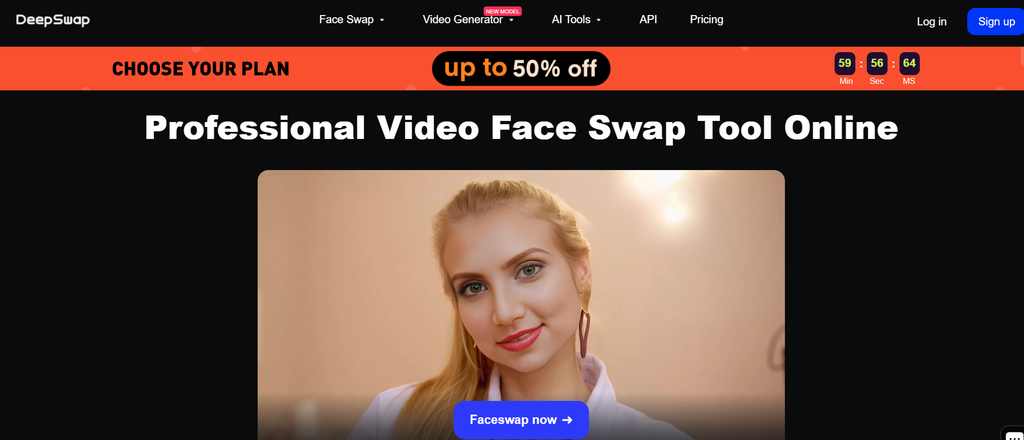
DeepSwap is one of the more focused options on this list because face swapping is at the center of the platform. It supports photos, videos, and GIFs, making it useful for different types of content. You can also work with multiple faces in video projects.
Key features
- Photo face swaps
- Video face swaps
- GIF face swaps
- Multi-face video editing
- High-resolution video output
- Multiple-face processing
- Fast online processing
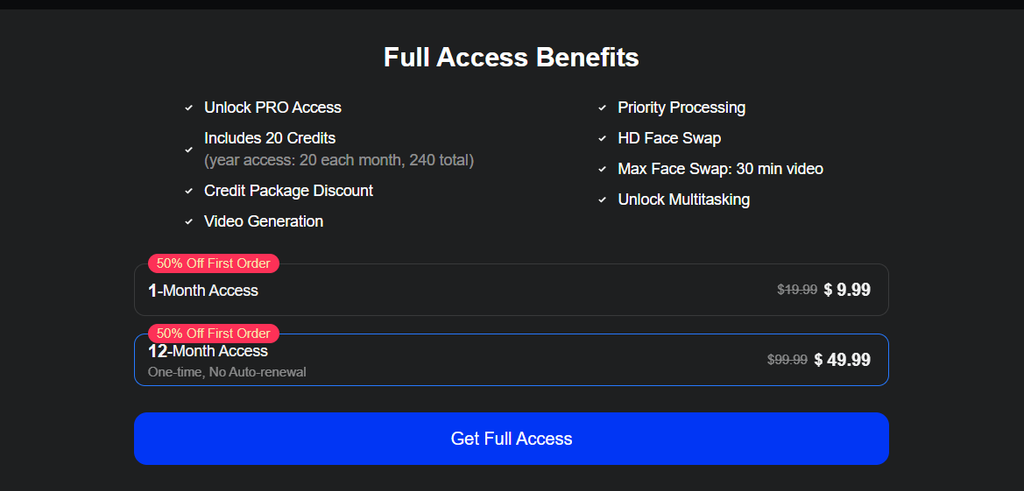
Pricing
Magic Hour
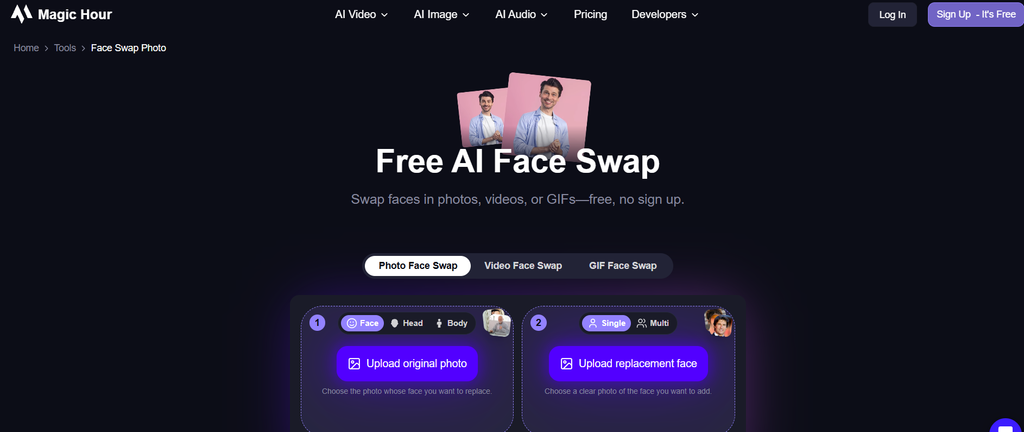
Magic Hour offers face-swapping tools for several types of media, including photos, videos, and GIFs. You can swap a single face or work with multiple people in the same project. The platform also has additional options such as head and body swaps, giving you more control over the final edit.
Key features
- Photo face swaps
- Video face swaps
- GIF face swaps
- Multi-face editing
- Head swapping
- Body swapping
- Free daily generations
- High-resolution output
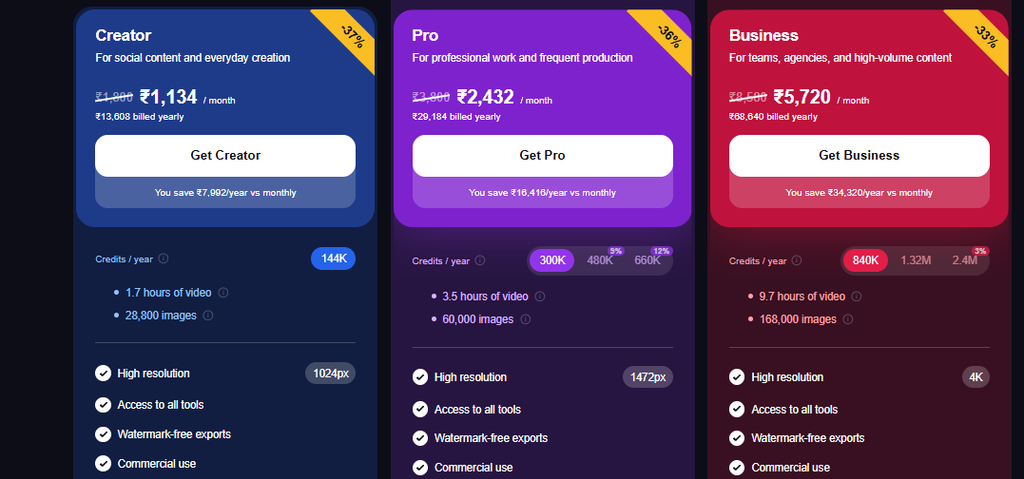
Pricing
Conclusion
Overall, these are the best tools for face swapping available on the internet now. You can select any AI face swap tool now.
Face swapping will probably create more realistic video results in the future and have better control over edits.
FAQs About AI Swap Tools
Which AI is best for face swap?
There is no single best AI face-swap tool for every use. Face Swap AI, Deep Swap, Remaker AI, Pica AI, and Magic Hour are dedicated to swapping faces in photos and videos, while AKOOL and Vidnoz AI offer face swapping along with other AI video tools.
Are AI face swaps safe?
Face swap AI is usually fine, but use ethical tools and read their privacy policies before uploading your face, and always ask for permission to use someone’s face in a photo or video.
Which AI can change a face for free?
Many AI face swap tools have free plans, credits, or free generations. Here are some options to explore and see which one works best for you: Face Swap AI, Vidnoz AI, Pica AI, Magic Hour. Free plan details are subject to change, so check your preferred option for its latest plan offerings.