Getting a tattoo is a great way to express yourself, even though someone might judge you based on it. You see, that’s the thing: tattoos always make you feel something, either positive or negative. I mean, that is what art is supposed to do.
Now, if you have decided to get tattooed, the biggest confusion that arises is what design to get, and how it will look. Since tattoos are permanent, it is necessary to be cautious. If you are thinking about getting a cover-up tattoo, then the same confusion arises.
To make things a little easier, many AI tattoo generators can help you figure out many things before getting tattooed. In this guide, I have listed out some really good AI tattoo generators that will help you.
What is an AI Tattoo Generator?
An AI tattoo generator is a tool that uses image generation models to convert a written description, or in some cases a reference photograph, into original tattoo artwork. Rather than searching through existing design catalogs or waiting for an artist’s preliminary sketch, a user can enter a description such as “minimalist wolf, fine line, forearm placement” and receive several design options within seconds.
Most of these tools are built on the same category of AI image generation models that power general-purpose platforms such as Midjourney or DALL-E.
The type of output varies considerably depending on the tool:
Concept generators (InkStudio AI, DreamInk AI, TattoosAI)
Make polished, finished-looking artwork intended for browsing and refinement, which is useful when a person is still determining what they want.
Style specialists (BlackInk AI)
It creates a single aesthetic, such as blackwork or fine-line design, rather than attempting to cover every style.
Stencil-oriented tools (Stencil AI)
Bypass decorative rendering entirely and produce a clean outline suitable for an artist to trace or project directly.
General design platforms with tattoo features included (Canva, Picsart, Fotor)
These are most useful for creating mockups or visualizing a design against an actual photograph of the intended body placement.
AI Tattoo Generators At a Glance
Best AI Tattoo Generators at a Glance
| Tool | Best For | Tattoo Generation | Placement Preview | Stencil Tools | Starting Price |
| InkStudio AI | Overall tattoo design | ✅ | ✅ | ✅ | $6.99 |
| BlackInk AI | Sleeves & cover-ups | ✅ | ✅ | ✅ | Free |
| Fotor | AI image editing | ✅ | ❌ | ❌ | Free |
| Canva | Beginners & lettering | ✅ | ❌ | ❌ | Free |
| Picsart | Design & editing | ✅ | ❌ | ❌ | Free |
| Stencil AI | Tattoo stencils | ⚠️ | ❌ | ✅ | $9.99/mo |
| Tatspark | Tattoo inspiration | ✅ | — | ⚠️ | Free |
| Tatship | Tattoo placement | ✅ | ✅ | ❌ | $17.99/mo |
| DreamInk AI | Quick tattoo ideas | ✅ | — | ❌ | Free |
| TattoosAI | Tattoo concepts | ✅ | Limited | ❌ | $4.99 |
Best overall: InkStudio AI
Best for sleeves and cover-ups: BlackInk AI
Best for placement: Tatship
Best for stencils: Stencil AI
Best for beginners: Canva
Best for quick ideas: TattoosAI
List of Best AI Tattoo Generators
InkStudio AI
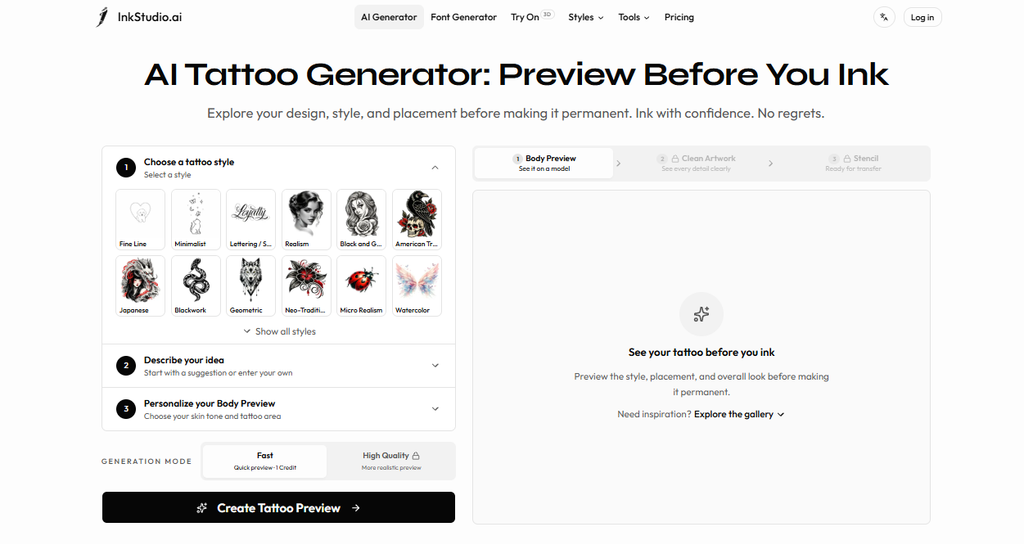
InkStudio AI is built specifically around the “I have a feeling, not a picture” problem. You describe the vibe, say “wolf, geometric, forearm placement,” and it generates a batch instead of one flat result.
It seems to understand tattoo constraints. It won’t hand you something with impossible gradients or fine details that will blur out after five years. You can adjust line weight and shading style separately, which matters more than people expect until they’re staring at a design that looks great as art but terrible as a tattoo.
Features
- AI tattoo generation from text prompts
- Image-to-tattoo conversion
- Style and placement previews
- Stencil and lettering tools
Strengths
- Built specifically for tattoo design
- Good range of styles and customization
- Includes body placement previews
Weaknesses
- Free use is fairly limited.
- More advanced features require credits.
- The generated designs may still need some changes before a tattoo artist can use them.
Pricing
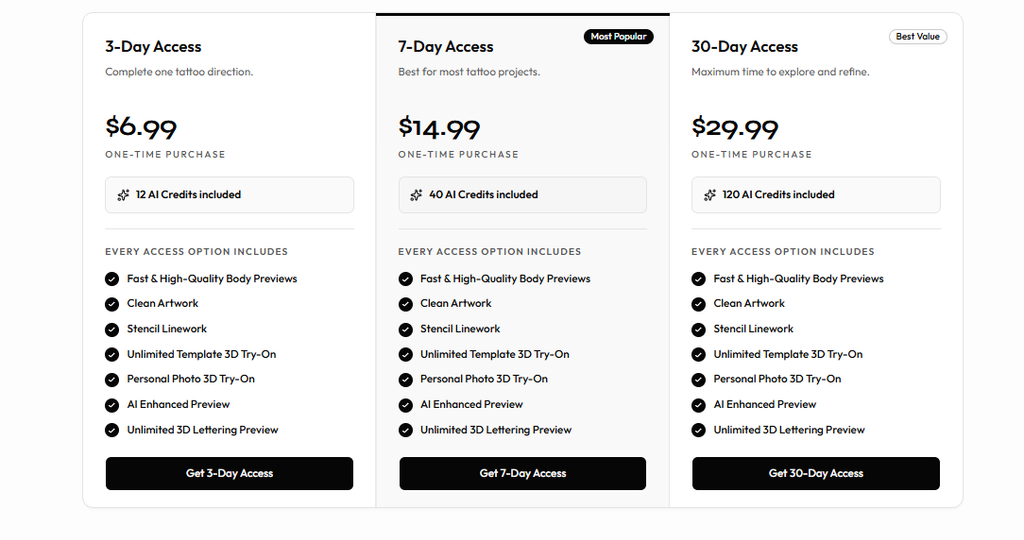
- 3-Day Access: $6.99
- 7-Day Access: $14.99
- 30-Day Access: $29.99
BlackInk AI
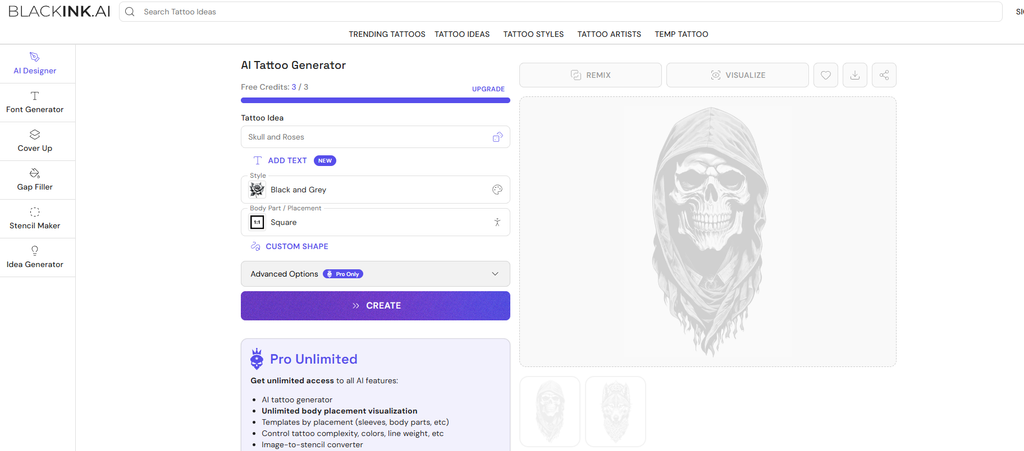
BlackInk AI is an AI tattoo generator that is basically a specialist for bold blackwork, dotwork, and fine-line minimalism. If your reference photos are all Pinterest boards full of geometric mandalas or single-needle portraits, this is closer to what you actually want than a tool optimized for full-color realism. Good for people who already know their aesthetic and just need iteration speed.
Features
- Text-to-tattoo generation
- Multiple tattoo styles
- Body placement previews
- Stencil, cover-up, and filler tools
Strengths
- Strong all-around tattoo platform
- Useful for sleeves and cover-ups
Weaknesses
- Free version is limited
- Regular use requires a paid plan
Pricing
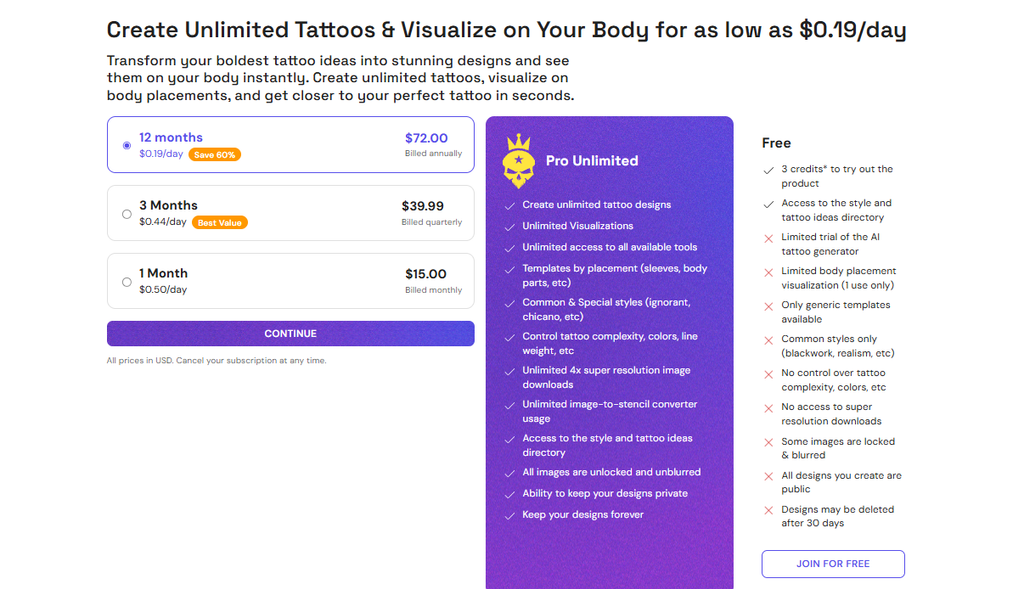
- Free: Limited credits
- Pro: $15/month
- Annual: $72/year
Fotor
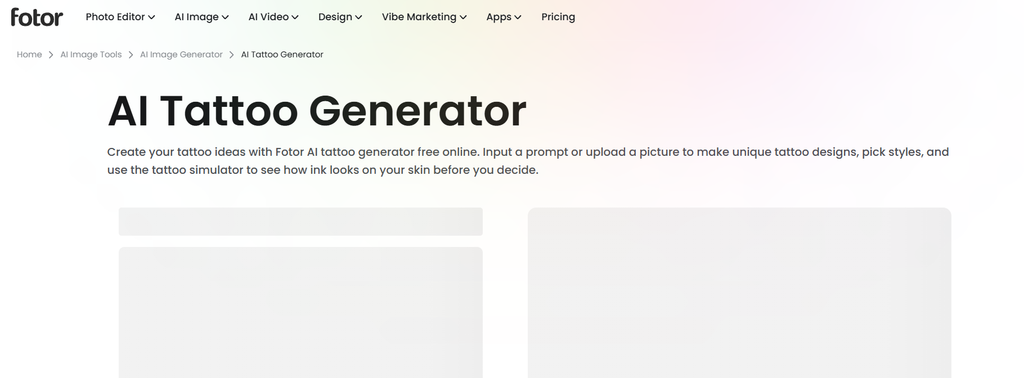
Fotor’s core business is photo editing, background removal, retouching, and now it has an AI tattoo generator as well. You can generate a design and immediately drop it onto a photo of your actual arm or shoulder to see how it wraps around the muscle or curves with your body, which most standalone tattoo generators can’t do natively.
Features
- AI tattoo generation
- Text-to-image and image-to-image tools
- AI editing and enhancement
- Multiple creative styles
Strengths
- Easy for beginners
- Good editing tools after generation
- Useful beyond tattoo design
Weaknesses
- Not tattoo-specific
- AI generations use credits
Pricing
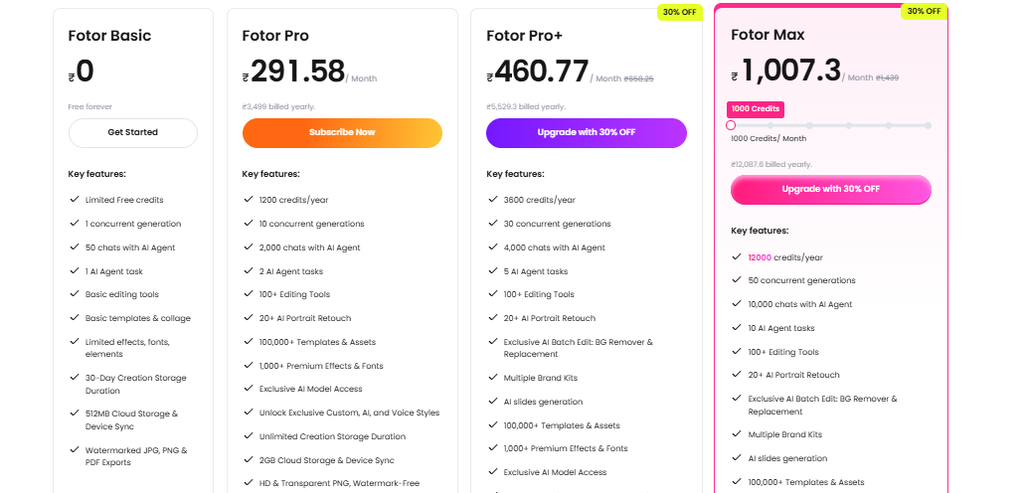
- Basic: Free
- Pro: Paid plan
- Pro+: Paid plan
Canva
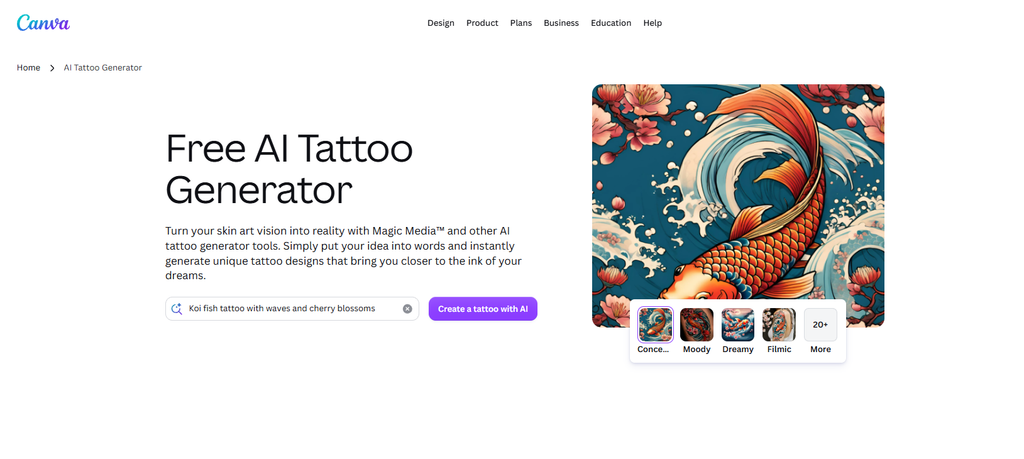
Canva is not a dedicated tattoo tool at all, but its AI image generator gets used for tattoo mockups constantly because everyone already has an account and knows the interface. It’s fine for rough concepts, mood boards, or figuring out composition. You might need to use a tattoo-specific tool once you need real linework precision or anything a tattoo artist could trace directly. Consider it as step one, not the final design.
Features
- AI-generated tattoo concepts
- Design and image editor
- Fonts, graphics, and templates
- AI image editing
Strengths
- Very easy to use
- Good for tattoo lettering
- Useful for creating design references
Weaknesses
- Not made specifically for tattoos
- Limited tattoo-specific features
Pricing
- Free: $0
- Pro: Paid subscription
- Business: Paid plan
Picsart
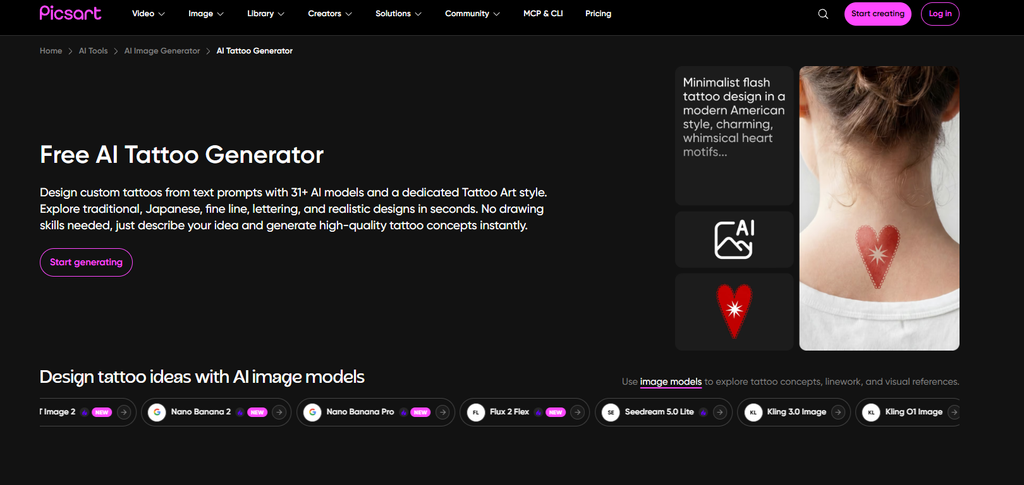
Picsart is very similar story to Canva, in terms of photo editing and also as an AI tattoo generator. It is a general design app where tattoo generation is a part of an AI image generator. Drop a generated design onto a photo, resize it, rotate it, and get a decent sense of scale before you ever sit in a chair. If you just want polished art with no photo compositing, other tools do it faster.
Features
- AI image and tattoo generation
- Image editing tools
- Background removal
- Filters, fonts, and effects
Strengths
- Good combination of generation and editing
- Convenient mobile app
- Easy to create multiple versions
Weaknesses
- Tattoo tools aren’t its main focus
- Some features require a subscription
Pricing
- Free: Limited access
- Paid: More AI credits and premium features
Stencil AI
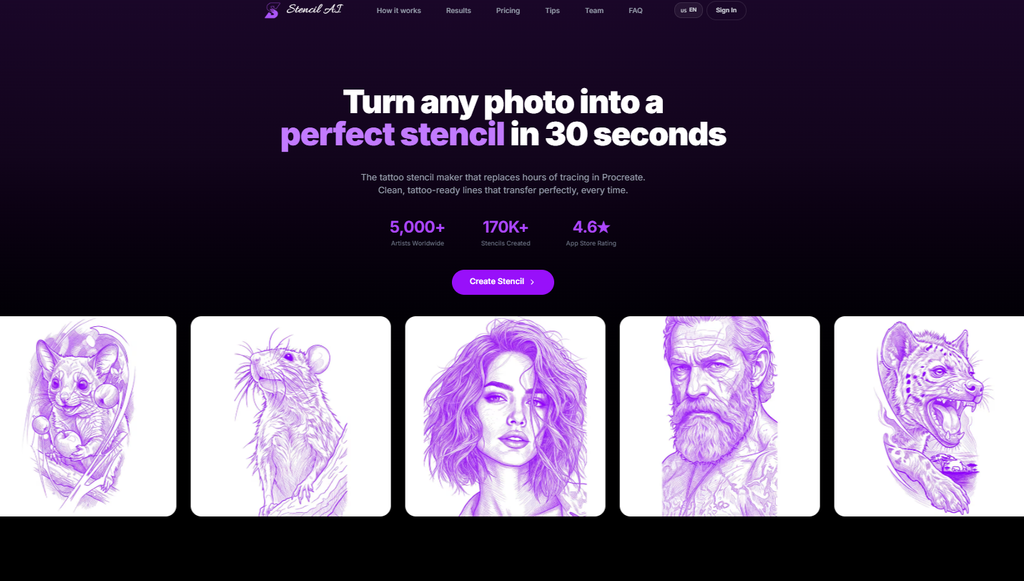
Stencil AI does exactly what the name suggests. It takes your prompt or a reference image and turns it into a clean, stencil ready outline rather than a fully rendered piece of art. Less about generating cool AI art to admire, more about giving an actual tattoo artist something they can trace or project directly onto skin. If you’re going in with a shop appointment already booked, this is the more useful category of tool.
Features
- Photo-to-stencil conversion
- Tattoo design extraction
- Multiple stencil styles
- Transparent exports and upscaling
Strengths
- Great for turning references into stencils
- Useful for tattoo artists
- More focused than general AI tools
Weaknesses
- Better for stencils than generating ideas
- May be unnecessary for casual users
Pricing
- Plus: $9.99/month
- Pro: $19.99/month
Tatspark
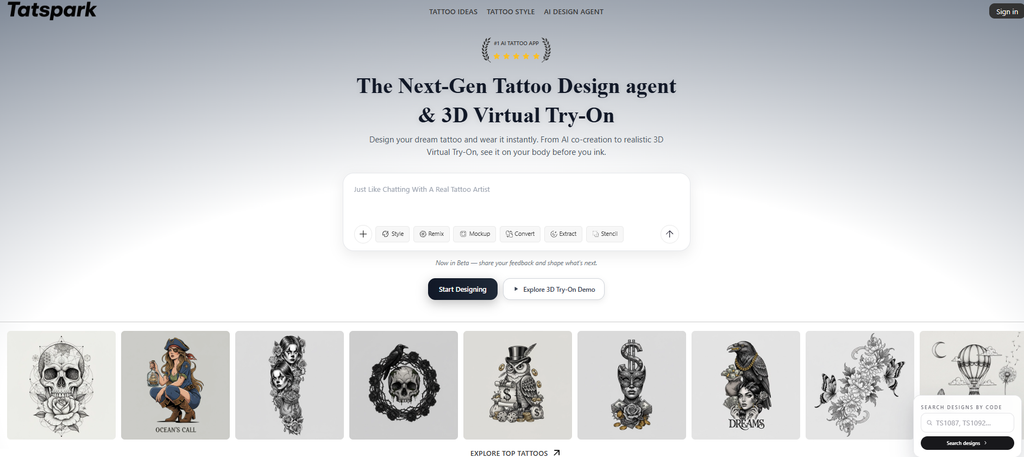
Tatspark is a fairly new AI tattoo generator that leans hard into quick iteration. Describe what you want, get a batch of five or six, swipe through, thumbs up or down, regenerate. It feels more like scrolling through options than commissioning art, which some people love for speed, and others find a little disposable. Customization depth is lighter than the bigger names, but if your goal is to be shown a lot of things fast, it definitely delivers.
Features
- AI tattoo idea generation
- Multiple tattoo styles
- Concept exploration
Strengths
- Simple to use
- Good for tattoo inspiration
- Quick way to test ideas
Weaknesses
- Fewer advanced features
- Limited stencil capabilities
Pricing
- Free: Available
- Paid: Options vary by usage
Tatship
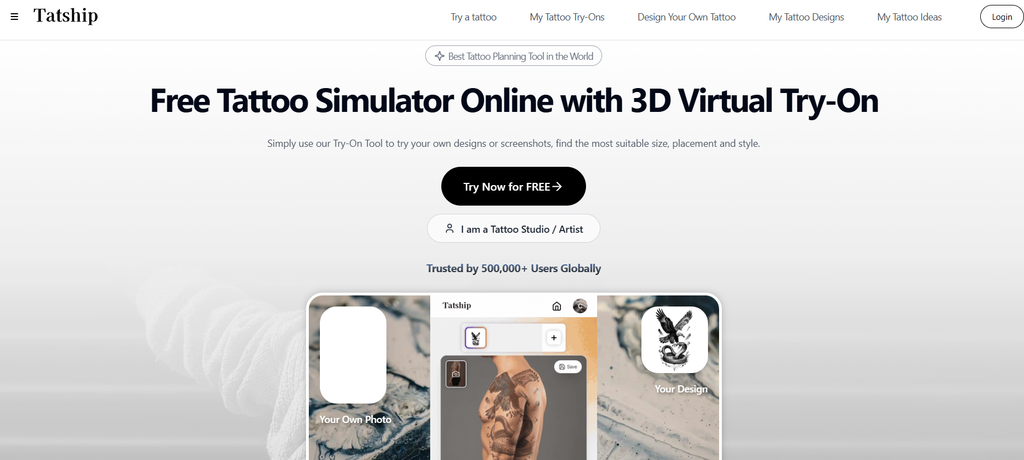
Tatship is an AI tattoo generator in a similar niche to Tatspark. It’s built around getting from a vague idea to a printable design quickly, with a simpler interface and fewer knobs to turn. Not much in the way of fine tuning line weight or shading style, but if you find the more advanced tools overwhelming, the stripped down approach is a selling point rather than a limitation.
Features
- AI tattoo generation
- 3D body previews
- Tattoo placement testing
- Editing and downloads
Strengths
- Excellent for checking placement
- Lets you see tattoos on a virtual body
- Good for planning before getting inked
Weaknesses
- More focused on visualization
- Premium features require payment
Pricing
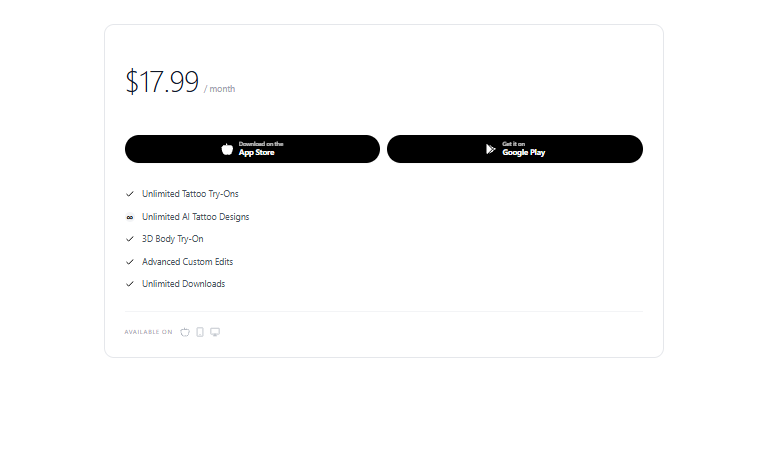
Premium: $17.99/month
DreamInk AI
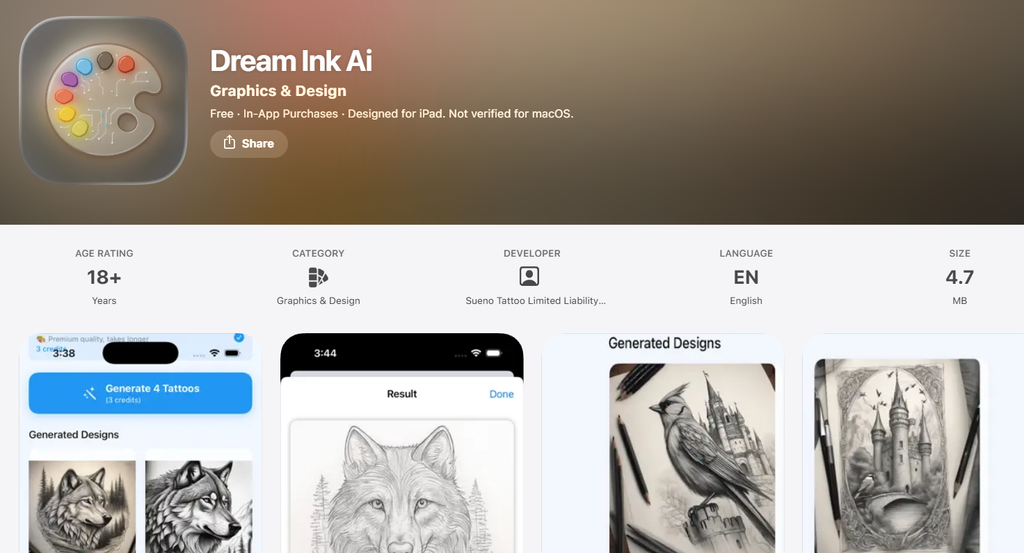
DreamInk AI is an AI tattoo generator that is more focused on the more surreal, ornamental end of tattoo art. Things like ethereal figures, celestial motifs, flowing linework that does not map cleanly to any one traditional style. It’s a good starting point if your reference is more of a feeling (something spiritual, otherworldly) than a specific image. Less useful if you already know exactly what you want and just need clean execution.
Features
- AI tattoo generation
- Multiple tattoo styles
- Personalized tattoo concepts
Strengths
- Simple and quick
- Good for generating inspiration
- Easy way to explore different styles
Weaknesses
- Mainly focused on idea generation
- Designs may need further editing
Pricing
- Free: Available
TattoosAI
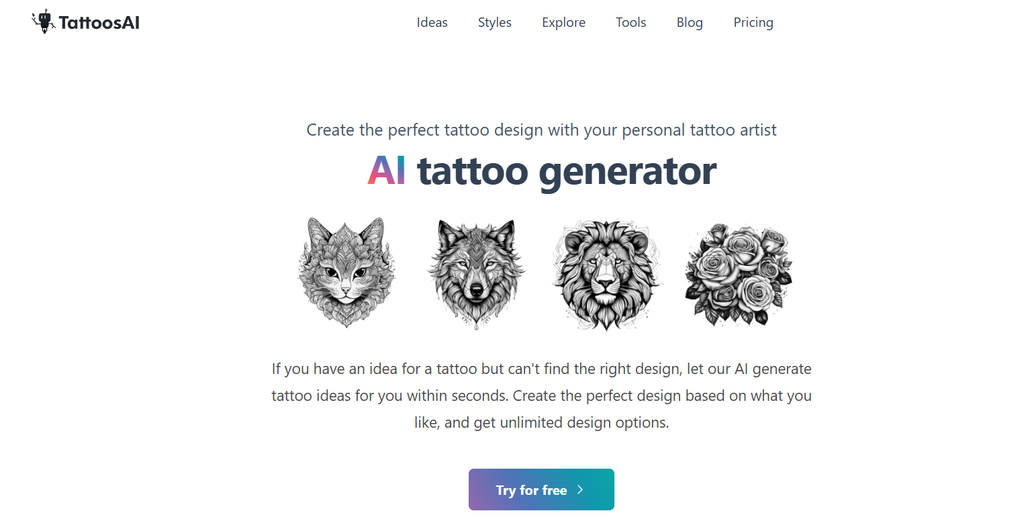
TattoosAI is an AI tattoo generator that is very straightforward with no real learning curve. You pick from style presets like traditional, tribal, or minimalist, describe your subject, and it generates variations within that preset. Nothing flashy, but it’s a solid low-friction option if you just want to see ideas without digging through settings menus first.
Features
- Text-to-tattoo generation
- Multiple tattoo styles
- Black-and-white and color designs
- High-resolution outputs
Strengths
- Focused specifically on tattoos
- Good variety of styles
- Easy to create multiple concepts
Weaknesses
- Limited placement features
- Frequent generations can use credits quickly
Pricing
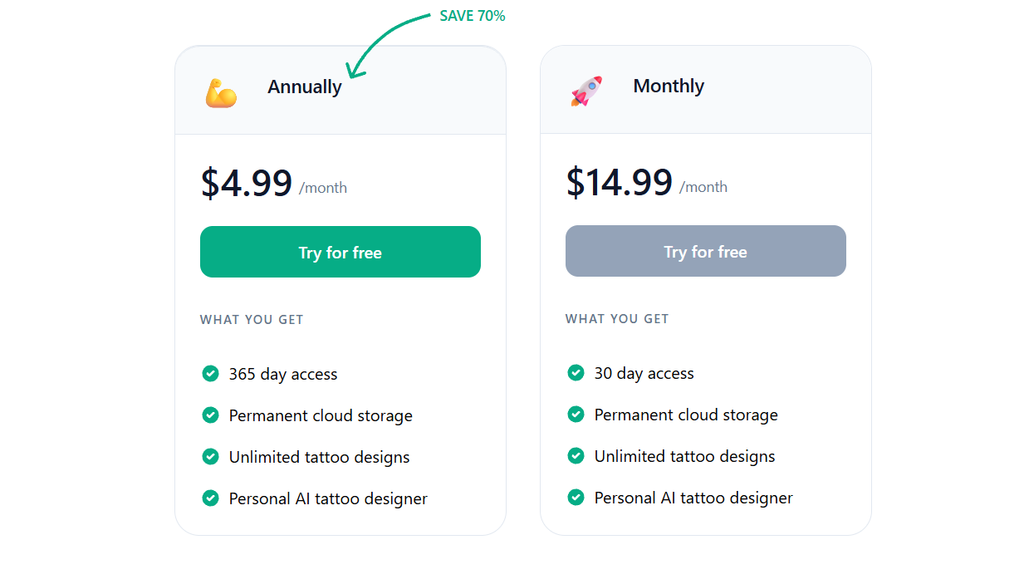
Free Trial: 1 generation
Basic: $4.99
Starter: $9.99
Popular: $19.99
Pro: $29.99
Conclusion
AI tattoo generators can help you visualize a tattoo you’ve dreamed up, get some inspiration for tattoo ideas or tattoo styles, or explore ideas for tattoo concepts without the risk of committing your design to ink and money. They are good when you are in love with the idea for your tattoo, but have no idea what it actually looks like.
If you have decided to use an AI tattoo generator but want to create a successful and perfect tattoo, you should use an AI tattoo generator for inspiration for the designs with a tattoo artist; they will ensure you have the creative idea and skill the artist for a professional-looking tattoo, after they draw the design in their particular style.
FAQs
What is an AI tattoo generator?
An AI tattoo generator is software that uses image generation models to produce a unique tattoo based on either the written input of the user or, in some cases, an image of another tattoo that the user wants inspired by a similar design. This allows the user to envision possible styles of tattoos before consulting with the artist they choose.
Is it safe to bring an AI-generated design directly to a tattoo shop?
This type of consultation with an artist about the potential tattoo and how they could bring your vision to life is increasingly accepted. Most tattoo artists advise that you view the AI design more as inspiration rather than the final result. Fine details that look sharp on a screen do not always translate well to skin, particularly on smaller or highly detailed designs, so most artists will want to review and adjust the design before tattooing it.
Do these tools cost money?
Free versions offer a set number of generations either per day or per month – beyond this allowance, you’d have to pay money for premium features, additional prompts, unlimited generation, a wider range of stylistic outcomes, or higher-resolution outputs. If you already pay for certain design software programs-such as Picsart or Canva-the add-ons may just already be included with your subscription.
Will an AI-generated tattoo design be unique to me?
Unfortunately, not always. Because of the way AI works,s you and thousands of others are more than likely to receive either very similar, or if not identical, cal tattoos for many easy or general prompts, particularly for simple tattoo styles.
Having an artist familiar with bespoke design can alter and adapt this and ensure it fits the individual uniqueness of the body to which it’s being tattooed if you’re bothered about that.
What should I keep in mind before finalizing a design?
Keep in mind how the design will look over time, whether the design is how you’d want the ink to look when it sits upon the area rather than rubbing flat, and whether the detail work will look realistic given the potential size of the tattoo. Discussing the design with an artist is always recommended before moving forward with anything.

Sapna Ghodasara is the founder of Guide of AI Tool, where she writes in depth reviews of AI tools for marketers, creators and businesses. Her reviews focus on what matters before you pay for a tool: real use cases, honest pros and cons, pricing, and how well it fits into an everyday workflow.
Sapna is the cofounder of SEOMagicLab, an SEO and link building agency serving B2B SaaS, ecommerce and content brands. That mix of technical training and daily marketing work lets her judge AI tools from two angles: how well the technology actually performs and whether it delivers real value for the people using it.