Training employees is among the major expenditures of any business. Traditional methods of training, such as long PowerPoints or face-to-face meetings, may not be the most effective way of learning. The learner may forget the key points, especially when complex topics are covered in written documents only.
Training video software gives learners access to clear and entertaining training videos which they can watch any time. Panopto Workforce Training Report 2024 says that almost 90 per cent of businesses agree that video training lessons let employees revisit the content, helping improve knowledge retention. For new employees, training videos help explain how to use software, outline the company protocols so that they can revisit the videos in case of confusion nd dont have to keep asking the same questions again and again.
Due to more and more businesses moving to remote and hybrid work, having easily accessible training content is vital. The appropriate software can assist teams in making top-quality employee training videos without costly recording equipment or expertise in advanced editing.
We are going to go over the ten most suitable training video editors in this article so that businesses can create good learning materials, helping employees learn better.
What is Training Video Software?
Training Video Software makes it possible to create any type of training content that your employees can use to acquire new skills, strategies, and occasionally, even policies. Your viewers will be able to watch, get inspired, and pick up knowledge from the recorded, animated, and even AI-powered slideshows.
Usually, your training video software will include screen capture, video editing, AI presenters, animations, and voice-over. For further accessibility, you can also add subtitles, quizzes, and more.
Training videos have proved to be effective for new employee orientation, workplace safety, software demonstrations and training, and product training and instruction; all can be delivered through video. Employees can use them at their convenience and thus can absorb the concepts at their own pace.
Training Video Software Tools At a Glance
| Tool | Best For |
| HeyGen | Avatar-led training videos |
| Synthesia | Professional employee training videos |
| Colossyan | Interactive training videos |
| Descript | Editing and polishing training videos |
| VEED | Online video editing and subtitles |
| Vyond | Animated training videos |
| Loom | Screen-recorded tutorials and walkthroughs |
| Elai | AI avatar and presentation-based training videos |
| Powtoon | Animated instructional videos |
| Guidde | Step-by-step software tutorials and how-to videos |
Hey Gen
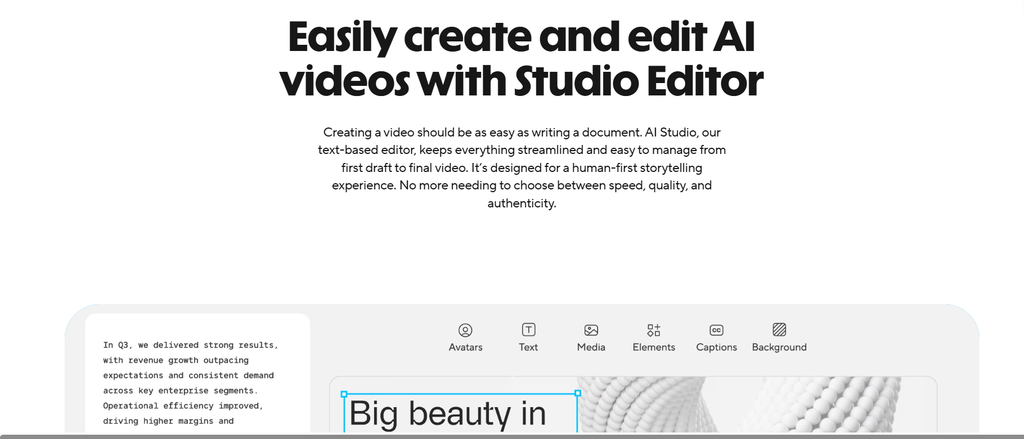
Hey Gen lets you make training videos with AI avatars. You can easily convert text scripts, documents, and presentations into professional training videos without recording yourself. Simply select an AI face, select a voiceover, and customize the training video to fit your requirements.
It also has features for voice cloning and video translation. That can be handy for companies trying to train multilingual staff.
Synthesia
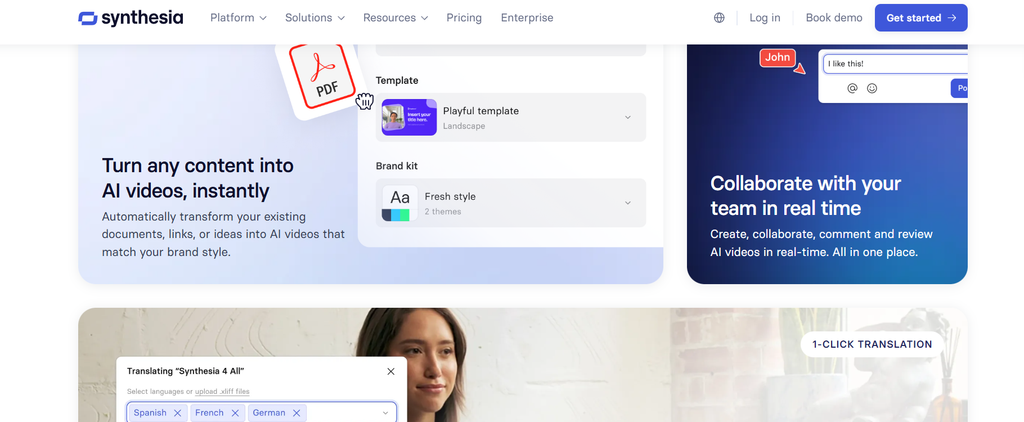
Synthesia is a video editing software that creates training videos without any actors or a recording studio. Simply type or paste in your script, and the video is ready.
Provides multiple AI avatars, voice options, and templates. Companies can utilize these to generate videos for onboarding new employees, provide information about company policies, and show employees new skills.
Colossyan
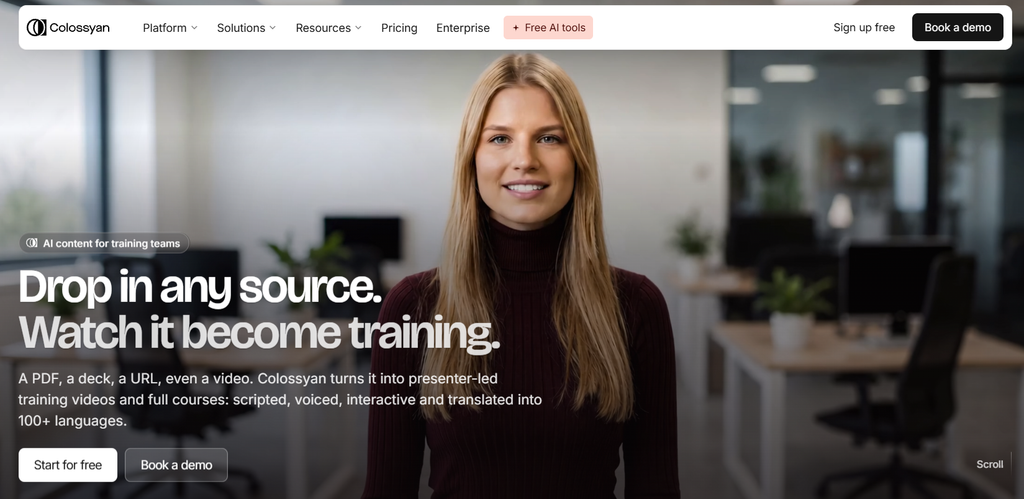
Colossyan is here to streamline the process of converting text content into videos. Upload training files, docs, PDFs, and presentations and turn them into video training with AI presenters.
Employees can also add quizzes and questions to their videos. This allows them to test their knowledge instead of just watching the video of the full lesson. Businesses can even make videos that are in other languages for their international teams.
Descript
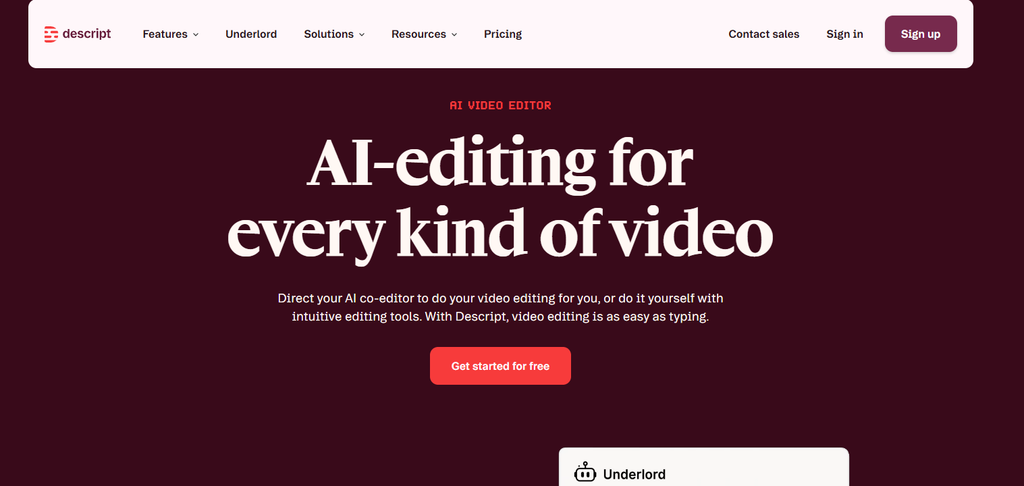
Descript enables users to generate training videos by providing a screen recorder and a video editing platform. The platform’s key feature is the transcript editor. In it, speech is automatically transcribed, and users are able to edit a video by editing its transcript.
For instance, if there are certain sentences that are not needed in the transcript, then one can delete them, which will cut them from the video. They also can add captions as well as delete background noise and noise from the audio file.
VEED
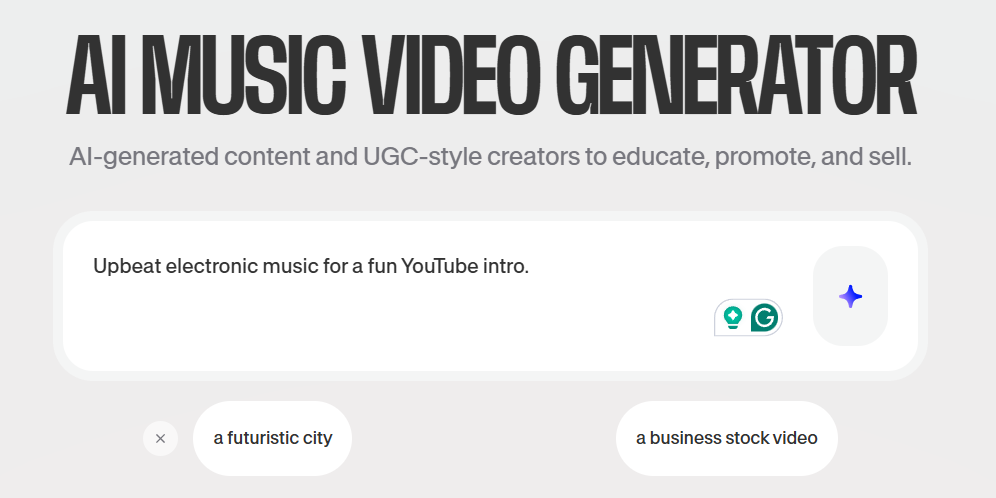
VEED is an online video editor that allows businesses to create training videos without editing experience. You can add videos and images from your screen, upload videos, or create a new video from scratch with AI.
It also includes features that allow you to add captions, voice-overs, and other video features. These tools will make it easier for companies to better communicate their training material.
Vyond
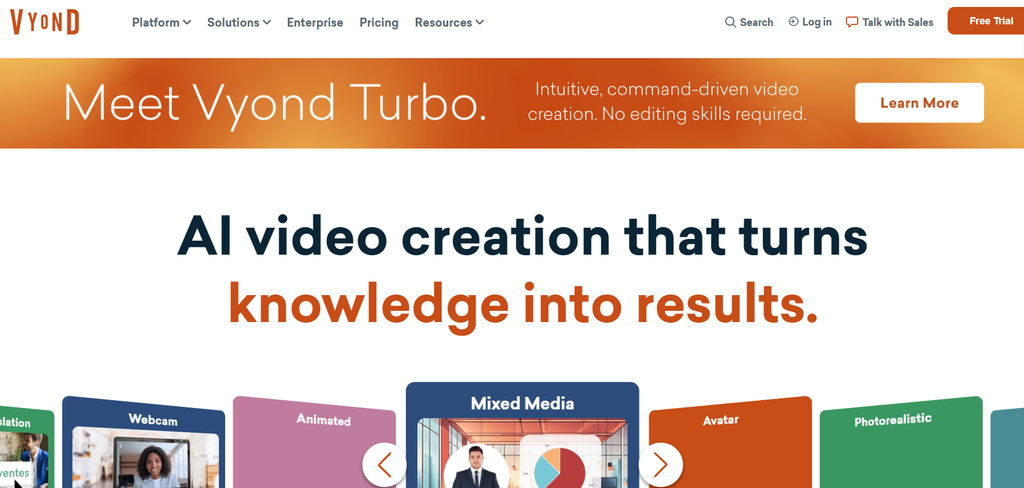
Vyond enables companies to develop animated training videos with characters, backgrounds, and templates available to kickstart their videos. You can put together animated scenes to demonstrate different subjects rather than doing a video with people in it.
Animated characters can be used by companies to do many things. They can be used to illustrate scenarios in the workplace, show how to use safety rules, or the best way to treat customers.
Loom
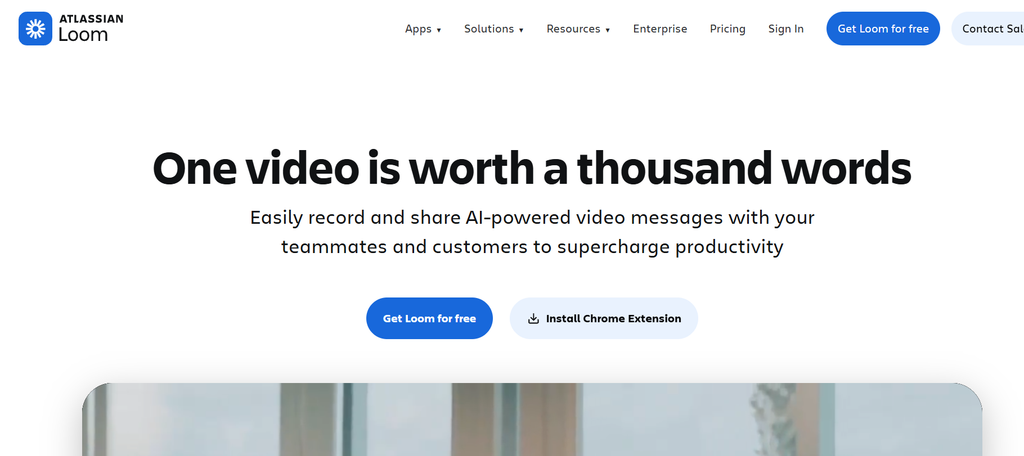
Loom is a screen recording tool that allows managers and staff to make training videos in a matter of minutes. Record your screen and webcam, or just one or the other – all while talking through how to do a task or demonstrating the functionality of a tool.
After finishing their recording, they will then be able to share it via a link. Employees can then view these videos whenever they require some help. This feature makes Loom effective for remote training, presentation of software and just sharing instructions with new hires.
Elai
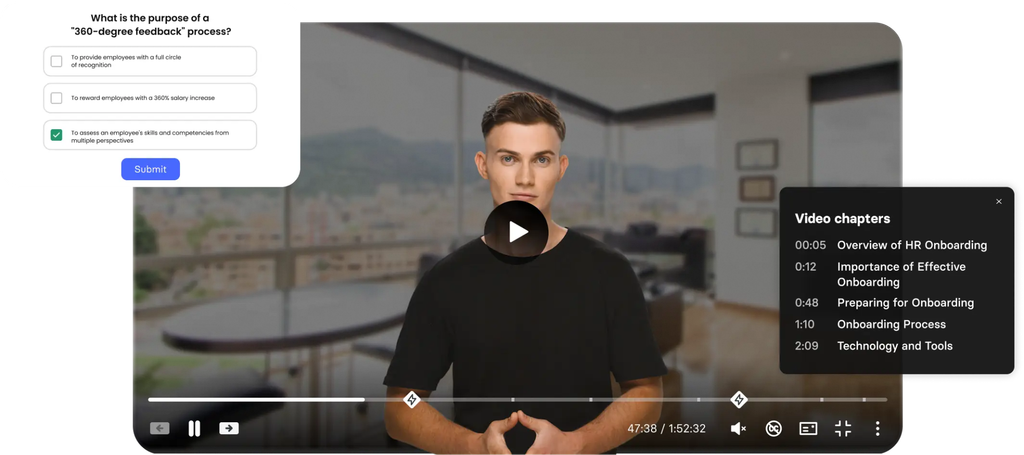
Elai allows organizations to transform written content and decks into training videos. Simply choose an AI presenter, enter a script, and the tool produces a video without the need for a camera or equipment.
It can also be used to create multiple different voices, video templates, and language support. This can be a useful feature for a business that wants to convert its current training material into video-based lessons and publish them throughout the company.
Powtoon
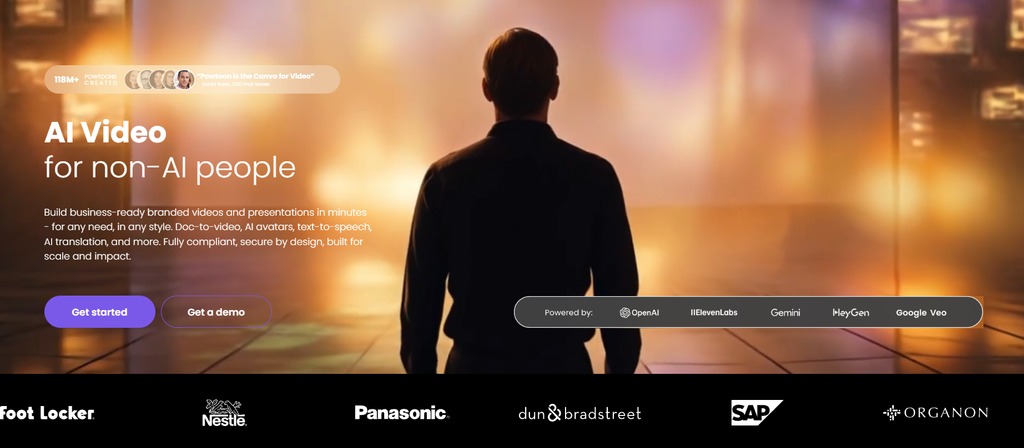
All types of training videos can be made with the help of Powtoon. It is a platform that helps you make animated videos and presentations to train employees. Powtoon offers various templates, characters, backgrounds, and objects to explain a subject.
Let’s say, for instance, your business wants to train employees on house rules or rolling out a new policy. You can produce an animated video for this purpose. Its visual style can help guide the trainees and keep them engaged.
Guidde
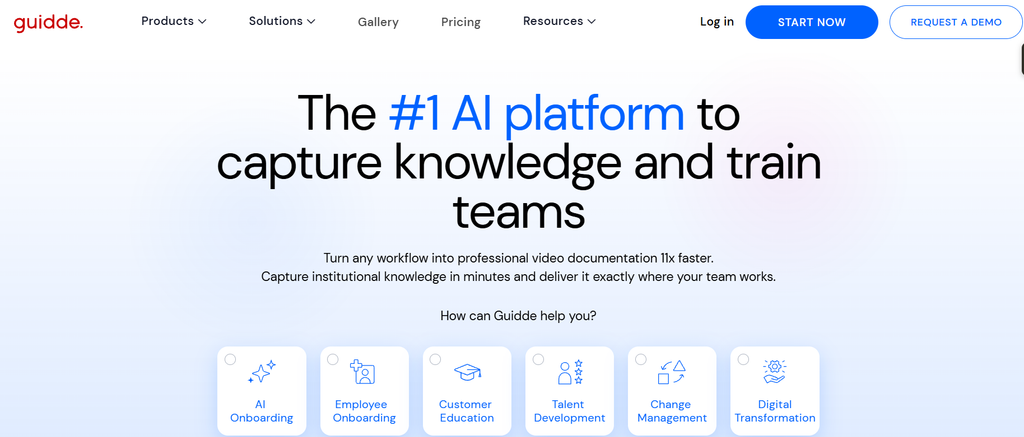
Guidde allows companies to easily create step-by-step training videos by capturing their screen recordings. Guidde records each step automatically and creates a visual guide with text and voiceover.
If I record a manager, for example, using a computer program. Guidde can make this into a tutorial that is available to watch for others. It is used for things like software instructions, product guides, and guides to do tasks at work.
Which Training Video Software Should You Choose?
The right training video software depends on the type of videos you want to create and how they will be used. HeyGen, Synthesia, and Colossyan are good choices for creating training videos with AI presenters. Descript and VEED are better suited for recording and editing video content, while Vyond and Powtoon can be used to create animated lessons.
For screen recordings and software tutorials, Loom and Guidde are useful options. Meanwhile, Elai can be considered when existing documents and presentations need to be converted into video lessons.
Before choosing a tool, consider your budget, editing requirements, and the features needed by your training team.
FAQs About Training Video Software
What is training video software used for?
It is used to create videos for employee onboarding, skill development, workplace safety, and software tutorials.
Can AI be used to create training videos?
Yes, tools like HeyGen, Synthesia, and Colossyan use AI presenters, voiceovers, and scripts to create training videos.
What features should training video software have?
Important features include screen recording, video editing, AI presenters, voiceovers, subtitles, templates, and interactive quizzes.
Is training video software suitable for small businesses?
Yes, small businesses can use it to create employee training materials without hiring professional video creators.
Can beginners create training videos?
Yes, many tools offer ready-made templates, screen recording, and AI features that make video creation easier.
What is the difference between training video software and video editing software?
Training video software focuses on creating learning materials, while video editing software is mainly used to edit and improve video content.

Sapna Ghodasara is the founder of Guide of AI Tool, where she writes in depth reviews of AI tools for marketers, creators and businesses. Her reviews focus on what matters before you pay for a tool: real use cases, honest pros and cons, pricing, and how well it fits into an everyday workflow.
Sapna is the cofounder of SEOMagicLab. That mix of technical training and daily marketing work lets her judge AI tools from two angles: how well the technology actually performs and whether it delivers real value for the people using it.