Podcasts are becoming really popular now. So much so that many content creators are creating podcasts in their own niche. You can multitask while listening to them, which is part of the reason why they are gaining a huge audience.
If you create or want to create a podcast, you will need podcast editing tools. Tools that are quick and can cut filler words and clean up background noise. Many AI tools can help with editing podcasts.
Below, I have listed the 5 best podcast editing tools under $20/Month. These tools are low priced and have cheap pricing plans.
Best Podcast Editing Tools At A Glance
| Tool | Best For | Starting Price |
| Adobe Podcast | Audio cleanup and enhancement | $9.99/month |
| Cleanvoice AI | Removing filler words, breaths, and silence | $11/month |
| Podcastle | AI podcast recording and editing | ~$11.99/month |
| Riverside | Recording and editing podcasts with guests | $15/month |
| Descript | Transcript-based podcast editing | $16/month |
Adobe Podcast
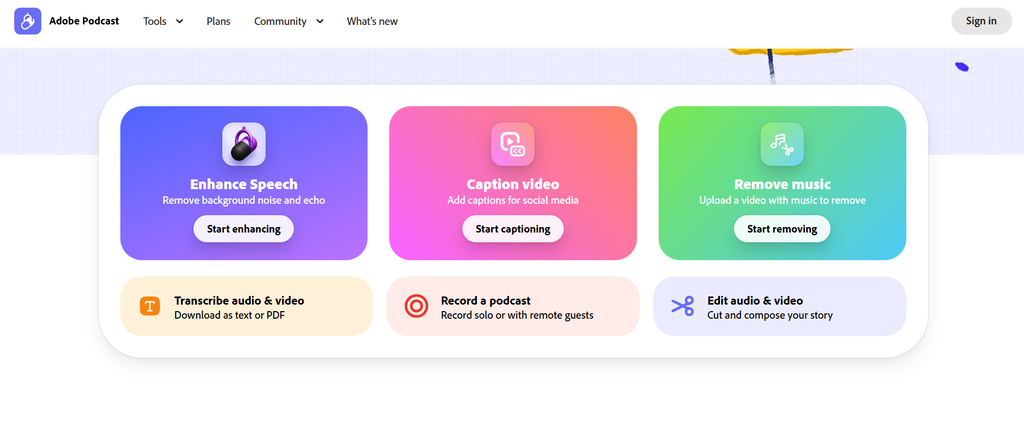
Adobe Podcast is less of a full podcast editor and more of a fix-it tool. Its Enhance Speech feature can take audio recorded on a laptop mic or in a noisy room and make it sound much cleaner. If you have ever recorded something quickly without a proper microphone, you will probably notice the difference immediately.
It is especially useful when the recording itself is usable, but the audio quality is not great. You can clean up the file first and then move it into another podcast editing tool for the rest of your work.
Features
- AI-powered speech enhancement
- Noise and background sound reduction
- Browser-based audio editing
- Microphone check
- Podcast recording tools
Strengths
- Very easy to use
- Excellent for improving poor-quality speech
- Good option for beginners
- No complicated editing timeline to learn
Weaknesses
- Not a complete podcast editing platform
- Limited advanced editing features
- You may need another tool for detailed editing
Pricing
- Free plan available
- Premium: $9.99/month
Cleanvoice AI
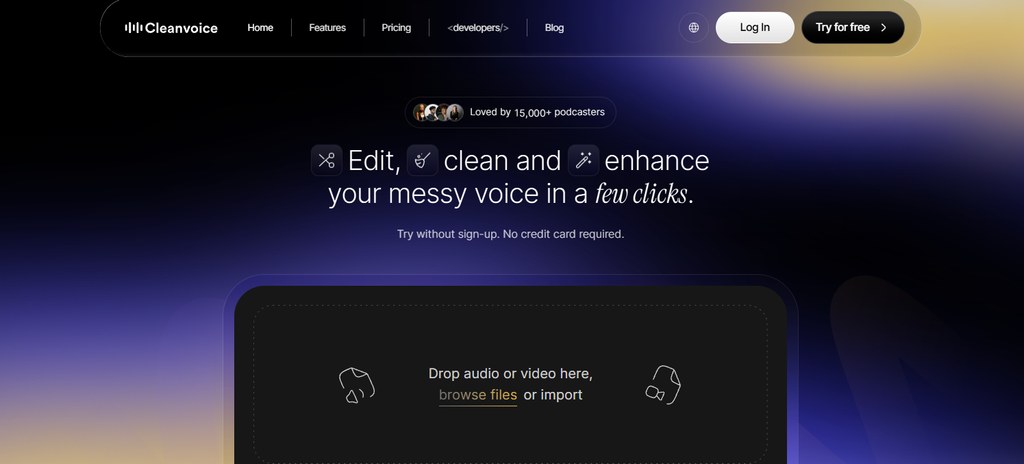
Cleanvoice AI takes a much simpler approach to podcast editing. You upload your recording, and it removes the annoying parts such as filler words, mouth sounds, long silences, and background noise.
There is no complicated timeline or multitrack system to figure out. You basically give it the recording and let it handle the cleanup. That makes it useful if you already like your recording and simply want to remove the small things that make it sound less polished.
Features
- Filler word removal
- Mouth sound and breath removal
- Silence removal
- Background noise reduction
- Audio transcription
- AI audio cleanup
Strengths
- Very simple workflow
- Good for cleaning spoken audio
- Saves time on repetitive editing
- Useful for podcasts and interviews
Weaknesses
- Not a full podcast editor
- Fewer manual editing options
- Less suitable for complex production work
Pricing
- Free trial/credits available
- Paid plans start at around $11/month
Podcastle/ Async
Podcastle is more of an all-in-one podcast platform. You can record, edit, transcribe, and work with both audio and video from the same place.
Its text-based editing makes podcast editing easier because you can work with the transcript instead of constantly moving around a waveform. It also has AI voice features, which can be useful if you need a narrated intro, ad read, or other spoken content without recording it yourself.
Features
- Audio and video podcast editing
- Text-based editing
- AI transcription
- AI voice generation
- Noise removal
- Remote recording
Strengths
- Lots of tools in one platform
- Supports both audio and video
- Useful AI voice features
- Beginner-friendly interface
Weaknesses
- Some features require higher plans
- Can feel overwhelming if you only need basic editing
- Pricing depends on the features you need
Pricing
- Free plan available
- Paid plans start at around $12/month
Riverside
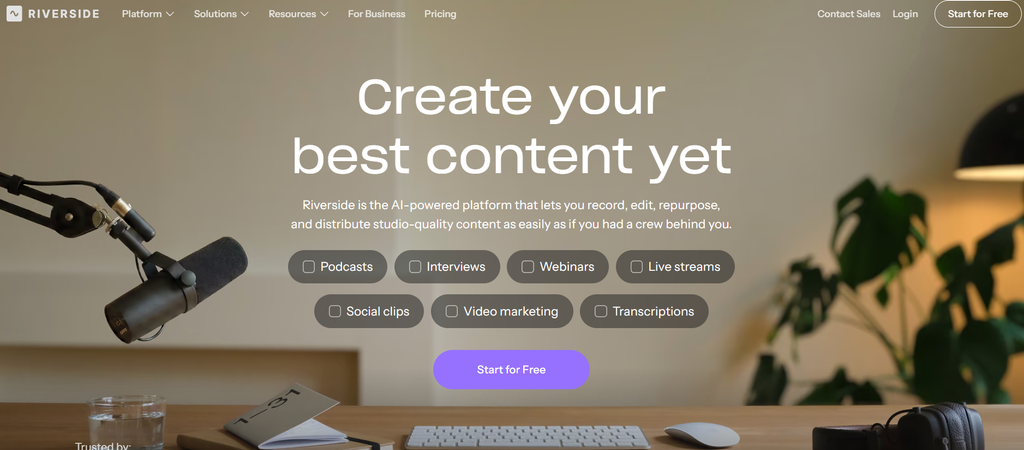
Riverside is best known as a podcast recording platform, especially for interviews and remote guests. It also includes podcast editing features, so you can go from recording to a finished episode without immediately moving to another application.
The biggest advantage is its remote recording setup. Each participant’s audio is recorded locally, which helps protect the quality of the recording when someone’s internet connection is unstable. It also offers tools for creating short clips and other content from your recordings.
The editing side is useful, but it is not as deep as a dedicated editor such as Descript.
Features
- Remote podcast recording
- Local recording
- AI transcription
- Podcast editing
- AI-generated clips
- Show notes and content tools
Strengths
- Great for interviews
- High-quality remote recordings
- Recording and editing in one place
- Useful social media content tools
Weaknesses
- More focused on recording than detailed editing
- Some advanced features require paid plans
- May be more than you need for solo podcasts
Pricing
- Free plan available
- Paid plans start at around $15/month when billed annually
Descript
Descript is probably the tool most people think of when they hear about podcast editing. You upload your audio, it transcribes the recording, and then you can edit the podcast by editing the text.
Delete a sentence from the transcript and the corresponding audio disappears too. The first time you use it, that can feel almost too easy. Descript also has AI features for cleaning up recordings and correcting certain parts of your audio.
Its voice features can also help when you need to fix a small mistake without recording the entire sentence again. The only real adjustment is getting used to text-based editing when you are used to seeing a traditional waveform.
Features
- Text-based podcast editing
- Automatic transcription
- AI audio cleanup
- Filler word removal
- Voice and audio correction tools
- Video editing
Strengths
- Very easy to edit from a transcript
- Excellent for spoken content
- Combines audio and video editing
- Good range of AI editing features
Weaknesses
- Takes some time to get used to text-based editing
- Advanced features require paid plans
- Can be more than you need for simple audio cleanup
Pricing
- Free plan available
- Hobbyist: $16/person/month when billed annually
- Monthly pricing is higher
Podcast Editing Basics
Most podcast editing software follows a very similar pattern of editing podcasts. So, rather than writing ‘how to edit podcasts using AI’, this is a separate guide to how to do podcast editing.
Upload Your Recording
Begin by sharing your podcast recording on an AI podcast editing platform. You can also record inside the app itself, which is useful when recording with guest speakers who are tuning in from a different location.
Let AI Transcribe the Episode
This tool will convert the audio from your conversation into text. This would be particularly useful for long interviews. If your guest spends five minutes talking about something that only needs one minute in the final episode, you can quickly find that section through the transcript.
Clean Up the Recording
Filler words or pauses can be erased; mouth sounds can be minimized too, along with background noises or other annoying elements. However, natural pauses and certain small sounds make up a big part of what humanizes a conversation, so don’t edit out everything.
Fix the Parts You Actually Want to Change
Cut out the bad parts of your interview, and then go through the rest to make minor revisions: Trim down your repeated lines, shorten your long answers, raise or lower your volume, introduce or close your podcast with one of your voices, etc.
Give It a Final Listen
When you are done and before final exporting, have a listen to the complete episode. Make sure that the talking is natural, voices are clear, and the subtitles are correctly placed in the video.
Even if AI can do a lot of the boring editing part, you still must have a last human double-check. Anyway, you are the only one who can say for sure what tone of voice, etc you want your podcast to convey.
Export and Repurpose
Once you are satisfied with your podcast, go ahead and export it in audio format.
Podcast Editing Software Pricing
As I mentioned in the beginning, all the podcast editing tools in this article are under $20/Month. I would like to mention and talk about each one individually.
The pricing of each podcast editing software can look similar, but they are actually not. For example, Adobe Podcast is useful if your main goal is improving speech quality. You are paying for tools such as AI-powered speech enhancement rather than a large collection of editing features.
Cleanvoice AI is an alternative approach. This product is all about automation, so its value is relative to how much time you save by removing filler words, breathing, mouth sounds, silence, and room noise from recordings.
If you have several parts of the production process in one place, the subscription on Podcastle gets you access to a wider range of podcast editing features – recording, transcription, audio editing, and video tools.
In Riverside, the focus is on recording remote guests. Especially for interview podcasts, it might be worth looking at a paid plan, as recording, separate tracks, transcription, editing, and clips all happen in the same platform.
Descript takes an alternative approach by merging transcription and editing. Pricing might be something to think about if you often do a lot of editing of spoken-word content and would like to do that by editing the transcript.
FAQs
Which app is best for podcast editing?
Descript is one of the best apps for podcast editing. It lets you edit audio by changing the transcript and includes AI tools for transcription, cleanup, and filler-word removal.
What is the best way to edit a podcast?
The best way to edit a podcast is to remove mistakes, unwanted pauses, filler words, and background noise first. Then adjust the audio levels, add music or other elements, and review the complete episode before publishing.
What is the easiest podcast editing software?
Adobe Podcast and Cleanvoice AI are among the easiest options for basic podcast editing. Adobe Podcast focuses on improving speech quality, while Cleanvoice AI handles repetitive cleanup tasks automatically.
Can AI edit a podcast?
Yes, AI can edit many parts of a podcast automatically. AI podcast editing tools can remove filler words, clean background noise, transcribe audio, improve speech quality, and create short clips.
What should I remove when editing a podcast?
Remove mistakes, repeated sections, distracting noises, excessive filler words, and unnecessarily long pauses. Keep natural pauses and conversation details that make the episode sound authentic.
How long does it take to edit a podcast?
Podcast editing time depends on the recording and the amount of editing required. A clean recording may take much less time to edit than a long interview with multiple speakers and background noise.
Can I edit a podcast for free?
Yes, you can edit a podcast for free using tools with free plans or credits. However, free plans usually limit features, processing time, storage, or monthly usage.
What is the best AI tool for podcast audio cleanup?
Adobe Podcast is a strong option for podcast audio cleanup. Its Enhance Speech feature is designed to improve spoken audio and reduce unwanted background sounds.