Keeping students focused during lessons is challenging. Teachers may give their best, but it may not be enough to keep students interested. That is why learning should be more interactive, so students can engage in the classroom better.
For example, students can answer questions and earn points through them. The brain’s reward system will keep them interested in learning, as answering the right questions will earn them points. It is so interesting, isn’t it?
To make the classroom more interactive for students, teachers can make use of student engagement tools.
What are Student Engagement Tools?
Student Engagement Tools are software for teachers who want to teach students in a different way. These tools create tasks for each student in a classroom to motivate students to participate in class.
The learning system is also very personalized so that lessons are modified based on the needs of the student.
There are different types of student engagement tools. Some are lesson planners, used for planning lessons ahead. Some are quiz generation tools, best for generating quizzes. While some are interactive programs only.
Benefits of Using Student Engagement Tools
Encourage Active Classroom Participation
If students participate in class, it is much better than just listening to lectures. Active classroom participation is essential in order to make learning more entertaining.
Make Learning More Interactive
Each student can engage in discussions and understand each topic in a better way. Students can learn through educational games, digital activities, and collaborative exercises..
Improve Student Motivation
Things like points and badges encourage students to not just participate for one day but to keep taking part continuously.
Provide Instant Feedback
Students may not understand everything at once, so they can provide feedback through quizzes, assessments, and interactive exercises. This response data can be used to identify learning gaps.
Support Different Learning Styles
Each student has a different learning style. Some understand concepts better through visual explanations, while others prefer listening, reading, or hands-on activities. Student engagement tools offer different learning formats, including videos, flashcards, interactive presentations, quizzes, and discussion activities.
Best Student Engagement Tools
ClassPoint AI
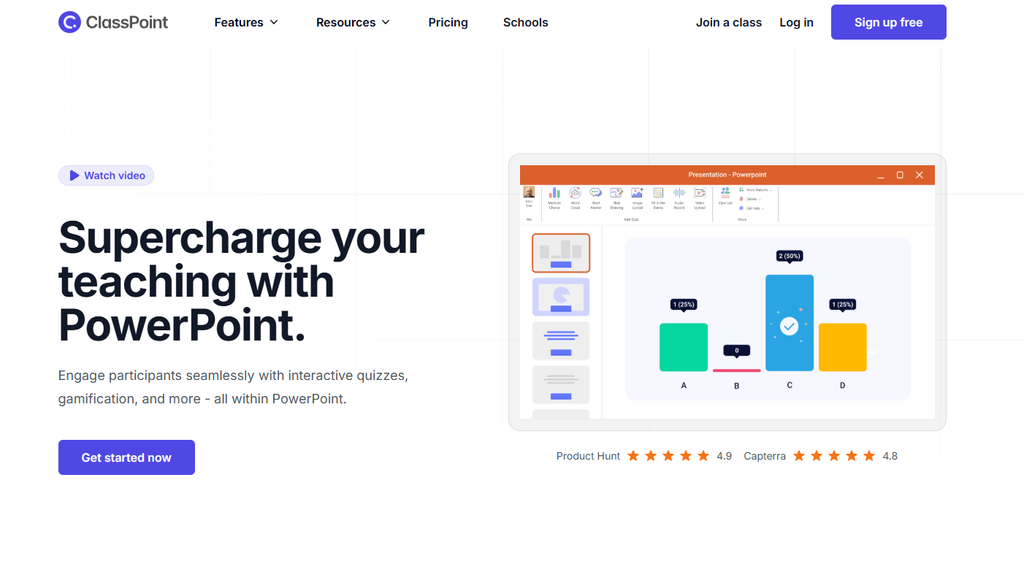
Best For: PowerPoint-based classroom teachers
ClassPoint AI helps teachers make classroom presentations more interactive. It generates quiz questions from PowerPoint slides, allowing teachers to check student understanding without leaving their presentations. Its live quizzes, polls, and gamification features also make lessons more enjoyable.
Features
- AI quiz generation
- Live polls
- Interactive quizzes
- Gamification
SchoolAI

Best For: Teachers offering personalized learning experiences
SchoolAI gives teachers a way to create AI-powered learning experiences that encourage students to explore subjects at their own pace. Students can interact with AI learning assistants, ask questions, and practice concepts in a more personalized environment. Teachers can also monitor student activity and understanding.
Features
- AI learning assistants
- Personalized learning Spaces
- Student progress tracking
Quizlet
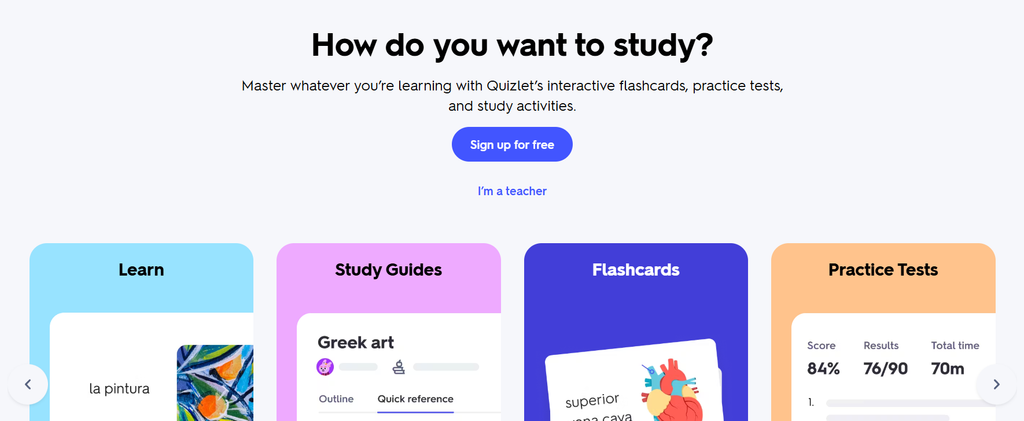
Best For: Teachers focusing on revision, vocabulary, and memorization
Quizlet makes studying more interactive with digital flashcards, practice tests, matching games, and AI-powered study features. As one of the popular Student Engagement Tools, it helps students review lessons, memorize important concepts, and test their knowledge through different learning activities instead of relying entirely on traditional revision.
Features
- Digital flashcards
- Practice tests
- AI study materials
- Learning games
Conker AI
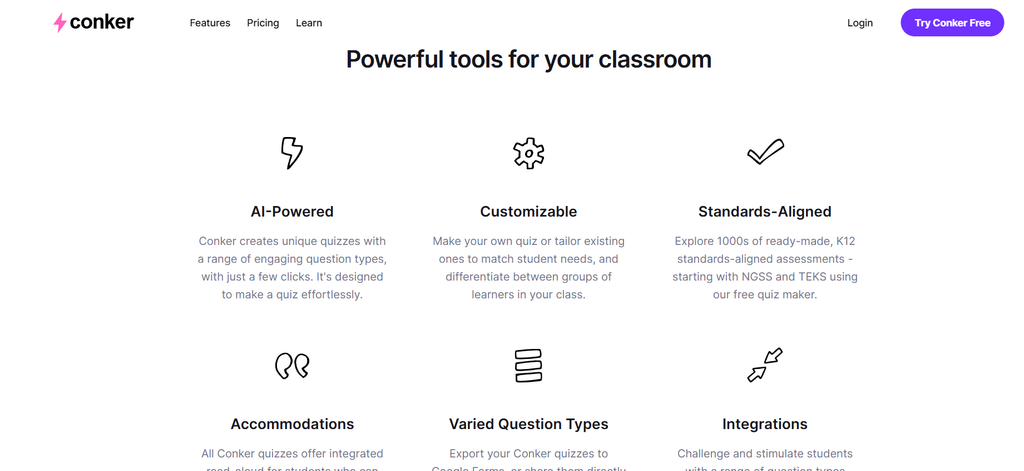
Best For: K-12 teachers creating classroom assessments
Conker AI helps teachers create quizzes, worksheets, and assessments without spending hours preparing them manually. You can generate activities from a topic or learning material and adjust them to suit different student levels. It makes preparing interactive classroom exercises much easier.
Features
- AI quiz generation
- Worksheets
- Interactive assessments
Curipod
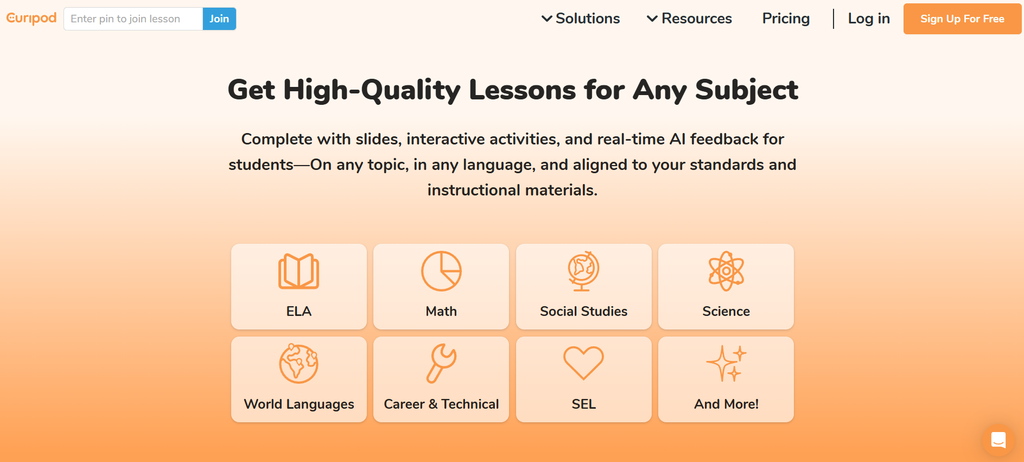
Best For: Teachers encouraging active classroom participation
Curipod turns ordinary lessons into interactive classroom experiences. Teachers can create AI-powered presentations featuring polls, drawing activities, word clouds, and writing prompts. Students get more opportunities to share their thoughts and participate instead of simply listening to a lecture.
Features
- Interactive lessons
- Live polls
- Word clouds
- Drawing activities
Formative AI
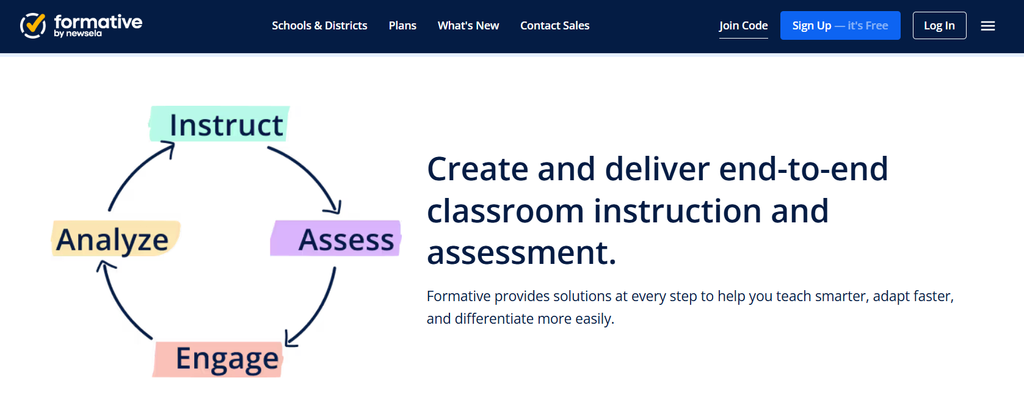
Best For: Teachers conducting real-time assessments
Formative AI helps teachers understand how students are progressing while a lesson is happening. Teachers can create interactive assignments, quizzes, and questions, then view student responses in real time. Its AI-powered feedback and assessment features make it easier to identify learning gaps and keep students involved.
Features
- Interactive assignments
- AI question generation
- Instant feedback
- Progress tracking
ClassPoint AI
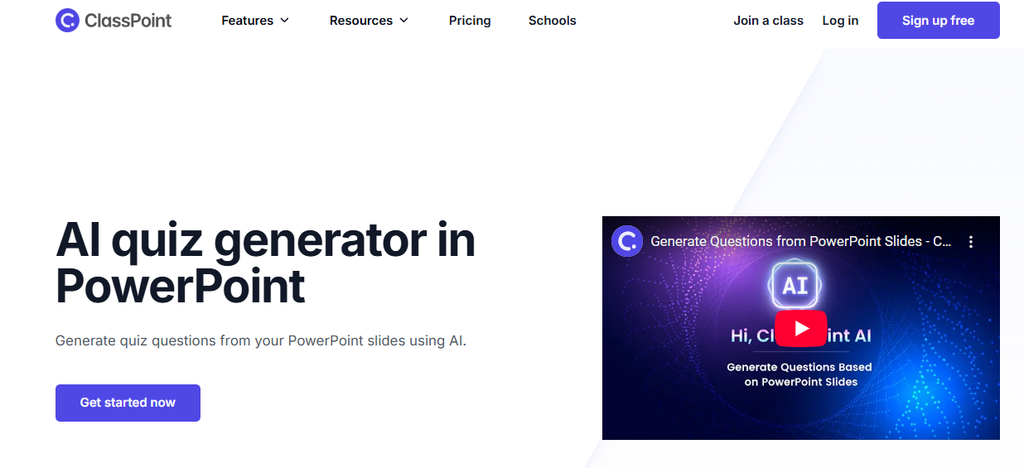
Best For: Teachers who use PowerPoint presentations
ClassPoint AI is one of the useful Student Engagement Tools for teachers who use PowerPoint in their classrooms. It turns regular presentations into interactive lessons by generating quiz questions directly from slides. Teachers can also use live polls, interactive quizzes, and gamification features to encourage student participation and make lessons more engaging.
Features
- AI quiz generation
- Live polls
- Interactive quizzes
- Gamification
Twee
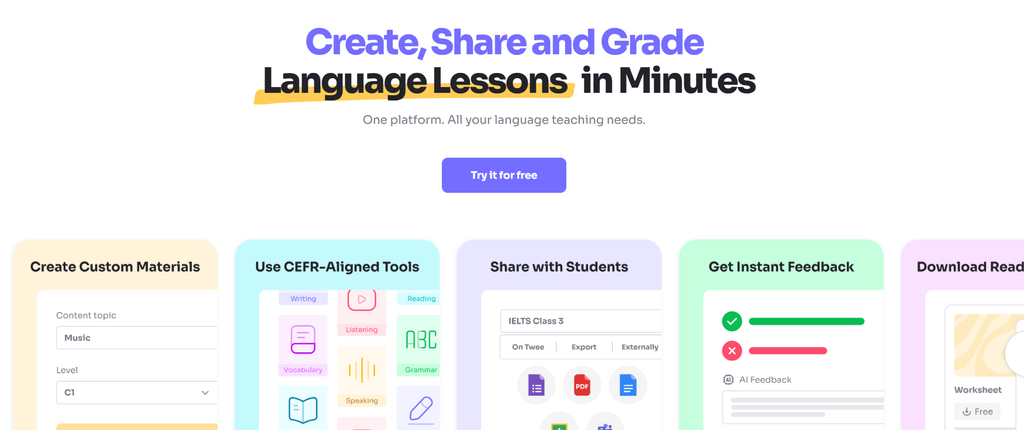
Best For: English and ESL teachers
Twee is particularly useful for English language teachers looking for Student Engagement Tools to make lessons more interactive. It generates reading passages, conversation questions, vocabulary exercises, quizzes, and writing activities from simple prompts. Teachers can quickly prepare classroom materials that encourage students to practice language skills.
Features
- AI reading exercises
- Vocabulary activities
- Quizzes
- Conversation prompts
Soofy
Best For: Language teachers
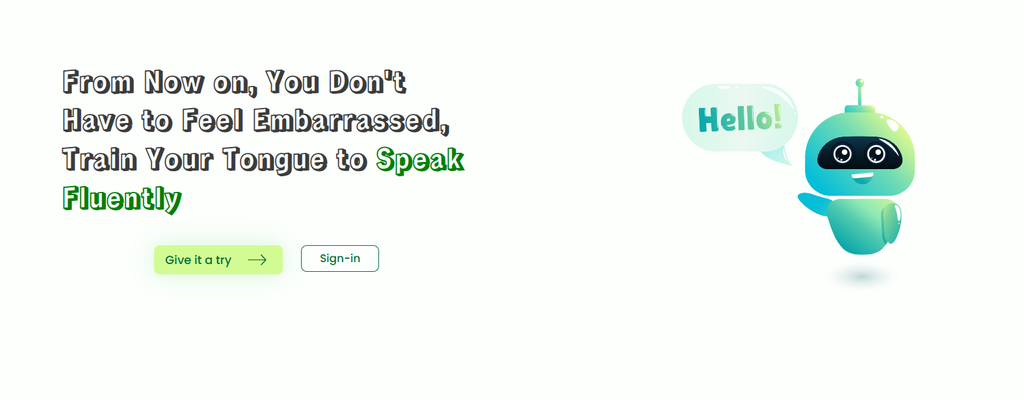
Soofy makes language learning more practical through everyday communication scenarios and interactive exercises. As one of the Student Engagement Tools for language learners, it offers vocabulary, grammar, writing, and speaking practice connected to real-life situations. Students can practice independently and build confidence using a new language.
Features
- Vocabulary practice
- Grammar exercises
- Speaking practice
- Real-life language activities
Conclusion
Student Engagement Tools can help create a more interactive and fun learning environment. Teachers can use these tools to create AI generated quizzes and personal learning activities that encourage student engagement, ensure they understand the work, and make learning more interesting.
ClassPoint AI is great for teachers using PowerPoint. Tools like Quizlet, Curipod, and Formative AI are great tools to create different learning activities. It’s important to choose the right tool depending on your teaching style, subject, and your students’ learning needs.
Frequently Asked Questions
What are Student Engagement Tools?
Student Engagement Tools are tools that can be used in education to help teachers engage students using quizzes, interactive lessons, games, and group activities.
How do Student Engagement Tools improve learning?
They help create interactive lessons, keep students engaged, allow them to give feedback, and give teachers insight into how their students are doing.
What is the best Student Engagement Tool for PowerPoint?
ClassPoint AI is a great option to use with PowerPoint. It has many features to help you create AI Generated Quizzes, Live Polls, and engaging activities.
Are Student Engagement Tools free?
Many offer free versions or trials. Some also offer paid versions with more features, increased limits, and advanced features for your classroom.
Can you use Student Engagement Tools online?
Yes! Many offer live quizzes, interactive tasks, flashcards, and activities to help online students stay engaged.
What should I look for when choosing Student Engagement Tools?
Look for how easy to use they are, the cost, whether they work with your subject and the age of your students, the activities they offer, and whether they will work for your classroom or online.

Sapna Ghodasara is the founder of Guide of AI Tool, where she writes in depth reviews of AI tools for marketers, creators and businesses. Her reviews focus on what matters before you pay for a tool: real use cases, honest pros and cons, pricing, and how well it fits into an everyday workflow.
Sapna is the cofounder of SEOMagicLab. That mix of technical training and daily marketing work lets her judge AI tools from two angles: how well the technology actually performs and whether it delivers real value for the people using it.